QuickBooks-Sync-comparison-Method-CRM

QuickBooks sync comparisons: How 5 top CRMs stack up

Not all QuickBooks syncs are equal. Learn how 5 top CRMs stack up and see why Method CRM’s real-time two-way sync stands out.

QuickBooks sync comparisons: How 5 top CRMs stack up Read More »

When your CRM won’t talk to QuickBooks, you’re left with two separate silos. And that’s bad for work, bad for accuracy, and bad for visibility on your business. In this comparison guide, you’ll learn exactly how different CRMs handle QuickBooks syncs—and which ones get it right.

Here at Method CRM, we’ve been supporting QuickBooks-based businesses since 2010. Method is loved by business owners across a range of industries for its real-time, two-way QuickBooks sync that supports QuickBooks Online and Desktop (Pro, Premier, and Enterprise editions), and its end-to-end sales automation. ⚙️

In this guide, we’ll cover what a “good QuickBooks sync” actually means, compare how the 5 top CRMs stack up, and show you why Method may be a better-suited option for your growing business. 🌱

Extend the power of QuickBooks Online with Method.

Table of Contents

QuickBooks syncs aren’t all the same—here’s why that matters 🔄

When a CRM says it integrates with QuickBooks, that can mean a lot of different things. Some syncs only pull in partial data, others take hours to update, and a few are so limited they’re practically manual entry in disguise. Before you trust a system with your customer data, it’s worth knowing what kind of sync you’re really getting and how much it impacts your day-to-day work.

What most tools mean when they say “QuickBooks integration”

Many CRMs or marketing tools claim they “integrate with QuickBooks.” But under the hood, those integrations often fall into limited categories:

  • One-way syncs (view-only or import-only): The CRM can pull data from QuickBooks (e.g., customers, invoices), but changes in the CRM don’t reflect back.
  • Time-delayed syncs or batched imports: Updates happen only at intervals (hourly, daily), not instantly.
  • Surface-level access: The CRM might sync only contacts or invoice headers, omitting line items, custom fields, classes, or payment data.

Because of these limitations, many integrations are really just “read from QuickBooks” or “dump to QuickBooks” pipelines, not true bi-directional, real-time CRM-accounting bridges.

The cost of a weak sync

When sync is weak or limited, the consequences ripple:

  • Double entry = wasted time and more mistakes. Users may manually copy invoices or payments between systems, multiplying the chance for errors.
  • Data silos between accounting and CRM. Your sales or support team may see customer information in the CRM, but not which invoices are paid, overdue, or disputed.
  • Lost visibility across teams. Without unified data, coordination suffers and sales, finance, and operations end up out of sync.

In short, a bad sync erodes the value of both your CRM and your accounting system.

Extend the power of QuickBooks Online with Method.

What to look for in a QuickBooks integration 👀

Here’s what separates mediocre integrations from ones that actually help your business.

Two-way data flow across key objects (not just contacts)

The CRM should support updates in both directions, which means QuickBooks to CRM as well as CRM to QuickBooks across customers, invoices, payments, items, terms, classes, etc.

Support for QuickBooks Online and Desktop

Many integrations only support QuickBooks Online (QBO). If your business still uses Desktop, you’ll want a sync that is compatible with your version.

Real-time or near real-time updates (no sync lags)

Delays in syncing can lead to outdated or conflicting info. The ideal is an instant or very fast sync whenever a record changes.

Ability to sync custom fields, terms, classes, and line-item detail

The sheer volume of margins, tax codes, custom fields, and multi-class tracking is often how accounting complexity creeps in. If your CRM skips them, you lose detail.

Conflict resolution, permissions, and field-level control

What happens if someone edits the same record in both systems? You need rules to resolve conflicts. You also want permission controls so sensitive accounting fields can’t be overwritten indiscriminately.

Built-in support or setup guidance (not “set it and forget it”)

A good CRM will help you set up the sync reliably with mapping assistants, error logs, and monitoring, so your accounting integrity remains solid.

Tip: A CRM should not only sync data but make QuickBooks more useful to the rest of your business.

Extend the power of QuickBooks Online with Method.

Competitor comparison: Which software offers the best QuickBooks sync? ⚖️

Here’s how some of the top CRMs and marketing platforms compare when it comes to syncing with QuickBooks and where Method stands out.

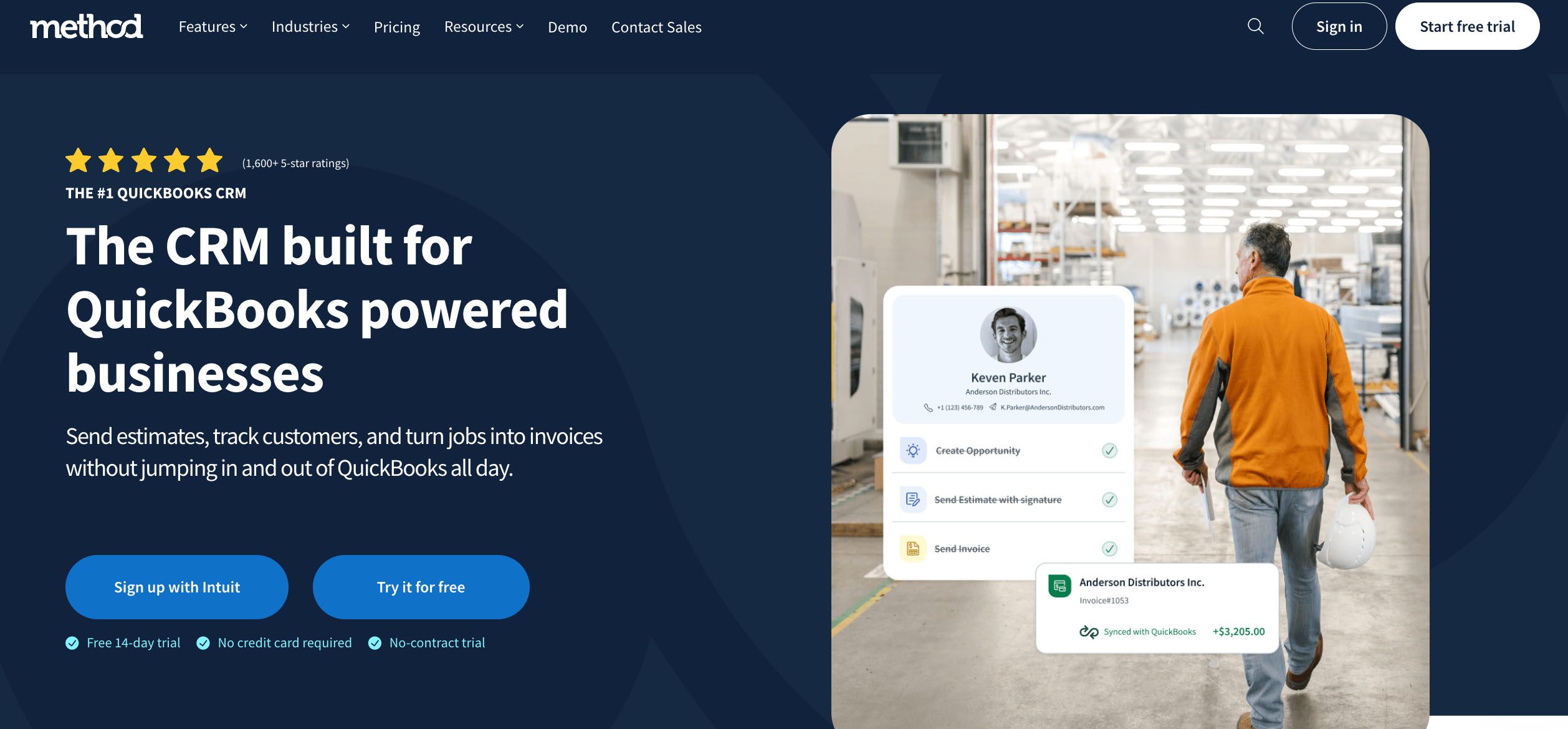
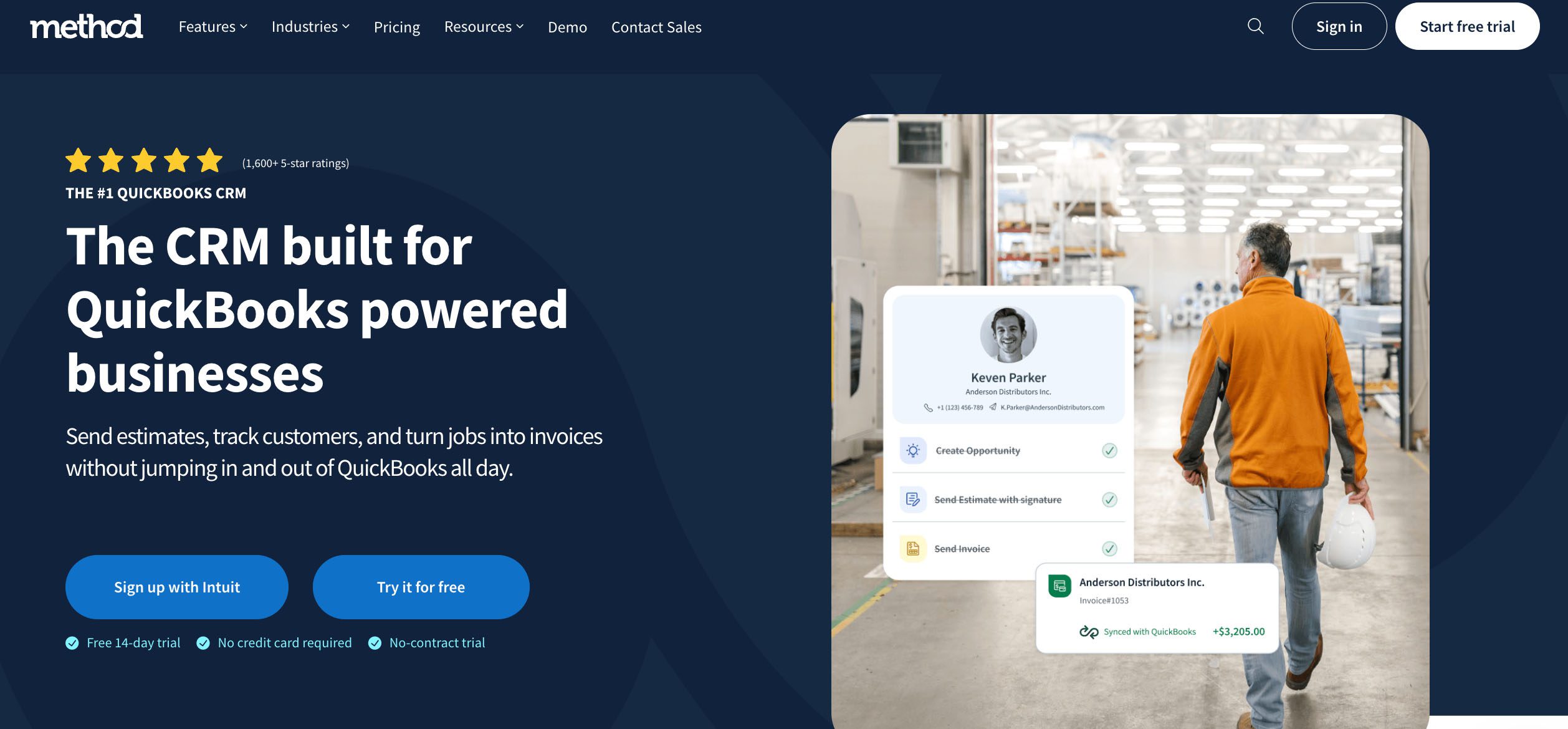
Method CRM (Best-in-class)
Method CRM


Method CRM sets the standard for QuickBooks integrations, offering a true two-way, real-time sync that keeps your sales and accounting data perfectly aligned. Here’s a closer look at the features that make it the best in class.

True two-way, real-time sync — not hourly or daily batch updates: Method’s “Ad-Hoc Sync” immediately pushes changes from Method to QuickBooks and vice versa. 

Full visibility into contacts, transactions, payments, items, terms: You get deep object-level sync — not just names and emails but lists, items, classes, and financials.

Compatible with QuickBooks Online and Desktop: Method supports all versions of QuickBooks.

Syncs estimates, invoices, receipts, and sales orders: Your sales cycle from quote to payment lives in sync. 

Sync includes custom fields and multi-entity support (e.g., classes, terms): Custom accounting structures (classes, custom fields) carry over into the CRM. 

Built-in conflict resolution and field-level control: You can configure how conflicts are handled and which system “wins” for individual fields. 

Positioning point: Method is QuickBooks-first, not just QuickBooks-compatible. It’s built around the accounting software, not bolted on after.

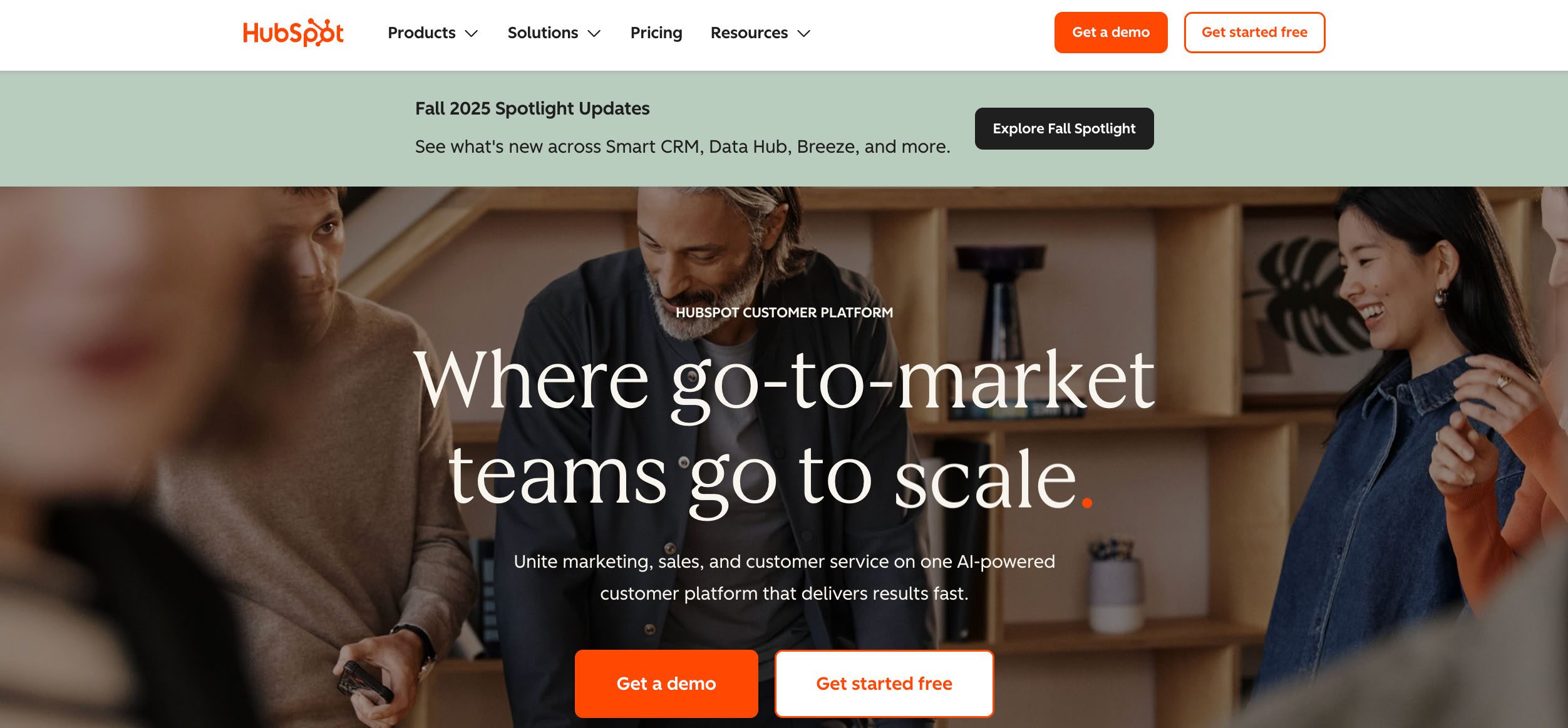
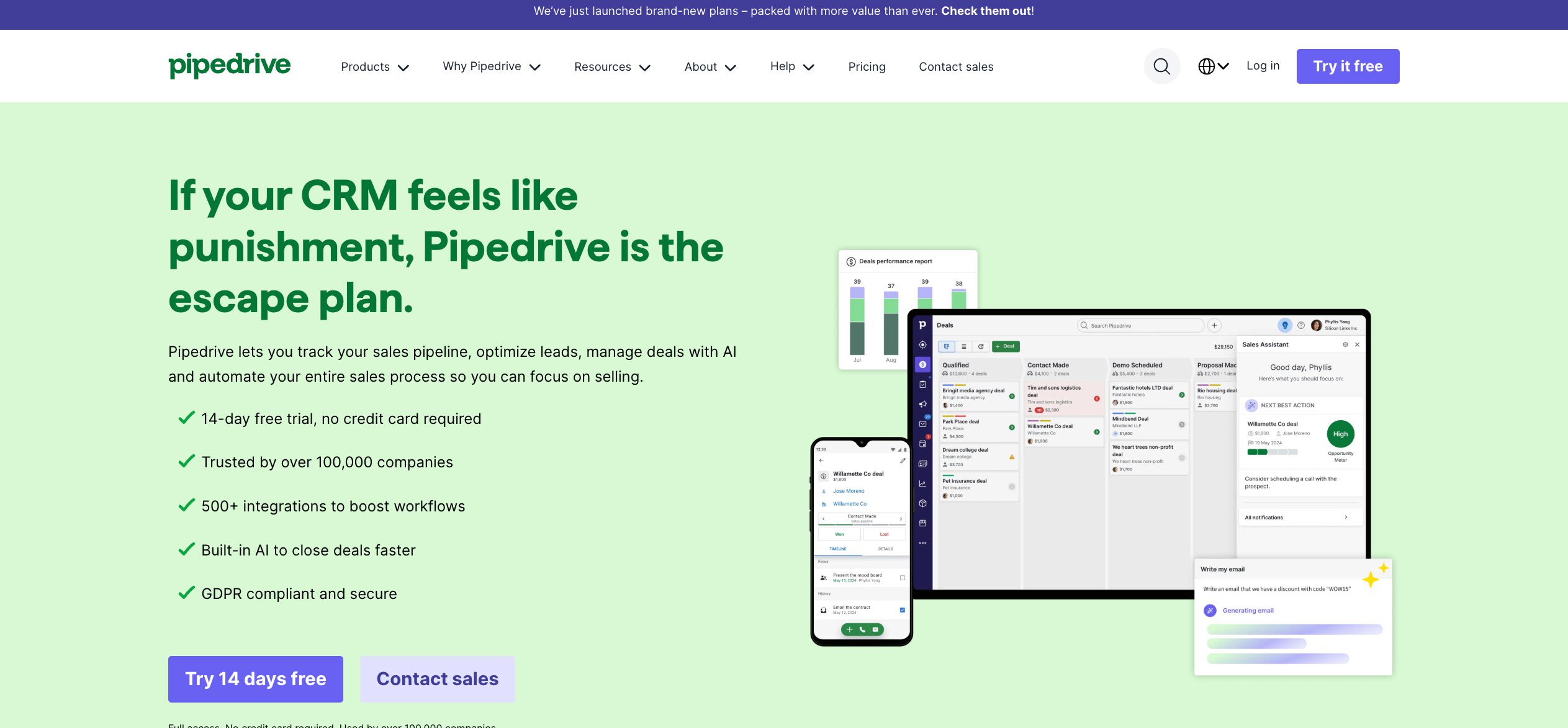
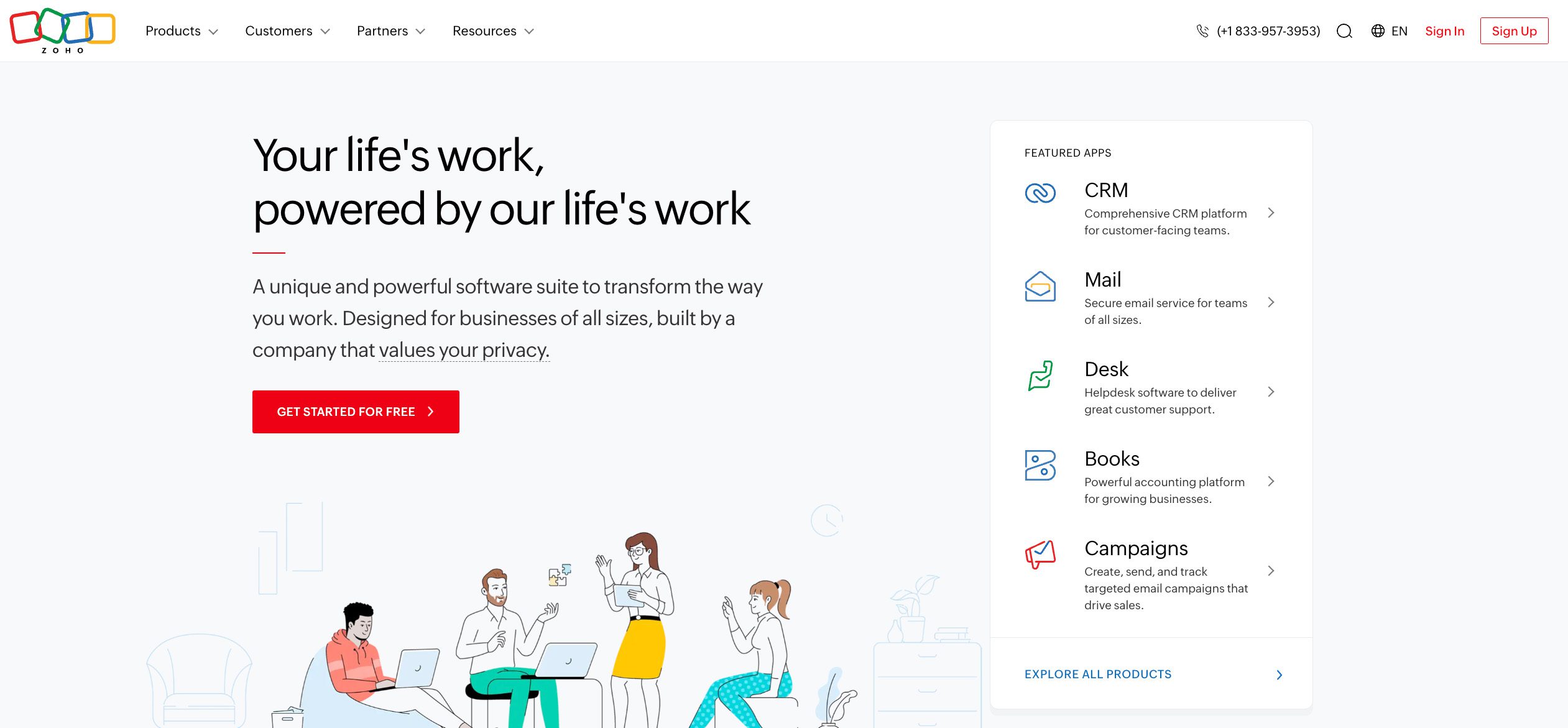
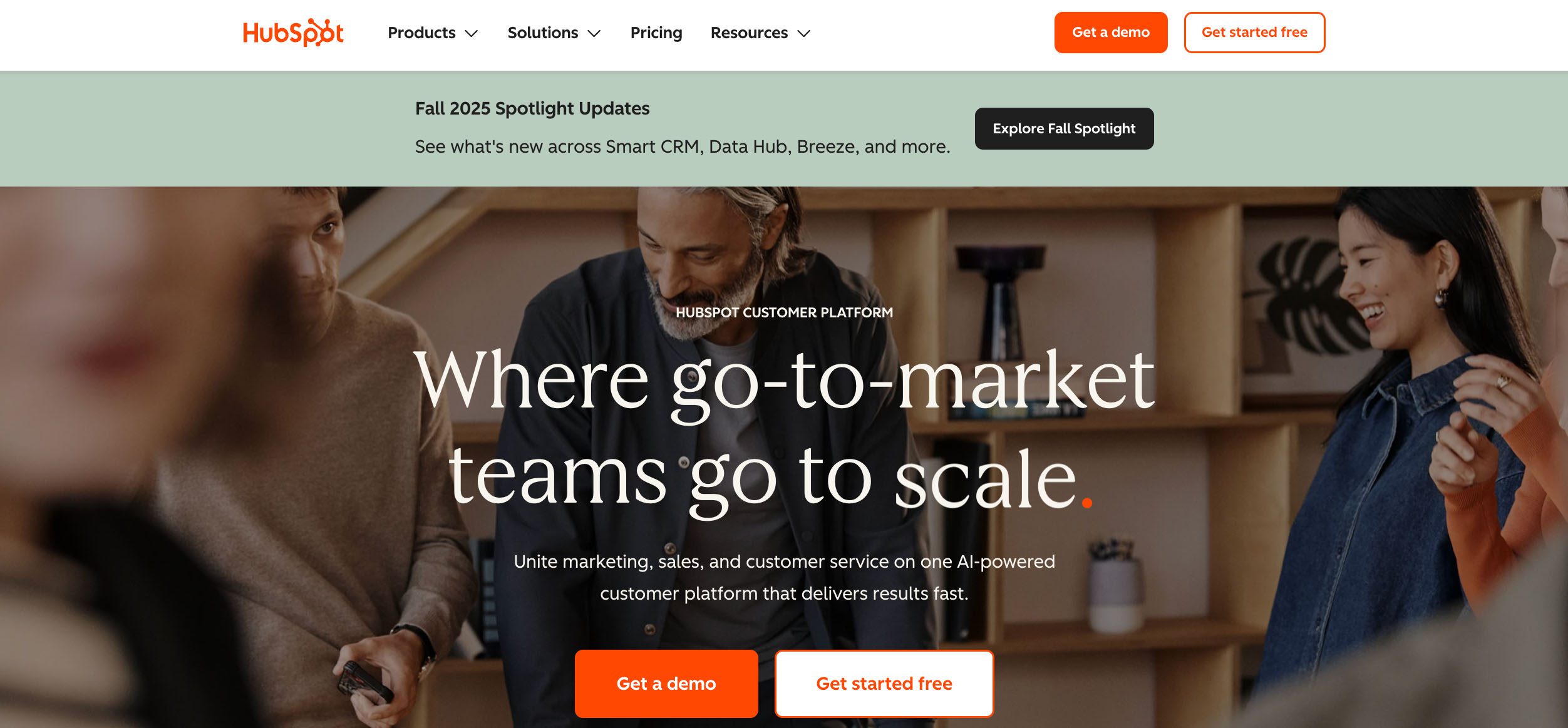
HubSpot
Hubspot


HubSpot offers a basic QuickBooks integration designed mainly for syncing contact information and supporting marketing workflows. Here’s how its QuickBooks sync compares.

Limited two-way sync: HubSpot offers a limited two-way sync for contacts, invoices, and products through the official HubSpot–QuickBooks Online app.

Limited native transaction sync: HubSpot’s official QuickBooks Online integration lets you create and view invoices and see payment status, but it doesn’t fully sync detailed payment records or accounting objects. Deeper data syncs may still require third-party tools or custom connectors.

No support for QuickBooks Desktop: HubSpot’s integration is focused on QBO; desktop versions generally aren’t supported.

Best for companies focused on marketing, not accounting: HubSpot’s core strength is inbound marketing; finance integrations are secondary features.

Learn more about HubSpot alternatives.

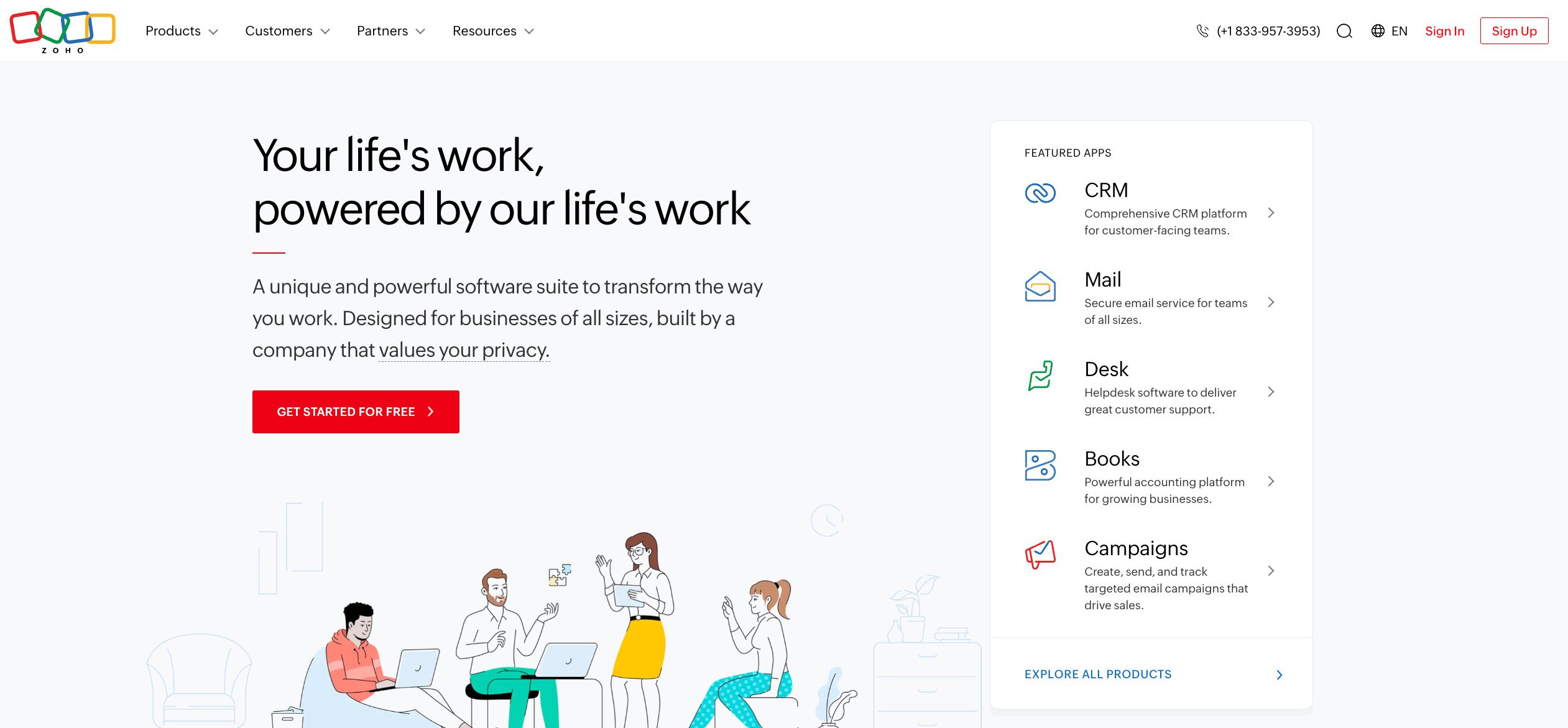
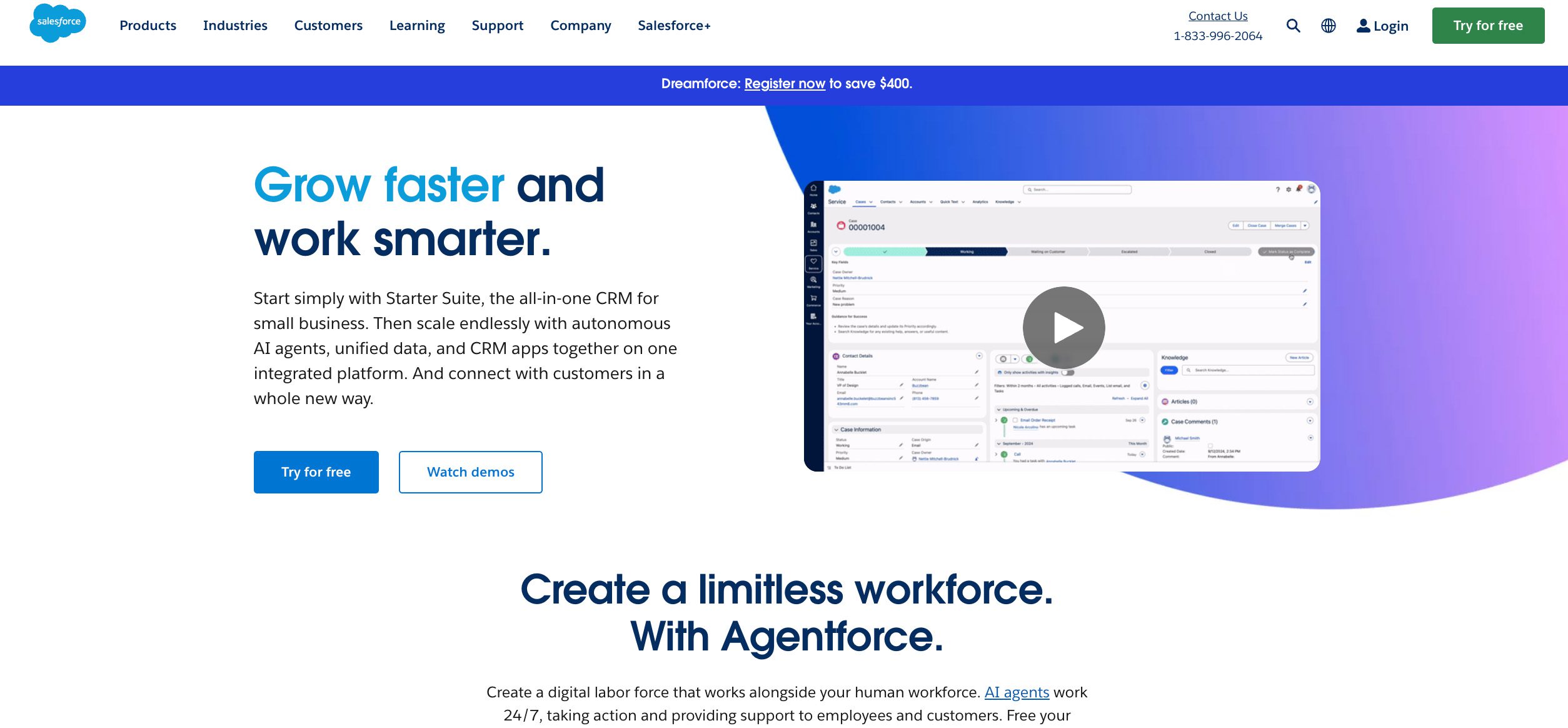
Zoho CRM
Zoho CRM


Zoho CRM offers a QuickBooks integration that focuses on syncing essential customer and transaction data for small businesses using QuickBooks Online. Here’s what to expect from its setup and performance.

Limited sync scope: Zoho’s standard QuickBooks integrations do not include advanced accounting objects.

Manual setup and mapping required: Users often need to map fields and configure relationships manually.

Add-on install needed; not core to product experience: The sync function often lives as an optional extension, not built into the main product.

Explore our comparison of Method vs. Zoho.

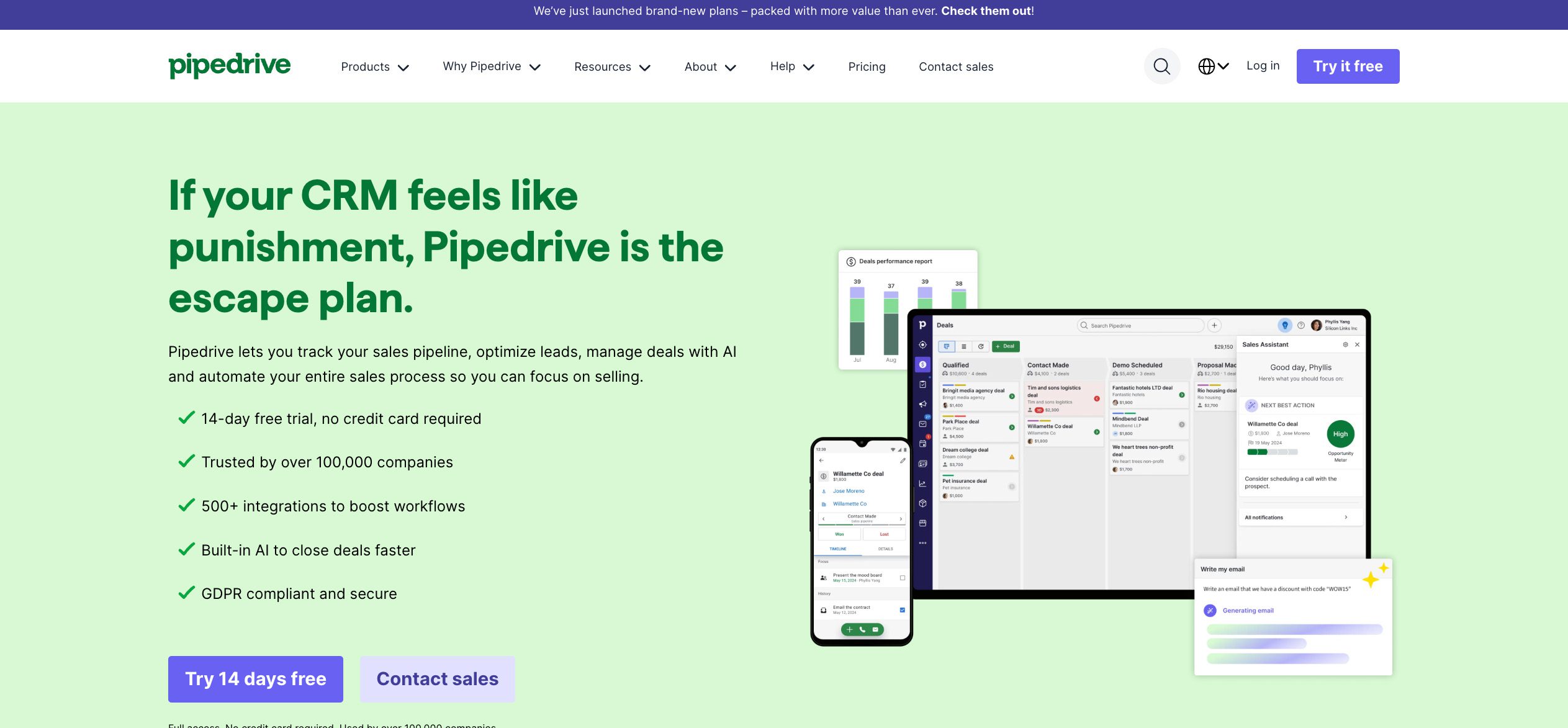
Salesforce
Salesforce


Salesforce provides QuickBooks connectivity through third-party tools rather than a built-in integration, making it powerful but often complex and expensive to manage. Here’s how it stacks up for QuickBooks users.

Sync requires third-party tools (e.g., DBSync, Breadwinner, etc.): Salesforce doesn’t include deep QuickBooks syncing built-in—you need external connectors.

Complex to set up; expensive for small businesses: These connectors require configuration and ongoing support.

No direct Desktop support: Most Salesforce–QuickBooks integrations focus on QBO rather than Desktop.

Overkill for certain SMBs who just want sales and finance visibility: Salesforce is powerful but also complex, making it not ideal for some smaller teams.

Check out the best alternatives to Salesforce.

Keap
Keap


Keap includes a basic QuickBooks integration that handles simple contact and invoice syncing, but lacks deeper accounting visibility. Here’s how its connection measures up for small business users.

Basic or one-way integrations: Keap’s sync with accounting systems tends to be surface-level (contacts, invoices) at best.

Partial contact data only, no real accounting visibility: You might see names and invoice totals, but not detailed accounting line items.

Most require Zapier or custom setup: Users often route syncs through middleware like Zapier to fill gaps.

CRM PlatformSync Depth & DirectionQuickBooks CompatibilitySetup & ConfigurationBest For / Positioning
Method CRM True two-way, real-time that instantly updates both systemsSupports QuickBooks Online + Desktop (Pro, Premier, Enterprise)Built-in integration; configurable field-level control and conflict resolutionQuickBooks-first CRM built around accounting workflows for SMBs
HubSpotLimited two-way sync for contacts, invoices, and productsQBO only, no Desktop supportEasy to connect, but lacks detailed payment or accounting object syncBest for marketing-focused businesses with light accounting needs
Zoho CRMLimited sync; does not include advanced accounting objectsPrimarily QBO; no native Desktop supportManual setup and field mapping required; optional add-onBest for small businesses seeking affordable CRM + basic financial link
SalesforceRequires third-party connectors (DBSync, Breadwinner, etc.) for any real syncPrimarily QBO; no native Desktop supportComplex and costly setup; ongoing maintenance neededIdeal for larger enterprises needing deep customization
KeapOffers a limited, specific sync rather than a full, real-time two-way sync of all dataPrimarily QBO support; Desktop discontinued for new usersOften depends on Zapier/custom setup for extra functionalityBest for solo entrepreneurs or small teams needing simple automation

Extend the power of QuickBooks Online with Method.

Who benefits most from Method’s sync? 🙌

Method’s QuickBooks sync is built for growing businesses that want their accounting and customer data to work together in unison. Here’s who gets the most value from using Method day to day.

SMBs who live in QuickBooks (accounting-led teams)

If your business operations center around QuickBooks, you’ll want your CRM tied to it.

Sales teams that need access to customer balances or invoices

They can view payment status, outstanding balances, and recent transactions directly in CRM.

Businesses juggling multiple transaction types (estimates → sales orders → invoices)

Everything can sync without manual effort.

Admins tired of exporting and re-importing CSVs

No more manual data juggling between systems.

Consultants, field services, and trades — anyone billing on job-based timelines

Your jobs, estimates, and invoices can live in sync with accounting automatically.

What customers say about Method’s sync 🗣️

Real businesses depend on Method’s QuickBooks integration every day, and they’re seeing real results.

“The two-way sync with QuickBooks Online was a must-have and works flawlessly. Implementation was straightforward, and we now use it every single day.”
Verified User, G2 Review 

“We chose Method:CRM because of its awesome integration with QuickBooks!”
Capterra Reviewer 

“With Method CRM, my sales process is hyper efficient. My customers have all the info they need — to the point that I now close 95% of my sales.”
John Mora, GTM Landscaping 

SMBs trust Method’s QuickBooks sync to keep their operations running smoothly, their data accurate, and their teams perfectly in sync.

Extend the power of QuickBooks Online with Method.

Still using a CRM that doesn’t sync properly? It’s time to upgrade ⬆️

If your CRM and QuickBooks don’t speak the same language, you’re probably spending more time fixing your data than using it. From mismatched records to endless exports, a poor sync slows everything down. Here’s how to tell when it’s time to move on to something better.

Signs your current sync isn’t cutting it

  • You’re exporting lists manually and re-importing them into accounting.
  • Your sales team can’t see invoices or payments in your CRM.
  • You keep fixing mismatched records between your CRM and QuickBooks.
  • You rely on middleware to bridge critical business apps.

Migration tips

  • Audit what data is syncing now (customers, invoices, items, custom fields).
  • Clean up duplicates, conflicts, and bad mappings before migrating.
  • Work with a provider offering onboarding support (mapping, data migration, testing).
  • Prioritize syncing revenue-impacting fields first (invoices, payments) before less critical ones.

FAQs about QuickBooks syncing

What’s the difference between one-way and two-way sync?

One-way sync imports or exports data in a single direction. Two-way sync means updates in either system reflect in the other.

Is Method compatible with QuickBooks Desktop?

Yes. Method supports Desktop versions and maintains full two-way sync. 

Can I sync custom fields or classes?

Yes! Method supports syncing custom fields, classes, terms, and detailed accounting structures. 

Will Method update QuickBooks automatically?

Changes made in Method sync immediately to QuickBooks. For QuickBooks → Method updates, the sync is near real-time (e.g. within ~10 minutes for QuickBooks Online). 

What happens if data doesn’t match?

Method has built-in conflict resolution rules and field-level control to decide which system’s change should prevail. 

Final word: Why QuickBooks sync shouldn’t be an afterthought 💬

QuickBooks is your financial source of truth. If your CRM doesn’t meaningfully connect to it, your team is operating in the dark.

Method doesn’t just integrate with QuickBooks, but is built around it. Every feature, workflow, and sync is designed with accounting integrity in mind. That’s why more businesses trust Method with their sync and why it’s considered a leading QuickBooks CRM on the market. Want to see it yourself? Book a Method demo with a QuickBooks sync walkthrough.

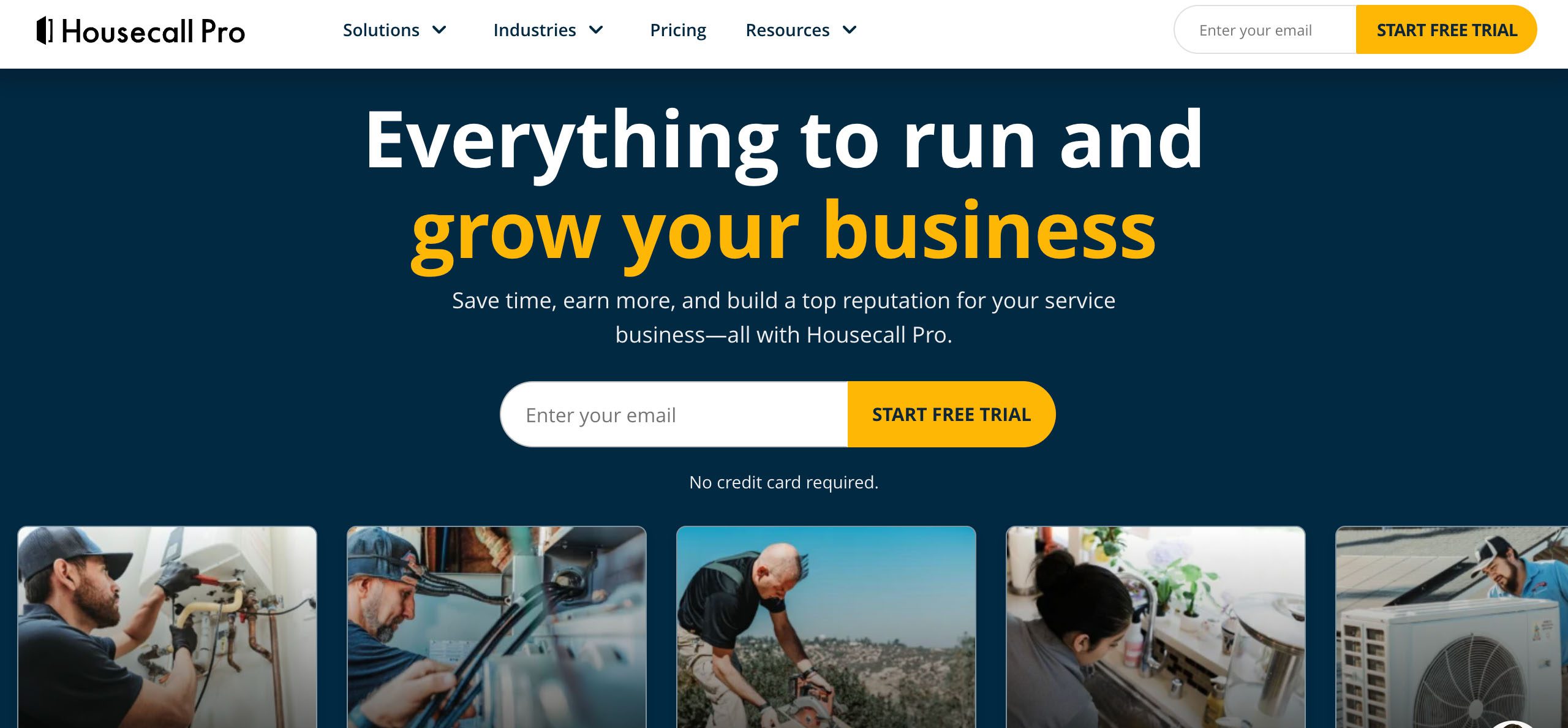
Housecall-Pro-alternatives-Method-CRM

11 best Housecall Pro alternatives and competitors (2026)

Discover the best Housecall Pro alternatives for SMBs and home services. Learn what to look for and how these options can better serve your needs.

11 best Housecall Pro alternatives and competitors (2026) Read More »

If you’re running a business with crews on the road, you know how chaotic work can get. A missed call or double-booked job can throw your entire day off. With field service management (FSM) software, you keep your teams, jobs, and data under control. 🕹️

Housecall Pro is a go-to option for many. But as your business scales, you might feel that its automation and customer relationship management (CRM) features are limiting or that its pricing and add-on charges for every move are too impractical. 🧐

Sound familiar? If so, it may be time to look for a Housecall Pro alternative. For field service businesses that need their CRM and accounting software to sync in real time, Method CRM for field services is a strong pick with its two-way QuickBooks Online and Desktop integration. And that’s just one of several options worth checking out. 👀

Here at Method CRM, we’ve been supporting QuickBooks-based businesses since 2010. Trusted by field service companies, Method stands out for its powerful customization services and real-time, two-way QuickBooks sync. With Method CRM for field services, you can manage jobs, crews, and customer relationships—all in one place. 👷‍♂️💻

In this guide, we dive into the top Housecall Pro alternatives to help you choose one that fits your field service business best. 🎯

Sick of manual admin work? Save time on every job with Method.

Table of Contents

Why look for a Housecall Pro alternative? 🤔

Housecall Pro is widely used by field service businesses, but some find that it doesn’t scale as smoothly as they need.

Here’s why some users look for a Housecall Pro alternative:

  • 💰 Rising costs: As your team expands, monthly fees climb quickly, especially when premium features are needed. Pricing starts at $59 per month for the Basic plan for one user, with higher-tier plans like Essentials (up to five users) and MAX (up to eight users) costing up to $149 and $299 per month, respectively. There are also several add-ons, each with its own pricing.
  • Limited automation: Automated workflows, reminders, and triggers are useful but can feel restrictive in Housecall Pro’s standard plan. Pipeline and campaign management, for instance, are also separate charges.
  • 📈 Scaling challenges: While the scheduling calendar lets you drag-and-drop job assignments, the interface makes it challenging to oversee multiple crews simultaneously. 
  • 🚫 Lack of workflow flexibility: Customizing job flows, approvals, or notifications may also be less flexible than expected. Housecall Pro currently doesn’t support custom fields across various modules, including invoices, customer profiles, and messaging.

Without a doubt, Housecall Pro offers a comprehensive suite of features for scheduling, dispatch, estimates, invoicing, payments, and CRM (route optimization available in higher-tier plans). Even the lower-tier plans with basic features are enough to streamline operations for small businesses.

But as your business adds services, locations, and team members, you’ll encounter limitations in automation, pricing, scalability, and customization. Also, having to pay for add-ons to access advanced features, on top of an already expensive plan, makes budgeting unnecessarily unpredictable.

Sick of manual admin work? Save time on every job with Method.

How to choose the right Housecall Pro alternative 💡

Here are the factors to consider when selecting a Housecall Pro alternative that works for your team:

  • 🏷️ Pricing and scaling: Look for plans that grow alongside you. Avoid platforms where costs spike sharply as you add users or features.
  • ⚙️ Automation and workflows: Choose software that allows you to create flexible workflows, automated reminders, and triggers that match your business processes.
  • 📍 Dispatch and real-time tracking: Efficient field service operations need a tool that provides live updates and easy-to-use scheduling for multiple crews, jobs, and vehicles.
  • 👥 CRM and customer database: A capable CRM centralizes customer info, job history, and communications to keep data organized as you scale.
  • 📲 Mobile app and offline use: Your techs spend time in the field, so choose software with an app (preferably available on iOS and Android) that still gives full functionality and access even with limited connectivity.
  • 📚 Onboarding and learning curve: Switching to new software is easier when training is straightforward, and your team can seamlessly adopt new tools.
  • 🔗 Integrations and ecosystem: Check the platform’s compatibility with the marketing, accounting, and reporting tools you already rely on, like QuickBooks Online or payment processors.
  • 🤝 Support and reliability: Responsive customer support and having minimal downtime prevent costly delays.

To help you decide which Housecall Pro alternatives to consider, we break down field service management solutions using simple decision criteria based on what matters most to field service businesses.

What’s your primary need?

  • Customer management and CRM → platform with custom workflows, detailed customer tracking, and accounting integration.
  • Scheduling and dispatch → platform with intuitive calendars, multi-crew scheduling, and real-time updates.

How big is your team?

  • Small team → mid-tier plans and standard features may be enough.
  • Growing team → software with scalable pricing and flexible workflows.

Do you need full automation?

  • Advanced automation → software with custom triggers, reminders, and approval workflows.
  • Basic automation is enough → a platform with standard built-in automated tools will do.

Is your team always on the go?

  • If techs spend most of the day in the field → software with a mobile app that fully works offline.
  • If most work is office-based → prioritize desktop software with complete functionality.

Sick of manual admin work? Save time on every job with Method.

Top Housecall Pro alternatives: Overview and comparison table ⚖️

Before we jump in, here’s a roundup of the top Housecall Pro alternatives, including what they do best, who they fit, and what their pricing is like.

Note: All prices are billed annually and are in USD. Month-to-month plans may cost more.

PlatformBest forKey featuresPricing
Method CRM for field services Field service and trade businesses using QuickBooksJob scheduling, dispatching, work orders, time tracking, estimates, invoicing, and real-time two-way QuickBooks syncFree trial; Field Crew $15/technician/month; Dispatcher $45/dispatcher/month
JobberAll-in-one tool for small teamsScheduling, quoting, invoicing, and payments in one interface with a reliable mobile appFree trial; Core $25/user/month; Connect at $75; Grow at $126
WorkizCommunication toolsCall recording, SMS and notifications, technician location tracking, recurring job managementFree plan for up to two members; Kickstart $187/month for three users; Standard at $229; Pro at $270; Ultimate for custom
FieldPulseSolo operators or new businessesConvert estimates to invoices, mobile access, and integrated payment processingFree demo; custom pricing
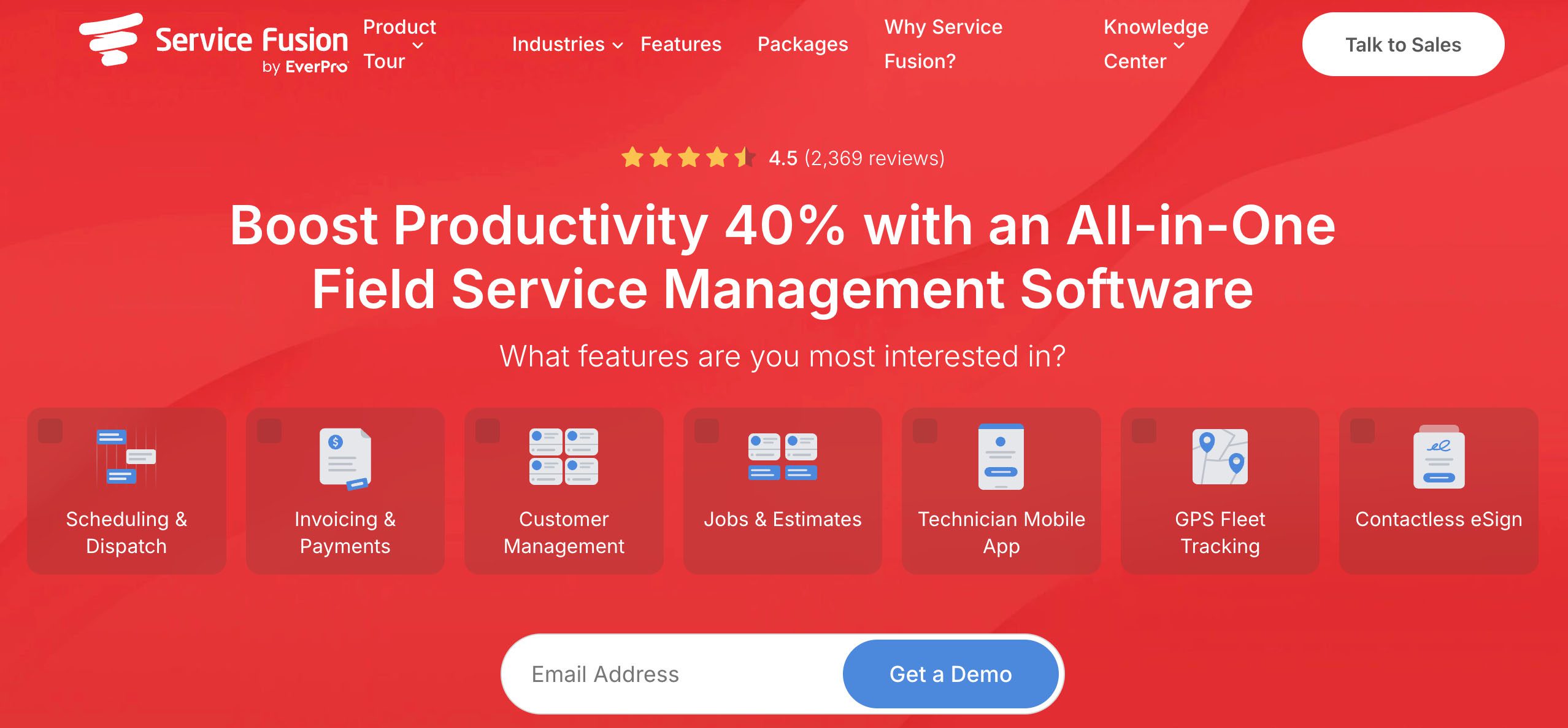
Service FusionDispatch and GPS trackingVisual dispatch grid, job reassignments, GPS route tracking; unlimited usersFree demo; custom pricing 
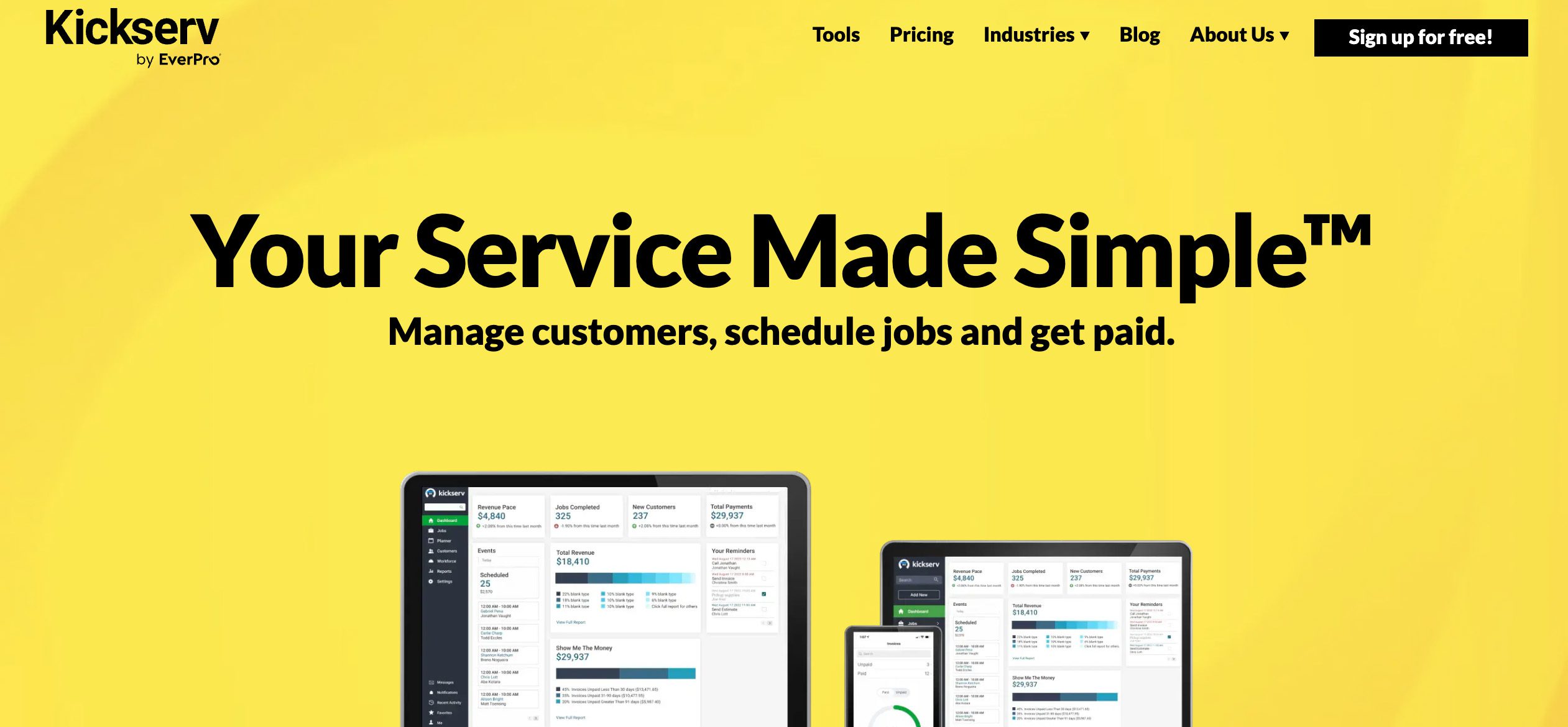
KickservBudget-conscious teamsSimple interface, QuickBooks sync, and job tracking and schedulingFree trial; Start at $49/month for five users; Run at $100 for 10 users; Scale at $167 for 20 users
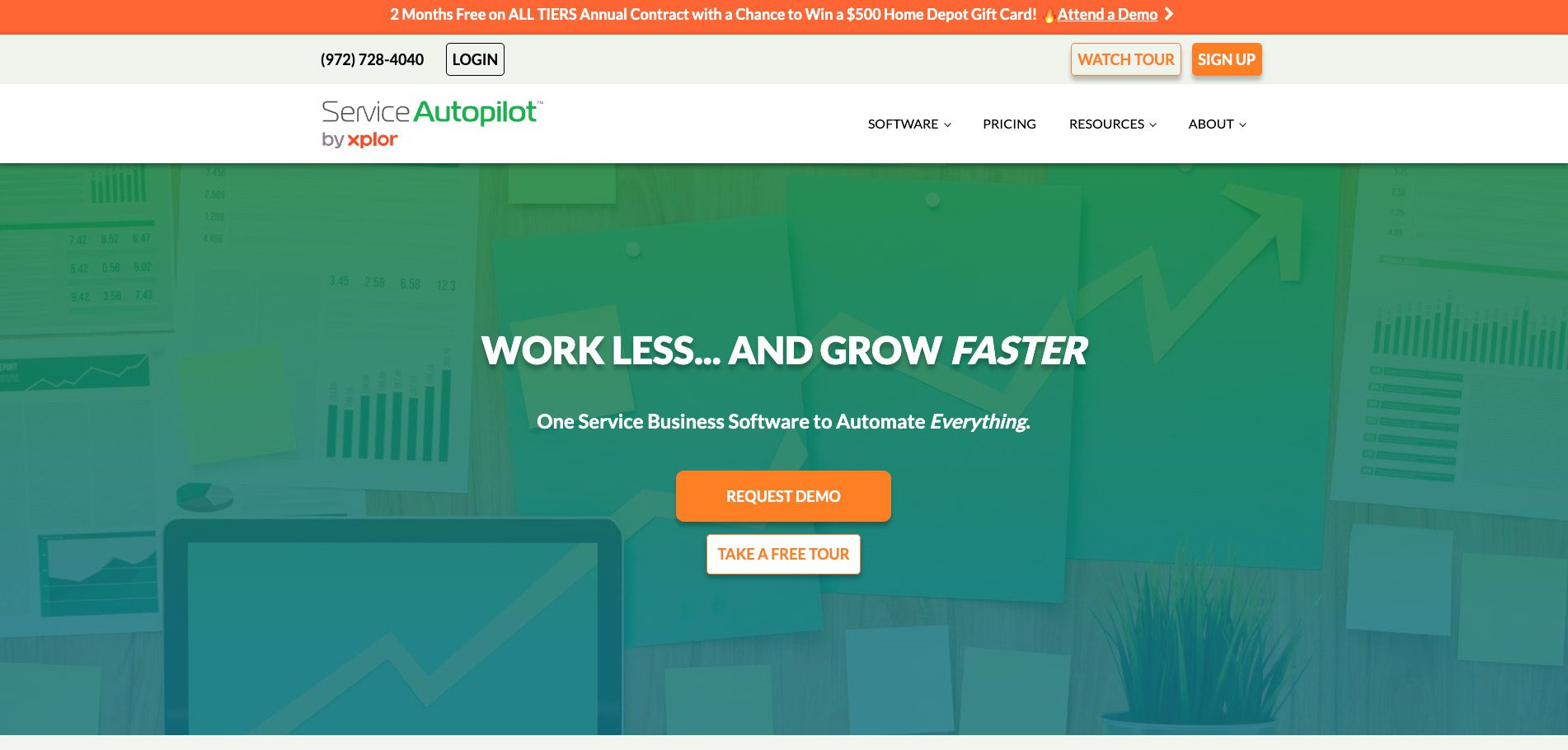
Service AutopilotAutomations and recurring workDeep automation, batch job creation, routing, and mappingFree tour; Startup at $49, Pro at $199, Pro Plus at $499 
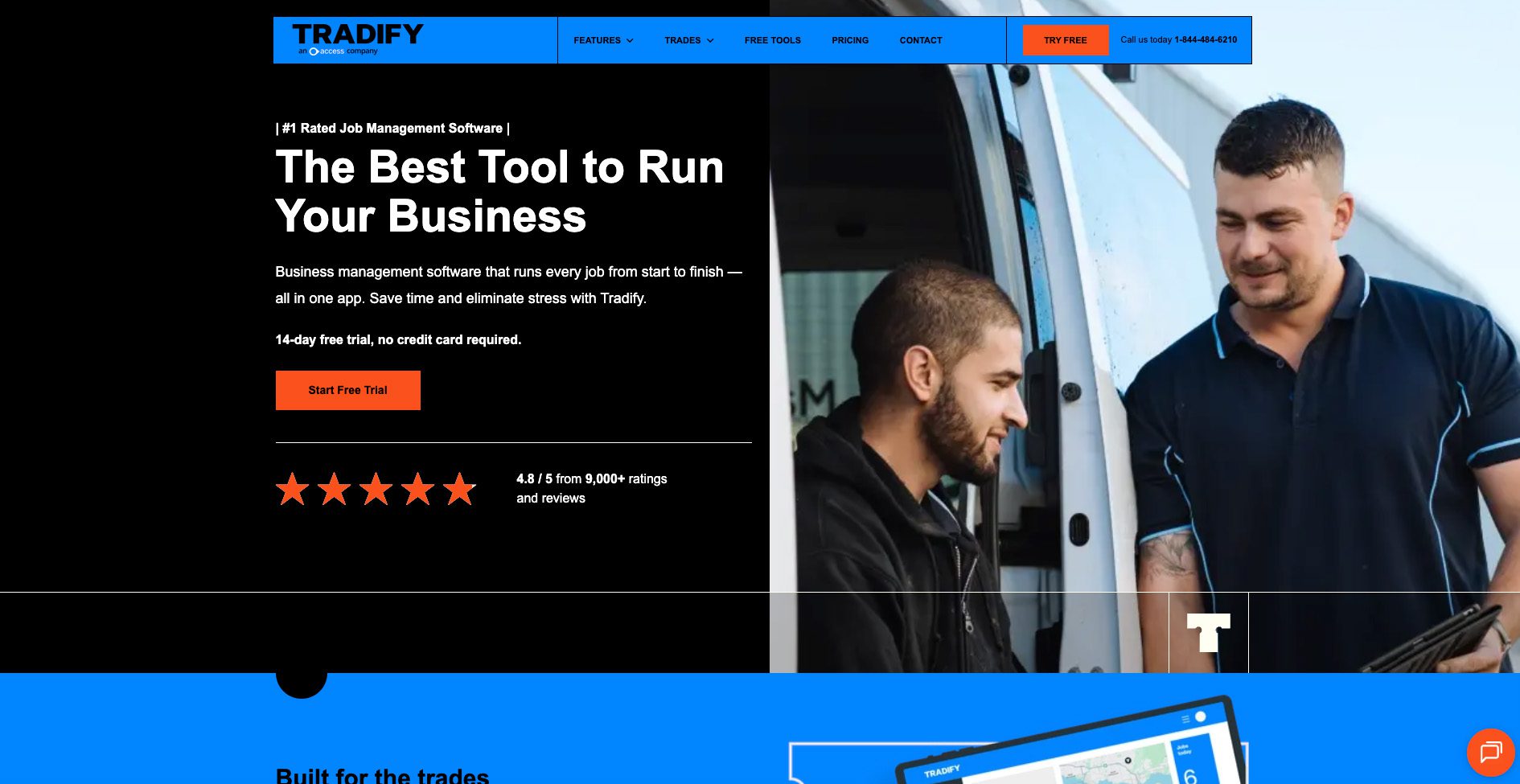
TradifyTradesReal-time job status, GPS visibility, accounting integrations, and custom job statusesFree trial; Lite at $47/user/month; Pro at $51; Plus at $61
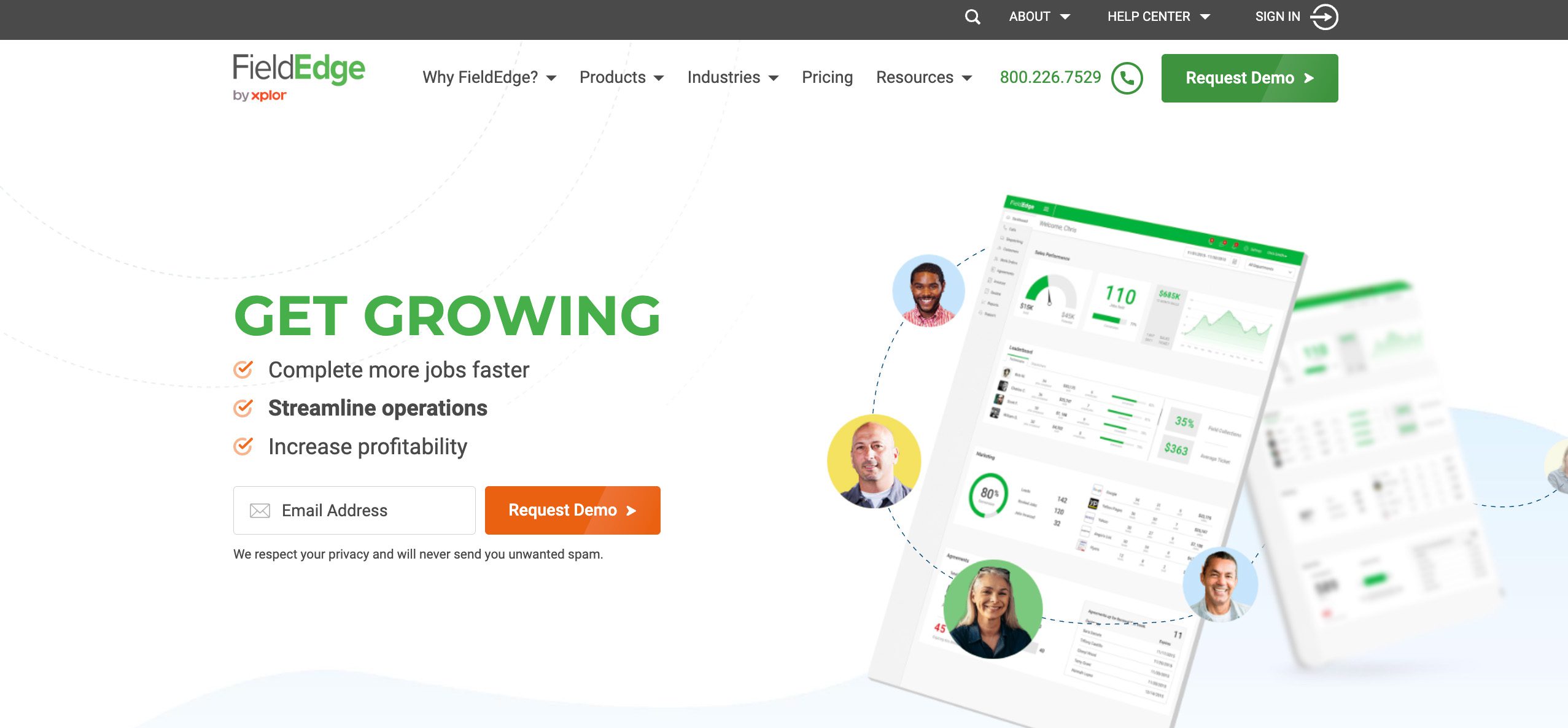
FieldEdgeHVAC and equipment-based tradesEquipment tracking, live dispatch and GPS, and in-field price booksFree demo; custom pricing
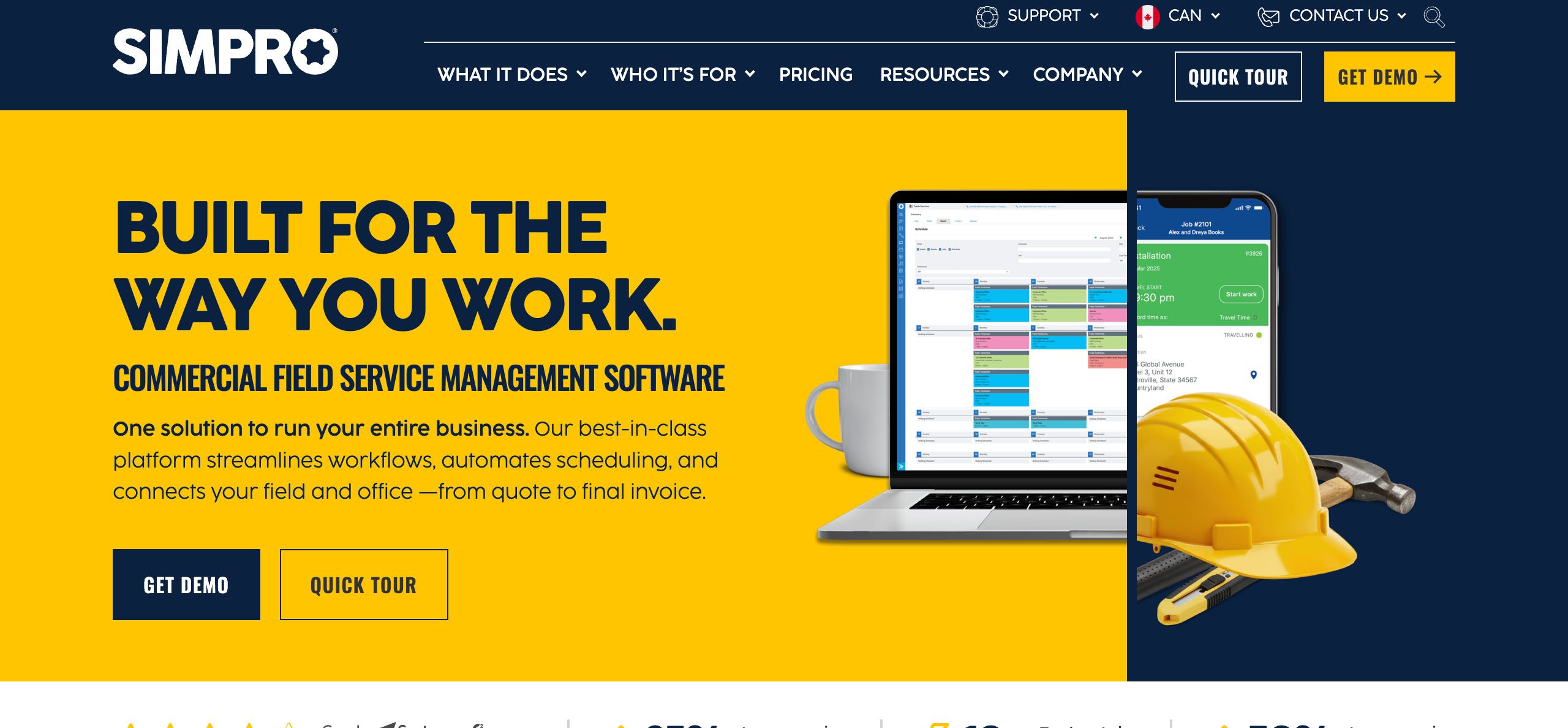
SimproEnterprise-level field operationsProject workflows, asset and inventory management, quoting, and detailed reportingFree demo; custom pricing
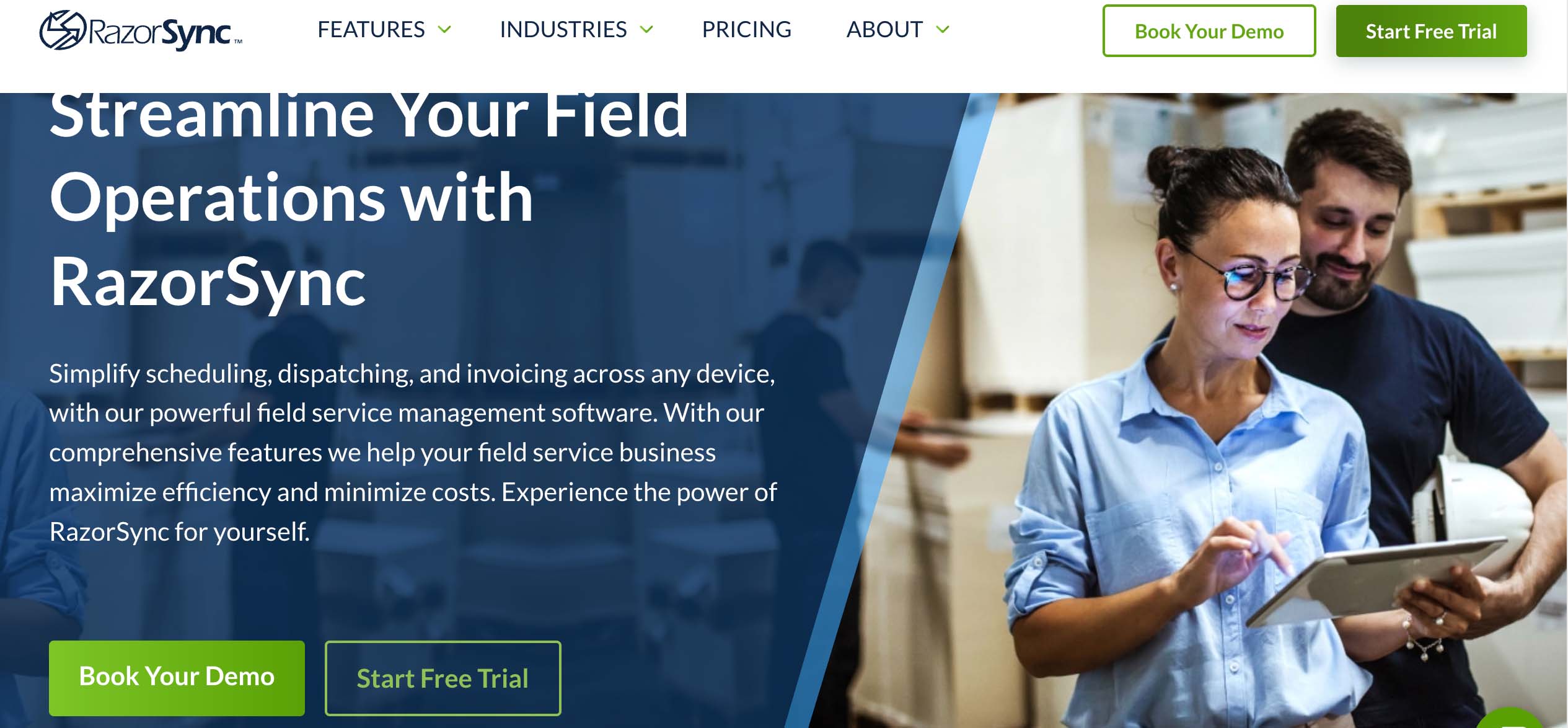
RazorSyncSimple scheduling and invoicingLow setup, mobile app, GPS and status updates, and a clean interfaceFree trial; Solo at $85/month for two users; Team at $175 for seven; Pro at $360 for 15; Enterprise for custom

Now, let’s take a closer look at what each platform has to offer.

1. Method CRM: Best for field service businesses that run on QuickBooks

Housecall-Pro-alternative-Method-CRM-Field-Services


Method CRM for field services is built for field service businesses and trades that manage jobs, crews, and customers on the go—all while staying connected to QuickBooks. With its real-time, two-way sync, your estimates, invoices, and payments always match your books.

Method also offers automation tools and a mobile app for job scheduling, work order management, and customer communication.

Strengths:

  • Create, schedule, and track work orders, estimates, and invoices from one platform.
  • Empower technicians to update job statuses, log time, and capture signatures directly from the field with Method’s field crew app.
  • Trigger notifications, reminders, and follow-ups automatically to keep jobs moving and customers informed.
  • Ensure every service, payment, and update reflects instantly in QuickBooks Online or Desktop.
  • Track performance, technician productivity, and more with custom dashboards built for your business.

Who’s it for: Small to mid-sized HVAC, plumbing, electrical, landscaping, and other field service businesses benefit from Method’s flexible workflows and integration capabilities.

Pricing:

Free trial (includes an hour setup demo and an hour of customization)

  • Field Crew: $15/technician/month
  • Dispatcher: $45/dispatcher/month 

2. Jobber: Best all-in-one tool for small teams

Housecall-Pro-alternative-Jobber-Method-CRM-field-services


If you’re a small business that’s just starting out using field management software, Jobber is for you. It’s a user-friendly platform that provides the essentials, like scheduling, quoting, invoicing, and payments. The intuitive interface and mobile app make it easy for teams to stay on top of jobs without the steep learning curve.

Strengths:

  • Drag-and-drop calendar, automated reminders, and job assignment tools to keep your team organized.
  • Effortless to build professional quotes, set tiered pricing, and automate follow-ups.
  • Field technicians can access job details, update statuses, and communicate with clients on the go.

Who’s it for: Small cleaning, landscaping, and HVAC businesses benefit from Jobber’s simple, all-in-one tools.

Pricing: Free trial available. Core starting at $25/user/month; Connect at $75; Grow at $126.

See how Jobber vs Workiz vs Method compare.

3. Workiz: Best for communication tools

Housecall-Pro-alternative-Workiz-Method-CRM-field-services


Workiz is a field service management software that prioritizes seamless communication. With robust features like real-time call recording, automated scheduling, and a mobile app for on-the-go work, you can optimize your operations and enhance customer interactions. 

Strengths:

  • The built-in phone system lets you record calls, send SMS reminders, and keep your crew in sync through job notifications.
  • Track technicians’ locations and job progress to manage schedules with ease.
  • Manage repeat jobs or contracts to maintain steady revenue and long-term clients.

Who’s it for: Locksmiths, pest control, and property maintenance teams that juggle multiple job sites and depend on constant communication to run smoothly.

Pricing: Free plan for up to two members; Kickstart at $187/month for three users; Standard at $229/month for five users; Pro at $270/month for five users; custom pricing for Ultimate.

4. FieldPulse: Best for solo operators or new businesses

Housecall-Pro-alternative-FieldPulse-Method-CRM-field-services

When you’re running a one-person crew or still building your team, FieldPulse offers a package of essential tools without overdoing it. FieldPulse also integrates payments and invoicing directly into the workflow. You can create invoices, send them, and let customers pay online or via card/ACH with next-day funding.

Strengths:

  • Its quote-based pricing makes it affordable and flexible, so small or solo teams with less complex operations can avoid steep subscription costs.
  • Convert estimates to invoices, customize your templates, and automate reminders.
  • A full-featured mobile app that lets field staff handle necessary work while out in the field.

Who’s it for: Solo HVAC techs, handymen, small-team contractors, or early-stage teams that need core functionality and mobility rather than all the bells and whistles.

Pricing: Free demo available; pricing is custom for its Essentials, Professional, and Enterprise plans.

5. Service Fusion: Best for dispatch and GPS tracking

Housecall-Pro-alternative-Service-Fusion-Method-CRM-field-services


Service Fusion stands out for its powerful dispatch and GPS tracking capabilities, making it a great fit for teams that spend most of their time on the road. It combines job scheduling, customer management, and invoicing with fleet tracking, helping dispatchers see where every tech is and assign jobs faster.

Strengths:

  • A visual job calendar and dispatch grid help manage multiple crews and avoid overlap.
  • Reassign jobs or send new work to available techs instantly.
  • GPS tracking shows technician locations and route history.

Who’s it for: HVAC, plumbing, and electrical companies that depend on accurate job assignments and route tracking to stay organized.

Pricing: Free demo available; Starter, Plus, and Pro plans available for custom, all with unlimited users.

Check out the top Service Fusion alternatives.

6. Kickserv: Best for budget-conscious teams

Housecall-Pro-alternative-KickServ-Method-CRM-field-services

Running a small crew and on a limited budget? Kickserv keeps field service management intuitive and easy on the wallet. It’s quick to set up, connects with QuickBooks, and handles the basics, like job tracking, scheduling, dispatch, and customer updates, without extra fluff. 

Strengths:

  • The interface is clean and direct to the point, with a drag-and-drop calendar that makes scheduling painless.
  • An accessible entry point with budget-friendly plans that suit smaller or growing businesses.
  • Syncs with QuickBooks Online or Desktop.

Who’s it for: Cleaning, pest control, and home repair teams that want reliable tools without a high monthly bill.

Pricing: Free trial available; Start plan at $49/month for five users; Run at $100 for 10 users; Scale at $167/month for 20 users.

Learn what the best Kickserv alternatives are.

7. Service Autopilot: Best for automations and recurring work

Housecall-Pro-alternative-Service-Autopilot-Method-CRM-field-services


When you run a service business that depends on repeat customers, Service Autopilot truly shines. It combines scheduling, billing, and work order workflows with advanced automation features to reduce manual work. You can set recurring jobs, automated reminders, and route optimizations with just a few clicks.

Strengths:

  • Supports deep automation, with follow-ups, payment reminders, survey requests, and to-do assignments all running on autopilot.
  • Batch-create invoices or jobs in one go, saving time on repetitive tasks.
  • Smart mapping and routing features help minimize travel time and optimize your fleet’s movement.

Who’s it for: Those who rely on recurring work and seasonal service schedules, such as landscapers, lawn care, and snow removal businesses.

Pricing: Free tour available; for one full user, Startup is at $49/month; Pro at $199/month; Pro Plus at $499/month; custom pricing for Elite. 

8. Tradify: Best for trades

Housecall-Pro-alternative-Tradify-Method-CRM-field-services


Tradify is specifically designed for trade professionals who want to manage quoting, job tracking, and invoicing without long setup times. With trades in mind, you can expect features like real-time job status, practical quoting templates, and direct accounting sync (compatible with QuickBooks Online and Xero, though sync is not as robust as Method CRM) to be front and center. 

Strengths:

  • See your field staff and job locations live, with GPS enabled.
  • Connects with several major accounting tools, so you can sync invoices, supplier/customer contacts, bills, and payments.
  • Default job status stages (like Unassigned, Assigned, Scheduled, In Progress), and the ability to create custom statuses.

Who’s it for: Teams in trades like electrical and plumbing that want toolsets built around their operations.

Pricing: Free trial available; Lite at $47/user/month; Pro at $51/user/month; Plus at $61/user/month.

9. FieldEdge: Best for HVAC and equipment-based trades

Housecall-Pro-alternative-FieldEdge-Method-CRM-field-services


FieldEdge is purpose-built for equipment-heavy service businesses that need tight control over parts, maintenance schedules, and technician dispatching. It combines real-time dispatch, customer management, and service agreement tracking in one dashboard, so your office staff and field techs always stay on the same page.

Strengths:

  • Keep detailed records of customer units, service history, and warranties to support preventive maintenance and repeat business.
  • The live dispatch board and GPS tracking give full visibility to manage emergencies and reassign jobs fast.
  • Price books to quote confidently in the field with accurate part and labour costs.

Who’s it for: HVAC, appliance repair, and contractor teams that handle equipment installs, maintenance contracts, and a steady flow of service calls.

Pricing: Free demo available; pricing is custom for its Select, Premier, and Elite plans.

Read our FieldEdge vs ServiceTitan vs Method comparison.

10. Simpro: Best for enterprise-level field ops

Housecall-Pro-alternative-Simpro-Method-CRM-field-services


Need a system that can handle hundreds of jobs, multiple crews, and endless moving parts without breaking down? Simpro was made to do exactly that. Designed for large-scale service operations, it brings project management, inventory tracking, quoting, and dispatching together on one powerful platform.

Strengths:

  • Covers everything from quoting and invoicing to asset tracking and complex project workflows.
  • Dashboards show progress, budgets, and performance across every job.
  • Tracks materials across locations and vehicles.

Who’s it for: Electrical, HVAC, and security contractors managing high job volume and multi-phase projects.

Pricing: Free demo available; custom pricing for its base plan.

11. RazorSync: Best for simple field service scheduling and invoicing

Housecall-Pro-alternative-RazorSync-Method-CRM-field-services


RazorSync is a field service management tool that gets you up and running fast. It’s ideal for small teams that want to spend less time on admin work and more time on the job. From scheduling to invoicing, your processes run through RazorSync’s clean, mobile-friendly platform. No complicated setup required.

Strengths:

  • Built for quick adoption without the usual onboarding drag.
  • Full mobile access for scheduling, invoicing, and payments.
  • GPS and status updates help monitor technicians and job progress efficiently.

Who’s it for: Small HVAC, cleaning, and repair teams that want practical scheduling and invoicing tools at a more approachable price.

Pricing: Free trial available; Solo at $85/month for up to two users; Team at $175/month for up to seven users; Pro at $360/month for up to 15 users; custom pricing for Enterprise with unlimited users.

Sick of manual admin work? Save time on every job with Method.

Trade‑specific recommendations 👷‍♂️👨‍🔧👩‍🌾

As a business owner within a specific trade, it helps to focus on a solution that has the features that matter to your line of work.

Here’s what we recommend for different types of service businesses:

  • 🔧 HVAC, plumbing, and electrical: Look for platforms that handle real-time dispatch, parts and equipment tracking, and service agreements. Choose a software solution that offers detailed equipment management, live dispatch boards, and integration with accounting tools like QuickBooks to keep your operations running seamlessly.
  • 🌳 Landscaping, lawn care, and cleaning: Prioritize automation for recurring jobs, easy scheduling, and mobile access for field crews. Search for solutions that help you automate repeat services, manage crews on the go, and send invoices or reminders directly from the app.
  • 🐜 Pest control and specialty services: Focus on communication, job tracking, and customer follow-ups. Look for platforms that offer built-in SMS, call logging, and notifications to help teams stay coordinated across multiple job sites while keeping clients informed.

Each trade operates differently. But always remember to choose the system that matches how you work.

Migration checklist ✅️

Moving to a new field service platform can be a bit overwhelming, but it doesn’t have to be messy. A clear plan keeps your business running smoothly and prevents surprises.

  • What data to export: Back up important customer data, job history, invoices, equipment records, and service agreements. Even if you have to start fresh, you’ll have all the data you need to save you from headaches later.
  • Run both systems in parallel: Keep your old and new platforms active for a short period. This makes sure that jobs won’t slip through the cracks while also giving your team enough time to get comfortable with the new workflows.
  • Staff training and onboarding: Train everyone on the new system and make learning accessible. Providing reference guides and cheat sheets for field staff also speeds up adoption.
  • Recurring jobs and service agreements: Ensure your recurring jobs and contracts are correctly set up in the new system. Test reminders and triggers so that nothing gets missed.
  • Calculate ROI and payback: Track your time saved, reductions in errors, and improvements in profitability after the switch. Compare these gains to the costs of the new software to see the real value it delivers.

Cost and pricing considerations 💵

When choosing a Housecall Pro alternative, you need to understand the pricing beyond the sticker price. Costs can vary widely depending on the base plan you choose and the add-ons you select over time as your needs and team grow.

Here are some factors to weigh in terms of software pricing:

  • Base pricing and add-ons: Start by reviewing what features come standard and which require additional charges. Some platforms bundle essential tools, while others charge separately.
  • Scaling costs: As your team grows, per-user fees can also increase your monthly bill. Platforms that include unlimited users or tiered pricing for larger teams may offer more predictable costs.
  • Total cost of ownership: Don’t just consider your expenses today. Think 2–3 years ahead. For example, a 10-person HVAC team on a $50/user/month plan with $100/month in add-ons would spend roughly $600/month or $21,600 over three years. And that doesn’t include adding new team members. Compare that to platforms with higher upfront fees but lower per-user costs to see which option delivers the best long-term value.

Sick of manual admin work? Save time on every job with Method.

Final recommendations and decision guide 💬

Here’s a quick guide to help you match the right Housecall Pro alternative to your business needs:

  • If you need robust accounting integration and custom workflows, use Method CRM, Kickserv, or Tradify to streamline accounting and automate processes.
  • If you’re a solo operator or just starting out, use FieldPulse, RazorSync, or Jobber for affordable, easy-to-use tools with strong mobile support.
  • If recurring jobs or seasonal work are a priority, use Service Autopilot or Workiz to handle automation, repeat scheduling, and notifications efficiently.
  • If you run an HVAC, plumbing, or electrical business with multiple crews, use FieldEdge or Service Fusion to manage dispatch, GPS tracking, and job complexity. And for large-scale operations, consider Simpro.

Once you’ve narrowed down your options, don’t take the features at face value. Test the tools out in real-world conditions. Try out the available free trials and demos, run a few actual jobs, and see how the software handles your actual work.

Frequently asked questions

Will I lose data if I leave Housecall Pro?

No, but you’ll need to export your data first. Housecall Pro lets you export customer lists, job history, invoices, and equipment records. Always back up before cancelling, then check the new software for import options to ease the transition.

How long does onboarding take?

This depends on your team size and the software’s complexity. Small teams with less complex needs can be up and running in a few days. Larger teams moving with heavy data and integrations and relying on advanced automations may need a few weeks.

Can I use multiple tools together (e.g. CRM + FSM)?

Yes, but it’s best to use platforms that natively integrate, like Method CRM, which combines a full CRM with field service management tools, so you won’t have to manage separate apps for scheduling, invoicing, and customer tracking.


For teams that already rely on specialized software, some platforms offer API access or third-party connectors (like Zapier) to link CRMs, FSM tools, and accounting apps.

Is it worth switching if I’m only 2–3 techs now?

Yes, especially if you plan to grow. Starting on a flexible, scalable platform can prevent migration headaches later while still keeping costs manageable.

Make the switch: Choosing a Housecall Pro alternative 👍

Making the move from Housecall Pro doesn’t have to feel risky. With so many alternatives available, you can find a platform that fits your business, supports your team, and scales with you.

Remember to take advantage of free trials and demos. Experiencing the platform in action will give you a better idea of what’s effective, what slows you down, and which solution truly fits your workflow before making a long-term commitment.

For businesses that rely on QuickBooks, Method CRM delivers a seamless, all-in-one CRM experience. Whether you run HVAC, plumbing, landscaping, or any service-based business, Method adapts to your work while keeping operations running smoothly.

Schedule your free demo today to see how Method streamlines your team’s day-to-day tasks and supports your growth. 📈🚀🎯🌟

ActiveCampaign-alternatives-Method-CRM

Top 10 ActiveCampaign alternative options for 2026

Looking for an ActiveCampaign alternative? Explore top platforms, compare pricing, automation, segmentation, and pick the right one for your business.

Top 10 ActiveCampaign alternative options for 2026 Read More »

With email marketing, you have the opportunity to speak directly to your audience — both loyal regulars and potential customers. Businesses can use email to build and maintain relationships, drive repeat sales, inform customers about the latest promos, and much more. 📧

ActiveCampaign is a go-to email marketing platform for many. But it’s not for everyone. Some businesses may no longer align with the price as their subscriber base grows. Others may be seeking a solution that can better sync their customer relationship management (CRM) and accounting workflows. 👩‍💻

If that’s the case, Method CRM could be your perfect alternative. Here at Method CRM, we’ve been supporting QuickBooks-based businesses since 2010. Method is loved by business owners across a range of industries for its real-time, two-way QuickBooks sync, customization services, and end-to-end workflow automation. 📚💻✍🏼📓

In this guide, we’ll look at the best ActiveCampaign alternatives for 2026. We’ll break down key features, pricing, and learning curves so you can find what fits your business and hit the ground running without hassle. 🏃🌟

Customize workflows and watch your team thrive.

Table of Contents

Why consider an alternative to ActiveCampaign? 🤔

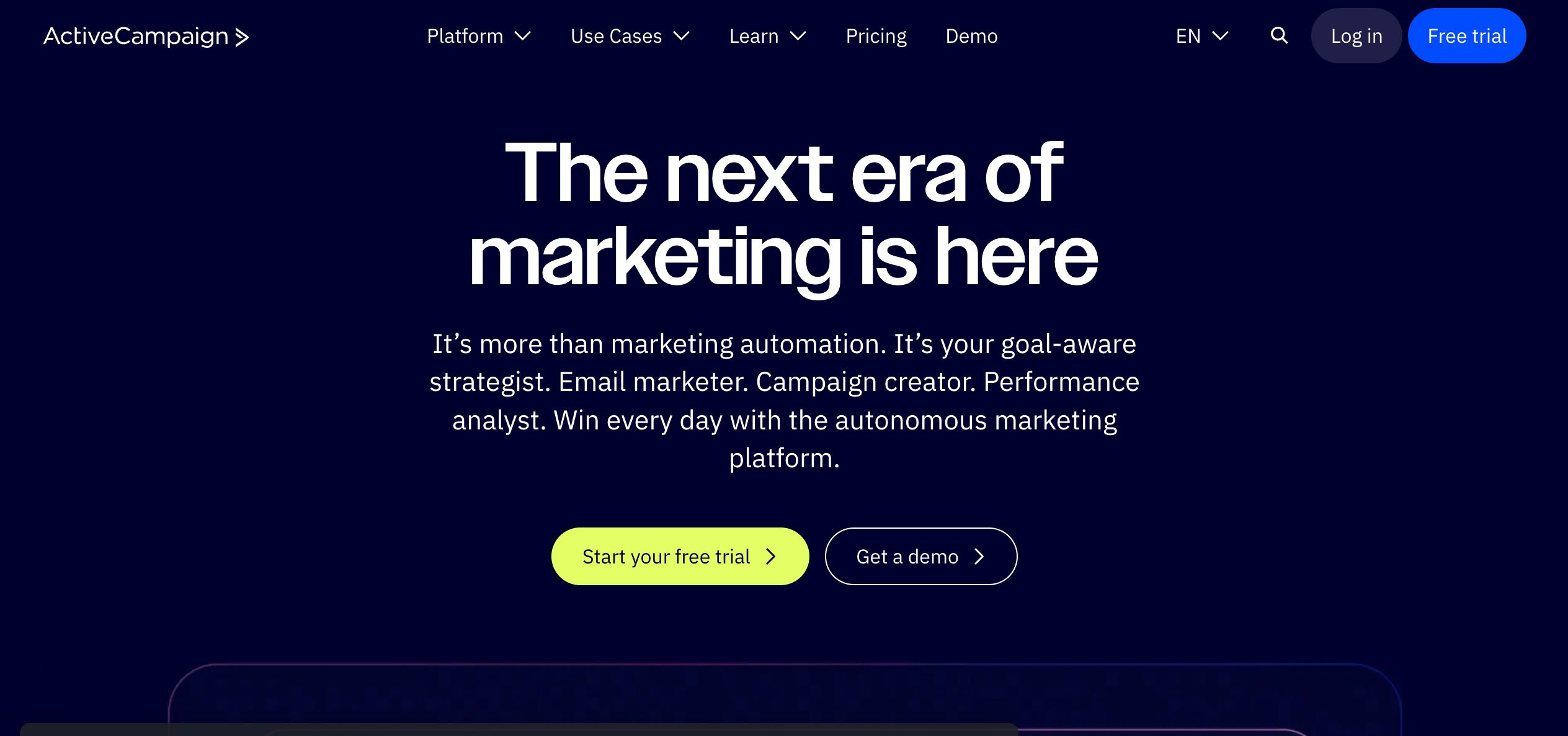
ActiveCampaign


As a growing business, it’s completely normal to outgrow your marketing automation platform. What felt powerful before can start to feel limiting now.

Below are common reasons teams move away from ActiveCampaign:

  • Rising costs: ActiveCampaign’s pricing is based on the number of contacts you need. On the email-only plan, the basic Starter plan starts at $15/month for one user. Plus is priced at $49/month, Pro at $79/month, and Enterprise at $145/month. These prices are each for 1,000 contacts. As you increase the number of contacts, the prices increase. As a result, small businesses seeing fast growth could find themselves dealing with elevated costs pretty quickly. 
  • Steep learning curve: The platform features advanced automation, dynamic content, and conditional workflows, to name a few components. These complex features, however, require time and patience to get the hang of. If you’re looking for simple email templates, ActiveCampaign might be too complex for your needs.
  • Deliverability, support, and feature gaps: Some features for stronger email delivery, like dedicated IPs and custom user seats, are locked into higher paid plans. These may come standard on other platforms. Response times and issue resolution may also vary as higher-tier users get phone support in addition to email and chat support.
  • Migration pain and platform lock-in concerns: Once you’ve built a web of automation workflows, contact lists, and templates inside ActiveCampaign, having to switch platforms becomes a project of its own. 

Key evaluation criteria for alternatives 📝

Having a long feature list doesn’t automatically make the software the right choice, and less expensive isn’t always better, either. What matters is how well it matches your needs now and scales as you grow. 

Here’s the criteria to use when evaluating ActiveCampaign alternatives:

  • Cost structure and billing transparency: Do you pay based on the number of contacts or email sends, or a fixed flat fee? How about add-ons? Make sure the pricing model fits how your business operates.
  • Power and ease of automation workflows: Assess how advanced the automation features are (behaviour-based triggers, dynamic flows). Check if the automation builder is visual or drag-and-drop. If building workflows feels tedious, you may want to look into other options.
  • Design tools: The platform should make it easy to create emails with templates and a flexible editor. Features like dynamic content, responsive design, and the ability to edit the layout without needing custom code matter.
  • Audience targeting and segmentation depth: Basic segmentation (lists/tags) isn’t always enough. You’ll likely want advanced segmentation that lets you segment by behaviour, engagement, purchase history, or conditional splits. More specific targeting lets you send messages that actually connect.
  • Deliverability and sending infrastructure: A great campaign means nothing if emails don’t land in inboxes. Check whether the platform supports custom sending domains, DKIM/DMARC settings, IP reputation, list hygiene, and warm-up practices.
  • Built-in CRM or all-in-one capabilities: If you need to manage leads, track deals, or have customer profiles beyond just email, tools with built-in CRM features may save you from having to get separate software.
  • E-commerce needs: For online retailers, the ability to trigger messages based on carts or purchase events, or send transactional emails (order confirmations, shipping updates) is important. Seamless integration with your online store is also a must.
  • Support, onboarding, and migration friendliness: You need a platform that doesn’t cut corners on customer support. And if switching tools takes you weeks or even months to train and rebuild the essentials, that’s already a loss.
  • Free tier or trial access: Try before you buy. Look for platforms that offer free plans or trials so you can test real work. This reveals constraints before you commit financially.
  • User experience and interface simplicity: Even the most feature-packed tool can slow you down if it’s confusing. A user-friendly interface means that the software won’t require long tutorials to understand. Consider how robust the mobile app is, too.

Customize workflows and watch your team thrive.

Top ActiveCampaign alternatives by use case ✅

We’ve grouped the best alternatives into all-in-one marketing and CRM platforms, and solutions that focus on email and automation.

Each option below fits a specific workflow or growth stage, so you can pick what matches your goals.

All‑in‑one CRM + marketing automation

These platforms are for businesses that want email marketing, sales automation, and customer management under one roof.

1. Method CRM

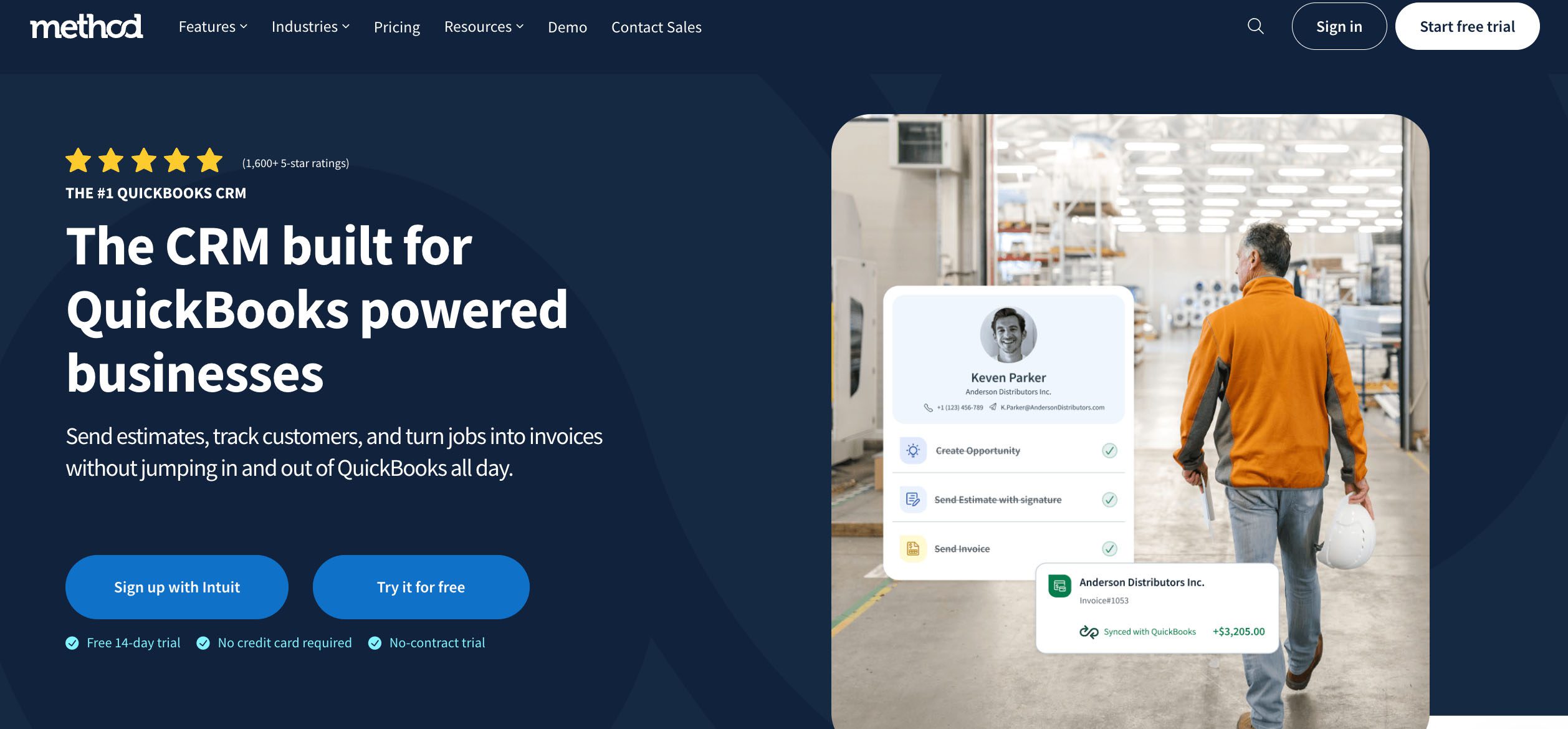
ActiveCampaign-alternative-Method-CRM


Method CRM is a fully customizable CRM built for small to mid-sized businesses that run on QuickBooks or Xero. With its two-way QuickBooks sync, workflow automation, and branded customer portals, Method keeps your customer and financial data in sync without the extra steps.

Method supports your marketing efforts by giving you accurate, up-to-date customer information. That way, your email lists, follow-ups, and campaign tracking stay organized and connected to real sales data.

Strengths:

  • Supports unlimited contacts on all plans.
  • Real-time sync with QuickBooks Online and Desktop keeps your accounting and CRM perfectly aligned.
  • Highly customizable, so every workflow, form, or app can match how your business already runs.
  • Includes a self-service customer portal, where clients can view invoices, approve estimates, or make payments.
  • Web-to-lead forms make it simple to get new prospects into your lead management software quickly.
  • Connects with marketing tools like Mailchimp and integrations for Gmail, Outlook, Zapier, and many more, making it easy to manage campaigns and run A/B tests from one place.

Potential limitations:.

  • Doesn’t include a full marketing suite, but you can easily integrate your favourite marketing tools.

Who it’s best for: Businesses that rely on QuickBooks and want a CRM flexible enough to handle both operations and customer communication.

Pricing:

Free trial (includes a free demo and customization support).

  • Contact Management: $27/user/month
  • CRM Pro: $45/user/month
  • CRM Enterprise: $73/user/month

2. HubSpot (Marketing Hub + CRM)

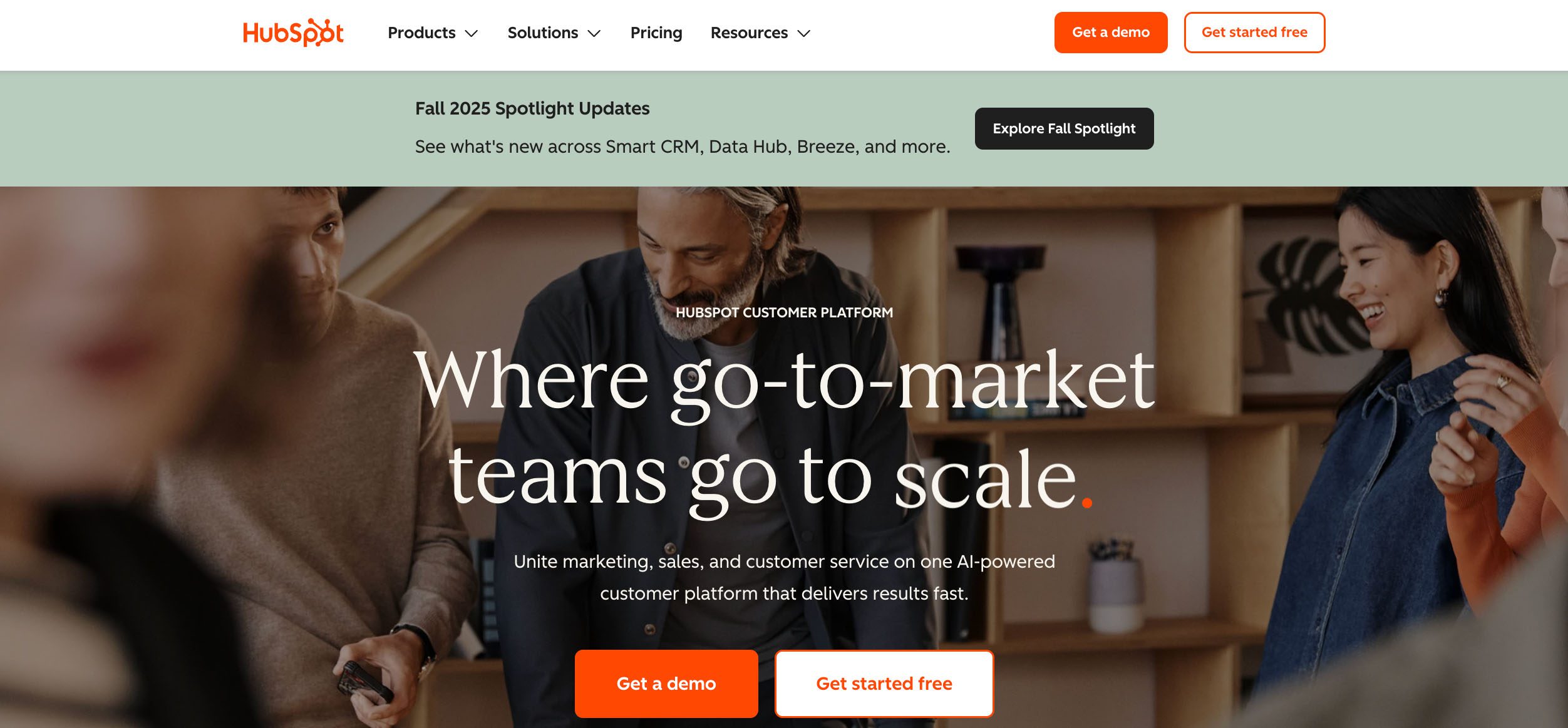
ActiveCampaign-alternative-HubSpot-Method-CRM


For beginners looking for effective CRM and email marketing tools, HubSpot may be the right fit for you. HubSpot gives you a free CRM that handles contacts, deals, tickets, and basic email marketing, which is more than enough for many small teams to get moving. From there, you can subscribe to its marketing hub, which comes with tools for automation, segmentation, landing pages, and analytics.

Strengths:

  • Connects within the HubSpot ecosystem, so you can build your operations stack on one platform.
  • The modular setup lets you start free and upgrade only the hubs (Marketing, Sales, or Service) that fit your needs.
  • Backed by HubSpot Academy and a large support community.

Potential limitations:

  • The free plan has limited customization and no advanced automation.
  • Pricing increases quickly as you add contacts or move to higher tiers.
  • Each hub costs separately, unless you pay for a custom bundle.

Who it’s best for: Businesses that want a free CRM to start, with room to expand into advanced features and email automation as they grow.

Pricing:

Free plan available; Marketing Hub Starter at $9/user/month (1,000 contacts); Professional at $800 for three users (2,000 contacts); Enterprise at $3,600 for five users (10,000 contacts); custom bundles also available.

See our HubSpot pricing guide for a full breakdown.

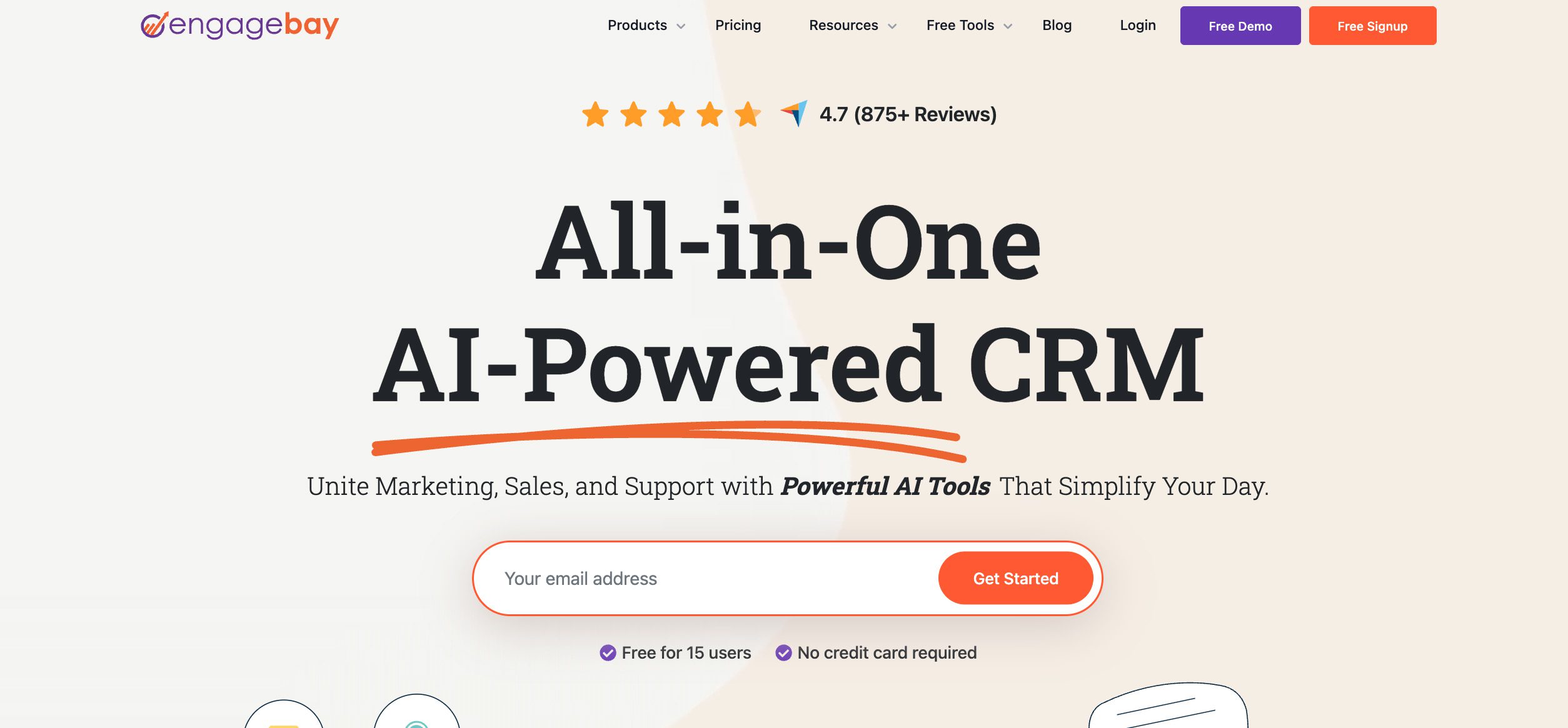
3. EngageBay

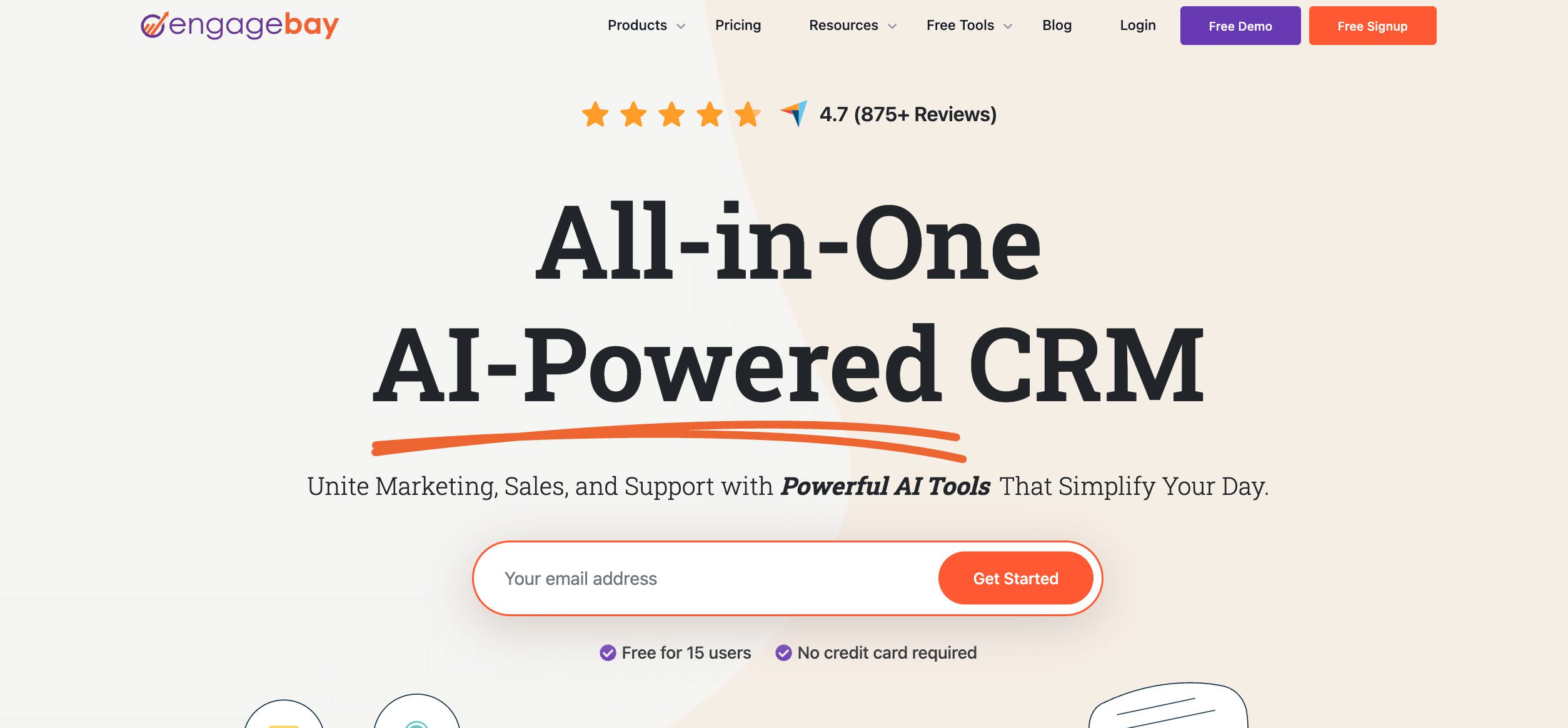
ActiveCampaign-alternative-EngageBay-Method-CRM


EngageBay is a budget-friendly marketing automation platform with integrated CRM tools. It combines email marketing, sales automation, and customer support tools on one dashboard. The built-in CRM records every customer touchpoint, from calls to emails and notes, so your sales and marketing teams stay aligned.

Strengths:

  • Automation and marketing functionality for email, SMS, and lead scoring at affordable prices.
  • Intuitive email editor and landing page builder make campaign setup easy for teams just starting out
  • Integrated help desk and live chat for customer retention and post-sale engagement without paying extra.

Potential limitations:

  • Limited third-party integrations compared to other platforms.
  • Advanced analytics and customization options could be deeper.
  • Support documentation and translations are still developing.

Who it’s best for: Budget-conscious businesses and startups that want a single and affordable comprehensive system for marketing, sales, and support.

Pricing: Free plan (up to 250 contacts); Basic at $12.74/user/month (500 contacts); Growth at $55.24/user/month (5,000 contacts); Pro at $101.99/user/month (50,000 contacts). Prices are for the biennial plan.

Read our article on CRM best practices for small businesses.

Email + Automation first tools

If you need a more focused solution that offers deliverability, campaign building, and smart automations without the extra CRM layer, these options are for you.

4. Brevo (formerly Sendinblue)

ActiveCampaign-alternative-Brevo-Method-CRM

Brevo is an email marketing platform for teams that want automation capabilities front and center. It handles newsletters, drip campaigns, transactional emails, and SMS, and it has light CRM tasks. You can set up automation templates with conditions and triggers for various use cases, schedule campaigns, and track engagement in one dashboard.

Strengths:

  • Generous free plan lets you store up to 100,000 contacts.
  • Includes SMS and transactional email tools at every tier so you can reach customers across channels.
  • Pricing plans are based on email sends, not contact count, which is useful if you keep a large list but send less frequently.

Potential limitations:

  • Free plan has daily send limits and skips features like A/B testing and dedicated IPs.
  • Pricing can climb fast once you need advanced features or higher send volumes.
  • Automation tools are good for most small teams, but lack the complexity that bigger businesses may want.

Who it’s best for: Businesses that want affordable email and automation tools with built-in SMS and transactional capabilities.

Pricing: Free plan available (300 emails/day, up to 100,000 contacts). Starter plan is $8.08/user/month (2,000 contacts) and Standard is $16.17 (unlimited contacts, up to 3 users can be added on). Professional starts at 150,000 monthly email sends for $449.08 (unlimited contacts, up to 10 users).

Check out the best tools for automated lead generation.

5. MailerLite

ActiveCampaign-alternative-MailerLite-Method-CRM


If you’re looking for an easy-to-use tool that lets you create, send, and automate email campaigns, MailerLite is a popular pick. It offers a drag-and-drop editor, customizable templates, landing pages, pop-ups, and audience segmentation. Automation is also a breeze to set up, and it’s made for teams that value ease of use over endless features.

Strengths:

  • Intuitive email editor with ready-made templates.
  • Paid plans include unlimited email sends.
  • Affordable for small teams and growing creators.

Potential limitations:

  • Automation is sufficient for basic workflows.
  • No built-in full CRM and lacks advanced email features.
  • Pricing can increase quickly as your list expands.

Who it’s best for: Small teams, freelancers, and creators who want a no-frills, entry-level email tool.

Pricing: Free plan available (500 subscribers); paid plans based on monthly subscriber volume. For 500 subscribers, Growing Business is at $9/month (3 users); Advanced at $18 (unlimited users). Enterprise plan available.

6. Mailchimp

ActiveCampaign-alternative-Mailchimp-Method-CRM


Mailchimp is one of the most popular email platforms, offering marketing features such as campaigns, landing pages, and audience segmentation. Its automation system supports multi-step customer journeys. There’s also a built-in CRM that lets you tag contacts and track audience data alongside campaign performance.

Strengths:

  • Connects with hundreds of apps like Shopify, WordPress, and Zapier.
  • Clean interface and ready-made templates make building emails quick and straightforward.
  • Advanced automation with branching logic, dynamic content, and customer journey mapping for higher-tier plans.

Potential limitations:

  • Lower-tier plans have fewer customization options.
  • Pricing rises sharply as your contact list grows.
  • Customer support is limited on lower plans (the free plan only has 30-day email support).

Who it’s best for: Businesses that want a well-known, trusted email marketing tool with room to expand as their list grows.

Pricing: Free trial available; paid plans based on monthly contact volume. For 500 subscribers, Essentials is at $13/month (three users); Standard is $20 (five users); Premium at $297.50 (unlimited users).

Connecting your platform to Zapier? Read our guide on the best Zapier automations to streamline your processes.

7. Klaviyo

ActiveCampaign-alternative-Klaviyo-Method-CRM


Many e-commerce businesses make Klaviyo their top choice for email and SMS marketing because it’s built around automation, behavioural data, and multi-channel messaging. It connects directly with popular ecommerce platforms like Shopify, WooCommerce, and BigCommerce, so every action a customer takes feeds directly into your campaigns.

Strengths:

  • Behavioural segmentation tied to purchase history, browsing activity, and predictive metrics like churn risk.
  • AI-powered tools and predictive analytics that suggest the right products or timing for campaigns.
  • Option to buy SMS credits even if you’re not on an email + SMS plan.

Potential limitations:

  • Costs can rise quickly as your contact list and add-on needs grow.
  • The learning curve can be steep for new users.
  • The free plan has limited support and keeps the Klaviyo branding.

Who it’s best for: E-commerce businesses that want tight integration between store behaviour and marketing, and are ready to invest in tools that scale with revenue.

Pricing: Free plan available (150 SMS texts and 500 emails); paid plans are based on monthly email and SMS send volume, as well as the number of active profiles. For 251–500 profiles, 5,000 emails and 150 mobile messaging credits/month, the Email + SMS plan is $20/month, and the standalone Email plan is $20/month (5,000 emails/month). 

8. Omnisend

ActiveCampaign-alternative-Omnisend-Method-CRM


Omnisend is an email and automation platform built for online stores that want powerful tools that integrate tightly with their go-to e-commerce platforms. It also supports both email and SMS, with revenue tracking, predictive analytics, and AI tools that help you send smarter messages and see which ones drive sales.

Strengths:

  • Built for e-commerce with prebuilt workflows for cart recovery, product recommendations, and post-purchase follow-ups.
  • Includes SMS and push notifications alongside email, so you can reach customers on multiple channels.
  • Free plan includes full access to Omnisend’s wide array of features.

Potential limitations:

  • The free plan caps email sends at 500 per month for 250 contacts.
  • Fewer CRM-style tools for managing leads and deals.
  • Pricing increases as your contact list grows.

Who it’s best for: Ecommerce businesses that want a tool that links store behaviour and marketing in one tool.

Pricing: Free plan available. Paid plans are based on monthly contact volume. For 0–250 contacts, Standard starts at $11.20/month (500 contacts and 3,000 emails/month) and Pro at $41.30 (2,500 contacts and unlimited emails). 

9. Drip

ActiveCampaign-alternative-Drip-Method-CRM


If your online store relies on email and automation to drive sales, Drip is a great choice as it’s built to handle those activities. It connects with ecommerce platforms, offers a visual workflow builder and dynamic segmentation, and supports multi-step campaigns that adapt as customers interact with your store.

Strengths:

  • Powerful automation and branching logic tuned for e-commerce flows.
  • Strong behavioural targeting that reacts to actions such as purchases or browsing history.
  • Unlimited email sends on all plans.

Potential limitations:

  • Lacks a dedicated landing page builder.
  • Pricing scales with your number of contacts.
  • The learning curve can be challenging when building complex workflows or diving into segmentation.

Who it’s best for: E-commerce teams that want data-driven automation tied closely to store activity.

Pricing: Free trial available; starts at $39/month for up to 2,500 contacts.

10. Constant Contact

ActiveCampaign-alternative-Constant-Contact-Method-CRM


Constant Contact is one of the longest-running email marketing tools around, known for its simple setup and built-in event management. It covers the basics well, with email campaigns, automation, contact lists, and templates. It’s ideal for users who want to send professional emails without spending too much time learning the software.

Strengths:

  • Easy to use, especially for beginners.
  • Includes event management tools like RSVP and ticketing.
  • Reliable deliverability and customer support.

Potential limitations:

  • Automation and segmentation features are too plain to do complex work.
  • Template design feels dated compared to newer platforms.
  • You’ll hit limits when you try to build multi-step conditional flows unless you pay for the highest-tier plan.

Who it’s best for: Small businesses, nonprofits, or event-focused teams that need simple email marketing and event tools without complex automation.

Pricing: Free trial available; paid plans based on number of contacts. For 0–500 contacts, Lite is $12/month (email sends: 10x your number of contacts), Standard is $35 for three users (email sends: 12x your number of contacts); Premium at $80 for unlimited users (email sends: 24x your number of contacts).

Customize workflows and watch your team thrive.

Feature and pricing comparison table ✍️

Let’s get a quick overview. Here’s an overview of ActiveCampaign vs other leading platforms.

PlatformStarting priceEstimated pricing at 5,000 contactsAutomation builder depthSegmentation/conditional logicEmail editor/templatesCRM/contact and deal trackingEcommerce integrationEase of use
ActiveCampaignFree trial available; starts at $15/mo$79/mo✅ ✅ ✅ ✅ ⚠️ Takes time to set up
Method CRMFree trial; paid from $27/moUnlimited contacts for all plans✅ ✅ ✅ ✅ ✅  ✅ 
HubSpotFree plan; paid from $20/mo$152/mo (custom bundle)✅ ✅ ✅ ✅ ✅ ✅ 
EngageBayFree plan; paid from $15/mo$55.24/mo✅ ✅ ✅ ✅ ⚠️ Via Zapier✅ 
Brevo (Sendinblue)Free plan; paid from $8.08/mo$26.08/mo (unlimited contacts)⚠️ Limited workflow builder✅ ✅ ⚠️ Contact database only✅ 
MailerLiteFree plan; paid from $9/mo$75/mo ⚠️ Simple autoresponders⚠️ Basic tagging and groups✅ ❌ No deal tracking or CRM⚠️ Via Shopify plugin ✅ 
MailchimpFree plan; paid from $13/mo$37.50/mo ⚠️ Basic automation (advanced in higher tiers)✅ ✅ ⚠️ Limited CRM fields✅ ✅ 
KlaviyoFree plan; paid from $20/mo$200/mo (Email + SMS plan)✅ ✅ ✅ ✅ ​​✅ ⚠️ Steep learning curve
OmnisendFree plan; paid from $11.20/mo$88/mo✅ ✅ ✅ ❌ No CRM✅ ✅ 
DripFree trial; paid from $39/mo $89/mo✅ ✅ ✅ ✅ ✅ ⚠️ Takes time to master
Constant ContactFree trial; paid from $12/mo $80/mo⚠️ Basic automation, few triggers⚠️ Limited to lists and tags✅ ❌ No CRM or deal tracking✅ ✅ 

Migration tips: Moving from ActiveCampaign to another platform 💡

Switching from ActiveCampaign to a new platform will take more than just exporting contacts. There’s a significant amount of data to move over, and it can feel like a lot to juggle at once.

To avoid losing data or hurting deliverability, plan your migration carefully with these migration tips in mind:

  • Export your lists, tags, segments, and automations: Start by exporting your contacts, tags, segments, and automation workflows. Most platforms let you import CSV files, but double-check that custom fields and engagement data (like open or click rates) carry over correctly.
  • Recreate your workflows: Before rebuilding automations, map out your triggers, conditions, and actions. Use this time to simplify your already outdated workflows or merge overlapping ones. 
  • Preserve email deliverability: To maintain your sender reputation, don’t switch all at once. Warm up your new domain by sending smaller batches before resuming with full campaigns.
  • Reconnect your integrations: Rebuild connections with ecommerce tools, forms, webinar software, or CRMs. Test each one to confirm that your data syncs correctly. 
  • Test a phased transition: Run both systems in parallel for a few campaigns. This helps confirm that your automations and emails behave as expected. 

Customize workflows and watch your team thrive.

How to select the right ActiveCampaign alternative 🎯

Switching platforms affects not only your email setup but your entire sales and marketing strategy. Before you commit to a new tool, be sure to evaluate what your team really needs and how each option fits your goals.

Here’s how to choose the ideal ActiveCampaign alternative for your business:

  • Self-assessment: Write down the features you can’t work without and the nice-to-haves. Focus on what drives your campaigns, so you don’t pay for extras you won’t use. Some platforms also have features you need by default, while others charge extra.
  • Use case mapping: Match the platform to your core activities. A beginner will want ease of use, while e-commerce teams need seamless store integration. If your sales team relies on CRM data, prioritize tools with contact and deal tracking.
  • Budget walk-through: Look at the current costs and what they’ll be as your list grows. Some tools scale by contacts or email volume, so plan for the future.
  • Trial with real data: Run a short campaign using your actual contacts. Compare automation flow, deliverability, and reporting to see which tool best fits your day-to-day work.
  • Consider support, onboarding, and ecosystem: Look at how easy it is to get help and connect other apps you rely on, like forms, accounting, or ecommerce platforms. A responsive support team and extensive integration network make a big difference in the long term.

Taking the extra effort up front pays off once you find a platform that supports your marketing, scales with your team, and makes daily tasks easier instead of adding more tools to manage.

Frequently asked questions

Does every alternative offer a free plan or trial?

Most do. Platforms like HubSpot, Brevo, and MailerLite include free plans. Meanwhile, others like Method CRM and Drip offer free trials to test out the best of their solutions before committing.

Will I lose historical data if I switch?

No, but you’ll need to plan carefully. You can export contacts, tags, and automations from ActiveCampaign, but engagement history (like past opens or clicks) may not transfer directly. Save key reports before migration so you have performance benchmarks on hand.

Which alternative is best for e-commerce stores?

Omnisend and Drip are top choices for e-commerce. They connect directly with platforms like Shopify, WooCommerce, and BigCommerce, giving you behavioural data, product recommendations, and revenue attribution. With this, you can then tailor your campaigns to individual shopping habits, recover abandoned carts, and track exactly which messages drive sales.

How soon can I expect ROI after switching?

If your migration is smooth and automations run efficiently, returns can show as early as within one or two campaign cycles. But aside from financial gains, you’ll see long-term benefits like having data that work better with your current system, better targeting, and detailed reporting that make your campaigns perform stronger over time.

Conclusion and next steps 👉

ActiveCampaign is great for advanced email marketing and automation, but it can start to feel limited or costly as your business grows. Teams may choose to switch for manageable pricing, more flexible workflows, or stronger CRM and e-commerce integrations.

Now that you know your options, here’s what to do next:

  • Select 2–3 platforms that match your goals and test them with real contacts.
  • Use free plans and trials to see how each tool handles your campaigns.
  • Create and follow your migration checklist to export lists, templates, and reports effortlessly.
  • Train your team early so the transition goes faster.

Switching takes effort, but if you’ve hit a ceiling with ActiveCampaign, the move is well worth it. The right platform saves time, reduces errors, and makes your marketing more focused.

For QuickBooks-based businesses, Method CRM is a standout. It connects sales, marketing, and accounting in real time and automates everyday tasks, which is ideal for teams that want their CRM and books working together.

Schedule a free demo to discover how Method CRM can support your business.

how-to-grow-a-landscaping-business-method-crm

How to grow a landscaping business: 12 steps

Learn how to grow a landscaping business with proven marketing strategies, pricing tactics, recurring contracts, and systems for scaling your lawn care services profitably.

How to grow a landscaping business: 12 steps Read More »

Are you running a landscaping business and are ready to scale? Perhaps business is steady, but you’re not looking for steady — it’s time to enter a chapter of growth. If this sounds like you, it’s time to reevaluate your business processes and find the right tools to ensure you are equipped for success. 🙌

One way to achieve this is by using proper landscaping business software. Busy landscaping businesses need tools that work on desktop and mobile, keep office and field teams in sync, and connect seamlessly with their accounting — tools like Method CRM for field services, an all-in-one cloud-based field service management solution. 💡

As your business thrives, you’ll tackle bigger projects, focus on growing revenue streams, and find ways to continuously attract and maintain customers. 

Here at Method CRM, we’ve been supporting QuickBooks-based businesses since 2010. Method is loved by field service businesses for its industry-specific customization services and its instant, two-way QuickBooks integration that keeps your back office and technicians in sync. In this guide, we’ll walk you through practical steps and tools to help you successfully grow your landscaping business. 🌳🍃

Sick of manual admin work? Save time on every job with Method.

Table of Contents

Challenges of landscaping business growth 🚩

Like any other business, a landscaping company comes with its own hurdles to overcome. And some can be unexpected. Small issues can turn into major setbacks if you’re not prepared.

Here are some landscaping business challenges to watch out for:

  • ❄️ Seasonality: What do landscapers do during winter? The off-season slows yard work, so you can’t rely only on mowing and trimming. You can choose to branch into related services like gutter cleaning or snow removal to have steady work throughout the year.
  • 📉 Fluctuating demand: Weather, local trends, and economic shifts can create unpredictable spikes or drops in jobs. Flexible schedules for your team and targeted marketing strategies for specific audiences balance the highs and lows.
  • 🏆 High competition: Competing solely on price rarely works nowadays. You should also focus on providing a high-quality customer experience, with top-notch service and transparent client communication.
  • 🪏 Labour challenges: Specialized professionals are hard to find, and a high turnover can disrupt operations. Prepare to invest in training programs, provide fair pay, and set manageable workflows to keep crews engaged and productive.
  • 😵‍💫 Disorganized operations: Growth without a clear system leads to confusion. Missed calls, double-booked jobs, and lost leads are common. A dedicated landscaping CRM and business software keep your data and teams coordinated.
  • 🤯 Trying to offer “everything”: Offering all kinds of services to every customer spreads your resources too thin. Focus on your target audience and services that match your strengths, whether it’s hardscaping, lawn care, or seasonal projects.

Another consideration is how you prefer to get work. Do you aim to land one-off jobs that keep cash coming in fast, or build recurring landscaping services that bring steady income and predictable schedules?

  • 👥 New customers: Bringing in new clients is exciting but requires more effort in marketing, estimates, and building first impressions. With every client, it’s a first-impression opportunity each time. You can use a landscaping estimate template for accurate expectations and to keep clients happy from the start, and drive repeat business.
  • 🌿 Recurring landscaping services: While contracts for weekly or monthly maintenance mean less flexibility (as you’re tied to a set schedule), this creates steady revenue streams. Another great thing is that these agreements simplify your scheduling and improve client retention.

Check out our guides on commercial mowing contracts and commercial lawn care contracts to see how these approaches work in practice.

Sick of manual admin work? Save time on every job with Method.

Phase 1: Build a solid foundation 🔨

Every successful business has a base on which to build. Start with a landscaping business plan that outlines your services, pricing, and service area so you know exactly where you’re heading.

You can also look into landscaping grants, which are funding programs that help cover startup or expansion costs. These can take pressure off tighter budgets and give your small business a more confident launch.

The steps below lay the groundwork for your business’s foundation.

1. Define your niche and flagship services 🌱

It’s hard to be an all-in-one company, especially if you’re just starting out. You’ll first need to find your niche and flagship services (high-margin jobs you want to be known for).

As a general rule, pick one or two core services. That means you can do lawn maintenance, hardscaping, snow removal during the off-season, or a mix, but make sure you can deliver without overextending your resources.

That way, when someone’s looking for a crew that handles lawn maintenance, they’ll think of you, and they’ll share your phone number through word-of-mouth.

2. Create a profit‑focused pricing strategy 💰

Having a profit-focused pricing strategy ensures that you know exactly how much to charge for your landscaping services. That way, you avoid the guesswork and avoid undercutting your own rates. Factor in labor, equipment, materials, and overhead, then add your margin.

For example, if a project costs $300 in labor and $150 in materials, adding a 40% margin puts your final price around $630. To avoid low-value jobs, set minimum project sizes so your time is well spent.

You can also use tiered pricing, like a basic package (mowing + trimming), a premium package (add fertilizing or hedge work), and upsells (like seasonal cleanups). Offering multiple packages gives clients options to choose from while also increasing your average revenue.

For recurring contracts, consider pricing them slightly lower per visit. The upside is that this guarantees consistent volume. Price one-off projects higher to account for setup and extra labour, since these take more time and resources than routine work.

Read our tree trimming cost estimate guide for accurate pricing.

3. Set up systems and tools 🛠️

Running a business manually can quickly become exhausting. The right business apps and platforms streamline your operations and data, saving you from having to pick up the slack.

Use a CRM platform to track leads and follow-ups. Then, use automation tools to send quote reminders, seasonal offers, and upsell messages by SMS or email. With these tools, there’s no need to send and keep up with clients one by one.

For instance, using tree care service software, you could schedule crews for multiple yards in one neighbourhood, monitor equipment use, and automatically ping clients for reviews after jobs. It’s a level of functionality that opens you up to bigger growth opportunities.

Read our guide on the best lawn care software.

Phase 2: Marketing and lead generation for landscapers 🎯

Once your foundation is set, the next step is getting people to notice you. Growing your business requires a marketing plan that covers both traditional and digital marketing.

Landscape marketing is generally quite hands-on, as you’ll need to personally reach out to clients and build trust. It’s especially effective since landscapers serve clients within a set service area.

Read more about effective marketing ideas to grow the presence of your landscaping company.

4. Local SEO and website optimization 👨🏻‍💻

A well-designed landscaping website works like a digital storefront, serving people who are more likely to search before they call. You also need to optimize your site for search engines using search engine optimization (SEO) tactics so you show up when people look for landscaping services in the area.

Consider these tips for SEO success:

  • ⌨️ Target local keywords: To attract nearby traffic, use terms like “landscaping services [city].”
  • 👨‍💻 Blog for authority: Write seasonal guides and how-to posts to pull in potential customers searching for answers.
  • 🌐 Polish your website: A mobile-friendly design with fast load times and clear calls to action converts clicks into calls.
  • 🖥️ Google Business Profile and online listings/directories: Keep your account details, including your Name, Address, and Phone number (NAP), consistent across listings to maintain accuracy across the board.

5. Social media and visual content 📲

Think about the last time a post stopped you from scrolling and encouraged you to check out what’s being offered. Your business has the potential to do that on social media. With landscape work, visuals are often more effective. And when done right, much of your social media marketing can be done at little to no cost.

Here are a few tips to make an impact on social media:

  • 🤳 Pick your social media platforms: Instagram, Facebook, and TikTok are where most homeowners browse for inspiration, but also choose platforms that fit the type of content you plan to create.
  • 📸 Show before/after photos: Show, don’t tell. Highlight your high-quality landscaping work through visuals.
  • ▶️ Post short videos: Time-lapses of interesting landscaping jobs and short videos explaining useful tips grab viewers’ attention.
  • 🗣 Engage with your online audience: Polls, Q&As, and stories make you more approachable and help you learn your target audience better.

6. Paid advertising and promotions 📣

One of the most common advertising strategies is using paid ads and promos. Unlike organic reach, which can be unpredictable, a paid ad puts your name in front of people at the right time. Combine this with promotions to keep you competitive and visible during peak seasons.

Here are some paid ad and promo ideas:

  • 💻 Google Ads/ Pay-Per-Click (PPC): Geo-target your service area so you’re not wasting clicks.
  • 📱 Facebook/Instagram ads: Run campaigns tied to nearby ZIP codes.
  • 🌸 Seasonal promotions: Push for limited-time spring cleanups, preparation for fall, or winterization to keep crews busy year-round.

Tip:  Budget a safe range of around 5–10% of your revenue for ads. For example, if your landscaping business earns $200k a year, $10–20k can support a consistent ad campaign.

7. Referral and review programs

Satisfied clients are your best promoters, and word-of-mouth marketing can spread fast. You can set up a referral program that rewards your loyal customers for sending new clients your way. And as a bonus, asking for reviews builds credibility online.

The more positive feedback you collect, the more trust you earn with potential customers who haven’t met you yet.

Here are some tips when getting referrals and reviews:

  • 🎁 Offer incentives: Happy customers can refer new clients, and you can maintain that momentum by offering discounts, service upgrades, or gift cards as rewards.
  • 🌟 Request reviews: Make reviewing simple and seamless with QR codes or links for Google/Yelp.
  • 💬 Showcase testimonials: Share client feedback front and center as a way to increase your social proof.

8. Partnerships and local networking 🤝

A landscaping company thrives on having strong ties to the community. Partnerships expand your reach, while networking roots your name in the local industry.

These are great ways to network locally:

  • 👤👤👤 Take part in collaborations: Connect with realtors, garden centers, builders, or other landscapers for mutual referrals. For example, a realtor might call you to spruce up a property before listing, while you can recommend that same realtor to homeowners looking to sell.
  • 🙋🏻‍♂️ Be present: Sponsor or attend community shows, expos, or seasonal fairs.
  • 📇 Use print handouts: Some potential clients aren’t active online. Target neighbourhoods with engaging flyers and door hangers to stay top-of-mind.

Sick of manual admin work? Save time on every job with Method.

Phase 3: Scaling operations and diversification 📈

When the jobs start rolling in, the focus shifts to managing growth. You’ll need to build on the momentum and prepare for scalability through proper business management. This involves organizing your crew, keeping billing consistent, considering possible expansions, and, of course, having a mindset for continuous improvement.

Here’s how you can give structure to your growing business.

9. Hiring and training crew 👨‍🏫

If you’re running your landscaping business on your own, you’ll eventually hit a wall. At that point, you’ll need to be open to hiring employees.

Once you’ve hired, train your team on standard operating procedures (SOPs) so every job stays consistent. SOPs cover client communication, equipment care, safety, and service standards. Then, as you grow, add supervisors and team leaders to oversee your crews.

Quality control systems, like post-job checklists, maintain consistency across multiple teams. A reliable team creates a business that can scale.

10. Adding new revenue streams 💵

Sticking to just landscaping can limit your growth, especially when seasons change.

To keep your business revenue steady all year, explore new revenue streams like:

  • Hardscaping: Add services like patios, walkways, or retaining walls. These jobs typically cost more than routine landscaping and draw in clients who want complete outdoor space maintenance.
  • 👆 Upselling services: Upselling means offering extras on top of your core service(s). For landscaping, you can consider mulching, irrigation, planting, or outdoor lighting. With minimal extra effort, each job gets a higher value.
  • 🍂 Seasonal maintenance plans: Offer plans for leaf cleanup, fertilization, or snow removal. These packages create predictable cash flow during slower months and keep you connected to clients in the slower season.

11. Geographic expansion and franchising 🌎

After you’ve built a stable operation, consider whether expanding to new markets makes sense. Test a new area first (maybe a nearby town or suburb) with a single crew or through limited service.

While expansion is a necessary next step towards growth, you should pay careful attention to logistics like travel time, fuel costs, and the extra trucks or storage you’ll require.

You can also consider licensing or a franchising model, where others run a branch under your brand. Franchising works best once your systems, branding, and SOPs are tight, so others can reproduce your business model successfully.

Expansion is ambitious, but with a strategic plan in place, it can quickly increase your reach and market presence.

12. Continuous improvement and metrics 📊

Staying competitive means tracking data and making adjustments. A smart landscaping company constantly reviews data to see what’s actually working.

Track common KPIs (key performance indicators) like:

  • ⬆️ Lead volume: How many people show interest?
  • 💯 Conversion rate: How many leads become paying clients?
  • 📈 Job profitability: How much profit is left after costs per job?
  • Customer churn: How many clients did you lose over a certain time?

Then, pair the numbers with real-world insights. Run regular process reviews and collect client feedback to catch problems early.

Double down on what works, forget about what doesn’t, and keep your business sharp for long-term growth.

Sick of manual admin work? Save time on every job with Method.

Off‑season strategies to maintain cash flow ✅

The off-season is when lawns stop growing and outdoor projects slow down. Without a plan, your revenue can dip while expenses keep coming. The good news is you can prepare for it.

Landscaping businesses that treat the off-season as part of the cycle rather than a dead end tend to succeed.

Take note of these strategies to keep revenue steady in the off-season:

  • 🧊 Snow removal and ice control: If your region gets winter weather, offer plowing, shovelling, or de-icing services.
  • Design and planning services: Use the winter months to help clients map out spring projects. Landscape design consultations can lock in future work before the busy season.
  • Winter cleanup contracts: Leaves, branches, and storm damage don’t disappear on their own. Cleanup services are in demand year-round.
  • 💰 Commercial cross-selling: Businesses often need seasonal contracts for snow or exterior upkeep. Target commercial clients to balance out the residential slowdown.

Tip: Use the quieter months to train your crew, plan marketing campaigns, and service equipment so you’re ready to hit the ground running in spring.

Summary and next steps 📝

Building a landscaping business that lasts means following a clear growth path:

  • ✏️ Foundation: Define your niche, pricing, and systems.
  • 🤩 Marketing: Use your website, SEO, social media, and referrals.
  • 📶 Scaling: Hire a reliable team, expand services, and track performance.
  • 🥶 Off-season: Keep cash flow steady by creating revenue streams that carry you through the year.

Then, turn these steps into action with a practical checklist or roadmap worksheet, so you can check off your wins as you grow.

Running a business becomes more efficient when everything’s connected. A CRM system that ties together field crews, the office, and accounting keeps your business’s growth on track. That’s exactly what Method CRM for field services delivers.

Read how Method helped a local landscaping company bounce back and boost sales after a recession.

From job scheduling and dispatching to invoicing and route optimization, Method handles your day-to-day processes while instantly syncing with QuickBooks. You can generate estimates on the spot, track job costs, dispatch crews with routing, and convert work orders into invoices without having to ever retype data.

Use the data and workflow tools Method offers to gain visibility into every part of your company. This way, you’ll always know what’s working, what’s lagging, and where to push next.

Try Method for free — no credit card required. 🙌

Frequently asked questions

How do I differentiate my landscaping business from competitors?

Instead of trying to do everything, choose one or two services you can deliver better than anyone else. Build your name around reliability and customer experience. Even simple details like branded trucks, clean uniforms, and fast estimates can also set you apart and have people remember you.

How can I effectively market my landscaping business?

Start by reaching out in your local community. Make sure you have a professional landscaping website, a complete Google Business Profile, and active social media accounts so people can easily reach you. Encourage referrals and keep your branding consistent. Use local SEO so your business shows up when people search for nearby landscaping services.


If you have the extra budget, post targeted ads during the peak season to pull in more leads.

What are the most profitable services in landscaping?

The most profit comes from services with recurring or high-ticket value. Lawn maintenance contracts, for instance, bring predictable revenue. Meanwhile, hardscaping projects like patios or retaining walls offer big payouts. Seasonal services such as snow removal or fall cleanups can keep cash flowing year-round.


Your most profitable service combination depends on your service area and the type of clients you target, whether residential or commercial.

Thryv-alternative-Method-CRM

9 Thryv alternative platforms for small businesses (2026)

Discover the best Thryv alternative for your business. Compare CRM, automation, email marketing, pricing, onboarding, and more in this comprehensive guide.

9 Thryv alternative platforms for small businesses (2026) Read More »

If you’ve ever tried running your business with a mix of apps and tools, you know how messy things can get. Platforms like Thryv became popular by promising to bring everything together, from customer communication and scheduling to invoicing and marketing, all in one place. 👩🏻‍💻📓✍🏻💡

But as your business grows, those all-in-one systems can start to show their limits. Pricing becomes harder to justify, some tools feel restrictive, and automation doesn’t always work the way you need it to.🙅🏻⛔

Many small businesses eventually start exploring Thryv alternatives that offer more flexibility, transparent pricing, and a smoother CRM experience tailored to their goals. 😎🤙🏻

In this guide, we’ll look at some of the top alternatives to Thryv in 2026, compare features and pricing, and help you choose a solution that fits your unique business needs. 🙌

Here at Method CRM, we’ve been supporting QuickBooks-based businesses since 2010. Method is trusted by small businesses for its two-way QuickBooks sync, customization services, and end-to-end workflow automation, which help teams stay organized without adding complexity. 🔄🎨🤩

By the end, you’ll have a clear picture of what to look for in a CRM or business management platform and why Method could be the right fit for your growing team. 💯🚀🎯

Can’t find the CRM features you need? Let Method build them for you.

Table of Contents

Why businesses look beyond Thryv 👀

Thryv offers a wide range of tools for marketing, listings, appointments, messaging, and CRM features, making it an appealing all-in-one solution for small businesses. But as teams grow, some business owners may start to notice limitations.

Pricing can become a concern, as Thryv’s costs can rise quickly with extra users or add-ons. Flexibility can be another pain point. While Thryv offers many features, some users find its automation, CRM workflows, and reporting lack depth. Others mention that managing everything through one dashboard can feel cluttered rather than streamlined.

These challenges lead many small businesses to explore Thryv alternatives that offer clearer pricing, easier onboarding, and customizable automation designed to fit their specific business needs.

thryv-alternative

Key criteria for evaluating a Thryv alternative 🔎

When comparing Thryv alternatives, focus on how well each platform aligns with your business needs. Many claim to do it all, but small businesses benefit most from tools that combine automation, ease of use, and transparent pricing.

Automation and workflow 🔀

Look for strong automation features that reduce manual work. The right CRM should streamline workflows like follow-up emails, notifications, and customer reminders, helping you stay organized and save time.

CRM functionality 💻

A good CRM keeps customer data, sales activity, and communication history in one place. Check how each system manages your sales pipeline and whether it gives real-time visibility into your customer relationships.

Email marketing and communication tools 📣

Choose a platform that supports email marketing campaigns, SMS, and chat. Built-in templates and marketing automation tools make it easier to engage customers and improve response times.

Social media and online presence 📱

Thryv alternatives often include social media management and reputation tools to help you post consistently, manage reviews, and strengthen your online presence and SEO.

Dashboard and reporting 📝

Clear dashboards and reports help you track performance metrics without extra effort. Look for a CRM with customizable dashboards that simplify data analysis and decision-making.

Onboarding and learning curve 🧠

Software should be easy to adopt. A user-friendly interface and guided onboarding can shorten the learning curve and ensure your team sees value quickly.

Pricing and add-ons 💰

Transparent pricing is key. Review how each platform handles user limits, add-ons, and payment processing fees. The best systems provide flexible plans that scale with your business.

Integrations and ecosystem 🔗

Your CRM should integrate smoothly with tools you already use, like QuickBooks, Mailchimp, and Zapier. Strong integrations keep workflows connected and data accurate across platforms.

Ultimately, the best Thryv alternative balances automation, CRM functionality, and pricing to match your growth plans and day-to-day workflow.

Can’t find the CRM features you need? Let Method build them for you.

Top Thryv alternatives ⚙️

There’s no shortage of Thryv alternatives for small businesses. Each platform offers a different balance of CRM functionality, automation, marketing tools, and pricing. The right choice depends on your goals, team size, and how hands-on you want to be.

Method CRM

thryv-alternative-method-crm


Method CRM is purpose-built for small and mid-sized businesses that use QuickBooks. It combines automation, workflow management, and CRM tools in a simple, customizable platform that keeps everything connected. 

Highlights: Real-time two-way QuickBooks sync, custom workflows, customer communication tools, payment processing, and integrations with Gmail, Outlook, and Mailchimp. Method also offers specific features for field service businesses. 

Pricing: From $27 USD per user monthly, with modular packs so you only pay for what you need. Method CRM for field services starts at $15 per field crew technician per month. 

Best for: Small businesses that want deep QuickBooks integration, strong automation, and clear pricing without unnecessary add-ons.

HubSpot CRM

thryv-alternative-buspot-method-crm


HubSpot CRM is one of the best-known customer relationship management platforms with a strong free plan for startups and growing businesses.

Highlights: Email marketing, deal tracking, built-in marketing automation (in paid plans), and integrations with tools like Zapier and Slack.

Pricing: Free plan available. Starts at $9/mo/seat. Read more about Hubspot pricing plans here. 

Best for: Businesses focused on marketing automation and scalability, though costs can climb quickly as features expand.

Zoho CRM

thryv-alternative-zoho-method-crm


Zoho CRM is a flexible, AI-powered platform that suits businesses that are ready to grow.

Highlights: Automation features, AI assistant Zia, analytics dashboards, workflow tools, and connections to Zoho’s wider business management suite.

Pricing: Starts at $14/user/month; free plan available for 3 users. Learn more about what you get with Zoho’s free version

Best for: Small businesses that want robust CRM functionality and advanced automation at an affordable price.

Bitrix24

thryv-alternative-bitrix24-method-crm


Bitrix24 is an all-in-one business management and communication tool that blends CRM, project management, and collaboration.

Highlights: Task management, video calls, social media management, and customer support tools.

Pricing: Free plan available; paid plans start at $99 USD monthly.

Best for: Teams that need CRM and collaboration tools in one platform. The interface can feel busy, but it’s great for hybrid or remote setups.

Not sold on this option? Check out these Bitrix24 alternatives.

Pipedrive

thryv-alternative-pipedrive-method-crm


Pipedrive is a simple, visual CRM designed around the sales pipeline.

Highlights: Drag-and-drop sales tracking, workflow automation, real-time dashboards, and integrations with marketing tools.

Pricing: Starts at $14/user/month; free trial available. Learn everything you need to know about Pipedrive pricing

Best for: Sales-focused small businesses that value simplicity and automation without the clutter of broader business management software.

EngageBay

thryv-alternative-engagebay-method-crm


EngageBay combines CRM and marketing automation in one affordable platform for small business owners.

Highlights: Email marketing campaigns, templates, lead management, automation workflows, and customer support tools.

Pricing: Free plan available; paid tiers start at $11.04 USD monthly.

Best for: Budget-conscious teams that want an all-in-one marketing and CRM platform.

Housecall Pro

thryv-alterntive-housecall-pro-method-crm


Housecall Pro is built for field and service-based businesses that need more than just CRM functionality.

Highlights: Job scheduling, mobile apps, online payments, customer communication, and notifications.

Pricing: Free trial available. Plans start at $59 USD monthly.

Best for: Trades and service businesses that want to streamline scheduling, invoicing, and customer data management.

Unsure about Housecall Pro? Check out these alternative options

17hats

thryv-alternative-17hats-method-crm


17hats is designed for freelancers and solo business owners who need simple business management tools in one place.

Highlights: Invoicing, contracts, payment processing, email automation, and workflow templates.

Pricing: Free trial for 7 days with plans starting at around $60 USD per month.

Best for: Freelancers and creative professionals who want to streamline admin work and customer communication.

SuiteCRM (open-source)

thryv-alternative-suite-crm-method-crm


SuiteCRM is a self-hosted, open-source CRM that offers full control over your setup and customer data.

Highlights: Sales management, marketing automation, and customer support tools.

Pricing: Free and open-source. Hosted plans start at $175.20/month (£130).

Best for: Tech-savvy teams that want a customizable CRM without licensing fees.

Can’t find the CRM features you need? Let Method build them for you.

Pricing comparison and additional costs ⚖️

Cost is one of the biggest reasons business owners start looking for a Thryv alternative. Thryv’s pricing can be confusing, especially once you factor in add-ons or higher-tier packages. To make your search easier, here’s a quick look at how leading platforms compare on cost and value.

PlatformStarting price (USD/month)Best for
Method CRMFrom $27 per user per monthService-based small businesses using QuickBooks
HubSpot CRMFree basic plan; paid plans from $9 per userBusinesses focused on marketing automation
Zoho CRMFrom $14 per user per monthSmall to mid-sized teams needing advanced functionality
Bitrix24Free tier; paid from $99 per userTeams that need CRM, projects, and collaboration in one place
PipedriveFrom $14 per userSales-driven small businesses
EngageBayFree tier; paid from $11.04 per userBudget-conscious teams needing marketing automation
Housecall ProFrom $59 per userField service and trade businesses
17hatsFrom $60 per userFreelancers and solo business owners
SuiteCRMFree (self-hosted)Tech-savvy teams comfortable with setup and maintenance


Understanding hidden costs
💸

When comparing Thryv alternatives, always look past the base pricing. Many CRMs add extra costs that aren’t obvious at first.

  • Add-ons and upgrades: Advanced automation, email marketing, or reputation management tools often come at an extra charge.
  • User limits: Some CRMs cap the number of users or customer data records before forcing an upgrade.
  • Onboarding and setup: Platforms with a steep learning curve may charge for training or professional implementation.
  • Support and migration: The base plan doesn’t always include personalized customer support or help moving your data.
  • Payment processing fees: If your CRM handles online payments, transaction costs can add up quickly.

Cost versus value 💎

Free or low-cost CRMs can seem appealing, but they often limit automation, reporting, or customer support. Investing in a secure, scalable system that fits your workflow will save time and reduce frustration in the long run.

Method CRM keeps pricing straightforward. You only pay for the features you use, helping small businesses avoid unnecessary add-ons while benefiting from automation and real-time QuickBooks sync.

Can’t find the CRM features you need? Let Method build them for you.

Migration and onboarding considerations 🌐

Switching from Thryv to a new CRM can feel like a big move, but with the right plan, it doesn’t have to disrupt your business.

Most modern CRMs make it easy to import customer data, contacts, and communication history using built-in migration tools or CSV uploads. Some, like Method CRM, even offer hands-on onboarding support to guide you through setup and data transfer.

The key is to plan your transition carefully. Try running both systems in unison for a short time to ensure nothing gets lost and your team can adjust to the new workflow. Keep training simple, focus on the essentials first, and schedule downtime for migration outside of peak hours.

Once your data is imported and your team is confident using the new system, you can switch over fully with minimal downtime and fewer surprises.

How to choose the best alternative for your business 🤔

The best Thryv alternative depends on your goals, team size, and daily workflow. Start by identifying what matters most among automation, CRM functionality, pricing, and ease of use.

Create a simple checklist of must-have features and compare how each platform delivers on those priorities. For example, if your business runs on QuickBooks, a CRM like Method that syncs in real time will save hours of manual work.

It also helps to think ahead. Choose a platform that fits your business today but can scale as you grow. Before committing, test the software with a free trial or demo to see how it handles your data and day-to-day tasks.

The right CRM should feel intuitive, reduce admin time, and give you confidence that your customer data is secure and well organized.

Can’t find the CRM features you need? Let Method build them for you.

Frequently asked questions about switching from Thryv

Will I lose data or features when switching?

Most Thryv alternatives include import tools to bring over customer data, contacts, and notes. Some minor formatting or tag details may need manual adjustment, but the core information usually transfers smoothly.

Can I revert to Thryv if the new system doesn’t work out?

Yes. Keep your Thryv account active until you’re fully comfortable with the new CRM. Running both simultaneously for a short time helps prevent data loss and ensures an easy fallback option.

Which alternative is the most affordable?

For smaller teams, EngageBay and Bitrix24 offer generous free or low-cost plans. Method CRM provides transparent, pay-for-what-you-need pricing that’s ideal for small businesses wanting flexibility without extra add-ons.

How long does migration usually take?

It depends on your data size and setup complexity. Simple migrations can take a few hours, while more customized transitions might need a few days. Method’s onboarding team can help you plan this process to minimize downtime.

Closing thoughts and next steps 💬

Finding the right Thryv alternative comes down to understanding your priorities. Maybe you need more automation, a simpler CRM, or pricing that scales with your business instead of against it. Whatever your goals, the best choice will be the one that saves time, supports your growth, and keeps customer data organized and secure. 🔐

Take time to compare a few options and shortlist two or three that best fit your needs. Use free trials, explore the dashboards, and see which platform feels most natural for your team.

If you’re looking for a flexible, QuickBooks-friendly CRM that’s built with small businesses in mind, try Method CRM. You’ll get real-time data sync, customizable workflows, and automation that helps you run your business more smoothly without the complexity of an all-in-one system. 🎯

Ready to take a closer look? Start your free trial of Method CRM and see how it can simplify your day-to-day operations while helping your business grow. 🌱

how-much-does-salesforce-cost-method-crm

How much does Salesforce cost? (2026 pricing breakdown)

Avoid pricing surprises — learn the true salesforce cost: license fees, add‑ons, support, AI, and hidden charges in this comprehensive guide.

How much does Salesforce cost? (2026 pricing breakdown) Read More »

Salesforce is one of the most powerful CRM platforms on the market, trusted by large enterprises for its deep functionality and flexibility. But for many small businesses, understanding its pricing structure and deciding whether the investment makes sense can throw them for a loop.

In this guide, we’ll break down current Salesforce pricing, including what’s included in each edition, the most common add-ons, and the real-world costs you can expect based on your business size. You’ll also see how implementation, support, and customization can influence the total cost of Salesforce ownership.

Here at Method CRM, we’ve been supporting QuickBooks-based businesses since 2010. Method is loved by small and mid-sized teams for its real-time two-way QuickBooks sync, no-code customization, and end-to-end workflow automation. If you’re comparing CRM pricing or looking for a simpler, more flexible alternative to Salesforce, Method may be the better fit for your growing business.🌱

Let’s take a closer look at what really goes into the cost of Salesforce and how to decide whether it’s the right CRM for your business needs. 📈📊

Still entering sales leads manually? Let’s automate that.

Table of Contents

Salesforce pricing overview 💰

Salesforce remains one of the most widely used CRM systems, offering an extensive range of products designed to support sales, marketing, service, and e-commerce operations. In 2025, Salesforce pricing reflects this depth of functionality, with tiered editions and a growing list of add-ons that scale with each business’s needs.

how-much-does-salesforce-cost

Salesforce pricing update 🔔

As of August 2025, Salesforce has introduced a 6% increase across most of its pricing plans across its Enterprise and Unlimited editions. This change affects Enterprise and Unlimited Editions across Sales Cloud, Service Cloud, Field Service, and select Industry Clouds.

It’s important to note that there is no single Salesforce cost that applies to every customer. Each organization’s final bill depends on several factors:

  • The chosen Salesforce edition (Starter, Pro, Enterprise, Unlimited, or Agentforce)
  • The number of user licenses required
  • Any add-ons, apps, or integrations purchased through AppExchange
  • Implementation, onboarding, and ongoing support costs
  • Additional storage, API usage, or sandbox environments

Salesforce uses a per-user, per-month pricing model, with most contracts billed annually in USD. Depending on the number of licenses and services purchased, some organizations may also be eligible for volume discounts or multi-year pricing agreements.

For small businesses just starting out, the Starter Suite offers essential CRM, email marketing, and workflow automation tools at an accessible entry point. Mid-sized and enterprise organizations typically invest in higher editions like Pro Suite or Enterprise, which include advanced customization, AI-powered tools, and broader automation capabilities.

While Salesforce’s pricing can seem complex, the tiered structure allows businesses to scale their CRM investment as their operations grow from basic contact management to enterprise-grade customer relationship management and marketing automation.

Salesforce CRM base cost by edition 🏷

Salesforce offers several pricing tiers to accommodate different business sizes and needs. Each edition builds on the previous one, adding more functionality and customization options. Pricing is based on a per-user, per-month model, billed annually in USD.

Below is an overview of the current Salesforce pricing structure as of 2025.

Starter Suite

Cost: $25 USD per user per month

Includes: Basic CRM functionality for small businesses, including contact and lead management, email marketing tools, and workflow automation. The Starter Suite also provides access to dashboards and reports to help teams track sales activity and customer data in real time.

A laptop displaying Salesforce Essentials contact screen showing customer information

Pro Suite

Cost: $100 USD per user per month

Includes: Expanded CRM and automation features such as forecasting, advanced reporting, and marketing campaign management. The Pro Suite is designed for growing teams that need deeper functionality across sales and service operations.

Enterprise Edition

Cost: $175 USD per user per month

Includes: Full customization options, advanced API access, and integration support. Enterprise Edition allows for complex automation workflows, role-based permissions, and scalable business management tools suited for mid-size and enterprise organizations.

Unlimited Edition

Cost: $350 USD per user per month

Includes: Unlimited customization, advanced analytics, priority support, and enhanced AI capabilities. This edition provides the flexibility to tailor every aspect of Salesforce to unique business processes while maintaining enterprise-grade performance.

Agentforce 1 Sales Plan

Cost: $550 USD per user per month

Includes: Salesforce’s new AI-powered sales plan that integrates generative AI and Agentforce capabilities to streamline CRM processes. This edition offers deep automation, predictive insights through Einstein AI, and advanced tools for lead routing and deal management.

While Salesforce lists monthly prices publicly, most contracts are billed annually, and discounts may apply to multi-year or high-volume agreements. Businesses should confirm whether their pricing includes any required add-ons such as support, API calls, or data storage, as these can influence the total cost significantly.

Still entering sales leads manually? Let’s automate that.

Add-ons, apps, and extensions that influence cost ➕

Salesforce pricing extends far beyond license fees. Most businesses add tools and integrations to support their sales process, automation, and communication needs. These extras expand functionality but can greatly increase total CRM cost.

Agentforce and AI add-ons

Salesforce’s new Agentforce suite brings AI-powered automation for lead scoring, customer communication, and forecasting. It builds on the earlier Einstein modules and is now available across several editions. Costs vary based on the number of users, AI capacity, and automation depth.

Einstein and legacy AI

Many companies still use Einstein for analytics, predictive insights, and workflow optimization. AI tools like Einstein help sales teams and marketers make smarter, data-driven decisions to improve efficiency and ROI.

Third-party apps from AppExchange

The AppExchange marketplace hosts thousands of Salesforce-compatible apps covering project management, email marketing, social media management, and e-commerce. Some are free, but advanced apps or premium integrations often charge per user or per month.

API integrations and collaboration tools

Businesses connecting Salesforce to tools like Slack, Zapier, or MuleSoft can streamline workflows and improve team communication. However, each integration or API call adds to the overall cost through licensing or data-usage fees.

Data storage and sandbox environments

Every Salesforce edition includes limited data storage. Exceeding these caps or running heavy automations adds charges. Larger organizations often maintain multiple sandbox environments for testing and training, which can cost hundreds or thousands of USD per year.

While these add-ons and apps make Salesforce one of the most flexible CRMs available, they also make pricing unpredictable. Make it a point to review all extensions and integrations upfront to check that your CRM setup fits both your budget and your business needs.

Still entering sales leads manually? Let’s automate that.

Implementation, customization, and support costs 👨🏻‍💻

Beyond the license fee and add-ons, Salesforce costs often include implementation, customization, and ongoing support. These expenses depend on the complexity of your setup and whether your business manages the CRM internally or through a certified Salesforce partner.

Implementation and consulting fees

Setting up Salesforce for the first time usually requires professional help, especially for businesses with multiple departments or large data sets. Implementation partners help with system configuration, data migration, and user training. Fees can range from a few thousand to more than $100,000 USD, depending on the scope and number of users.

Custom development

Salesforce offers extensive flexibility, but tailoring the platform to your unique business processes can require custom development. This may include creating workflows, building apps, or designing dashboards. Hiring certified Salesforce developers or using the Salesforce Platform to create custom applications adds another layer of cost.

Training and onboarding

Training is a key part of maximizing CRM functionality and ensuring employees adopt the system effectively. Salesforce provides online training through Trailhead, but many organizations also invest in live sessions or workshops for teams. Paid training programs typically charge based on the depth and duration.

Support and success plans

Salesforce provides several levels of support. These include:

  • Standard Success Plan: Included with most licenses and offers basic online resources and community support.
  • Premier Success Plan: Adds 24/7 technical support, admin assistance, and faster case resolution. Typically costs a percentage of net license fees.
  • Signature Success Plan: The highest tier, offering personalized support, priority routing, and a dedicated technical account manager. Pricing is usually a percentage of the total license cost.

Ongoing maintenance and updates 🔧

Salesforce continually releases updates and new features. While these updates are included in the base subscription, businesses with custom apps or integrations may need developer support to keep everything compatible. This adds small but recurring maintenance costs.

When calculating the full cost of Salesforce, don’t forget to factor in these setup and support expenses. They often determine how smoothly your CRM operates and how quickly your team can achieve a return on investment.

Still entering sales leads manually? Let’s automate that.

Sample cost scenarios by business size 👥

Because Salesforce pricing is modular, total costs vary widely depending on the number of users, selected edition, and chosen add-ons. Below are three sample scenarios showing what small, mid-sized, and large businesses might expect to pay annually for Salesforce.

Small business (5–10 users)

A small business using the Starter Suite for basic CRM and marketing functionality will likely spend between $1,500 and $3,000 USD per year in base license fees. Add-ons such as email marketing, workflow automation, and extra storage can increase the total to around $4,000 to $6,000 USD annually.

Typical breakdown:

  • Starter Suite licenses: $25 USD per user per month
  • Basic implementation: $5,000 USD (one-time setup)
  • Add-ons and integrations: Could range from $25 to thousands of dollars.
  • Premier Success Plan (optional): 30% of license cost

Mid-sized business (about 50 users)

A mid-sized organization using the Pro Suite or Enterprise Edition will require more automation, advanced reporting, and data management. Annual costs can reach $120,000 to $150,000 USD, including setup and support.

Typical breakdown:

  • 50 Pro Suite licenses: $100 USD per user per month
  • Implementation and customization: $20,000 to $40,000 USD
  • Add-ons (Einstein AI, Marketing Cloud, AppExchange apps): $10,000 to $20,000 USD
  • Support (Premier Plan): 30% of license cost

Enterprise organization (200+ users)

Large enterprises using Unlimited Edition or Agentforce 1 with multiple add-ons for AI, analytics, and automation can expect an annual investment exceeding $1 million USD.

Typical breakdown:

  • 200 Unlimited Edition licenses: $350 USD per user per month
  • Implementation and custom development: $150,000 to $250,000 USD
  • Add-ons (Agentforce, Marketing Cloud, API, and storage upgrades): $200,000 to $300,000 USD
  • Signature Success Plan: Likely a percentage of the license cost, but requires you to contact your account executive

Summary table

Business sizeEditionUsersEstimated annual cost (USD)Notes
Small businessStarter Suite5–10$5,000–$10,000Includes basic setup and limited add-ons
Mid-sizedPro or Enterprise50$120,000–$150,000Includes automation, AI tools, and support
EnterpriseUnlimited or Agentforce200+$1,000,000+Includes advanced AI, Marketing Cloud, and full customization


These figures illustrate how quickly Salesforce pricing can scale. While the base CRM licenses appear straightforward, additional costs for implementation, automation, and ongoing support often make up a significant portion of the total investment.

Still entering sales leads manually? Let’s automate that.

ROI and justifying the investment 📈

Going with Salesforce can require a major financial commitment, so understanding how to measure its return on investment (ROI) is important. The platform’s wide range of CRM tools, automation features, and data analytics can deliver measurable business impact, but only when implemented and adopted effectively.

How Salesforce drives ROI

The Salesforce ecosystem is built to improve how organizations manage sales, marketing, and service. Centralizing customer data and automating repetitive tasks lets businesses reduce manual work and focus more on building customer relationships.

Key benefits that often contribute to positive ROI include:

  • Workflow automation that saves time for sales and service teams
  • Dashboards and reports that provide real-time visibility into performance metrics
  • AI tools like Einstein and Agentforce that help optimize forecasting and lead management
  • Marketing Cloud features that enhance segmentation, marketing automation, and campaign tracking

When used strategically, these capabilities can help businesses increase conversion rates, shorten the sales cycle, and reduce churn.

Metrics to track ROI

To understand whether Salesforce is worth the cost, companies should regularly track performance indicators that align with their business goals, such as:

  • Revenue generated per sales representative
  • Average deal size and win rate
  • Customer acquisition cost and lifetime value
  • Time saved through automation and streamlined workflows
  • Retention and upsell rates within the CRM

Maximizing ROI through adoption

Salesforce’s return depends heavily on adoption. A well-configured CRM only delivers value when teams use it consistently. Proper training, clean data management, and ongoing optimization are essential. Many organizations also invest in third-party apps from AppExchange or API integrations to align Salesforce with their existing tech stack.

Evaluating value versus cost

While Salesforce pricing can appear high compared to simpler CRMs, the value often lies in scalability and advanced functionality. For large teams with complex processes, the ability to automate, integrate, and analyze across multiple departments can justify the investment.

For smaller teams with limited resources, however, it’s worth comparing Salesforce with lighter CRM options that still provide automation and workflow tools at a lower cost. Platforms such as Method CRM offer an affordable, QuickBooks-integrated alternative designed to help small businesses streamline operations without the complexity or additional cost of enterprise systems.

Still entering sales leads manually? Let’s automate that.

Additional costs to watch for 💸

Salesforce pricing often extends beyond licenses and add-ons. As CRM usage and customization grow, extra costs can appear that impact ROI and long-term budgeting.

Hidden fees

Each Salesforce edition includes limits on data storage, API calls, and user access. Exceeding them leads to added charges. Businesses handling large datasets or running heavy integrations may see costs rise quickly.

Add-on dependencies

Some Salesforce products depend on others to work properly. For example, using Marketing Cloud for email marketing or segmentation may require Sales Cloud or Service Cloud, increasing the total cost.

Contracts and upgrades

Salesforce pricing is typically billed annually and often tied to multi-year agreements. Upgrading editions usually applies across your entire organization, not individual users, adding cost and increasing downtime.

Training and adoption

Without proper onboarding, teams often underuse key CRM features like automation and dashboards. Investing in training, certifications, or expert consultants ensures better adoption and maximizes ROI.

Maintenance and under-utilization

Ongoing updates, integrations, and custom workflows need regular management. Neglecting maintenance can lead to data errors or incomplete automation, while unused functionality wastes budget.

Still entering sales leads manually? Let’s automate that.

Alternatives and cost comparisons ⚖️

Salesforce is a leading name in customer relationship management, but its offerings may not suit every business. For small businesses or teams with simpler workflows, exploring CRM alternatives may help them find better value and functionality.

When Salesforce is worth the premium

Salesforce stands out for its scalability, automation, and customization across Sales Cloud, Service Cloud, and Marketing Cloud. It’s ideal for mid-sized and enterprise organizations that manage complex processes, multiple departments, and large volumes of customer data. Tools like Einstein AI and Agentforce offer powerful forecasting and analytics, justifying the higher pricing for teams needing advanced insights.

When a lighter CRM may be a better fit

Small businesses often need automation, contact management, and integrations without enterprise-level costs. Method CRM offers a flexible, affordable solution tailored for QuickBooks users. It provides:

  • Real-time two-way QuickBooks sync.
  • No-code customization for unique workflows.
  • Automation for invoicing, estimates, and follow-ups.
  • Transparent pricing without costly add-ons.

Method CRM gives small and growing businesses the essential CRM functionality to streamline sales, communication, and operations on one user-friendly platform.

how-much-does-salesforce-cost-method-crm

Other CRM options to consider

  • HubSpot CRM: Strong marketing automation and a free starter tier, though costs rise with scale.
  • Zoho CRM: Affordable, customizable, and part of a complete business app suite.
  • Pipedrive: Sales-focused CRM with visual pipelines and intuitive workflows.
  • Freshsales: Combines AI insights, automation, and email tracking at a lower price.

Looking for other options? Check out our full list of Salesforce alternatives here.

How to estimate your Salesforce cost 🤔

Salesforce pricing varies by edition, user count, and add-ons, so there’s no single number that every business should expect. Use these steps to build a realistic cost estimate before committing.

1. Choose your edition

Match the edition to your business needs. Starter Suite fits small businesses with basic CRM and email marketing. Pro and Enterprise editions suit teams that need deeper automation and customization. Agentforce 1 adds advanced AI features through Einstein and predictive insights.

2. Calculate user licenses

Salesforce charges per user per month, billed annually in USD. Multiply the cost of your chosen edition by the number of active users. Admins or analysts may need higher-tier licenses.

3. Add necessary add-ons

Include tools like Sales Cloud, Marketing Cloud, or Service Cloud. Check whether integrations, APIs, or extra automation features come with additional fees.

4. Include implementation and training

Factor in setup, onboarding, and customization. Simple setups may cost a few thousand dollars, while enterprise implementations can exceed six figures.

5. Estimate support and storage costs

Add a Success Plan — typically 20 to 30% of your license fees — and account for data storage overages if your team handles large customer databases.

6. Look for discounts and bundles

Salesforce offers volume and multi-year discounts, along with special pricing for non-profits and educational institutions.

7. Build your total estimate

Combine license costs, add-ons, support, and one-time setup into a clear annual projection. Review it regularly as your CRM needs evolve.

A structured estimate helps you understand the true cost of Salesforce and whether its functionality aligns with your business goals.

Frequently asked questions: Salesforce cost

How much does Salesforce cost per user?

Salesforce pricing starts at around $25 USD per user per month for the Starter Suite and can reach $550 USD for the AI-powered Agentforce plan. Most editions are billed annually.

What factors affect the total cost of Salesforce?

Your final cost depends on the edition, number of users, add-ons, implementation, support plans, and data storage needs.

Are there hidden costs?

Yes. Exceeding data limits, adding API integrations, or choosing advanced features like Marketing Cloud can increase costs beyond the base license fee.

Is Salesforce suitable for small businesses?

While Salesforce offers a Starter Suite for small businesses, many find it complex and expensive in the long term-term. CRMs like Method CRM provide simpler automation, clear pricing, and QuickBooks integration at a lower cost long-term.

Can I pay monthly instead of annually?

Most Salesforce plans require annual billing, but enterprise agreements may allow flexible payment terms.

Are discounts available?

Salesforce occasionally offers volume, multi-year, or non-profit discounts. Always confirm eligibility before signing a contract.

Closing thoughts and next steps 💬

Salesforce’s cost goes far beyond the base license. Between add-ons, implementation, and support, total expenses can vary widely depending on your business size and goals.

Before committing, map out your exact CRM requirements and calculate the total cost, including automation, integrations, and success plans. For smaller teams that want flexibility without enterprise-level pricing, Method CRM offers an affordable, QuickBooks-integrated alternative designed to streamline workflows and grow with your business.

Take time to compare options, request quotes, and explore a demo of Method CRM to see if it fits your needs and budget.

Method Extends Support for Intuit Enterprise Suite

Method Named Intuit Platinum Partner, Expands Support for Intuit Enterprise Suite and Multi-Entity Customers with Launch at Intuit Connect

Method is now an Intuit Platinum Partner, expanding support for Intuit Enterprise Suite with a multi-entity CRM solution that unifies data and operations.

Method Named Intuit Platinum Partner, Expands Support for Intuit Enterprise Suite and Multi-Entity Customers with Launch at Intuit Connect Read More »

Toronto, ON – October 16, 2025 – Method, a top-rated CRM integration for QuickBooks customers, today announced it has become an Intuit Platinum Partner, the highest tier in the Intuit App Partner Program. This designation reflects Method’s long-standing commitment to helping small and mid-sized businesses (SMBs) thrive with QuickBooks, while introducing new functionality to support scaling Intuit Enterprise Suite customers with multi-entity, multi-location and franchise needs.

For over a decade, Method has partnered with Intuit to serve thousands of SMBs across industries, delivering a customizable CRM that integrates seamlessly with QuickBooks. The Platinum Partner designation marks a milestone in that journey, underscoring Method’s proven impact and continued innovation for the QuickBooks ecosystem.

Recognized Partnership, New Capabilities
QuickBooks has long been the backbone of SMB financial management, and Method’s real-time, two-way sync has extended its value to sales, service, and customer management. With its new Platinum Partner status, Method is doubling down on its role in the Intuit ecosystem—bringing enhanced solutions for businesses that are scaling operations, entities, or locations.

Intuit Enterprise Suite customers can now leverage Method to:

  • Manage multiple entities, locations, or franchises with centralized customer, sales, and billing data.
  • Eliminate inefficiencies with automated quoting, order management, and invoicing that syncs directly to Intuit Enterprise Suite, including support across multiple locations and entities.
  • Adapt quickly to growth with customization delivered by our team and done closely with you, evolving with your business without ERP complexity or cost.
  • Multiple company files are linked with one consolidated operational and CRM data view via Method, all aligned with the functionality of Intuit Enterprise Suite.
  • Solve the governance permission headaches of mulit-location growth with super admin roles that provide one point of control across entities, users, and employees

Commitment to SMBs at Every Stage of Growth
“Becoming an Intuit Platinum Partner is both an honor and a responsibility,” said Paul Jackson, Founder and CEO of Method. “It reflects the success of our ongoing partnership with Intuit to support SMBs, from their earliest days to the complexities of scaled, multi-entity operations. With Intuit Enterprise Suite alignment, Method is ensuring that customers can easily continue their growth journey with Intuit and Method, avoiding business disruption that can come from moving to heavy and complex ERP platforms.”

About Method
Method is the leading CRM for QuickBooks users, trusted by thousands of businesses to manage sales, service, and operations with efficiency and ease. With real-time two-way QuickBooks sync, automation, and unique customization capabilities, Method helps SMBs scale smarter – whether they’re running a single location or managing multiple entities.

About Intuit App Partner Program
Intuit’s new App Partner Program reflects its continued investment in partner success, offering enhanced support, data access, and business-building resources based on partner needs and maturity. By aligning with this initiative, Method reinforces its commitment to helping growing small and mid-market businesses streamline workflows, manage finances more efficiently, and thrive in today’s digital economy.

Learn more about Intuit’s App Partner Program here.

crm-security-method

CRM security: How to choose software you can trust

Worried about trusting your CRM system? Learn how to evaluate CRM security, protect customer data, and choose a CRM vendor you can trust.

CRM security: How to choose software you can trust Read More »

Your CRM is where conversations with customers live, invoices are tracked, and sensitive data is stored. In many ways, it’s the heart of your business operations, which makes protecting it a top priority.

The challenge is that not every CRM system offers the same level of security, and if something goes wrong, whether it’s a data breach or unauthorized access, the result isn’t just lost information, but lost customer trust. 🤝

This guide is here to help you understand CRM security. We’ll walk through what makes a CRM secure, the red flags to watch out for when you’re choosing a vendor, and a practical checklist you can use to keep your customer data safe.

At Method CRM, we’ve been supporting QuickBooks-based businesses since 2010. Small businesses choose us for our real-time two-way QuickBooks sync, customization services, and automation that keeps security front and center. By the end of this article, you’ll know how to spot a secure CRM and see how Method makes data protection part of every feature.🛡️

Method CRM lets you run your business, your way.

Table of Contents

Why CRM security = trust 🔐

Customer trust isn’t built on features alone. It grows when you actively protect customer data and when customers come to learn this. A CRM holds sensitive data like payment records, contracts, and internal notes. Therefore, a single security breach could mean data loss, legal penalties, and a massive hit to customer trust.

Consider the stakes: Salesforce has experienced outages that left customer information inaccessible, while Microsoft Dynamics 365 has dealt with reported vulnerabilities that raised questions about incident response. These examples show that even industry leaders face security threats.

The bottom line is that when you invest in a CRM system, you’re both buying functionality and trusting that system to safeguard your entire business.

What makes a CRM secure? 🧐

When it comes to CRM security, there’s no single switch you can flip to guarantee safety. You’ll need to have the right layers in place to protect customer data at every step — from how people log in, to how information is stored, to how quickly a vendor responds if something goes wrong. Let’s look at the key pieces that make a CRM truly secure.

Authentication and access controls

Authentication is the first line of defence. Secure CRMs use multifactor authentication or two-factor authentication to verify user identity. But authentication alone isn’t enough.

Look for role-based permissions and access controls that let you assign the right level of access to each user. Following the “least privilege” principle helps prevent unauthorized access and keeps sensitive data locked down.

Weak passwords remain one of the biggest vulnerabilities. A secure CRM system should flag weak passwords and allow administrators to set requirements for stronger ones.

At Method CRM, authentication and permissions are baked in. Admins can fine-tune data access, ensuring only the right team members see the right customer data.

Data encryption and backups

A secure CRM must protect CRM data both at rest and in transit. That means strong data encryption when information is stored in the database and when it’s transmitted between devices.

Data backups are just as critical. Without them, a cyberattack or system failure can result in permanent data loss. Ask your CRM vendor how often they back up data, whether they offer point-in-time recovery, and how they test their backup integrity.

Method CRM includes regular data backups and secure storage practices to make sure sensitive customer data stays safe.

Threat detection and incident response

Cyber threats like phishing and malware are constantly evolving. That’s why a CRM system needs continuous threat detection to monitor for suspicious activity and send real-time alerts.

A transparent incident response plan is also essential. If potential breaches occur, you should know how quickly your CRM vendor will respond, how they’ll communicate with customers, and what steps they’ll take to contain the issue.

Method uses proactive monitoring, dashboards, and clear escalation protocols so customers aren’t left in the dark.

Compliance and certifications

Regulations like GDPR (General Data Protection Regulation) and CCPA (California Consumer Privacy Act) require businesses to protect personal information and give customers more control over how their data is used.

When choosing a CRM vendor, ask about compliance and certifications such as SOC 2 or ISO 27001. These third-party audits confirm that a vendor has implemented robust security measures and strong security practices.

Method CRM lets you run your business, your way.

Red flags: When you can’t trust a CRM vendor 🚩

Not every CRM software provider takes security seriously. Watch out for these warning signs:

  • No clarity on where your CRM data is stored.
  • Limited or no security features are listed on their site.
  • Dodging questions about cybersecurity or data access.
  • Pushing automation without explaining the layer of security behind it.
  • No clear plan for handling cyberattacks or data loss.
  • Over-promising “seamless” integration without explaining how they protect against vulnerabilities.

If you see these signs, keep looking, as your customer trust is too valuable to risk.

The CRM security checklist ✅

Choosing a CRM is a big decision, and security should be at the top of your list. Here’s a detailed checklist to help you evaluate any CRM vendor.

Multifactor or two-factor authentication

Strong authentication prevents unauthorized access even if a password is stolen or guessed. Look for CRM systems that support multifactor authentication (MFA) or two-factor authentication (2FA), so users must confirm their identity with a code, app, or physical key.

Fine-grained permissions and access controls

Not everyone in your business needs to see everything. A secure CRM should let you set role-based permissions and granular access controls. That way, team members only access the customer data relevant to their role, reducing risks of internal misuse or accidental exposure.

Encryption at rest and in transit

Encryption is what keeps sensitive data unreadable to outsiders. Ask your CRM vendor whether data is encrypted both while stored on their servers (at rest) and while being transmitted between users and the system (in transit). If you want to protect financial records and customer information from cybercriminals, this is important.

Regular data backups and a disaster recovery plan

Hardware failures, human error, or cyberattacks can all cause data loss. A reliable CRM should perform automated, regular backups and have a disaster recovery plan in place. In turn, you’ll have the confidence that customer information can be restored quickly if something goes wrong.

Clear incident response procedures

No system is 100% immune to cyber threats. What matters is how a CRM vendor responds. Ask them about their incident response plan: how quickly do they alert customers, what steps do they take to contain potential breaches, and how do they prevent similar issues in the future?

Compliance with GDPR/CCPA and a transparent privacy policy

Data privacy regulations such as GDPR and CCPA hold businesses accountable for how they handle sensitive data. A trustworthy CRM vendor should comply with these standards and have a clear, easy-to-read privacy policy that explains how your customer data is stored, used, and shared.

Evidence of active threat detection and monitoring

A secure CRM shouldn’t just react to breaches but also detect potential threats before they escalate. Look for features like dashboards with suspicious activity logs, real-time monitoring, and automated alerts. These show that the vendor takes proactive steps to guard against cyberattacks and phishing attempts.

Transparency about past security breaches

No vendor is perfect, but honesty goes a long way. If a CRM vendor has faced security breaches before, find out how they handled the situation, what changes they made afterward, and how they’ll keep your data safe going forward.

Use this checklist to evaluate if a CRM system is secure and trustworthy enough for your business.

🔐 Authentication & Access Controls

  • Supports multi-factor authentication (MFA)
  • Enables role-based permissions for different users
  • Offers granular access controls (field or record level)
  • Can lock or deactivate users instantly

🧱 Data Protection

  • Data encrypted at rest and in transit
  • Regular data backups and restoration available
  • Offers data masking or pseudonymization
  • Clear on data storage location

🛡️ Threat Detection & Incident Response

  • Provides activity monitoring and logs
  • Includes a documented incident response plan
  • Notifies you of potential breaches
  • Ability to audit user and permission changes

📜 Privacy & Compliance

  • Compliant with GDPR, CCPA, or similar regulations
  • Supports custom data retention policies
  • Handles data access requests (DSARs)
  • Transparent about data sharing & third-party access

🚩 Red Flags to Watch For

  • No clear security documentation
  • Avoids questions about breach history
  • Doesn’t let you manage permissions or backups
  • Uses vague buzzwords instead of clear functionality
  • Unclear on data residency and protection

Method CRM lets you run your business, your way.

Why Method is a secure CRM you can trust 🙌

crm-security-method-crm


Method CRM is built for small businesses that want the power of automation without compromising on CRM security. With real-time QuickBooks sync, strong authentication options, flexible permissions, and transparent incident response protocols, Method makes security part of your everyday workflow.

Method offers robust security measures in a streamlined package. Our customers know exactly how their data is handled, with full control over data access and visibility into our security features.

That’s why many small businesses trust Method as their secure CRM system. It’s powerful, flexible, and built with customer trust at its core.

Method CRM lets you run your business, your way.

Closing thoughts 💬

A CRM isn’t valuable unless it keeps your data safe. First and foremost, it needs to protect sensitive information about your customers, your business, and your financials.

Use the checklist, ask vendors the tough questions, and don’t settle for vague promises. At Method, we’re committed to being transparent and reliable so you can focus on building strong customer relationships.

Ready to see our secure CRM system in action? Book a demo of Method today.

How-much-does-crm-cost-Method-CRM

How much does CRM cost? A complete guide for 2026

How much does CRM cost? Keep reading to find out how different CRMs are priced and how to pick the right option for your budget.

How much does CRM cost? A complete guide for 2026 Read More »

Choosing the right customer relationship management (CRM) software means finding features and a price that fit your business. 👔

During your search, you may wonder: How much does CRM cost? With free plans on one end and plans costing hundreds of dollars per user per month on the other, CRM pricing can be hard to grasp. 🤯

This guide examines the true costs of CRMs for various businesses, including those selecting their first CRM system and established companies seeking to streamline workflows and automate processes. We’ll include subscription fees and discuss add-ons, onboarding, integrations, and hidden extras that often arise later. 🫣

We’ll also break down the pricing plans of popular CRM providers like Salesforce, Zoho CRM, HubSpot, Pipedrive, and Monday CRM, helping you make an informed decision based on your team size, business needs, and future goals. 🎯

At Method CRM, we’ve supported QuickBooks-based businesses since 2010. Small businesses across many industries value our real-time QuickBooks sync, customization services, and workflow automation. If you want to automate, save time, and avoid paying for unused features, Method could be a great fit for your growing business. 💯🚀

Ditch the spreadsheets — automate your workflows today.

Table of Contents

CRM pricing models and key variables 💰

CRM pricing can vary significantly depending on the vendor, the features included, and the structure of the pricing. With numerous models and factors influencing cost, learning how pricing works can help you select a CRM solution that suits your budget.

Per-user vs flat license models

Most CRM platforms charge per user, so your costs grow as your team grows. This works well for small teams, but expenses can rise quickly as you add people. Some CRMs offer flat-rate pricing for unlimited users, which can be more affordable for larger businesses.

Monthly vs annual billing

Monthly billing offers flexibility, while annual plans often include discounts. If you’re just getting started, monthly may make more sense. But if you’re confident in your CRM choice, switching to annual billing can save you between 10 and 30% over time.

Tiered plans

Many CRM providers offer tiered pricing plans, typically structured as basic, professional, and enterprise. Lower-tier plans usually cover core CRM features, such as contact management and email tracking, while higher-tier plans may unlock automation, advanced analytics, custom reporting, and integration capabilities. Choosing the right tier depends on your current needs and how you expect your business to grow.

Free CRM and freemium plans

Free plans are a great way for startups and small teams to test out CRM software. These typically come with limited contacts, basic features, and a cap on the number of users. While they’re a low-risk entry point, you’ll eventually need to upgrade to access advanced features, such as workflow automation or custom dashboards.

Functionality affects cost

As the CRM system adds more functionality, pricing tends to increase. Features such as automation, forecasting, advanced analytics, and real-time dashboards can significantly enhance efficiency and decision-making, but they often come at a higher price point. Consider how essential these tools are for your team before committing to a plan that includes them.

Add-ons and extras

Many CRM platforms charge extra for add-ons like more storage, API access, upgraded support, marketing tools, or AI features. These extras can be useful, but will increase your total cost. Check what’s included in your plan and what costs extra.

Ditch the spreadsheets — automate your workflows today.

Typical price ranges and vendor examples 💵

CRM pricing usually falls into different ranges based on business size. A solo consultant’s needs and budget are very different from those of a fast-growing startup or a large company.

Price ranges by business size

Let’s take a look at the ballpark costs for businesses based on their size.

Small businesses and startups: Startups and small teams often begin with a free CRM or a low-cost plan to handle basic contact management, lead capture, and email marketing. These entry-level plans typically range from $0 to $29 per user per month, and may include some automation features and pipeline management tools.

Medium-sized businesses: Mid-sized companies tend to require more functionality, such as workflow automation, team collaboration tools, and real-time dashboards, as well as more users. Pricing here generally falls in the $30 to $80 per user per month range, depending on the feature set and add-ons.

Enterprise businesses: Larger organizations typically need enterprise-level features like advanced analytics, forecasting tools, AI-powered automation, and robust integration with ERP and ecommerce systems. CRM cost at this level can easily exceed $100 per user per month, particularly for platforms like Salesforce or Microsoft Dynamics.

Vendor snapshot and current pricing

Here’s a quick overview of popular CRM providers and their latest pricing tiers:

how-much-does CRM-cost-Method-CRM


Method CRM: Offers a free trial. Paid plans start at $27 per user per month. Designed specifically for QuickBooks and Xero users, Method offers a full two-way sync, contact management, lead management, custom reports and dashboards, integrations (Zapier, Gmail, Outlook, Mailchimp, Google Calendar, API access), administration capabilities, support, self-serve contact portals, and some communication features. This package also includes DIY customization and a free hour with a Method customization expert. 
how-much-does-crm-cost-zoho-method-crm


Zoho CRM: Offers a free plan for up to 3 users. Paid plans begin at $14 per user per month billed annually with more advanced CRM features like forecasting, automation, and AI tools.

how-much-does-crm-cost-salesforce-method-crm


Salesforce: Offers a 30-day free trial and several tiered CRM pricing plans, from its Starter Suite plan for small businesses ($25 USD per user/month) to full enterprise-level packages. Known for its scalability and deep functionality, though pricing can climb quickly with add-ons.

how-much-does-crm-cost-pipedrive-methos-crm


Pipedrive: Known for its sales-focused design and pipeline management tools. Pipedrive pricing starts at $14 per user per month, with plans scaling up depending on automation and integrations.

how-much-does-crm-cost-hubspot-method-crm


HubSpot: Offers one of the most generous free CRM plans with basic features for unlimited users. Paid tiers unlock additional functionality like marketing automation, advanced reporting, and custom workflows. Read more about HubSpot pricing here. 

Ditch the spreadsheets — automate your workflows today.

Additional costs beyond licenses

CRM pricing includes more than just the monthly or per-user fee. You also need to consider setup, customization, and ongoing maintenance. These extra costs are easy to overlook but can affect your budget and ROI.

Onboarding and training

Many CRM providers charge extra for onboarding, training, and support, especially for custom setups. Including training costs in your budget helps your team use the CRM well and see faster ROI.

Data migration and cleanup

Importing legacy data from spreadsheets or another CRM solution can involve cleaning records, mapping fields, and ensuring compatibility. Some vendors include migration tools, while others charge a one-time fee based on data volume.

Customization and configuration

Adding custom fields, dashboards, and workflow automation can require developer time or professional services. Even no-code platforms may involve costs if you need advanced or tailored workflows.

Integration with other systems

Connecting your CRM to tools like QuickBooks, ERP, ecommerce, or marketing automation may require paid API access or third-party connectors like Zapier, which can add to your setup costs.

Maintenance, upgrades, and support

Premium support tiers, ongoing updates, or troubleshooting integrations can add to your CRM cost. Even cloud-based CRM software may require budgeting for these services.

Storage overages, extra seats, and API usage

Most CRM pricing plans limit storage, file uploads, and API calls. Exceeding these limits can trigger overage charges. Adding team members also increases monthly costs under per-user pricing plans.

Change management and governance

Maintaining data quality, user permissions, and governance as your CRM grows may require a dedicated admin or outside consultants, especially for larger teams or evolving workflows.

Ditch the spreadsheets — automate your workflows today.

Cost vs. value 📈

CRM cost isn’t just about the price tag, but it’s also about the value delivered. The right CRM software should save time, streamline processes, and support revenue growth. Here’s how key features justify the investment:

Automation and workflow automation

Automating tasks like follow-ups and data entry boosts efficiency and reduces errors. Look for CRM systems with drag-and-drop workflow automation and custom triggers to streamline your sales pipeline.

Forecasting and dashboards

Real-time dashboards and forecasting tools let you see your sales pipeline clearly and plan ahead. These features help you spot bottlenecks and make better decisions for growth.

Advanced analytics, reporting, and AI features

AI-powered insights and advanced analytics help optimize performance, track customer behaviour, and uncover new opportunities. While these come with higher pricing, they offer long-term returns.

Email marketing, lead scoring, and campaign modules

CRMs with built-in email marketing reduce the need for third-party tools. Features like lead scoring and drip campaigns can improve engagement and accelerate the sales cycle.

Multi-channel features (social, SMS, live chat)

Support customer engagement across social media, SMS, and live chat from one platform. These capabilities enhance your customer relationship management by making communication seamless and centralized.

Scalability (user growth, storage, module expansion)

A scalable CRM grows with your team, data, and needs, whether that’s adding team members, storage, or modules like project management. Some level of adaptability supports long-term value and stability.

Ditch the spreadsheets — automate your workflows today.

What makes Method CRM’s pricing different? ⭐

At Method CRM, our pricing is designed for the real needs of small businesses, without extra promises or confusing options. Here’s what makes us different from other CRM providers.

Transparent, modular pricing

With Method, you only pay for what you need. Our pricing is clear, with no hidden fees or forced upgrades. Whether you’re starting with basic contact management or layering on advanced automation, you’ll always know what you’re paying for and why.

Pay by pack, not by promise

Many CRMs lock core features behind high-tier pricing plans, forcing small businesses to overpay for tools they barely use. Method changes that. Our modular pricing lets you add functionality as you grow, without jumping to a whole new tier.

Customization that saves time

Unlike some CRMs that require technical teams or developers to customize, Method empowers you to tweak workflows, dashboards, and even create apps without writing code. Plus, our customer success team is there to guide you with free training and support.

Built for QuickBooks users who want a CRM that actually fits their business

If you use QuickBooks (Online or Desktop), Method offers the most advanced two-way sync on the market. Your CRM and accounting stay in perfect alignment, eliminating double data entry, reducing errors, and improving efficiency across your entire operation.

Flexible enough for startups, powerful enough for growing teams

Whether you’re a solo business owner or a growing team, Method adapts to your workflow. You can start small and scale up, knowing your CRM will keep up with your needs.

Estimating your CRM cost 🤔

To make an informed decision, you’ll want to break down the costs based on your current team, feature needs, and future growth. Here’s a simple framework to help you estimate your CRM software cost accurately.

Step-by-step cost estimation formula

To get a rough estimate of your CRM investment, use the formula below:

Number of users × monthly cost per user + add-ons + setup/training + potential overages = estimated monthly CRM cost

From there, you can multiply by 12, 36, or 60 months to get a 1, 3, or 5-year cost projection.

Use cases and scenarios

Let’s look at a few examples of how CRM pricing can play out across different team sizes.

Note: These are just estimates. Your actual CRM cost will depend on your chosen platform, onboarding needs, and how your business changes.

Scenario 1: 5 users on a basic plan ($27/user/month)
Estimated monthly cost: $125
Add-ons: $25
Training (one-time): $250
1-year total: $1,775

Scenario 2: 20 users on a mid-tier plan ($45/user/month)
Estimated monthly cost: $800
Add-ons and API access: $75
Training and onboarding: $1,000
1-year total: $10,600

Scenario 3: 100 users on a professional plan ($73/user/month)
Estimated monthly cost: $7,500
Custom integrations: $3,000
Support and upgrades: $1,500/year
1-year total: $96,000

Sensitivity analysis: mid-tier vs premium

The jump from a mid-tier plan to an enterprise-level CRM solution can be steep. What starts at $40 per user might double or triple once you add forecasting, advanced analytics, AI-powered tools, or multi-channel communication features. That’s why it’s important to map your priorities early and explore vendors that let you scale without overpaying upfront.

Sample total cost projection

ScenarioTeam SizePlan LevelMonthly CostAdd-ons1-Year Total3-Year Total
Starter5 usersBasic$125$25$1,775$5,325
Growth20 usersMid-tier$800$75$10,600$31,800
Scale100 usersPremium$7,500$300$96,000$288,000

Ditch the spreadsheets — automate your workflows today.

Cost risks and mitigation strategies 💡

Even the best CRM software can become a budget strain if you’re not mindful of hidden or unexpected costs. Here are some common pitfalls businesses encounter when adopting a new CRM system and how to avoid them.

Overbuying features you don’t need

It’s tempting to choose the plan with the most bells and whistles, but this often leads to paying for features your team doesn’t use. Always map your CRM features to real business needs before committing.

Mitigation: Start with a lower tier or a modular system that lets you add features as you grow.

Underestimating integration complexity

Connecting your CRM with tools like email marketing, accounting software, or project management systems may require more effort (and budget) than expected, especially if custom APIs are involved.

Mitigation: Choose CRM platforms with pre-built integrations or confirm API access is included in your pricing plan.

Ignoring user adoption and change costs

New tools often bring a learning curve, and without proper onboarding, employees may resist switching. That can lead to underutilized software and wasted budget.

Mitigation: Invest in training from day one, and involve your team in the selection process to boost buy-in.

Vendor lock-in or hidden renewal hikes

Some CRM providers offer low introductory pricing, only to significantly increase renewal costs. Others make it difficult to export data or downgrade your plan.

Mitigation: Read the fine print, ask about renewal terms upfront, and keep a full backup of your customer data.

Scope creep in customization

As your team requests more workflows, dashboards, or reports, customization costs can spiral, especially if the platform requires coding or third-party developers.

Mitigation: Work with a CRM provider that includes no-code tools or offers expert customization services, like Method CRM.

Final tip: pilot before you commit

Before launching a CRM for your whole company, test it with a small group first. This helps you find issues early, see how it works in practice, and adjust your budget.

Ditch the spreadsheets — automate your workflows today.

Choosing a CRM solution that aligns with your budget ✅

With so many CRM platforms and pricing models out there, it’s easy to get overwhelmed. But the right CRM solution should feel like an investment, not an expense. Here’s how to make sure your chosen platform matches both your business needs and your budget.

Prioritize features over flash

Don’t get distracted by advanced features you’ll never use. Focus on functionality that supports your current goals, whether it’s contact management, sales pipeline tracking, email marketing, or automation.

Start lean, expand later

Most CRM providers offer scalable pricing tiers or modular add-ons. Begin with a basic plan or core features, then grow your CRM as your team size and customer base expand.

Use modular vendors with flexible pricing

Choose a CRM system that allows you to customize your setup and only pay for what you need. Method CRM, for example, uses transparent, pack-based pricing so you’re not stuck with a bloated plan that doesn’t fit your workflow.

Negotiate discounts and billing terms

Some vendors offer savings for annual commitments, nonprofit status, or multi-year contracts. Others may customize pricing for larger teams. Don’t be afraid to ask.

Evaluate the total cost of ownership (TCO)

Sticker price isn’t everything. Factor in additional costs like onboarding, training, integrations, support, and add-ons. The best CRM for your business is one that balances cost, functionality, and long-term value.

Frequently asked questions

What’s the lowest possible CRM cost?

Many CRM platforms offer free plans for small teams, with limited functionality. For example, Zoho CRM and HubSpot both offer free tiers, and Agile CRM supports up to 10 users at no cost. While these can be a great starting point, expect to pay more as your needs grow.

Why do some CRMs cost $300+ per user?

High-end pricing usually includes enterprise-level features like advanced forecasting, AI-powered automation, security controls, compliance tools, and premium customer support. These platforms, such as Salesforce or Microsoft Dynamics, are designed for large companies with complex needs.

Do free CRMs work long-term?

Free CRMs can work if your needs are basic—think contact management and email tracking. But most growing businesses quickly outgrow free plans due to limited automation, reporting, and storage. You’ll eventually need more functionality.

When will my CRM hit “break-even”?

The break-even point depends on your team size, sales cycle, and use of features like automation or marketing tools. Many businesses begin seeing ROI within 3 to 6 months, especially if the CRM streamlines lead follow-up, customer support, or reporting.

How often should I revisit or renegotiate pricing?

Revisit your CRM pricing annually or whenever your team size, business model, or tech stack changes. Many vendors are open to negotiations or custom pricing if your usage increases.

Final thoughts 💬

CRM pricing isn’t always straightforward, but understanding what’s included and what’s not helps you make a smarter choice. Look beyond just the monthly cost and consider onboarding, add-ons, and whether the platform truly fits your business.

Method CRM has clear, scalable pricing for growing teams that use QuickBooks. With real-time sync, no-code customization, and built-in automation, Method helps you save time and grow your business.

Check out Method CRM pricing to see if we’re the right fit for your team.

How-to-grow-an-HVAC-business-Method-CRM

How to grow an HVAC business: 13 strategies

Discover how to grow an HVAC business with proven marketing, referrals, SEO, automation, and operations strategies.

How to grow an HVAC business: 13 strategies Read More »

If you are an HVAC business owner ready to scale, it’s likely that your current system needs an upgrade. ✅

Perhaps you are experiencing an increase in demand that your current team can’t keep up with. Or maybe you want to expand geographically or increase your capacity for larger projects. Whatever the case may be, this means adopting the right systems and processes to facilitate these changes. 

If this sounds like you, you may be wondering where to start. For businesses on the move, having the proper platform to manage operations makes all the difference. 

Here at Method CRM, we’ve been supporting QuickBooks-based businesses since 2010. Method is loved by HVAC companies for its real-time, two-way QuickBooks sync, end-to-end sales automation, and customization services. Method CRM for field services also offers a Field Crew app that keeps service techs and office staff in sync.💯🎯📈

In this guide, we highlight relevant tools and break down the practical strategies for growing an HVAC business, from planning to execution.🚀

Sick of manual admin work? Save time on every job with Method.

Table of Contents

Why many HVAC businesses stall and how to avoid it ❌

Running an HVAC business isn’t easy, and there are common challenges that can stall you. Spotting these ahead of time can help you keep your business moving.

Here are some common reasons why HVAC business growth often comes to a halt:

  • ❄️ Seasonal dips: HVAC work naturally fluctuates depending on the season. Heating services often spike in winter, and cooling services during the summer. Spring and fall are often quieter. These off-peak months can create gaps in revenue and underused crews. To avoid this, plan seasonal promotions (like pre-summer AC checkups or winter furnace inspections) or schedule tune-ups to fill slow periods.
  • 🚫 Lack of systems: Without an organized business operation, jobs slip through the cracks, schedules get mixed up, and growth comes to a standstill. To avoid this, establish standard workflows, use software to track jobs and customer information, and create easy-to-follow systems that keep your team on the same page.
  • 🤯 Owner burnout: Running every part of the HVAC business yourself isn’t realistic. When you’re exhausted, mistakes happen, and you miss opportunities. Prevent possible burnout by delegating responsibilities, assembling a reliable team, and automating repetitive tasks.

Growing a business is a continuous cycle, as shown in this growth flywheel. It’s a systematic effort that takes careful planning.

how-to-grow-an-HVAC-business-flywheel-growth

Here’s how the growth flywheel works:

  1. Start by finding ways to attract potential customers.
  2. Deliver exceptional HVAC services that turn them into satisfied customers.
  3. Keep customers coming back with retention strategies.
  4. Encourage referrals to bring in even more business.
  5. Offer upgrades or additional services to increase revenue per customer.
  6. Repeat the cycle.

Each stage feeds the next, creating momentum. The more efficiently your flywheel spins, the less you’ll have to chase leads manually and the more predictable your growth becomes.

Sick of manual admin work? Save time on every job with Method.

Define your growth foundation 🌱

Before chasing growth, you’ll first need to build a foundation for your business. A strong base prevents chaos as you scale and prepares you to handle the extra workload.

Here are strategies on how to lay the groundwork for lasting business growth.

1. Choose your ideal HVAC customer segments 👥

You can’t make everyone your customer, as it’ll spread your business too thin.

Your customer segments define the type of work you’ll do and how you’ll market your services. Make sure you and your team’s HVAC licenses cover your chosen markets.

These are the core HVAC customer segments to focus on:

  • 🏠 Residential: Focus on homeowners who need repairs, maintenance, or upgrades like air conditioning replacement or duct cleaning. It’s a great niche for steady, routine work and strong local visibility.
  • 🏢 Commercial: Work with offices, retail spaces, or buildings that need larger-scale systems and ongoing maintenance. You’ll see a higher revenue per job, but often with slower decision cycles.
  • 🏗️ New construction: Partner with builders for system installs in new builds. This model is predictable but also competitive, as it requires precise scheduling and coordination from multiple teams.

2. Pricing, margins, and financial benchmarks 💰

Understanding your costs, knowing your margins, and providing accurate estimates for your HVAC jobs keep your business afloat. Also consider offering service contracts for a steady revenue stream during the slower months, while also building long-term trust with clients.

Aim for profit margins that support growth. For small businesses, a 10–20% margin after expenses is considered healthy. Then set aside around 6–12% of your annual revenue for growth efforts.

For instance, if your HVAC company brings in $800,000 a year, you could reinvest $48,000–$96,000 in new email marketing campaigns, improving your fleet, or boosting your online presence with Google ads.

3. Map out a 90‑day growth plan ✍🏻

Every successful HVAC business runs on a plan. After all, guesswork won’t help you thrive. Having a growth plan gives your new business structure, focus, and measurable progress. Think of it as your short-term roadmap for hitting realistic targets.

Here’s an example of how a 90‑day growth plan goes:

  • Month 1 – Foundation: Define your target market, review your pricing structure, and set up your apps and CRM.
  • Month 2 – Promotion: Launch a local marketing campaign while also boosting brand awareness on social media. Send out flyers to your local service areas. Gather early customer reviews to build trust.
  • Month 3 – Results: Track leads, conversions, and bookings to see how things went. Refine what worked and cut what didn’t. Roll out a referral program to bring in more jobs.

Pro tip! Set specific milestones in your plan, like setting up your marketing channels in month one and launching your first full campaign in month two, to keep your growth on track every 30 days.

Sick of manual admin work? Save time on every job with Method.

Marketing strategy that drives qualified leads 📊

Once your foundation is in place, it’s time to get noticed. From optimizing your content for local SEO to going on social media, the right approach gives you quality leads who are ready to book.

These are the marketing strategies that will help you reach potential clients actively searching for HVAC services.

4. Local SEO and website optimization 👨🏻‍💻

With strong local SEO, your HVAC business will show up when people search for services nearby. The goal of localizing your SEO is to rank in your service area and earn trust locally.

Of course, discovery is only half the battle. Once visitors land on your site, you’ll need to optimize your website to provide a great user experience. This includes having clear calls-to-action, fast-loading pages, and an overall intuitive website.

Focus on these areas to strengthen your website’s SEO performance:

  • 👨🏻‍💻 On-page SEO: Build service pages like “air conditioning repair in Dallas.” Use city + keyword targeting in titles, meta tags, and headers.
  • 🌐 Technical SEO: Keep your website fast and mobile-friendly. Improve Core Web Vitals (loading speed, interactivity, and visual stability) and add schema markup (service type, pricing, and customer ratings) for commercial/home services to help Google understand your pages.

5. Google Business Profile and Local Pack 🗺️

Your Google Business Profile (GBP) is your HVAC company’s online storefront. It shows your name, address, phone number, reviews, and hours right in the search results. And if you properly optimize your GBP, you’ll get to be in Google’s Local Pack, which is a coveted top-three map listing that customers see first on the search results page.

To achieve this, you need to claim your GBP. Fill out every field, add photos, and post updates regularly.

You can also boost your visibility with Google Local Services Ads (LSAs) and pay-per-click (PPC) campaigns. LSAs put your business above organic results, and you pay for every lead you get. PPC ads, on the other hand, let you bid on keywords like “AC installation near me,” so your ad shows up when someone searches for it. You then only pay when someone clicks your ad.

Think of your GBP as owning prime real estate on Google. When potential customers search for HVAC help, your business appears front and center. That’s when investing in LSAs and PPC ads pays off.

6. Content and inbound marketing 📝

Content marketing focuses on sharing helpful resources, like blogs, videos, and social posts, that answer real HVAC questions. It’s part of inbound marketing, which is a broader strategy that pulls in customers with relevant content.

So instead of chasing leads via cold calls or hard sells, you attract potential clients who are already searching for HVAC help.

Here are ways to start your content and inbound marketing efforts:

  • 📰 Blogging/FAQ pages: Cover common, relatable topics optimized for keywords your customers search for like “Why is my AC leaking?” or “When to replace a furnace.”
  • 🎥 Video marketing: Record quick maintenance tips, behind-the-scenes clips of your HVAC technicians at work, or testimonials to show customer satisfaction.
  • 🤳 Social media marketing: Use various social media platforms, such as Facebook, Instagram, YouTube, and TikTok, to showcase your work, like before-and-afters.

7. Paid Promotions and Ads 📣

Paid ads and promos are some of the fastest ways for HVAC businesses to drive traffic and bookings. You’re paying for visibility, but when your targeting and messaging are right, there can be a significant return on that investment.

Here are a few paid marketing tactics to try:

  • 📲 Facebook/Instagram ads: Target homeowners and businesses nearby with seasonal offers or service reminders.
  • 🖥️ Google PPC campaigns: As mentioned, you can run ads for specific search terms related to your niche. Add retargeting to re-engage past visitors.
  • 📩 Direct mail or local promotions: Send postcards or flyers in high-ROI neighbourhoods, especially before peak seasons.

Sick of manual admin work? Save time on every job with Method.

Referrals and reviews ⭐

Word-of-mouth is gold in the HVAC industry. Ads can attract leads, but real trust is built through genuine customer experiences. So what better way to prove your quality and reliability than having a satisfied client vouch for you?

Fuel trust-building through active referral and review programs. Learn how these strategies work below.

8. Systematize referrals from existing customers 🗂️

A referral program turns trust into a repeatable process.

Here’s a quick overview of how to structure your referral program:

  • Reward: Set your incentive, like a $50 credit or free maintenance check, for every successful referral.
  • 📃 Terms: Provide simple, transparent rules (like a reward that applies once the new client books and completes a service).
  • 📍Tracking: Use your CRM to log who referred whom and monitor the payouts automatically.

Pro tip: The best time to ask for referrals is after a job well done, right when customer satisfaction is still high. After a clean install or repair, have your HVAC professional thank the customer and send a follow-up email with a referral link.

9. Encourage and collect online reviews 👏

Online customer reviews act as social proof that your HVAC business delivers. They help boost your credibility and help your Google Business Profile rank higher.

Make it easy for happy customers to leave feedback. You can send review requests via email or SMS, or include a review link in your invoices. Personalize the message and thank them for their business before asking for honest feedback.

Once received, display the reviews on your website, marketing materials, and social posts. If you get a negative review, don’t worry. It happens to everyone. Just reply calmly, acknowledge the concern, and explain how you’re going to address it.

10. Partnerships and cross-promotions 🤝

HVAC contractors thrive on local connections. You can build partnerships with other service providers in your community for steady referral streams.

Here are ways to connect with local partners for growth:

  • 👨‍🔧 Partner with realtors, plumbers, electricians, or home builders: Exchange referrals for clients moving into new homes or starting renovations.
  • 🔥 Host joint promotions: Pair up with a local contractor for limited-time deals, like an “AC + insulation tune-up package this summer.”
  • 🎁 Bundle services: Team up with other trades for standard bundled home maintenance plans. For example, you could offer a year-round home maintenance plan that includes HVAC, plumbing, and electrical checkups.
  • Sponsor local events: Support community fundraisers or sports teams to increase brand awareness and goodwill.

Sick of manual admin work? Save time on every job with Method.

Operational excellence and automation 🏆

A smooth operation is key to a successful HVAC business. With tools and systems to handle the repetitive work, you can optimize your operations and deliver consistent service that keeps customers satisfied and coming back.

Run your business like clockwork with these strategies.

11. Dispatch, scheduling, and CRM systems 🗓️

Purely relying on manual processes slows growth. Scheduling software and CRM systems let HVAC businesses run efficiently by dispatching jobs and coordinating office staff, service techs, and field operations in real time.

Some tools combine all of these functions into a single platform, like Method CRM for field services. As an all-in-one QuickBooks-compatible field service management solution, you get to manage dispatch, scheduling, customer data, and billing seamlessly. No need to keep track and switch between multiple apps.

Here’s what you can expect when using Method CRM for field services:

  • 🔄 Two-way QuickBooks integration: Sync invoices and payments effortlessly. Your accounting stays accurate without any extra work.
  • 💻 All-in-one dashboard: View your technicians’ schedules, current job statuses, metrics, and tasks at a glance.
  • 📅 Automated routing and scheduling: Assign the nearest available tech to each job and calculate the fastest route.
  • 👨‍💼 Customer management: Track service history, upcoming follow-ups, and maintenance agreements, so every client interaction is logged and nothing falls behind.

With the right tools and software that integrates smoothly with your existing systems, you can run your HVAC business efficiently, reduce errors, and keep both your team and customers on the same page.

12. SOPs and training 📄

Standard Operating Procedures (SOPs) are written guides that outline how your techs handle jobs, customer interactions, and safety protocols. They’re essential, especially when onboarding new team members and maintaining consistent service quality.

Once you have these, you can pair your SOPs with ongoing training and feedback loops to reinforce best practices.

For example, after a new tech completes an AC install, your manager reviews the tech’s work using SOPs, provides feedback, and tracks improvements over time. This keeps work standards high, reduces mistakes, and improves customer satisfaction.

13. Customer communication and retention tactics 🗣️

How you interact with your HVAC customers, through calls, emails, texts, or in-person updates, directly affects whether they’ll stick with your business and book future services.

Here are some retention tactics to keep your customers engaged:

  • 📑 Maintenance agreements: Scheduled tune-ups that guarantee recurring business.
  • 📧 Drip email campaigns: Send helpful reminders, seasonal offers, or system alerts.
  • ⬆️ Upsell opportunities: Promote IAQ products, smart thermostats, or upgrades to increase the value of each job.
  • 👋 Follow-ups and check-ins: Call or email after service to ensure that the customer is satisfied, or to address any questions or concerns promptly.

Sick of manual admin work? Save time on every job with Method.

Putting it all together: Growth playbook 📈

Your HVAC business grows fastest when every strategy feeds the next.

More leads → more jobs → more referrals → retention

Here’s how you can map out your business’s growth journey:

  1. Attract more leads through effective marketing strategies.
  2. New leads turn into more jobs, keeping your techs busy and your business growing.
  3. By providing top-notch service, you get happy customers who will recommend you, leading to more referrals.
  4. With referrals, you retain customers and increase repeat business.

KPIs for HVAC businesses 👨‍🔧

Don’t forget about the metrics that matter to your business. These key performance indicators (KPIs) show whether your growth strategies are working:

  • Lead conversion rate: Number of leads that become customers.
  • Average job value: Revenue per service call.
  • Customer lifetime value: Total revenue from a customer over time.
  • Referral rate: Number of new customers from word-of-mouth/referrals.

Growth forecast model 🚀

A growth forecast predicts your business’s revenue, leads, and jobs based on your marketing and operational capacity. It shows you what to hire for, where to invest, and how to expand.

A sample 12-month HVAC growth forecast looks like this:

QuarterLeadsConversion rateJobs bookedAvg job valueProjected revenueNotes
Q115040%60$500$30,000Foundation & early marketing campaigns
Q236045%162$520$84,240Seasonal AC prep, service contracts upsells
Q342050%210$550$115,500Peak summer, retention and referrals active
Q421042%88$520$45,760Fall/winter prep, off-peak maintenance focus

Here’s how to use the forecast:

  • Compare the projected versus actual leads and revenue each quarter.
  • Adjust marketing, staffing, and promotions based on the results.
  • Include your repeat customers and referrals to predict what’s sustainable.
  • Tie into your HVAC service software for automated tracking and KPI monitoring.

This only serves as a blueprint. Include the metrics relevant to your business and track your results regularly, such as on a monthly basis. Tweak your marketing and retention efforts, and update projections as your HVAC business evolves.

With consistent monitoring, you’ll always be confident knowing where to hire, spend, and grow.

Sick of manual admin work? Save time on every job with Method.

Common mistakes and troubleshooting ⚠️

Having more jobs won’t always mean more profit if you don’t have the proper systems in place.

Here are some common mistakes when scaling your HVAC business and how to troubleshoot them:

  • 💸 Overspending on ads without the foundational elements: Running campaigns without a clear target market, pricing, or website setup wastes money. Don’t jump into advertising without solidifying your growth foundation first.
  • 🙉 Ignoring seasonal downturns and cash flow: HVAC demand fluctuates with the seasons. To keep cash flow steady, plan for off-peak months with promotions, maintenance contracts, or tune-ups.
  • 🤦‍♂️ Poor lead quality or no follow-up: Leads are only valuable if you act on them. Use follow-up systems, email reminders, or call scripts to nurture inquiries into booked jobs.
  • 👎 Underutilized referrals: Your customers are a powerful source of new business. Create a simple referral program and ask for referrals after successful jobs.
  • 📈 Scaling too fast without process stability: Expanding before SOPs, training, and scheduling systems are in place leads to chaos. Build your processes, then grow steadily.

Summary and next steps ➡️

To recap, growing your HVAC business relies on four main levers:

  • 📢 Marketing: Attract new leads with targeted campaigns and local visibility.
  • ⚙️ Operations: Streamline scheduling, dispatch, and service delivery for efficiency.
  • 🤝 Referrals: Turn your satisfied customers into a steady source of new leads.
  • 🙋‍♂️ Retention: Keep clients coming back through various retention tactics.

Start with your foundation, which sets up your operations and processes. Then, layer in marketing, referrals, and retention strategies to support sustainable growth.

A field service platform brings everything under one roof. Method CRM for field Services handles job scheduling, dispatch, follow-ups, and invoicing, all synced instantly with QuickBooks. With Method, your team spends less time juggling tasks and more time growing the business.

Start your free trial with Method today and start taking full control of your HVAC business.

Frequently asked questions

How can I differentiate my HVAC business from competitors?

Focus on what makes your HVAC business unique. Offer a few key services and do them exceptionally well. Satisfied clients will naturally recommend your services, helping your business stand out. Combine that with community involvement to increase local visibility and build trust. Then, showcase your expertise with online reviews and testimonials to reinforce your reputation.


Together, these steps create a unique, memorable HVAC brand that customers recognize and prefer over competitors.

How do I get more customers for my HVAC business?

Start with a solid marketing plan. Include strategies like optimizing for local SEO, updating your Google Business Profile, and running targeted ads such as Google PPC or social media campaigns. Encourage referrals and ask happy customers to leave reviews. Offer seasonal promotions or maintenance contracts to keep work steady, and stay active on social media to boost brand awareness.


Combine these with smooth customer communication and follow-ups to turn leads into loyal clients.

How profitable is an HVAC business?

A well-run HVAC business can be highly profitable. Healthy profit margins are typically 10–20% after expenses, and reinvesting 6–12% of revenue into growth (marketing, new equipment, or tech) keeps momentum going.


Profit depends on your service mix, pricing, and efficiency. Seasonal planning, retention strategies, and using the right tools for scheduling and billing all contribute to stronger margins and sustainable growth.