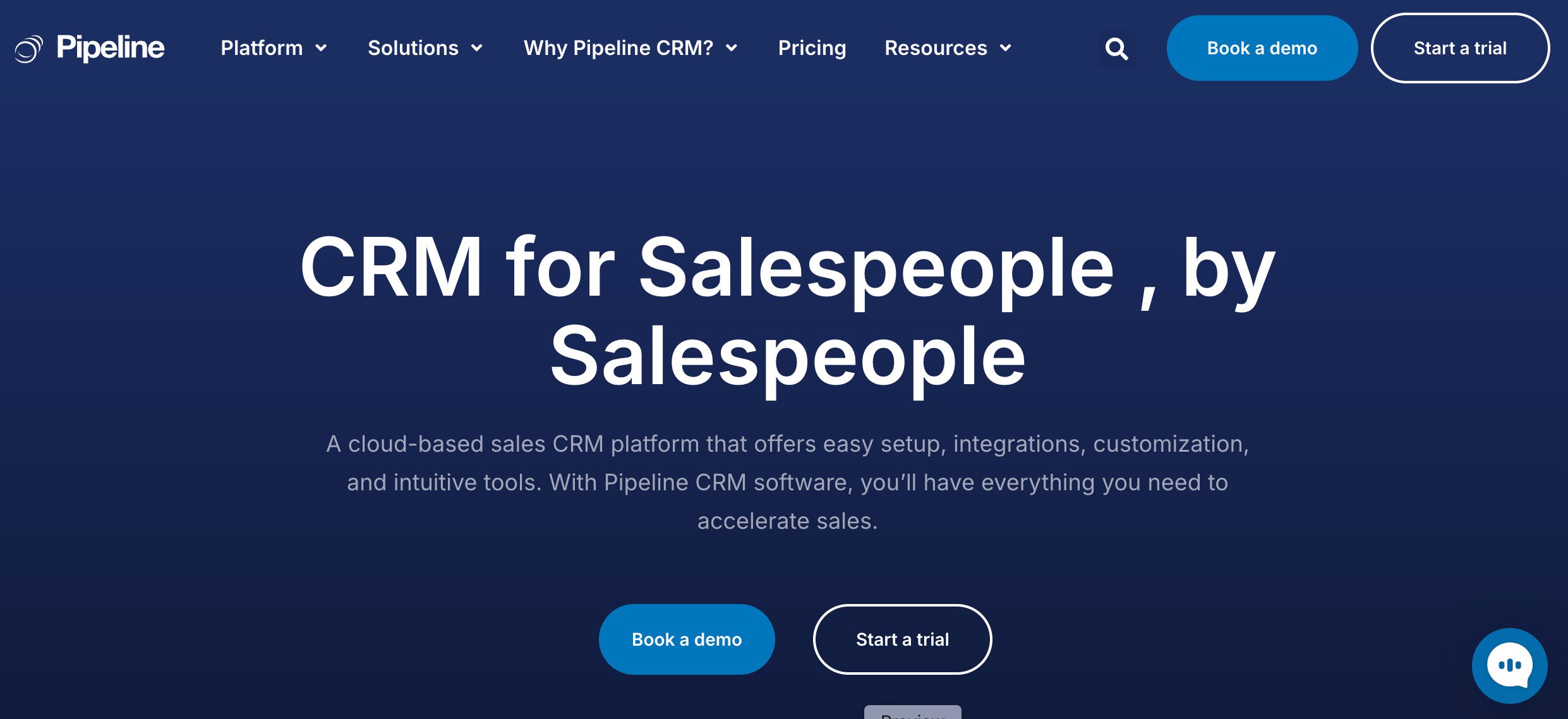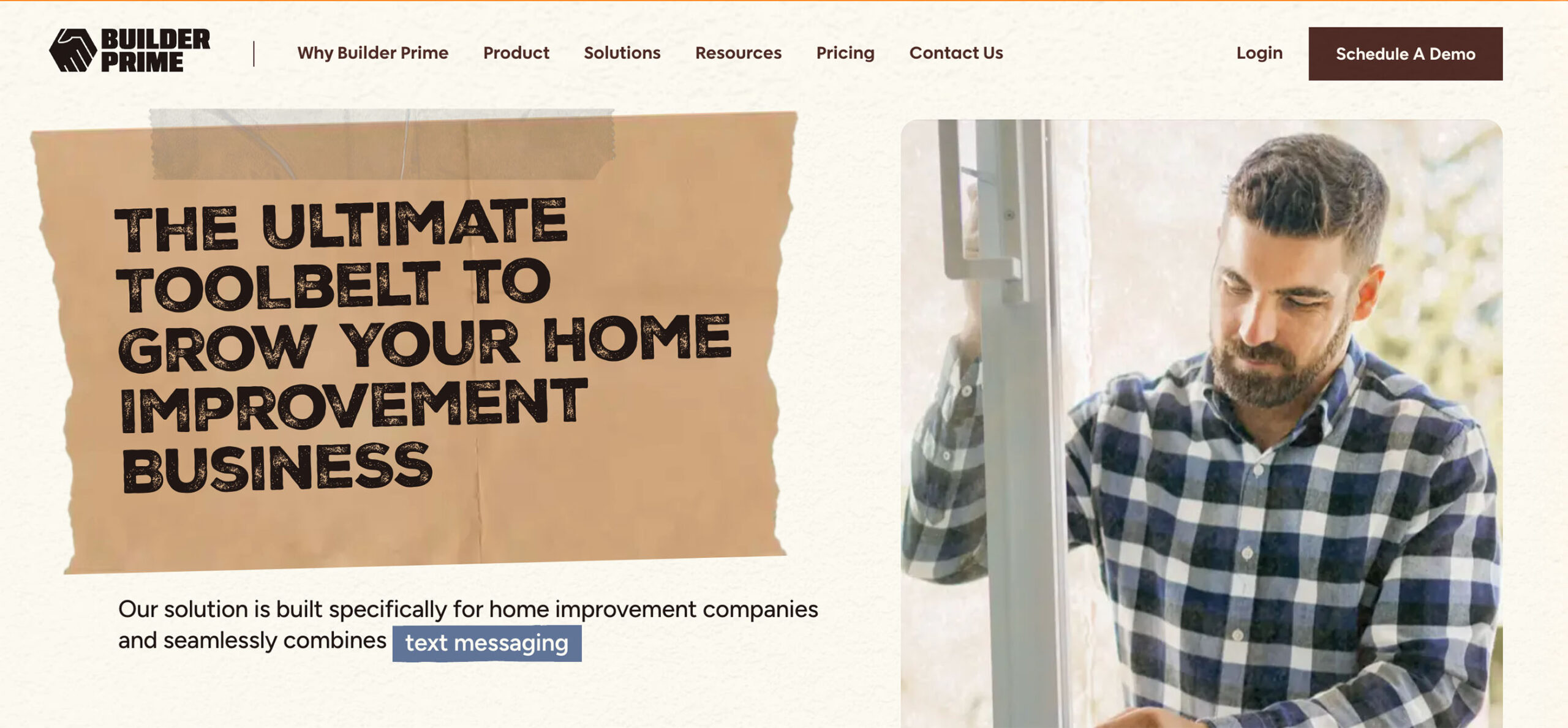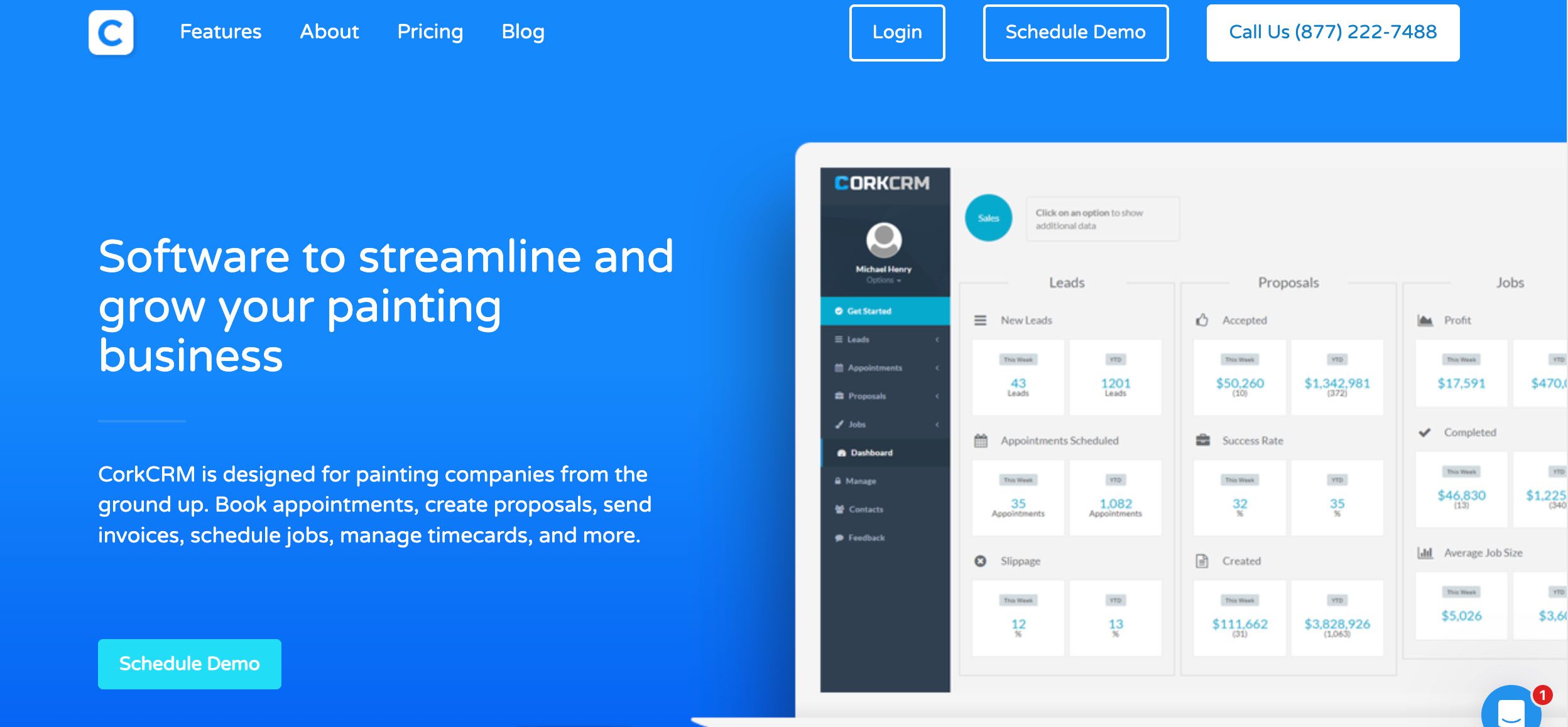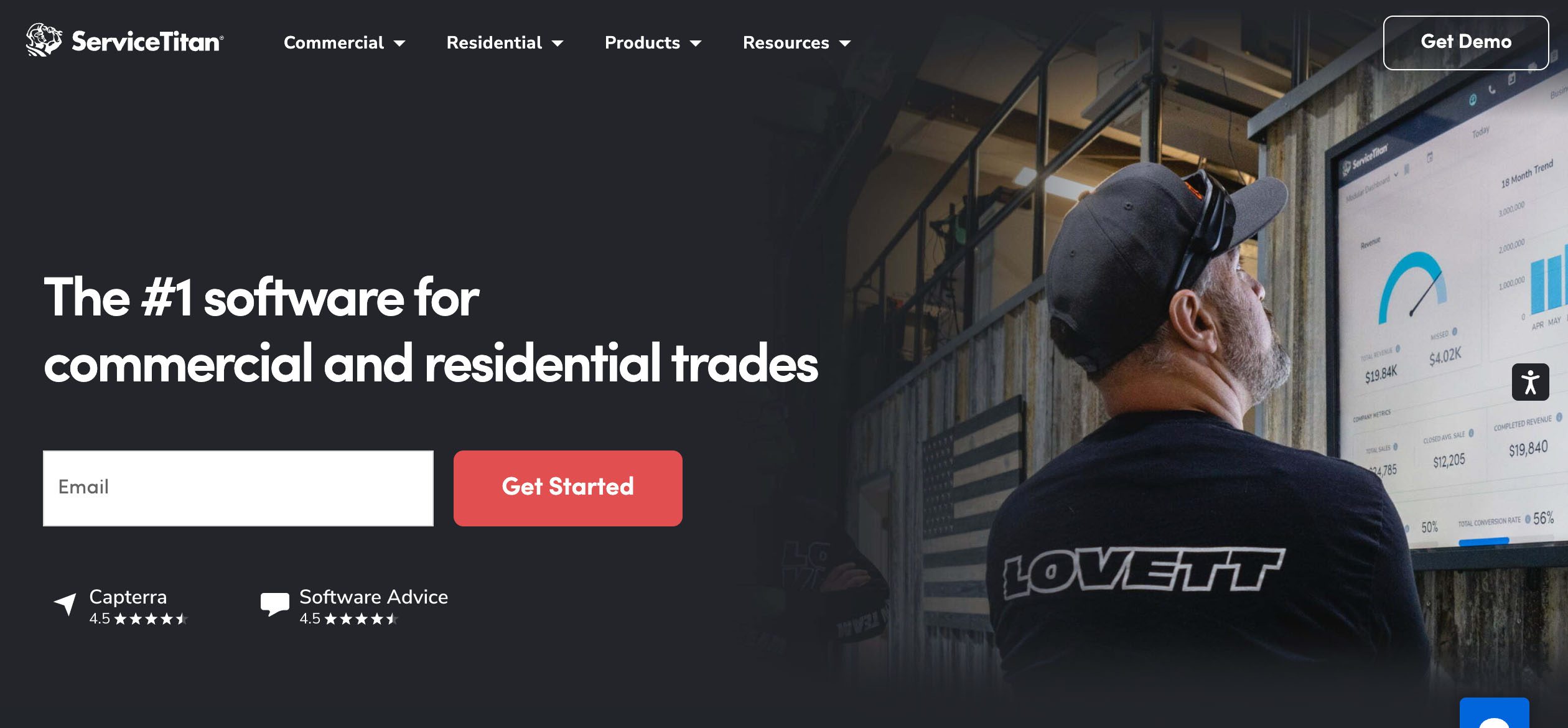
Manufacturing project management software Method CRM

19 manufacturing project management software solutions (2026)

See the best manufacturing project management software for 2025, compare prices and must-have features, and learn why QuickBooks users pick Method CRM.

19 manufacturing project management software solutions (2026) Read More »

Are you still trying to manage your production timelines using spreadsheets and constantly chasing updates over email? Many manufacturing teams begin this way. However, as operations scale, cracks begin to appear and missed deadlines, bottlenecks, scattered data, and frustrated teams become more common.

Manufacturing demands project management software built for the job. And no, we’re not referring to just any task manager. We mean tools specifically designed for the complex, dynamic world of manufacturing. 🏭👷‍♂️

Here at Method CRM, we’ve been supporting QuickBooks-based businesses since 2010. Method is loved ❤️ by business owners in the manufacturing sector for its real-time, two-way QuickBooks sync; end-to-end sales automation; and no-code customizations. 

This guide will take you through:

  • What a manufacturing project management tool actually does, and how they’re distinct from general-purpose tools meant for office work.
  • Essential features that assist with real-time updates, smarter scheduling, team collaboration, and quality control.
  • A comprehensive list of the top manufacturing project management software options available in 2026, catering to various team sizes and business needs.
  • An in-depth look at Method CRM, particularly valuable for QuickBooks users who want customizable workflows and real-time data without the typical tech challenges.

If you’re aiming to streamline processes, reduce manual workloads, and keep everyone from the front office to the shop floor coordinated, this guide offers expert insights, practical examples, and software solutions that truly align with how manufacturers operate in reality. 🤝

Is manual invoicing slowing your cash flow?

Table of Contents

What a manufacturing project management tool really does ⚙️

If you’ve ever attempted to manage a production floor using a generic project management app, you’ve probably felt the frustration.

That’s because these apps are typically crafted for office teams, creative agencies, or tech startups. They aren’t designed for manufacturers who deal with real-time inventory, shop-floor data, quality control, or complex production schedules.

Manufacturing project management software is built differently, tailored to a world where the tiniest issues can escalate into missed shipments, wasted resources, or compliance failures.

Generic project management tools are helpful for assigning tasks and tracking deadlines, which is beneficial when working on digital campaigns or marketing materials. However, it’s a different story when it comes to manufacturing.

In manufacturing environments, projects depend on machines, raw materials, supplier timelines, safety standards, and hands-on work. A good manufacturing project management tool integrates all these moving parts, connecting your workforce, systems, and data to ensure production flows smoothly, not more slowly.

Here’s what gives manufacturing project management tools an edge.

Provides real-time inventory connections 🔗

In manufacturing, having the necessary parts and materials at the right time is essential. A true manufacturing project management software synchronizes with your inventory system, providing real-time insights. In turn, you always know whether you have what’s needed to stay on schedule.

Even better, some tools can trigger automatic alerts or reorder points, so your team never gets caught off guard.

Captures shop-floor data as it happens 📈

Relying on paper notes or end-of-day logins leads to missed details and time lags. Effective manufacturing tools let team members update information directly from the shop floor. Anything from tracking time to marking task progress and flagging quality issues is all done in real time.

Managers then get to stay informed without constant check-ins and enjoy better tracking of metrics like efficiency and machine output.

Smarter scheduling for production lines 🗓️

Generic tools often assume that work proceeds linearly. In manufacturing, that’s rarely the case. Tasks are linked to machines, specific operators, shift changes, and sometimes even weather.

Manufacturing project management tools allow you to create production schedules that mirror reality. You can accommodate equipment availability, work order dependencies, and team capacity to reduce bottlenecks and ensure every team member knows what’s next.

Integrates quality control into the workflow

When quality control is separate from the main systems, issues are often overlooked or repeated. A good manufacturing project management tool embeds quality control within the workflow. Examples of this could include automatic checks after certain stages, mandatory inspection sign-offs, or alerts when something is off-spec.

An integrated approach helps track quality metrics, reduce waste, and keep compliance at the forefront without adding extra administrative tasks.

Why generic tools don’t cut it ❌

Many standard project management applications often leave manufacturers scrambling to fill in the gaps.

You might find yourself using spreadsheets to manually track time, relying on memory to verify machine availability, or juggling multiple systems just to update a client on their order’s status.

Does this scenario sound familiar?

Our discussions with manufacturing teams often reveal shared pain points:

  • Dependencies between processes are frequently overlooked.
  • No seamless integration with inventory or procurement systems.
  • Manual time tracking methods are cumbersome.
  • A noticeable lack of real-time production insights.
  • An excessive number of disjointed tools are used across departments.
  • Generic tools that assist in project planning but fall short of running a factory efficiently.
  • A need for software that integrates everything your team needs: materials, personnel, machinery, timelines, and data into a single cohesive system.

A genuine manufacturing project management tool is designed to tackle those pain points. Manufacturing requires a system that fully comprehends your processes, including the management of materials, machines, teams, compliance, and deadlines, which are key to operations.

A purpose-built solution allows you to:

  • Plan projects based on inventory levels and machine availability.
  • Provide clear task lists and quality instructions to guide your workers.
  • Capture production progress as it happens.
  • Access real-time data without manual updates.
  • Identify slowdowns early using metrics specific to manufacturing.

There’s no need for a dozen disconnected apps. Instead, a single system should consolidate all operations. With proper manufacturing project management software, your team can spend less time chasing updates and more time ensuring production stays on track.

Is manual invoicing slowing your cash flow?

Key features to look for in manufacturing project management software

What works for a marketing agency or remote tech team often does not meet the complex needs of the shop floor.

When choosing manufacturing project management software, you need features made specifically for your work. That might include tools to help juggle supply chains, production timelines, customer orders, and budget constraints at the same time.

Here’s a deeper look at the features that really matter.

Dashboards that show the full picture 💻

Visibility is everything. In manufacturing, every delay, inventory error, or resource conflict has a ripple effect. A smart dashboard can be your best friend. It should give you a clear, real-time overview of project health, team workloads, current blockers, and delivery timelines.

The best dashboards are customizable. You should be able to decide exactly what shows up first. Want a quick glance at overdue jobs or how today’s production is performing? No problem. Need to compare machine usage from last week? That should be just a click away.

True visibility helps you make decisions faster and makes daily team check-ins much more effective. Everyone sees the same data and knows what to focus on.

Interactive Gantt charts and Kanban boards 📊

You may have used Gantt charts before, but interactive ones take things further. They let you drag and drop tasks, adjust dependencies, and instantly see how schedule changes affect the rest of the project. That’s a huge advantage in manufacturing, where one delay can shift the entire timeline.

Kanban boards offer a different, more visual way to manage work. Think of them as digital whiteboards showing where each task or job sits in your production pipeline. Whether it is “waiting on materials” or “ready for QA,” Kanban views give your team clear, real-time visibility.

The beauty of having both Gantt and Kanban views is that you can zoom in and out of project details depending on what you need to focus on that day.

Built-in resource management and allocation 👥

One of the hardest parts of running manufacturing projects is balancing resources. You manage people, machines, materials, and timelines. Any misstep leads to delays or wasted capacity.

A good project management tool should provide easy-to-use built-in resource management. You should be able to view team schedules, machine availability, and stock levels in one place. It should also alert you if your CNC machine is already booked or if your quality team is overloaded.

These qualities also help with forward planning. If you know demand is rising next month, you can make decisions now about overtime, supplier scheduling, or equipment rentals.

Automation that works in the background 🦾

Manual data entry and admin tasks are both time-consuming and increase the risk of mistakes. A good manufacturing PM tool should come with automation that simplifies your life without adding complexity.

For example, you can set automation rules such as:

  • If a task is completed, notify the next team or person.
  • If raw material stock drops below a set threshold, automatically generate a purchase request.
  • If a due date is missed, send a reminder to the project lead.

Automation like this keeps your operations running smoothly, reduces human error, and frees up your team to focus on more valuable work. You aren’t replacing anyone but helping them be more efficient.

Two-way accounting sync for smarter cost control 🔄

Project tracking is great, but if it is not tied to your finances, you’re flying blind. With two-way accounting sync, this won’t happen.

When your project management software integrates with tools like QuickBooks, everything connects. You can track job costs in real time, invoice directly from the platform, and keep your accounting team in the loop without any extra effort.

If you’re looking to understand project profitability, it’s incredibly important to have. You can monitor actual costs against estimates, adjust pricing if needed, and avoid surprises at the end of a job.

If your tool doesn’t sync accounting and operations together, you’re probably doing double the work and missing key insights.

Putting it all together 🙌

At the end of the day, the right project management software should do more than organize tasks. It should give you better visibility, help you manage people and machines more effectively, and make your operations more profitable.

If your current system is forcing you to juggle spreadsheets, email threads, and disconnected tools, it might be time to upgrade. Look for a solution that brings dashboards, planning tools, automation, and accounting into one clean system.

Staying ahead of the curve is how smart manufacturers stay ahead of delays, control costs, and grow sustainably.

Is manual invoicing slowing your cash flow?

Top manufacturing project management software options

Here’s a closer look at 19 top-rated manufacturing project management tools, each with a quick summary of key features, pricing tiers, and standout modules. These platforms offer a range of options to suit everything from job shops and growing manufacturers to large-scale industrial operations.

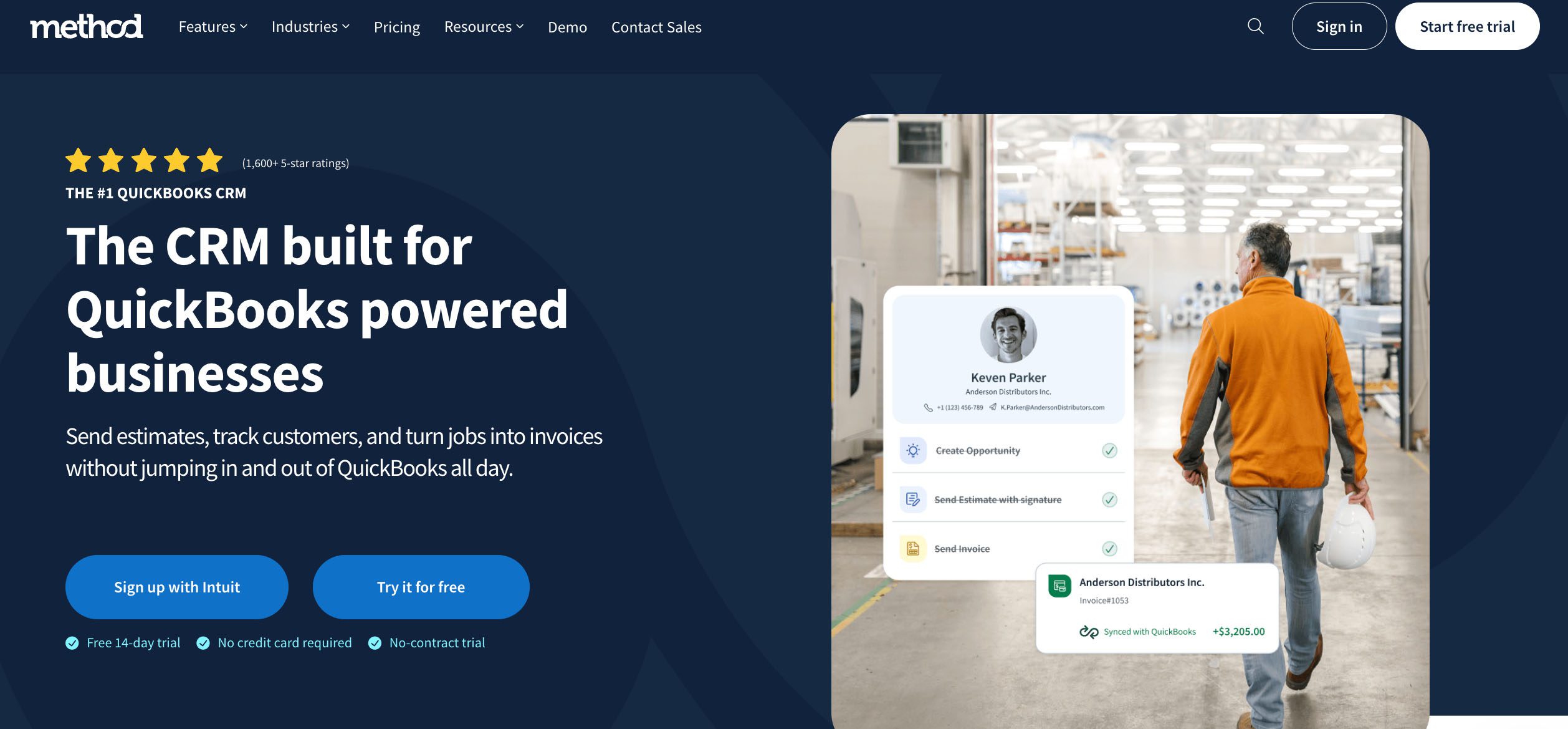
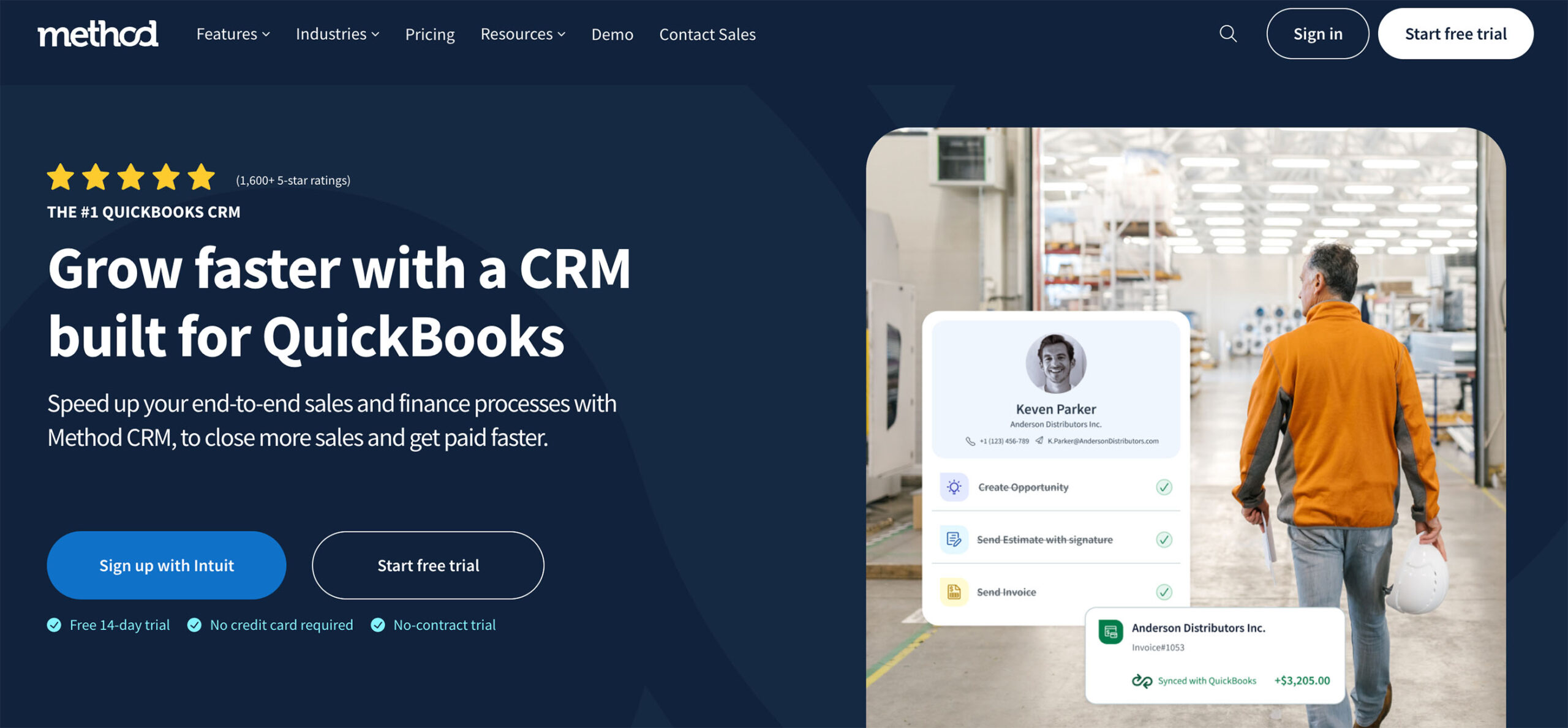
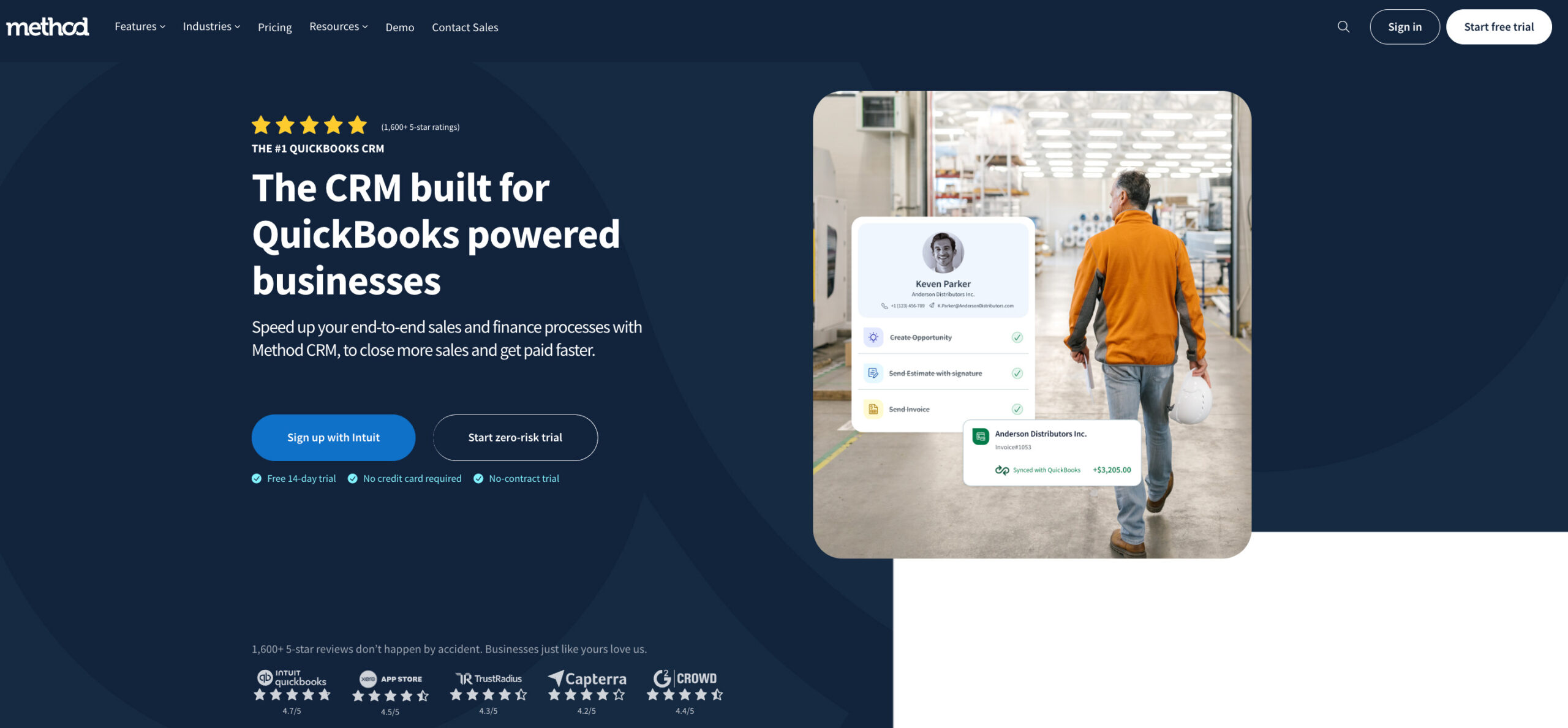
1. Method CRM – Best for QuickBooks users
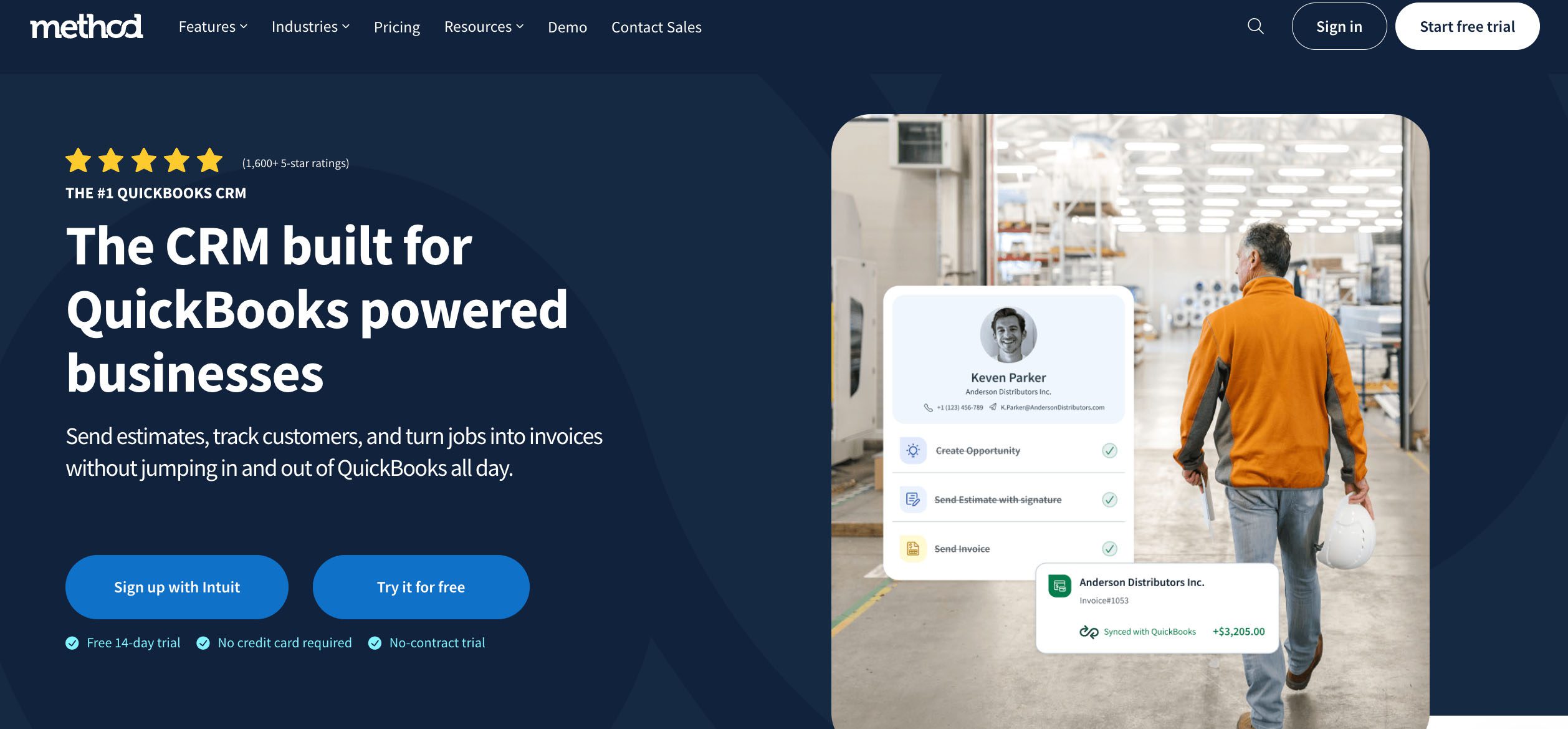
Manufacturing-project-management-software-Method-CRM
  • Pricing: Starts at $27/user/month (14-day free trial available).
  • Standout features:
    • Two-way QuickBooks sync for job costing, invoicing, and expenses.
    • No-code customization to match your specific workflow needs.
    • Built-in project tracking, customer support, and sales tools.
  • Best for: Manufacturers who want deep accounting integration and scalable CRM functionality without extra modules.

2. Katana – Best for small manufacturers
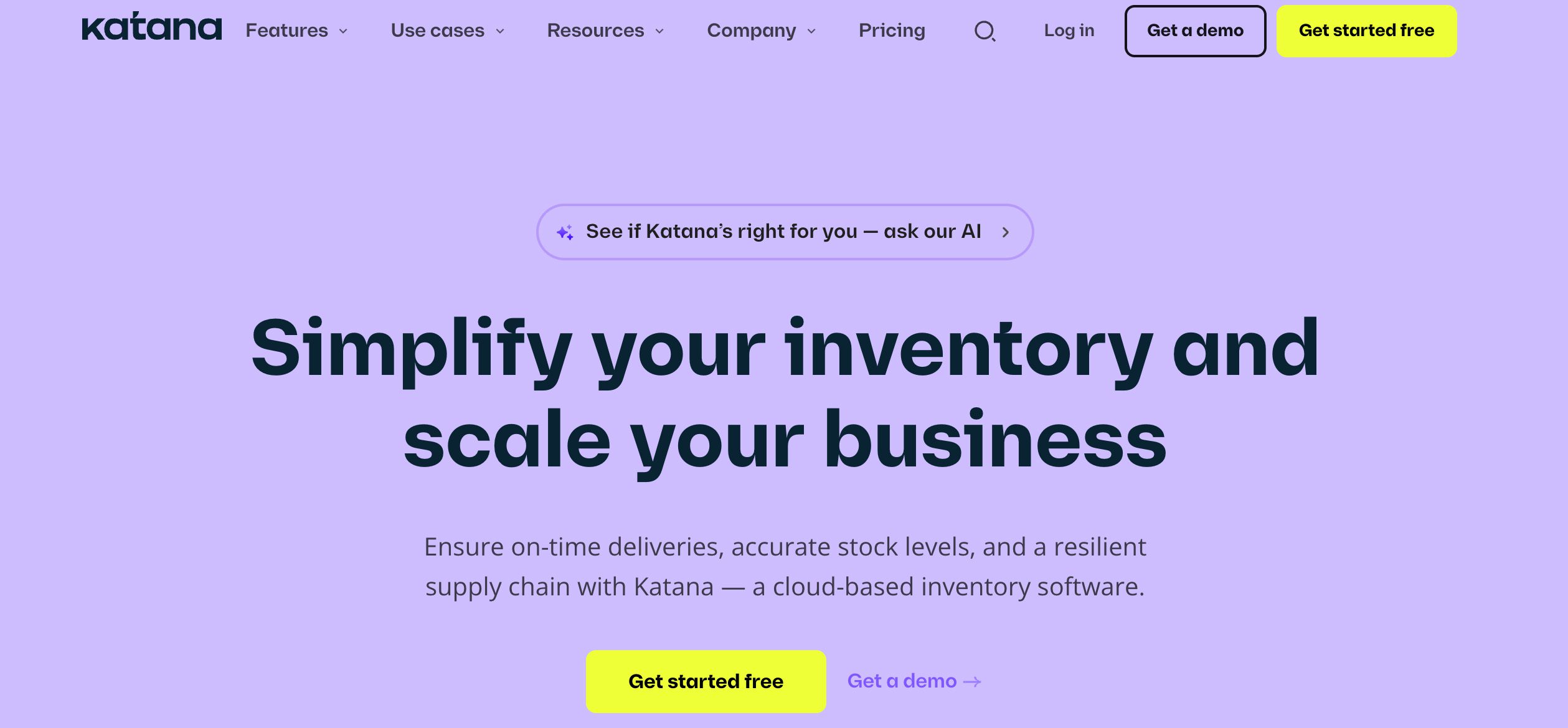
Manufacturing-project-management-software-katana-method-crm
  • Pricing: Free plan available.
  • Standout features:
    • Live inventory and production management.
    • Real-time shop floor control and manufacturing timelines.
    • Visual production planning via drag-and-drop boards.
  • Best for: DTC manufacturers and small factories.

3. DELMIAWorks (formerly IQMS) – Best for full ERP integration
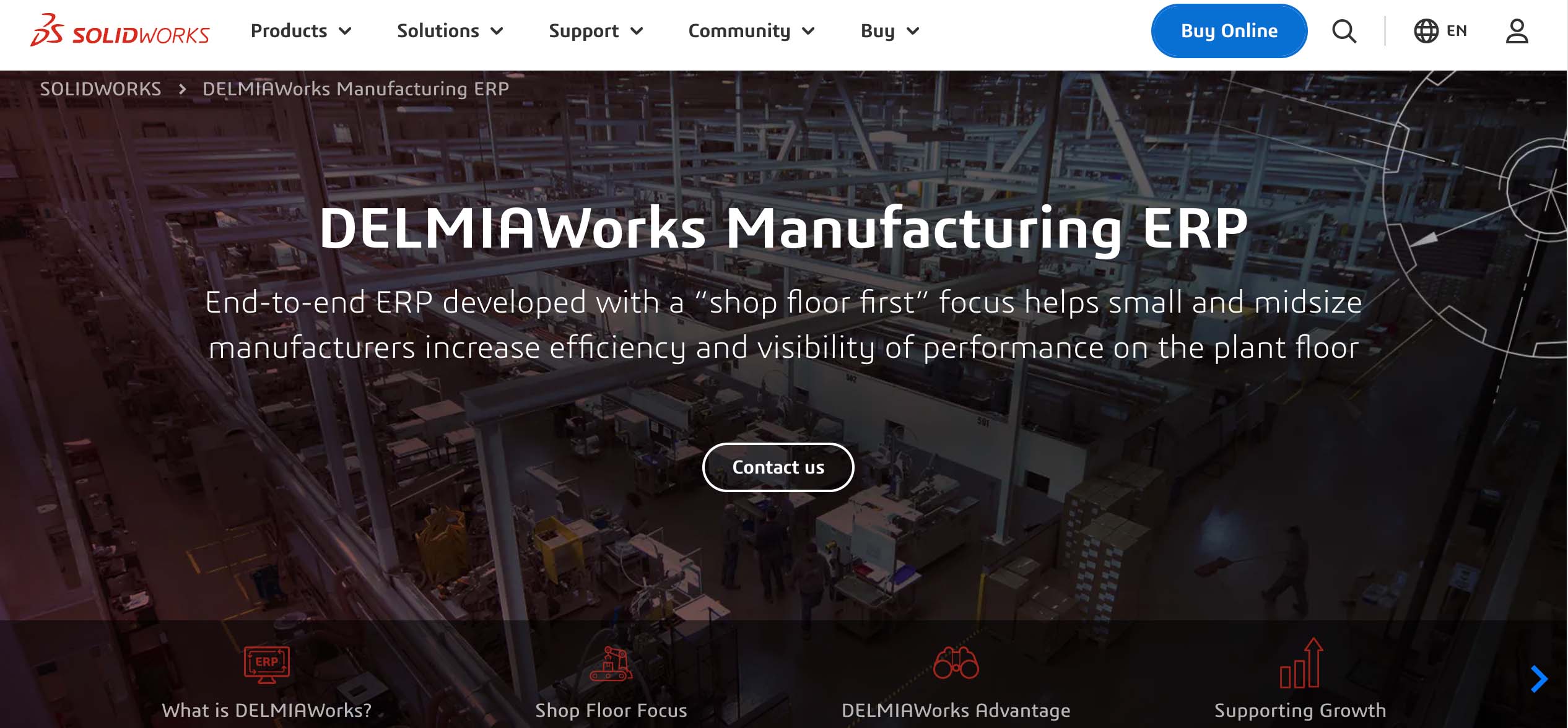
manufacturing-project-management-software-DELMIAWorks-Method-CRM
  • Pricing: Custom enterprise pricing.
  • Standout features:
    • ERP and MES functionality in one platform.
    • Real-time shop floor control, quality, and inventory tracking.
    • Built for mid-sized to large manufacturers.
  • Best for: Manufacturers who want an all-in-one ERP and MES system.

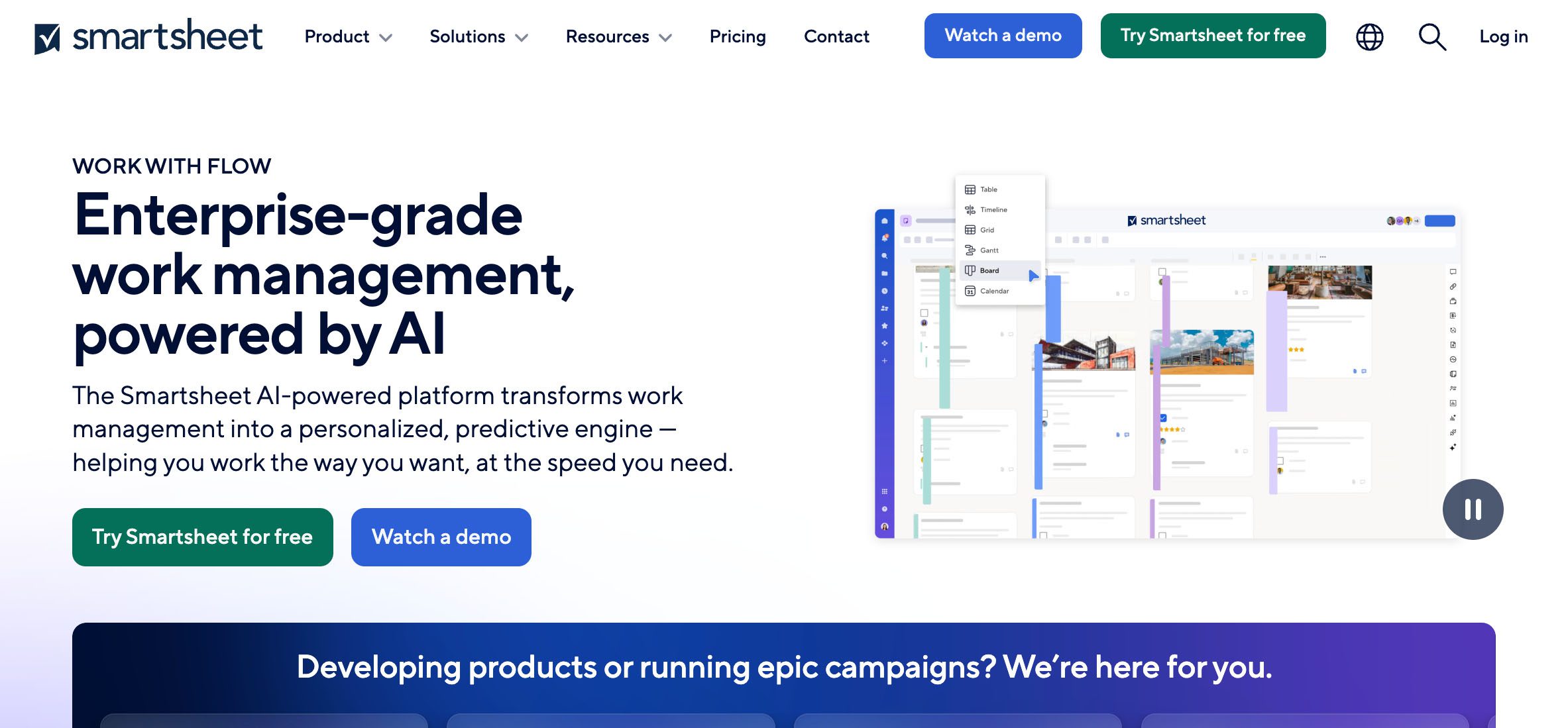
4. Smartsheet – Best for spreadsheet lovers
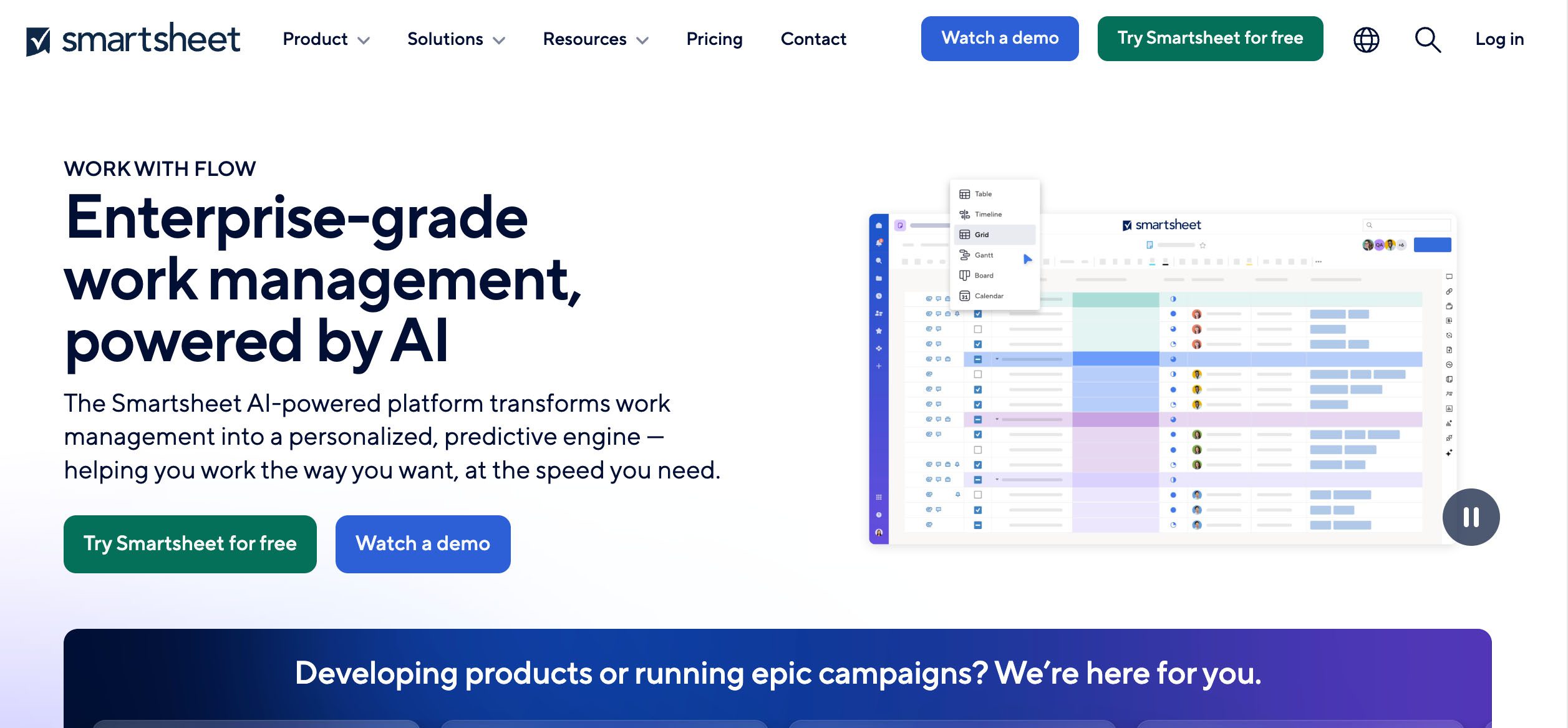
manufacturing-project-management-smartsheet-method-crm
  • Pricing: Starts at $9/member/month.
  • Standout features:
    • Spreadsheet-style project planning with Gantt and Kanban views.
    • Automations, dashboards, and approval workflows.
    • Integrates with Microsoft, Google, and other major tools.
  • Best for: Teams transitioning from Excel or Google Sheets.

5. Hexagon – Best for advanced quality control
manufacturing-project-management-software-hexagon-method-crm
  • Pricing: Custom pricing.
  • Standout features:
    • Digital twin modelling and metrology integration.
    • Real-time data capture from machinery.
    • Detailed reporting on quality and inspection.
  • Best for: Precision manufacturers and aerospace suppliers.

6. Wrike – Best for cross-team visibility
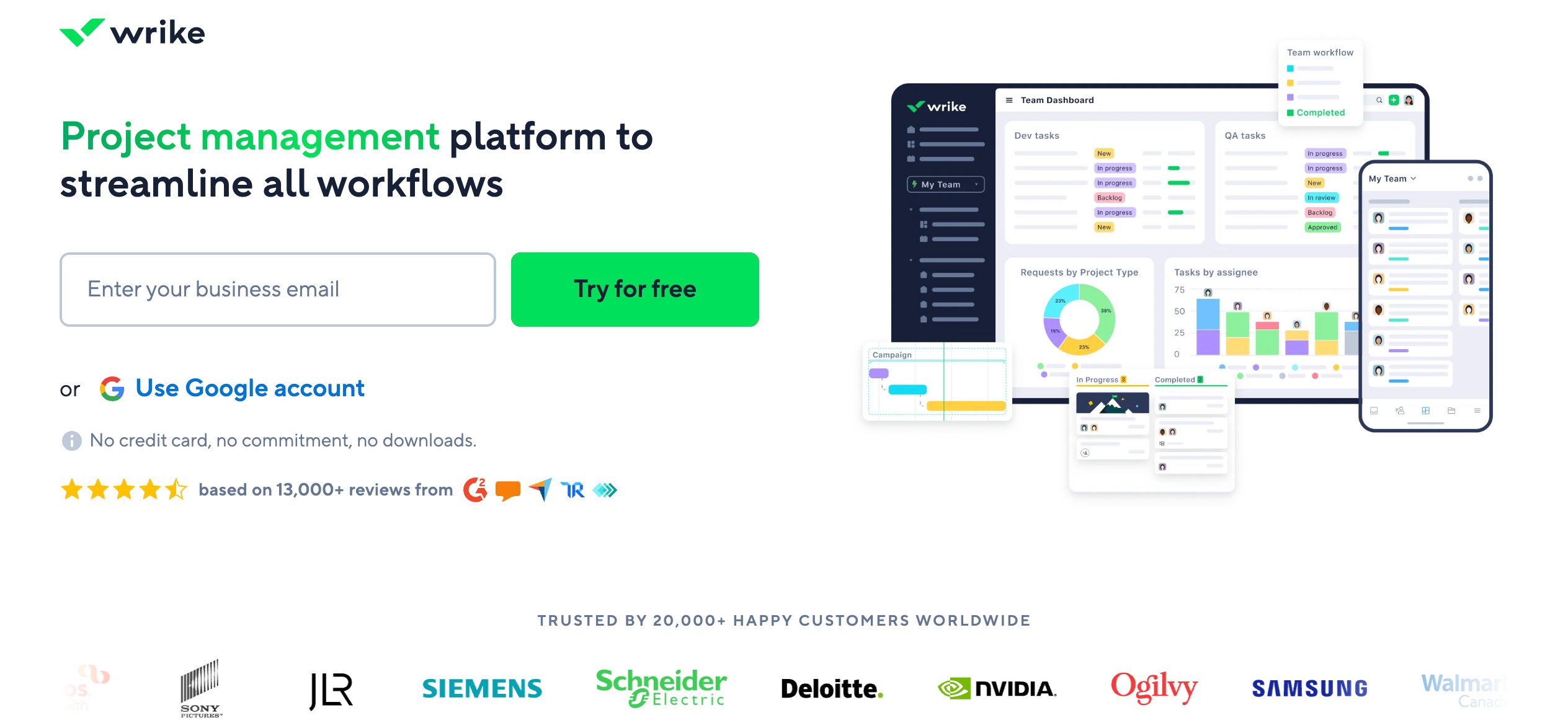
manufacturing-project-management-software-wrike-method-crm
  • Pricing: Free plan available. Paid plans start at $10/user/month.
  • Standout features:
    • Real-time dashboards and project reporting.
    • Pre-built templates for manufacturing projects.
    • Collaborative proofing, automation, and time tracking.
  • Best for: Teams with operations, sales, and production all under one roof.

7. NetSuite ERP – Best for large-scale operations
manufacturing-project-management-software-netsuite-method-crm
  • Pricing: Custom pricing based on modules and users.
  • Standout features:
    • Comprehensive ERP system with supply chain and project management.
    • Custom workflows and multi-site operations.
    • Advanced financial and production controls.
  • Best for: Manufacturers looking for complete business visibility.

8. JobBOSS² – Best for job shops
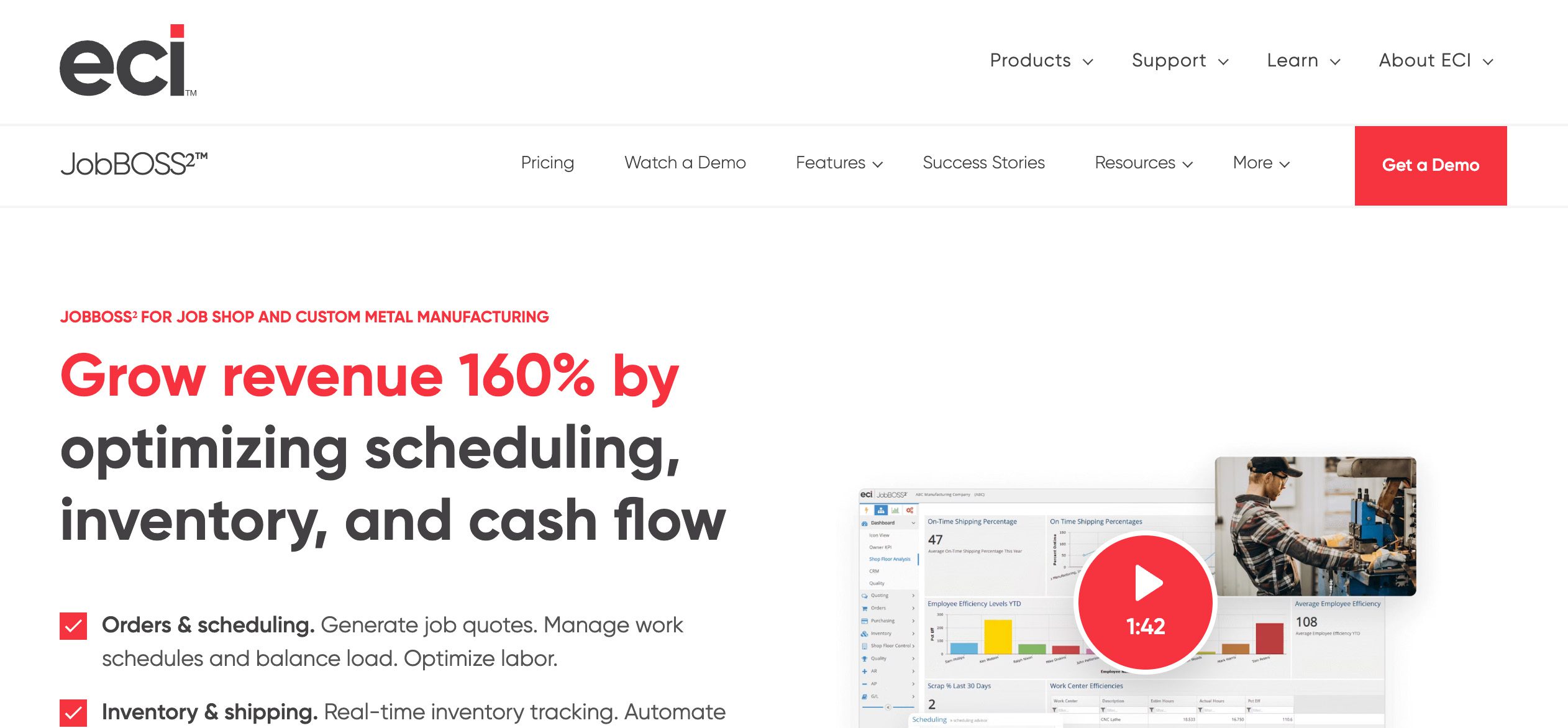
manufacturing-project-management-software-jobboss-method-crm
  • Pricing: Custom pricing.
  • Standout features:
    • Real-time job costing, quoting, and scheduling.
    • Shop floor insights and production management.
    • Accounting and inventory tools.
  • Best for: Make-to-order manufacturers.

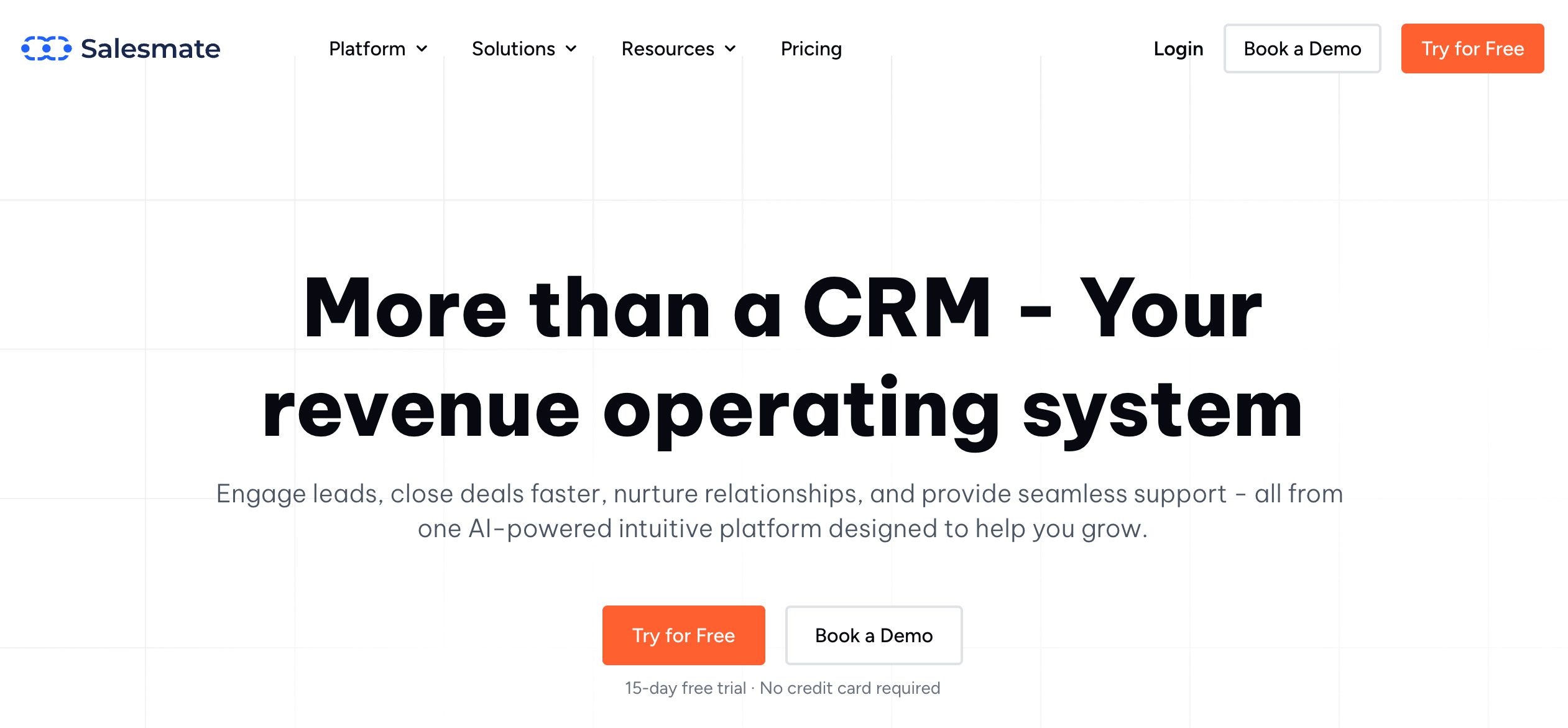
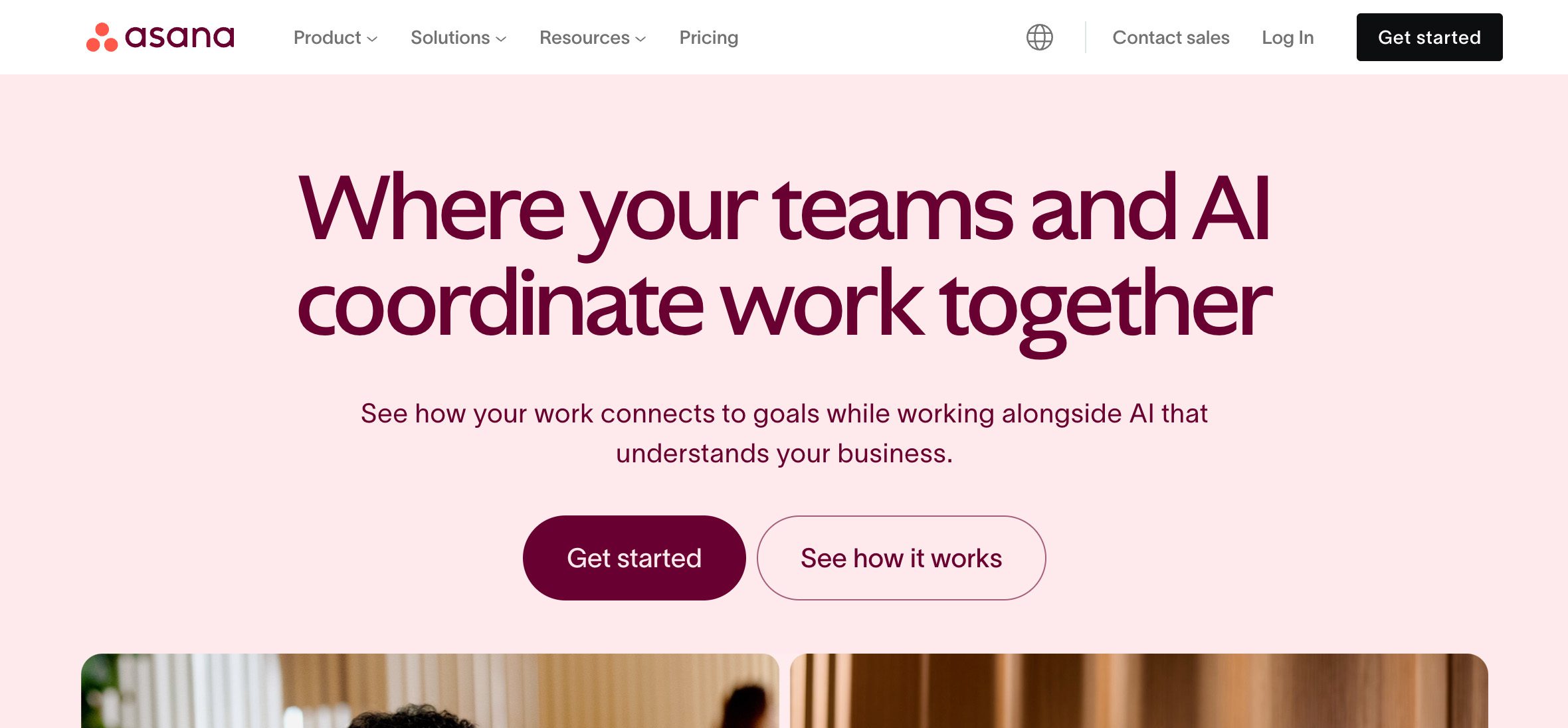
9. Asana – Best for flexible task management
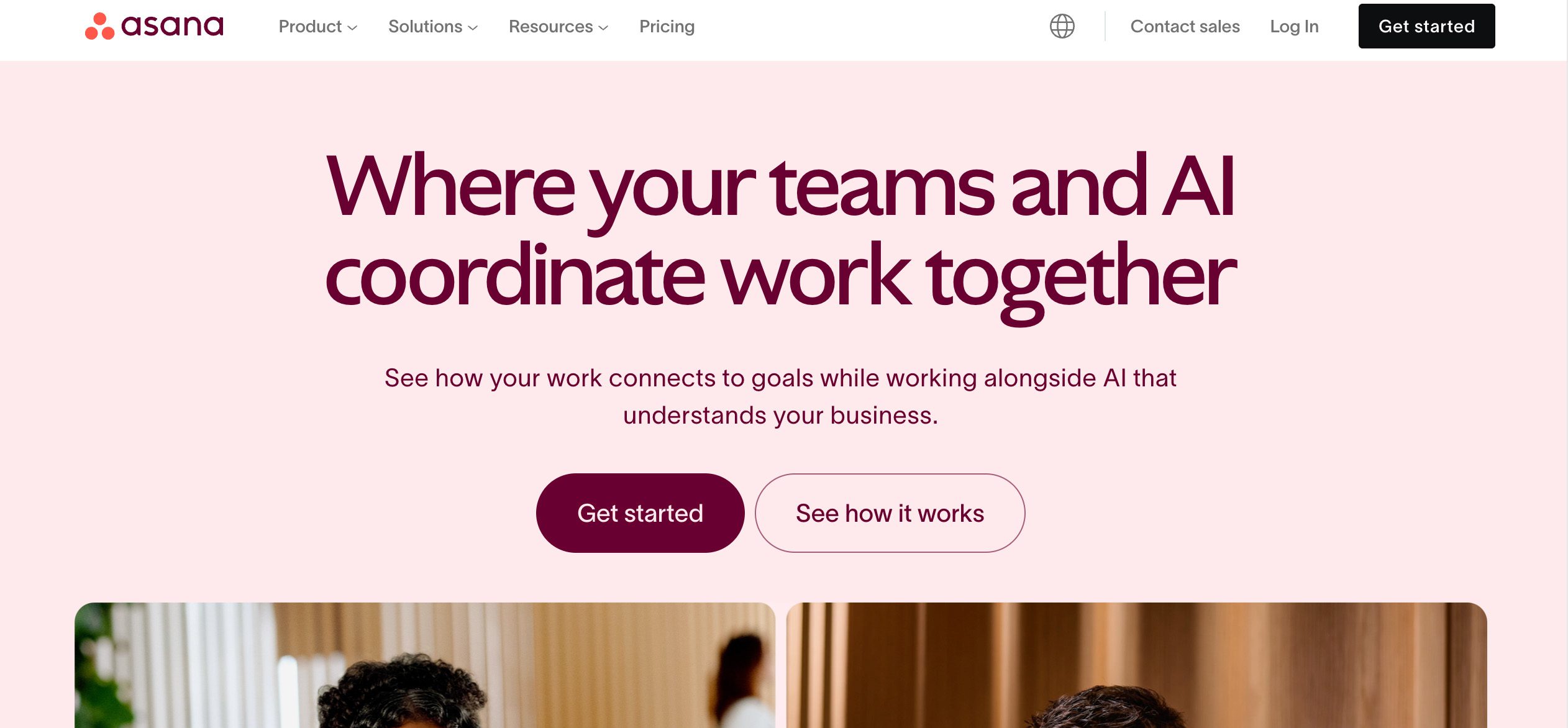
manufacturing-project-management-software-asana-method-crm
  • Pricing: Free plan available. Paid plans start at $10.99/user/month when billed annually.
  • Standout features:
    • Project templates, automation, and workload tracking.
    • Kanban boards and Gantt chart timelines.
    • Integration with Google Drive, Slack, and more.
  • Best for: Project and operations managers needing an easy task system.

10. Trello – Best for simple Kanban
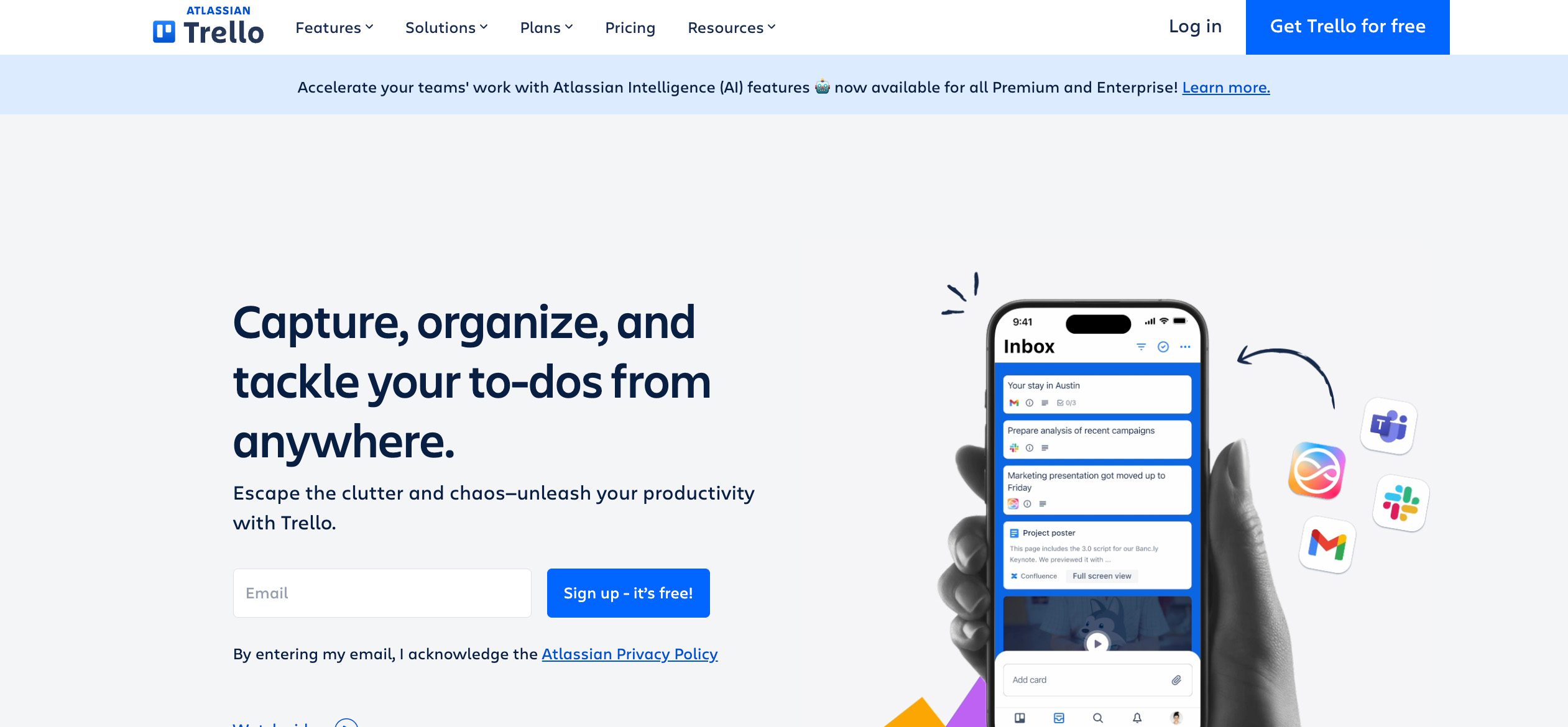
manufacturing-project-management-software-trello-method-crm
  • Pricing: Free plan available. Paid plans start at $5/user/month.
  • Standout features:
    • Kanban-style task management.
    • Power-ups for time tracking, Gantt, and reporting.
    • Visual project boards for daily task execution.
  • Best for: Small teams managing lighter operations.

11. Autodesk Fusion – Best for engineering-led PM
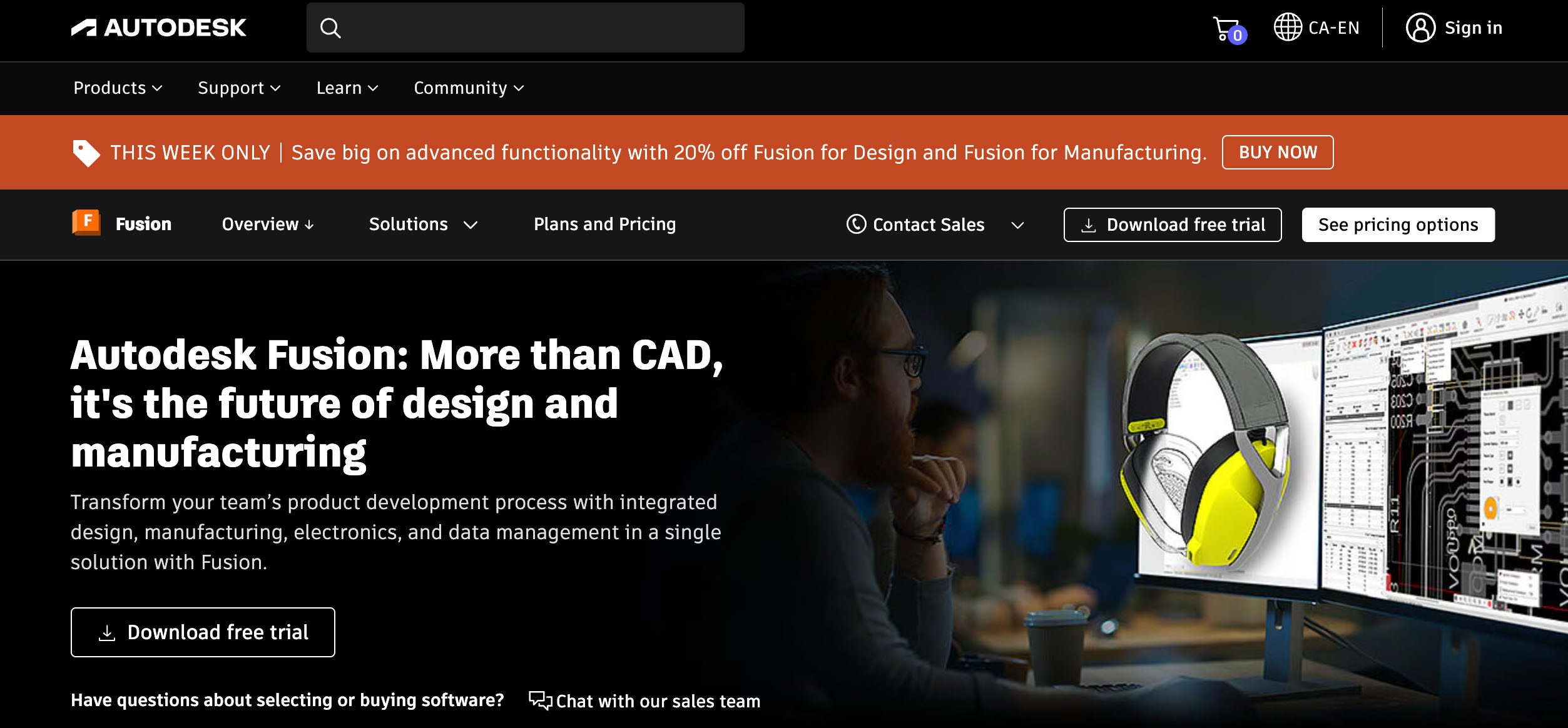
manufacturing-project-management-software-autodesk-fusion-method-crm
  • Pricing: $680/year for Core Essentials plan. Free trial available.
  • Standout features:
    • Product lifecycle management (PLM) features.
    • CAD and design workflow integration.
    • Real-time collaboration for team members.
  • Best for: Manufacturers with in-house engineering.

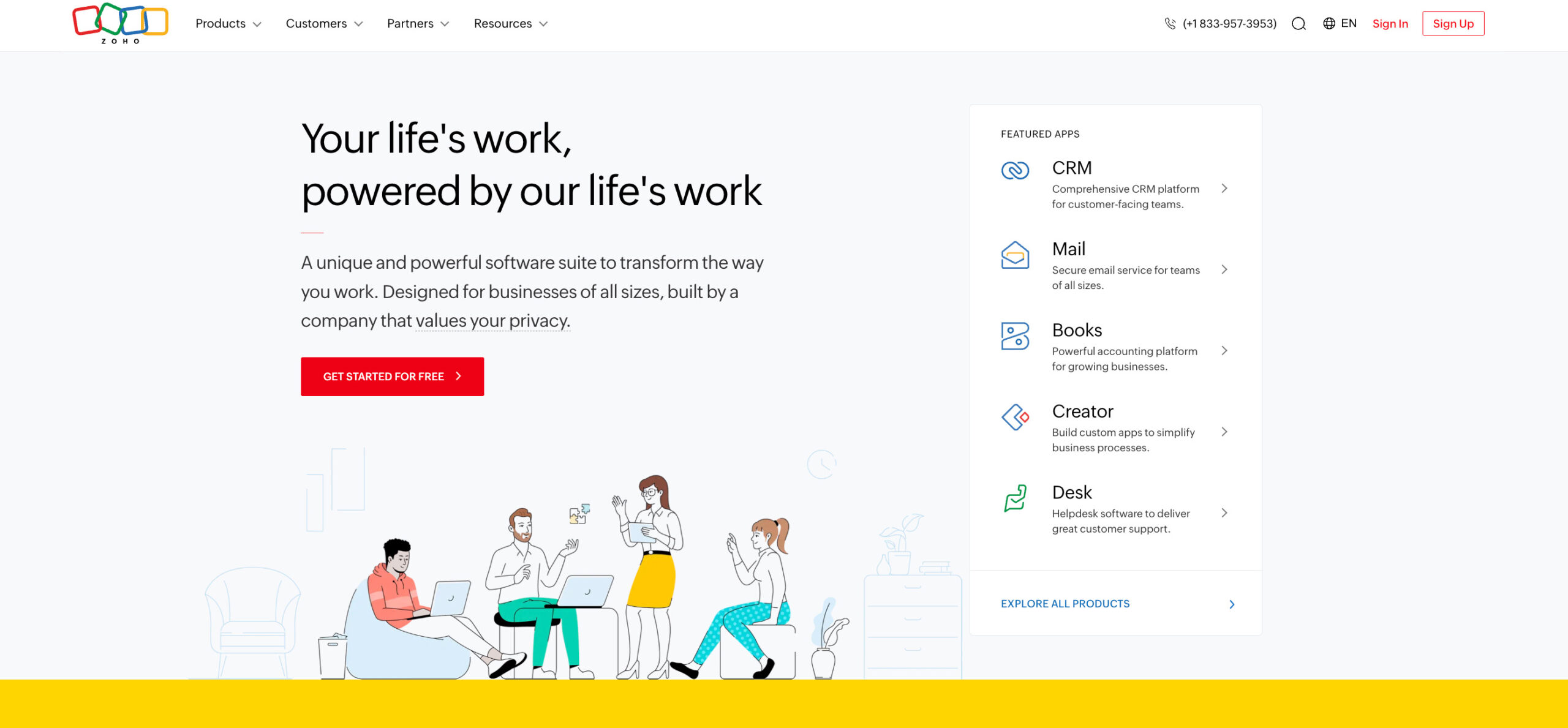
12. Zoho Projects – Best for budget-conscious teams
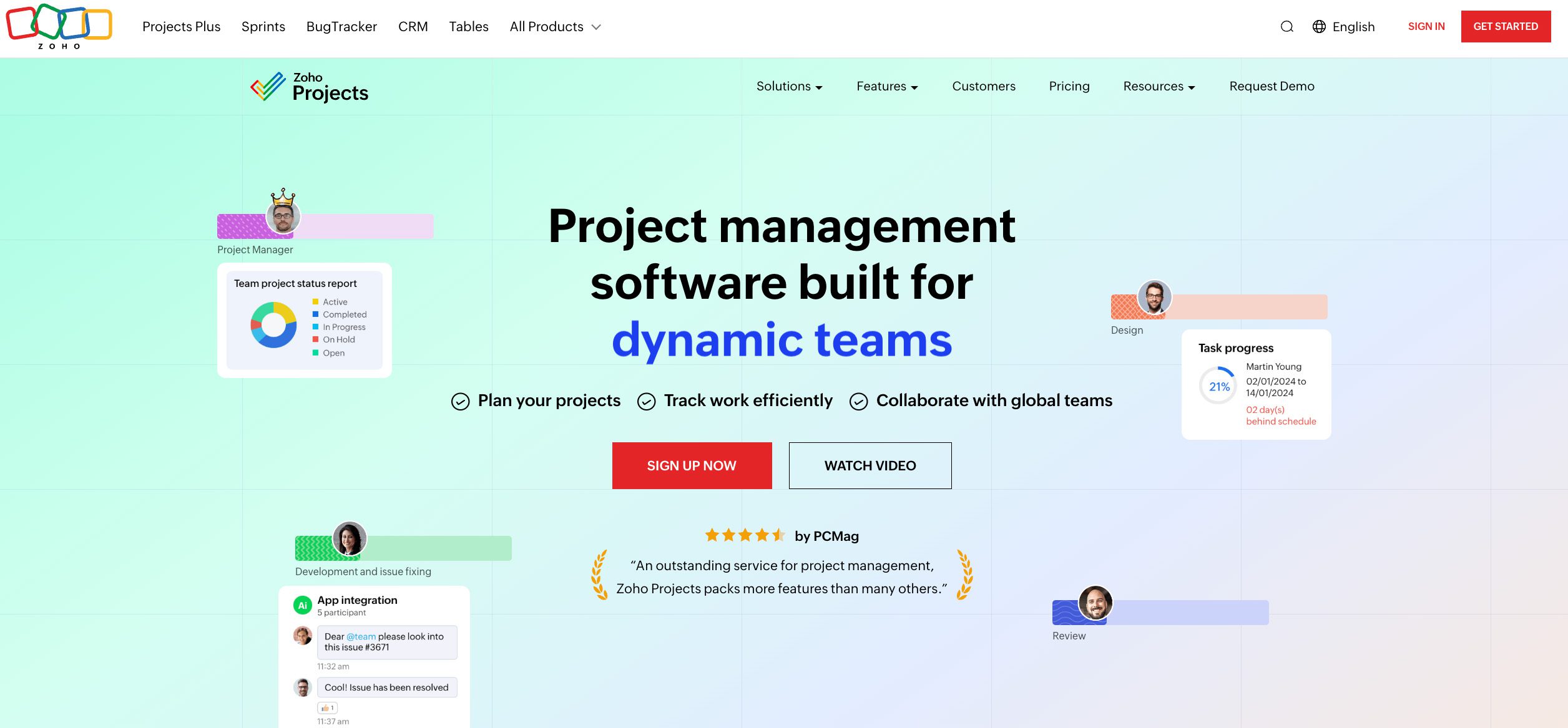
manufacturing-project-management-software-zoho-projects-method-crm
  • Pricing: Free plan for up to 5 users. Paid plans start at $5/user/month.
  • Standout features:
    • Gantt charts, task dependencies, and time tracking.
    • Built-in chat, issue tracking, and integrations.
    • Strong value for cost.
  • Best for: Small manufacturing teams that need essential PM features.

13. CoConstruct – Best for custom builders
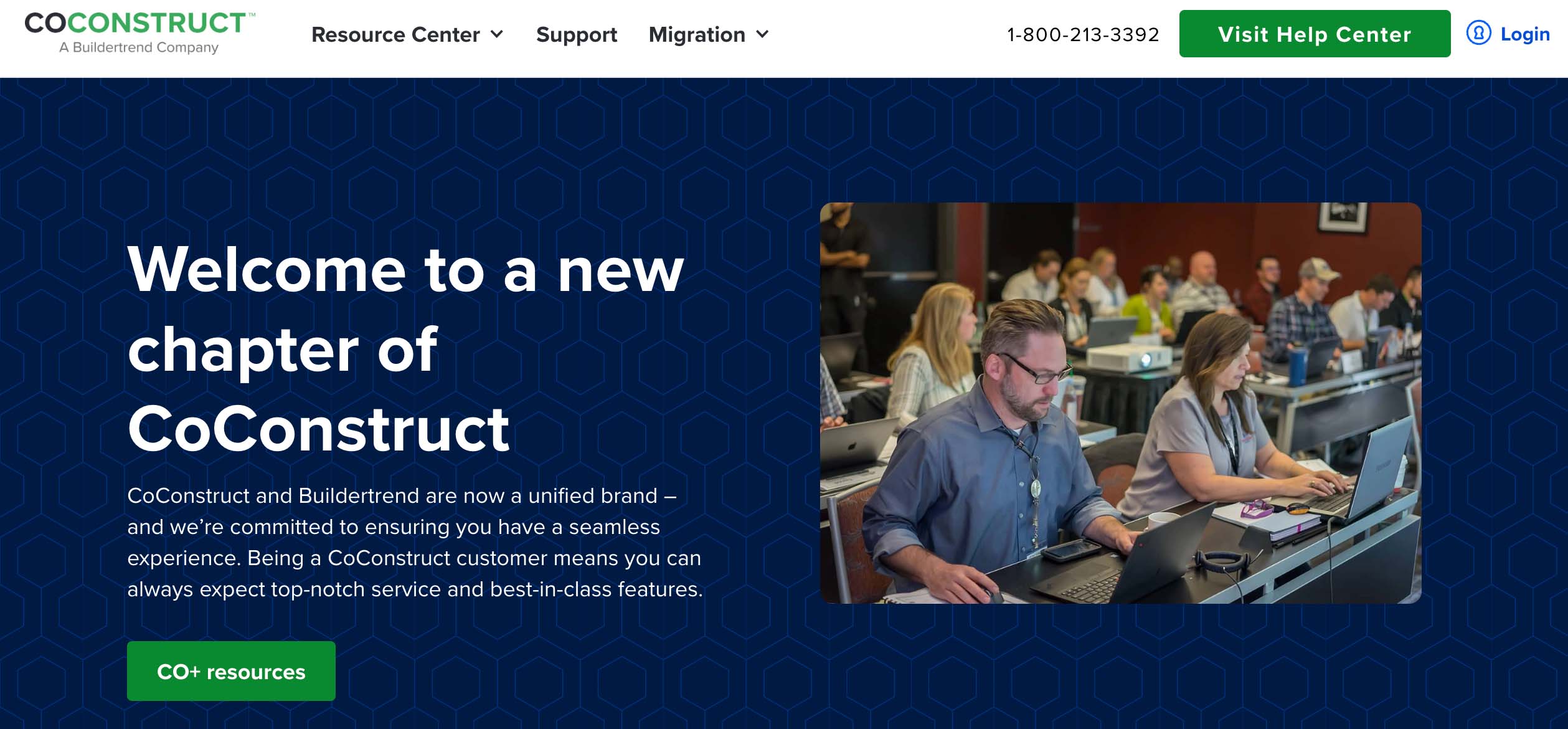
manufacturing-project-management-software-coconstruct-method-crm
  • Pricing: Custom pricing.
  • Standout features:
    • Scheduling, estimates, budgeting, and client portals.
    • CRM and sales tools included.
    • Job site logs and mobile access.
  • Best for: Manufacturers in construction or modular building.

14. Monday.com – Best for visual workflows
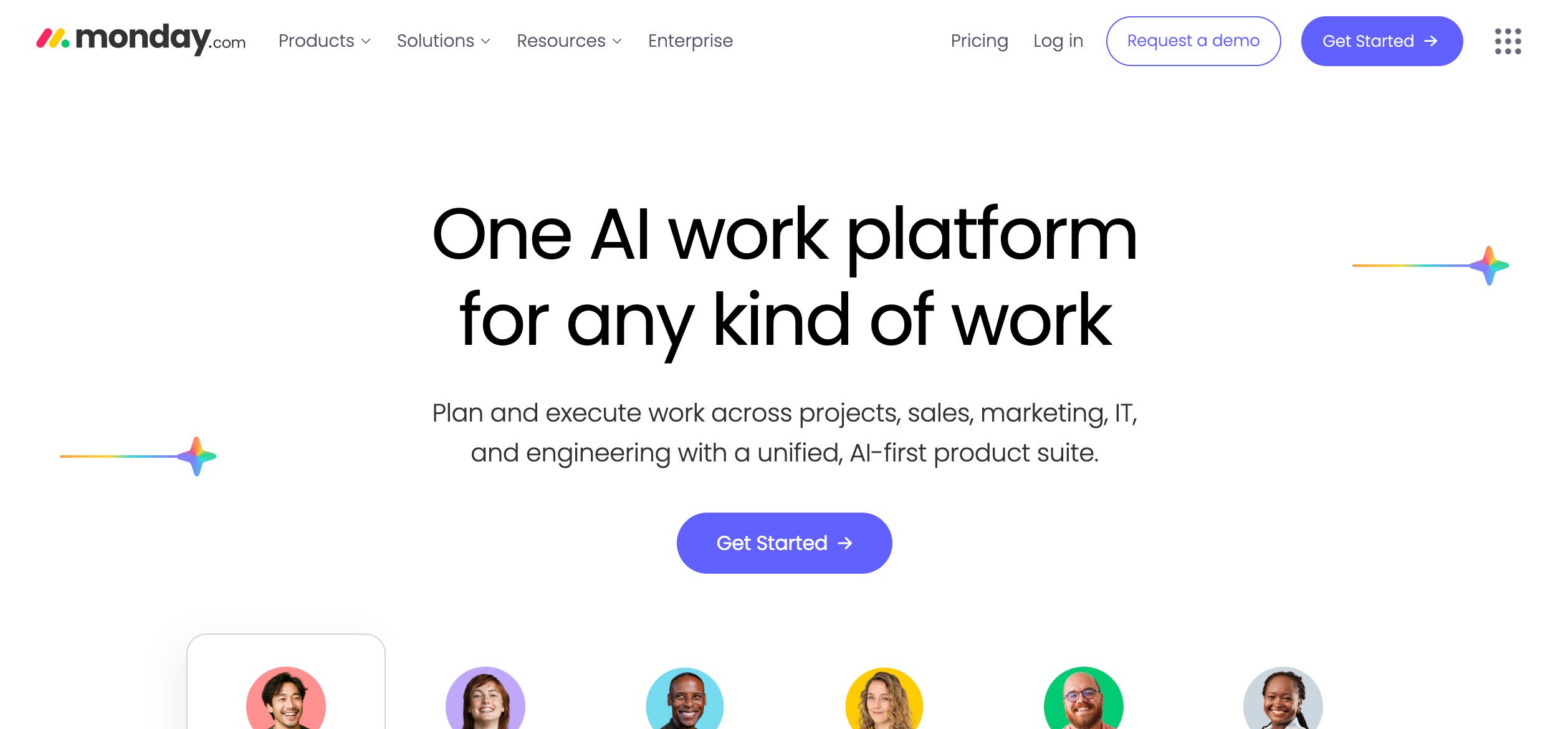
manufacturing-project-management-software-monday.com-method-crm
  • Pricing: Free plan available for up to two seats. Paid plans start at $9/seat/month.
  • Standout features:
    • Customizable workflows, dashboards, and automation.
    • Templates for manufacturing and logistics.
    • Supports collaboration across departments.
  • Best for: Teams that want colourful, drag-and-drop project control.

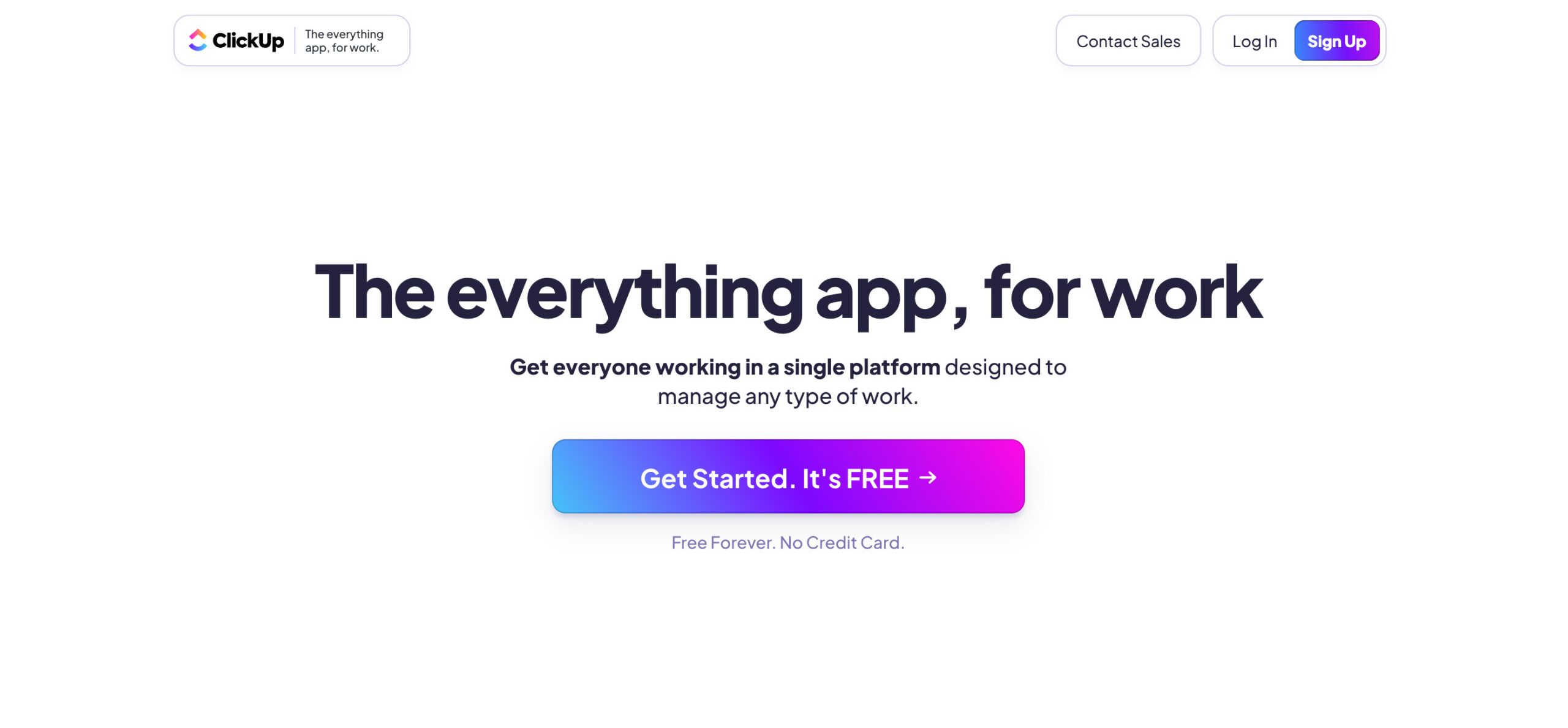
15. ClickUp – Best for all-in-one workspaces
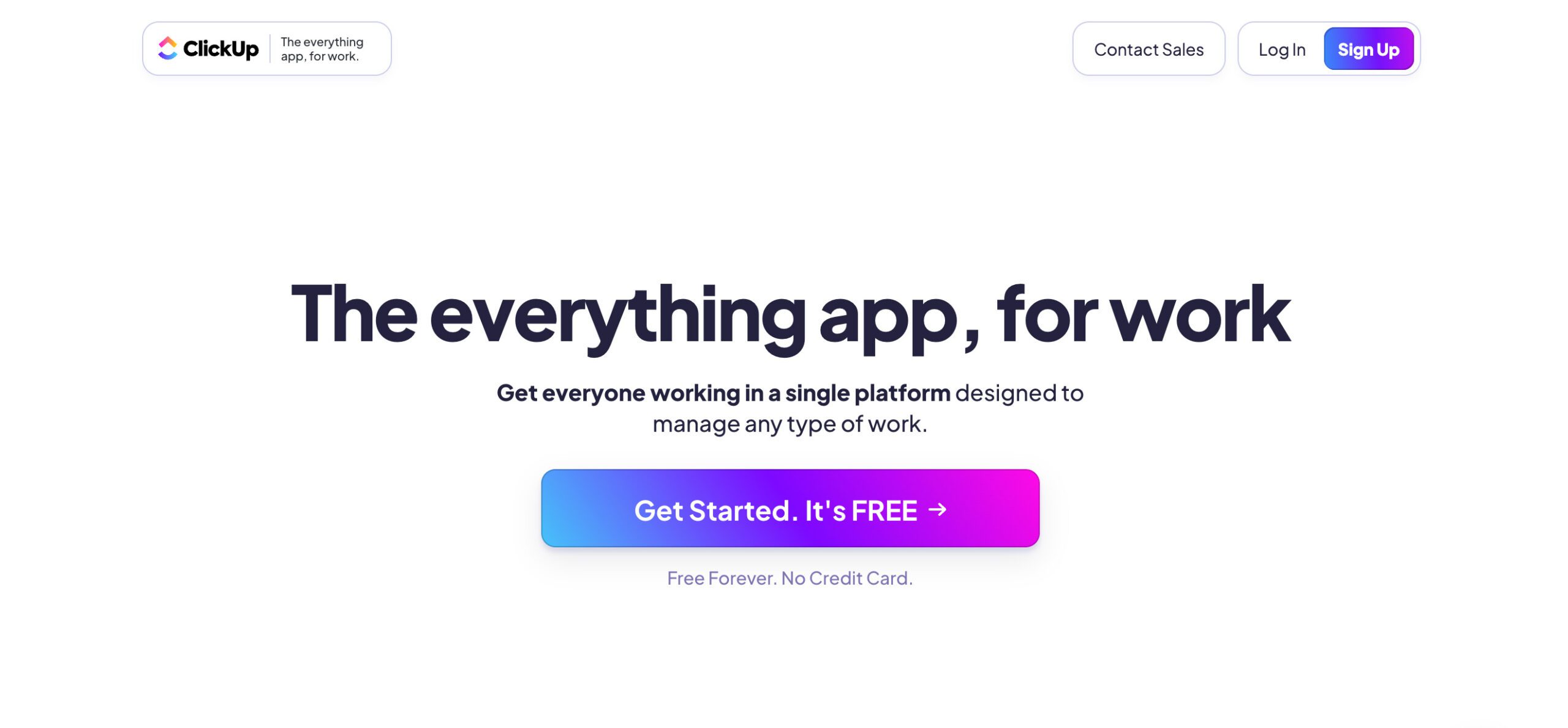
manufacturing-project-management-software-clickup-method-crm
  • Pricing: Free for small teams. Paid starts at $7/user/month.
  • Standout features:
    • Project templates, forms, and resource management.
    • Gantt charts, docs, and goal tracking.
    • Supports agile and traditional PM.
  • Best for: Growing teams with hybrid workflows.

16. Procore – Best for industrial construction
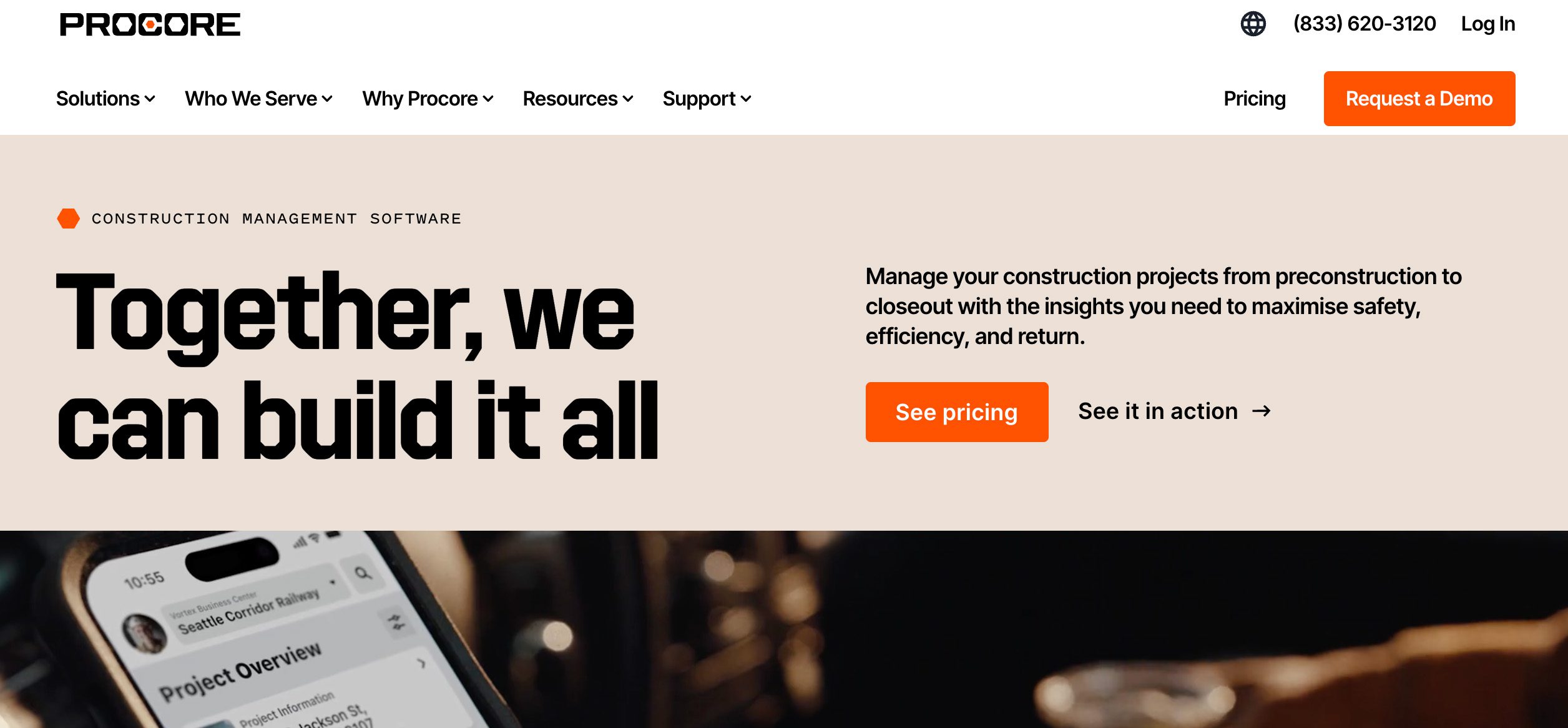
manufacturing-project-management-software-procore-method-crm
  • Pricing: Custom pricing.
  • Standout features:
    • Document control, subcontractor tracking, and RFIs.
    • Field productivity and safety reporting.
    • Integration with accounting tools.
  • Best for: Heavy industrial and construction manufacturing.

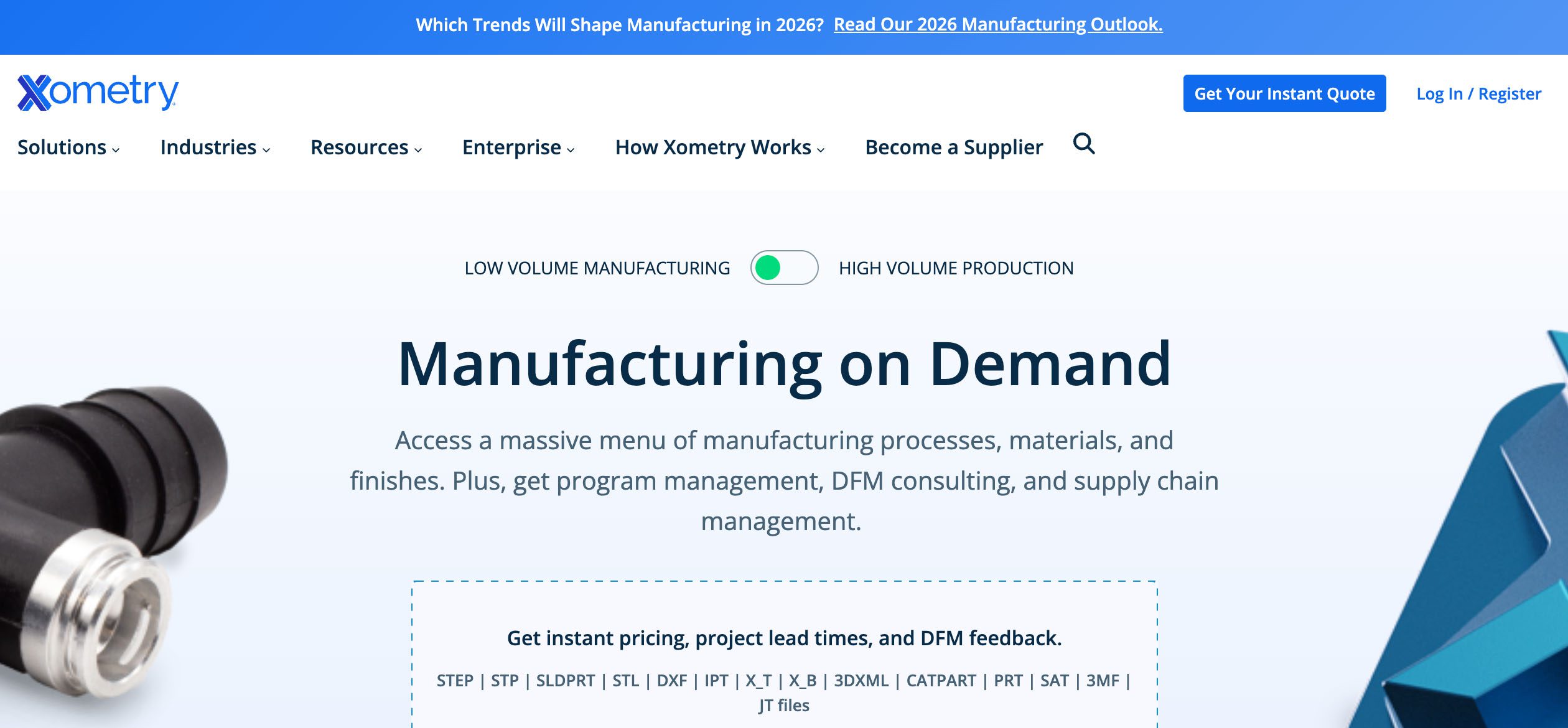
17. FactoryFour (Xometry) – Best for digital order tracking
Manufacturing-project-management-software-FactoryFour-Xometry-Method-CRM
  • Pricing: Custom pricing.
  • Standout features:
    • Real-time production tracking and order visibility.
    • Custom production workflows.
    • Barcode scanning and dashboard reporting.
  • Best for: Mid-sized factories needing production transparency.

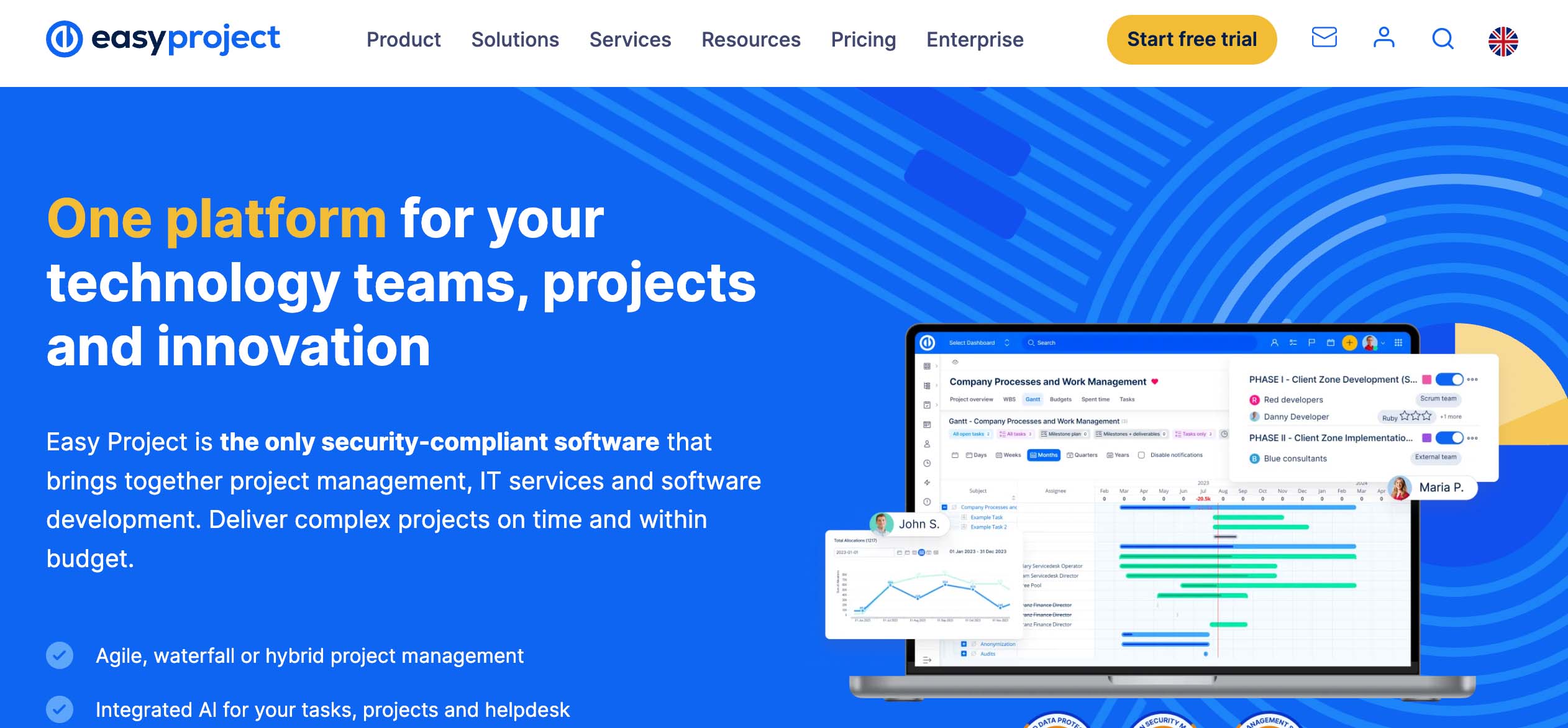
18. Easy Project – Best for teams with external clients
manufacturing-project-management-software-Easy-Project-Method-CRM
  • Pricing: Starts at $7.50/user/month.
  • Standout features:
    • Work breakdown structures and capacity planning.
    • Client-facing dashboards and approval workflows.
    • Integrated time tracking and Gantt tools.
  • Best for: Manufacturers offering custom or client-led projects.

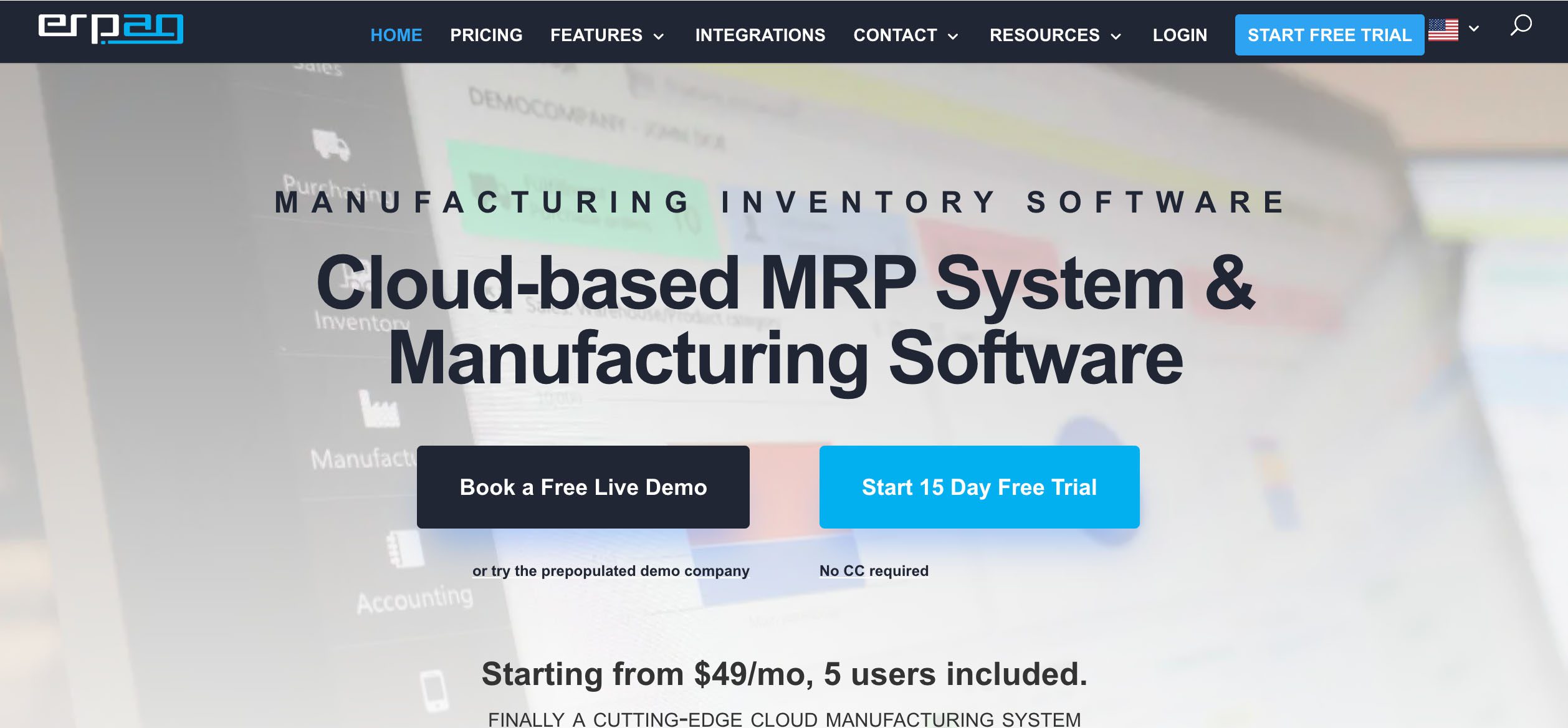
19. ERPAG – Best for all-in-one on a budget
manufacturing-project-management-software-ERPAG-Method-CRM
  • Pricing: Starts at $49/month with 5 users included.
  • Standout features:
    • Inventory, MRP, purchasing, and invoicing tools.
    • Sales order management and barcode support.
    • Cloud-based, designed for SMBs.
  • Best for: Small to mid-sized manufacturers that need a low-cost ERP.

Is manual invoicing slowing your cash flow?

How to choose: A 5-step process

With so many manufacturing project management tools out there, finding the right one can feel like trying to solve a puzzle with missing pieces. Instead of getting stuck comparing features blindly, follow this 5-step process to find the software that actually fits your team’s needs and grows with your operation.

1. Map your workflows and hidden bottlenecks

Start by taking a good look at how your team actually works. Where do handovers slow down? Which steps still rely on email or sticky notes? Identifying these pain points helps you understand exactly what the new tool needs to fix. For example, if your approvals process always gets delayed or your production status is never up to date, flag those as must-fix areas.

The goal here is clarity. Your aim is to buy back time and efficiency.

2. List required functions

Next, create a list of non-negotiable features. Think beyond generic project tracking. Do you need built-in inventory management? How about quality control tools, time tracking, or production planning modules?

Make sure your chosen tool can handle the entire lifecycle of your manufacturing projects, from quoting and scheduling to delivery and reporting. Bonus points if it comes with templates or prebuilt workflows designed specifically for manufacturing use cases.

3. Confirm ERP compatibility

If you’re already using an ERP system, integration is key. Your project management software should work well with your ERP to avoid duplicate data entry and mismatched reports.

Look for options with native ERP integrations or open APIs so you can connect tools like NetSuite, QuickBooks, or Microsoft Dynamics. Without proper integration, you risk turning your project management tool into just another silo.

4. Test real-time reporting with sample data

Real-time visibility is what separates good project management software from great ones. Ask for a trial or live demo and upload sample data. Can you view shop floor status, task progress, and financials as they happen?

Good reporting means more than colourful dashboards. You should be able to drill into workload, delays, job costing, track progress and completion estimates, all without exporting spreadsheets.

5. Calculate ROI versus your current process

This step often gets skipped, but it matters. Compare the cost of the tool against the lead times and money you’re losing using spreadsheets or cobbled-together systems. How many hours are wasted chasing updates? How many errors come from manual data entry?

Use this comparison to justify the switch and calculate the time it will take to see a return. When you take the time to run the numbers, investing in a proper manufacturing project management tool pays off fast—often in fewer missed deadlines, reduced overtime, and happier teams.

Is manual invoicing slowing your cash flow?

Method CRM + QuickBooks: A closer look

When it comes to project management for manufacturing teams, most tools stop short of aligning your back office and your shop floor. Method gives you real-time visibility and control in a way that feels flexible, not forced. Let us break down exactly how it works and when you might still want to layer in a more traditional MES or ERP system.

Built for small manufacturers using QuickBooks 🧾

Method CRM focuses on being the best companion to QuickBooks, helping small to mid-sized manufacturers streamline operations, reduce manual work, record milestones and get more visibility without switching systems entirely.

If you already use QuickBooks Online, Method’s two-way integration means your estimates, invoices, customer records, and payments stay perfectly in sync. No more re-entering data or wasting time cleaning up mismatched numbers.

But the real value comes from how Method lets you build around your existing setup, customizing workflows, screens, and job templates to suit your exact needs. The good news is you won’t be locked into rigid fields or layouts. Instead, you get a drag-and-drop experience that feels more like designing your own digital workspace.​​

Manage shop floor updates without the mess 👨🏼‍💻

Keeping your shop floor and back office on the same page is a common pain point for manufacturing companies. Many teams still rely on printed job cards, text messages, or whiteboards to track work-in-progress. It’s easy for things to get missed.

With Method, you can set up job records with custom statuses and live updates to match your production flow — and even configure alerts or notifications to keep your team in sync.

In return, your production schedule will be accurate, your sales team will be informed, and your customer expectations will be in check.

Customize every screen to fit your workflow 🎨

Many CRM or project management platforms give you a standard dashboard and expect you to adapt. Method takes the opposite approach. Using the no-code builder, you can customize nearly every screen.

Want to add a field to track inspection results? Done. Need a filter for overdue tasks across projects? Easy. Prefer to see project cost breakdowns alongside progress updates? Just drag and drop.

This flexibility makes it feel like the software works for you, not the other way around. It’s also helpful for onboarding, since you can hide unnecessary fields and keep the experience clean and intuitive for different roles.

Real-time data that speaks to your accounting 📊

Because Method CRM offers a deep QuickBooks integration, your cost tracking and revenue forecasting are always based on up-to-date numbers. As team members update job progress or log time, those changes can be reflected in your invoicing, job costing, and customer updates.

With Method, you won’t have to wait for end-of-week reports or sort through spreadsheets. You get data that reflects what’s actually happening right now across your business.

If you are trying to make better decisions or scale your operations, it’s a huge advantage.

When a light MES or ERP still makes sense 🤔

Now, to be clear, Method CRM is not a full-blown manufacturing execution system (MES) or enterprise resource planning (ERP) platform. If you run a large facility with highly complex production lines, barcode scanning, or integrated machine data, you may still want to add a specialized MES or ERP tool alongside it.

However, for many small manufacturers, that level of software is expensive, overly complex, and challenging to implement. Method provides a strong middle ground for manufacturing businesses. You can handle scheduling, quoting, customer communications, and internal coordination all in one place. Then, if your needs grow, you can connect Method to other systems using Zapier, APIs, or native integrations.

It provides scalability that lets you start lean and grow on your own terms.

Who Method CRM is best for 🥇

Method is best suited for small to mid-sized manufacturers who:

  • Use QuickBooks Online for accounting.
  • Handle repeat or custom jobs.
  • Need flexibility in how projects and tasks are tracked.
  • Want real-time visibility across sales, support, and production.
  • Are seeking transparent pricing plans.

You might be a cabinet maker, a packaging company, a machine shop, or a printed goods manufacturer. If QuickBooks is already your financial home, Method CRM is the next logical step for managing everything else.

A modern tool that fits your team 🎯

Method CRM is designed to help real businesses simplify complex projects and operations, reduce manual work, and give everyone on the team a clearer view of what needs to get done.

It works well for owners who wear many hats and need something they can customize without hiring a developer. It’s also ideal for teams that want better coordination between sales, admin, and production.

When paired with QuickBooks, Method becomes a powerful hub that connects your customer data, financials, and production in one place—and that’s the kind of clarity that most growing manufacturers could use more of.

Is manual invoicing slowing your cash flow?

Implementation tips 📝

Rolling out new manufacturing project management software can feel overwhelming, especially when you’re juggling orders, customers, and tight delivery schedules. Here are a few tips to make your implementation of business processes smoother and more successful.

Start with a pilot test

Instead of rolling out the new system across your entire operation all at once, begin by allocating resources to just one production line or team. A pilot test will let you try out workflows, identify gaps, and fix any issues in a controlled setting.

Choose a product line or job type that reflects your typical workload, but not your most high-pressure one. That way, you can gather useful feedback without too much risk. Once the pilot is running smoothly, expand the rollout step by step across other areas.

Migrate historical data with care

Bringing in your old data is important, but that doesn’t mean you need to transfer every last file or spreadsheet. Focus on migrating key customer records, recent job history, active projects, and relevant financial data.

Your team will then have the context they need to do their jobs without cluttering the system. You can always archive older data or upload it gradually. Many platforms, including Method CRM, offer import tools or support services to make the process easier.

Train in small, focused sessions

Avoid the temptation to run long, all-day training sessions. They’re often too much to take in at once, and most of it gets forgotten by the time someone needs it.

Instead, break training into bite-sized sessions focused on specific tasks or roles. For example, run a 30-minute walkthrough on job tracking for your floor supervisors, then a separate session on invoicing for your admin staff. That sort of approach fits better into the workday and helps everyone absorb what they need, when they need it.

Get help when you need it

If your internal team is stretched thin or unsure where to start, it’s worth using Method CRM’s professional services team. They can help map your current workflows and manufacturing operations, customize templates, and offer training tailored to your setup.

Think of them as your support crew while you get up and running. With the right guidance, your new system can be fully implemented and driving value within just a few weeks rather than months.

Frequently asked questions

What is the difference between manufacturing project management software and ERP?

ERP software covers all areas of a business, from finance to HR to procurement. Manufacturing project management software focuses specifically on managing production timelines, resources, and tasks. Some tools offer light ERP features, but many manufacturers combine the two for best results.

Can I use general project management tools for manufacturing?

You can, but you might run into limitations. Generic tools often lack features like bill of materials tracking, inventory control, or shop floor data capture. If you’re managing complex production schedules or job costing, a specialized tool will give you more control and better results.

Do I need to hire a consultant to implement manufacturing software?

Not always. Many tools are designed to be user-friendly with guided onboarding. That said, if you are dealing with large teams, multiple facilities, or complex manufacturing processes, working with a consultant or using the vendor’s professional services can save time to optimize and reduce errors.

How long does it take to fully implement a system like Method CRM?

It depends on your company’s size and setup. Method offers a gradual rollout approach and tailored onboarding support to help your team get comfortable step by step based on your decision-making process.

Does Method CRM support both service-based and product-based manufacturers?

Yes. Method is flexible enough to support a variety of workflows in the manufacturing industry. Whether you are building to order, assembling products, or delivering installation services, you can customize dashboards, templates, and workflows to match your process.

Final thoughts 💡

Managing projects in a manufacturing environment is no small task. You’re juggling shifting timelines, raw material needs, machine availability, and team schedules, all while trying to deliver on time and within budget. The right project management software isn’t magic by any means, but it’ll certainly take a lot off your plate.

Choosing a tool that fits your exact business needs can help you streamline operations, reduce costly delays, and improve customer satisfaction. Look for platforms with customizable templates, live dashboards, and automation tools that make your life easier, not more complicated. Most importantly, make sure it fits into your existing ecosystem.

If you’re a growing manufacturer looking for a flexible platform that works with your real-world workflows, Method CRM is built for you. It offers powerful project tracking, real-time job costing, and seamless QuickBooks integration, all without locking you into bloated features or fixed workflows.

Ready to see what Method can do for your shop floor?

Book your free demo and explore how Method CRM can be customized to fit your team, projects, and growth goals.

How much does Pipedrive cost

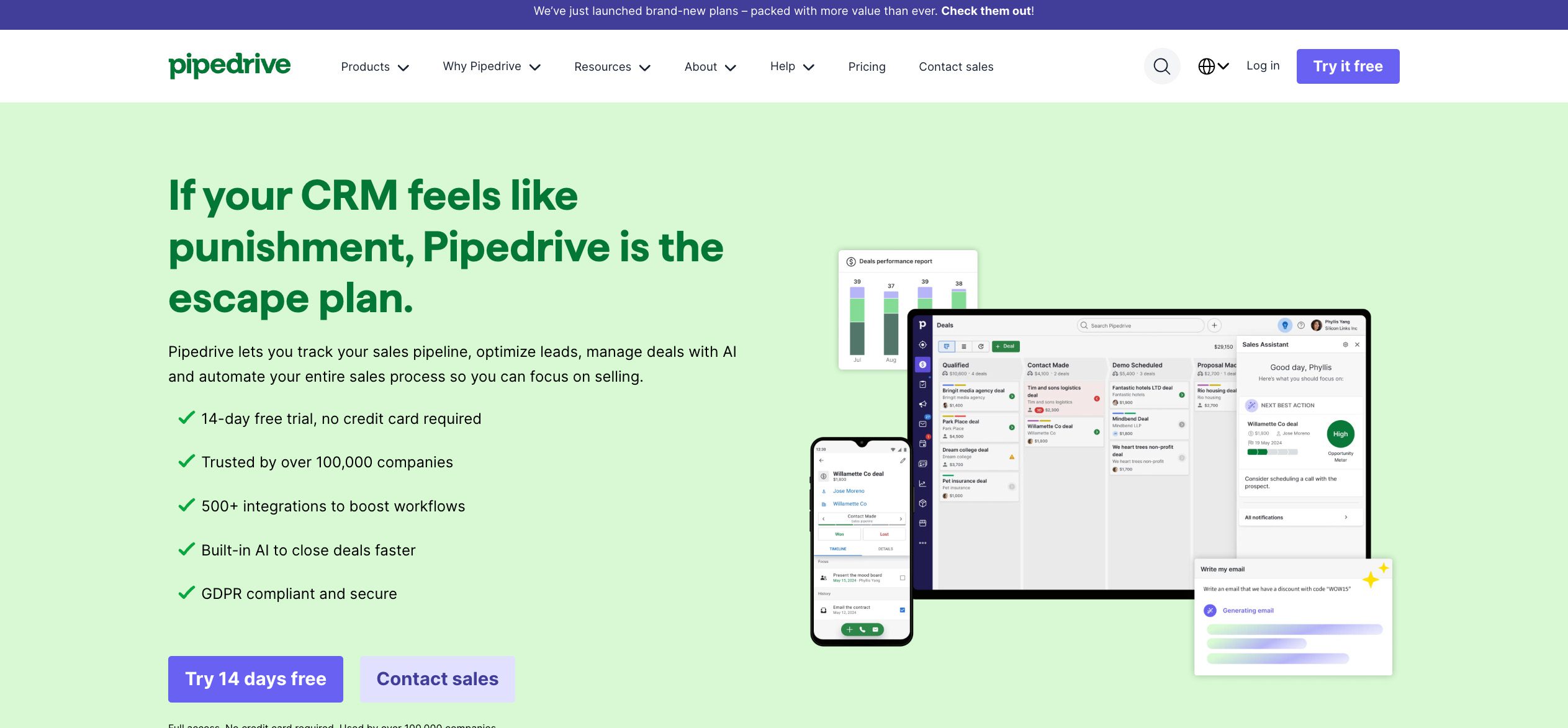
How much does Pipedrive cost in 2026?

Explore how much Pipedrive costs in 2025 with complete pricing for plans and add-ons. Learn the pros and cons of the platform and when Method CRM could be a better fit.

How much does Pipedrive cost in 2026? Read More »

Pipedrive is a sales-focused customer relationship management (CRM) platform trusted by over 100,000 businesses in over 170 countries worldwide. It has built a reputation as one of the best CRM solutions for sales teams that want structure and visibility in their sales pipeline.

Made to be accessible for startups and small teams, Pipedrive offers tiered plans that scale with business needs. You get to choose between monthly or annual billing (lets you save more), and there’s a free trial available to test the waters. 🕵️

But this base price is only part of the story. You’ll need to factor in user seats, billing frequency, and a stack of possible add-ons, all of which can quickly shift the total cost.

If your business requires tighter accounting sync or deeper workflow customization without the layered costs for extras, Method CRM may deliver better long-term value. 💎

Here at Method CRM, we’ve been supporting QuickBooks-based businesses since 2010. Method is loved by small and mid-sized businesses across a range of industries for its two-way QuickBooks sync, no-code customization, and end-to-end sales automation. In this article, we’ll break down Pipedrive pricing so you can get the full picture and decide whether this software is the right choice for your growing business. 🌱

Customize workflows and watch your team thrive.

Table of Contents

Pipedrive pricing plans at a glance

Pipedrive’s tiered plans are fairly easy to follow. Each tier adds more tools and flexibility, so you can choose what matches your team’s size and sales process.

Here are Pipedrive’s four main pricing tiers:

PlanAnnual billingMonthly billing
Lite$14/seat/month$24/seat/month
Growth$39/seat/month$49/seat/month
Premium$49/seat/month$79/seat/month
Ultimate$79/seat/month$99/seat/month

Unlike some Pipedrive alternatives like HubSpot, Zoho CRM, and Freshsales that offer a forever-free plan, Pipedrive only has a free trial.

During this free trial, you get full access to its core CRM features, including lead, contact, and sales management, along with premium perks like LeadBooster and Smart Docs (more on these add-ons later).

No credit card is required, and the trial provides you with the full advanced plan. This way, you can test Pipedrive and its best features before making a decision.

How-much-does-Pipedrive-cost-Method-CRM

What you get in each plan

From basic deal tracking in “Lite” to advanced security and testing options in “Ultimate,” the tiers are designed to match different stages of your sales process. Here’s a closer look at what you get in each plan.

Lite plan

💲 Cost: $14/seat/month (annual), $24/seat/month (monthly)

The Lite plan is Pipedrive’s entry-level option. This plan is the ideal choice for small businesses that want to reduce manual work through CRM software and find an easier way to organize leads and manage deals without the complexity.

⚙️ Notable features:

  • Manage your deals with basic pipeline management tools.
  • Add important details relevant to your operations with custom fields.
  • Sync your emails directly into the platform.
  • Get nudges and insights from the AI Sales Assistant.
  • Connect with over 500 apps and services through integrations.
  • Experience personalized onboarding to get the most out of Pipedrive from the start.

Growth plan

💲 Cost: $39/seat/month (annual), $49/seat/month (monthly)

The Growth plan is for scaling teams that need smarter tools to automate routine work. It’s especially beneficial for sales reps who want more workflow support and better conversation tracking.

⚙️ Notable features:

  • Keep communications organized with full email sync and tracking.
  • Build workflow automations and nurturing sequences to stay on top of follow-ups.
  • Generate subscriptions with revenue forecasting to guide decision-making.
  • Build personalized communications with custom email templates.
  • Manage appointments with a built-in meeting scheduler and contacts timeline.
  • Get quick answers through live chat customer support.

Premium plan

💲 Cost: $49/seat/month (annual), $79/seat/month (monthly)

As Pipedrive’s most popular option, the Premium plan adds deeper collaboration and advanced controls. It’s the right fit for larger sales teams that need reporting, dashboards, and team management.

⚙️ Notable features:

  • Capture and assign new leads with lead generation and routing.
  • Prioritize prospects using custom scoring and company data enrichment.
  • Speed up outreach with AI-powered multi-email tools.
  • Close deals faster through built-in contracts and e-signatures.
  • Add flexibility with enhanced customization for teams, reports, and data fields.
  • Protect sensitive contact data with stronger security and permissions.

Ultimate plan

💲 Cost: $79/seat/month (annual), $99/seat/month (monthly)

The Ultimate plan gives you Pipedrive’s full suite. It’s designed for companies that want every feature plus priority service. This is the go-to option for larger businesses with complex sales cycles and high-volume operations.

⚙️ Notable features:

  • Strengthen protection with fortified account security, including rules and alerts.
  • Gain deeper insights through phone and email data enrichment.
  • Work without limits using maximized usage caps.
  • Test safely in a controlled environment with a sandbox account.

Each plan adds more tools to support various sales pipeline stages. The higher the CRM pricing, the more control and visibility you have over your team’s sales.

Customize workflows and watch your team thrive.

Optional add-ons to know

Pipedrive CRM is upfront about its pricing, which makes it easy to see what each add-on costs. But keep in mind that activating multiple extras can quickly add costs on top of your base plan.

While each add-on provides valuable features, your total monthly investment can grow faster than expected. It’s important to be aware of this to better plan your budget and figure out which tools are truly essential for your team.

These are the add-ons that Pipedrive offers. 

Add-onMonthly rateWhat it includes
LeadBooster 🚀From $32.50/month per companyChatbot, live chat, web forms, Prospector
Web Visitors 👥$49/month (up to 200 orgs)

$99/month (201–500 orgs)
$299/month (501–2000 orgs)
Identify, count, and track leads from visiting organizations
Campaigns 📣Starting from $13.33/companyEmail marketing, tracking, analytics, filtering, automation on Growth+ plans
Projects 🗂️Starting from $6.67/user/monthProject management with kanban view, tasks, subtasks, labels, custom fields
Smart Docs 💻Starting from $32.50/month per company (free for higher tier plans)Trackable quotes, proposals, contracts, e-signatures, AI alerts, auto-fill

Note: All add-ons are billed in addition to your Pipedrive plan. LeadBooster, Web Visitors, Campaigns, and Projects are available for all plans, though some features, like automation in Campaigns, require higher-tier plans. Smart Docs is included for Premium and Enterprise users, but is an optional add-on for lower tiers.

Costs recur alongside your CRM subscription, so it’s important to factor them in when budgeting.

That said, if you’re looking to manage projects through intuitive visuals, remember that Pipedrive’s Projects is an add-on. You might be better off exploring other dedicated CRMs for project management if that’s the core focus of your team’s workflow.

Customize workflows and watch your team thrive.

Real-world cost considerations

Even though Pipedrive’s base plans start low, the real costs often add up once you start including add-ons, automation, and tools for lead generation or advanced workflow management.

For example, let’s say a five-person startup uses Pipedrive Lite ($14/user/month = $70/month) to track early leads. They add LeadBooster ($32.50/month) and Web Visitors ($49/month).

These add-ons let the team run a chatbot on their site and capture leads efficiently without hiring extra staff.

But the total monthly cost? $151.50. That’s more than double the base plan.

Here are real-world cost drivers to watch out for:

  • Team size: Every user adds to your monthly subscription. Larger teams multiply costs.
  • Add-ons: Features like LeadBooster, Projects, Campaigns, Smart Docs, and Web Visitors are optional but essential for many workflows.
  • Required functionality: If your business needs automation, project tracking, workflow customization, or lead management, the lowest-priced plan may not be enough.
  • Growth expectations: As your business scales, you’ll likely need more advanced plans, extra automations, or expanded contact limits.

Pipedrive ecosystem & integrations

What Pipedrive does very well is make integrations feel effortless. It’s a flexible CRM that lets you connect with over 500 apps through native integrations, a strong API, and its marketplace, so you’re sure to seamlessly bring your favourite tools together in one CRM without disruption.

These are some use cases that show how you can connect and automate with Pipedrive.

Email marketing sync 📧

Goal: Keep your contacts, campaigns, and email activity in one place to ensure timely follow-ups and campaign tracking.

Popular integrations include:

  • Mailchimp: Sync contacts and track email campaign performance.
  • ActiveCampaign: Automate emails based on pipeline stage or deal status.
  • Gmail/Google Workspace: Log emails automatically and access email history from the CRM.

Lead capture 🤝

Goal: Turn every website visit or inquiry into a potential opportunity with integrations that automatically feed leads into your sales pipeline.

Some common picks:

  • LeadBooster: Chatbot, live chat, and web forms to capture and qualify leads.
  • Typeform: Turn form submissions directly into deals or contacts.
  • Facebook Lead Ads: Push social media leads straight into Pipedrive.

Sales workflows 💡

Goal: Automate repetitive tasks, keep deals moving, and give your sales teams clear action items.

Recommended integrations:

  • Zapier: Connect Pipedrive with hundreds of apps to automate workflows.
  • Trello / Asana: Sync tasks and projects with deals to manage work visually.
  • Slack / Microsoft Teams: Receive notifications on deal activity in real-time.
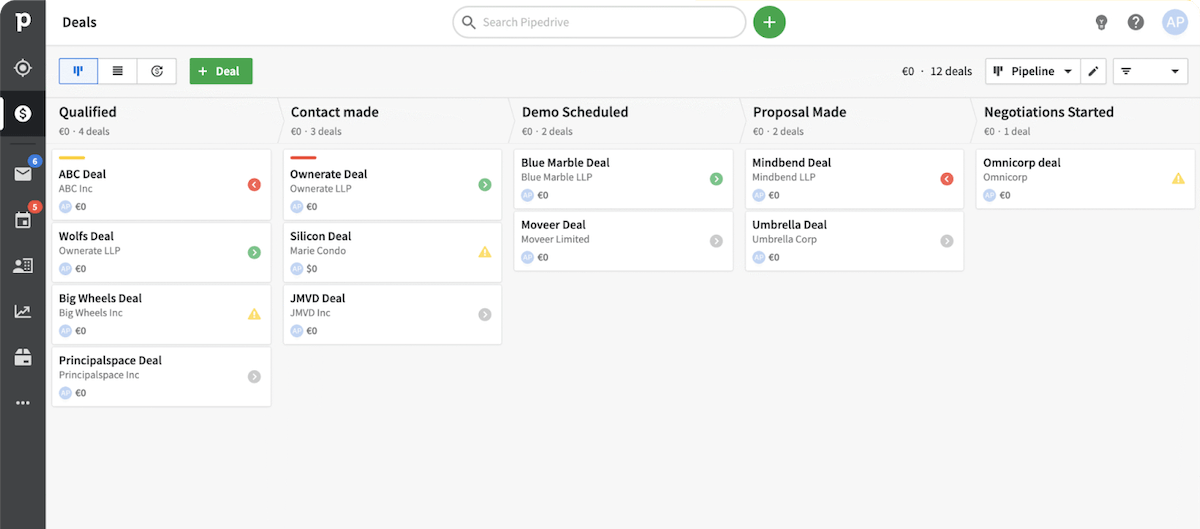
Pipedrive screenshot

Forecasting dashboards 📈

Goal: Get actionable insights to plan resources, predict revenue, and track performance.

Top tools for this:

  • Google Data Studio/Looker Studio: Build custom reporting dashboards.
  • Excel/Google Sheets: Pull pipeline data for deeper analysis.
  • Power BI: Combine Pipedrive data with other business metrics.

Pipedrive can be a bit tricky when it comes to accounting. For instance, while it integrates with QuickBooks Online, there’s no native two-way sync. This means that you’ll need a third-party tool to connect the two services.

For businesses that need to integrate CRM and accounting software, Pipedrive’s setup adds steps and leaves room for delays or mistakes if not handled properly.

To avoid these potential concerns, consider Method CRM. It offers an all-in-one system built to complement QuickBooks through an unmatched real-time, two-way sync.

Method keeps all your customer and financial data consistent, reduces manual work, and gives your team a clear, up-to-date view of both sales and finances without relying on multiple add-ons.

Pros & cons: Is Pipedrive worth it?

Let’s weigh the strengths and limitations of Pipedrive to help you decide if it’s the right CRM for your team.

👍 Pros:

  • Clean, sales-focused UI and UX: Its drag-and-drop pipeline view and user-friendly layout make managing deals easy, even for users new to CRM systems. TechRadar highlights Pipedrive as among the best CRM for user experience, praising its intuitive mobile and desktop interfaces and in-app guidance.
  • AI Sales Assistant and visual pipeline ease adoption: The built-in AI-powered assistant provides actionable insights and reminders so sales reps can stay on top of their tasks. Combined with the visual pipeline, the sales process is smooth, and productivity is boosted.
  • Extensive integration ecosystem: With over 500 native integrations, a robust API, and a marketplace, Pipedrive connects seamlessly with tools like Gmail, Slack, Microsoft Teams, and Zapier.
  • Scalable for sales teams: Pipedrive offers an affordable solution for small to medium-sized businesses. Its ability to scale means the CRM grows with your team, adapting as your needs evolve.

👎 Cons:

  • No forever-free option: Unlike some competitors, Pipedrive does not offer a free plan. While there is a free trial, it might be too short a timeframe to fully test out the platform. Ongoing use will require a subscription, which may be a consideration for budget-conscious businesses.
  • Complicated cost structure when using multiple tiers and add-ons: The base plan is cost-effective, but the total bill can climb when adding features, some of which competitors include in their standard tiers.
  • Lacks deep marketing or service automation compared to broader CRMs: While Pipedrive excels in sales automation, it offers limited marketing and service automation features. Businesses seeking comprehensive automation across all departments may find this lacking.
  • Limited accounting integration: Pipedrive may not be ideal for accounting-focused businesses or those looking for a CRM and accounting setup. It doesn’t natively connect with QuickBooks Desktop (only Online) or Xero, so real-time, seamless syncing won’t be available out of the box.

Pipedrive works best for teams prioritizing sales-first CRM functionality with straightforward usability. On the flip side, costs can climb quickly once you add features, and businesses needing deep marketing, service automation, or integrated accounting may find it limiting.

Customize workflows and watch your team thrive.

Final thoughts

Pipedrive is a sales-focused CRM designed to help teams track deals, manage pipelines, and automate repetitive tasks. With its visual interface, AI Sales Assistant, and hundreds of integrations, it’s an accessible choice for businesses just starting CRM software and are looking to streamline their sales processes. 📊

But while Pipedrive’s base plans start affordably, costs can rise quickly once you add features, automation, and add-ons. The total pricing will depend on your team’s size, chosen plan tier, and the tools you’ll need, so always be sure to evaluate your requirements carefully before committing.

If you’re a business that needs robust accounting integration, custom workflows, and built-in field service support, Pipedrive may fall short.

In this case, Method CRM has you covered.

Consider Method CRM if:

  • You need your CRM connected directly to QuickBooks or Xero.
  • You want custom workflows and field service features ready to go.
  • You prefer a straightforward pricing structure instead of juggling multiple modules and add-ons.

Ready to see it in action? Book a free Method demo and test a CRM that works the way you do. 👨🏻‍💻

Frequently asked questions

What is the real monthly cost of Pipedrive?

There’s no exact cost when subscribing to Pipedrive. Its paid plans start at $14 per user/month for Lite (entry-level plan), but the real cost usually goes up once you factor in add-ons, automation, and additional seats.


For example, adding LeadBooster, Campaigns, or Projects can easily double your monthly bill. Your total will depend on team size, required features, and billing frequency (monthly or annually).

Are the cheaper Pipedrive plans enough for my business?

Yes, the entry-level Pipedrive plans can be more than enough if you’re a small team and only need the essentials, like basic pipeline management and contact tracking.


But if you want advanced workflows, marketing automation, lead generation tools, or custom reporting, you’ll likely need higher-tier plans or multiple add-ons, which will increase costs.

How does Pipedrive compare to other CRMs?

Pipedrive excels at sales pipeline management, visual UX, and easy adoption, making it a solid choice for sales-focused teams.


However, when compared to broader CRMs like HubSpot, Zoho, or Salesforce, Pipedrive offers fewer built-in marketing, service, and accounting features and integrations. Teams needing all-in-one CRM and accounting functionality may look at alternatives like Method CRM for real-time accounting sync and custom workflows without having to stack add-ons.

HubSpot-alternatives-Method-CRM

12 best HubSpot alternatives in 2026 

Compare HubSpot alternatives in 2025 that deliver affordability, flexible customization, AI features, and deep integration for marketing, sales, and accounting.

12 best HubSpot alternatives in 2026  Read More »

Finding the perfect cloud-based customer relationship management (CRM) platform for your business can be a challenge these days. A simple online search returns thousands of options, including global juggernauts like HubSpot.

HubSpot is an all-in-one platform that centralizes marketing, sales, and customer service into one polished customer relationship management (CRM) system. Its hubs function like add-on packages, allowing users to expand and pay for advanced features when they need them.

Now, HubSpot is generally user-friendly, with a free CRM to start. But the pricing can tend to add up—a factor that may lead small businesses to consider an alternative, such as Method CRM.

Here at Method CRM, we’ve been supporting QuickBooks-based businesses since 2010. Method is loved by small and mid-sized businesses from a range of industries for its real-time, two-way QuickBooks sync, end-to-end sales automation, and no-code customization capabilities. In this article, we’ll show you what to consider when selecting a Hubspot alternative and how Method can be an asset to your growing business. 🚀📈

Ditch the spreadsheets — automate your workflows today.

Table of Contents

Why consider alternatives to HubSpot?

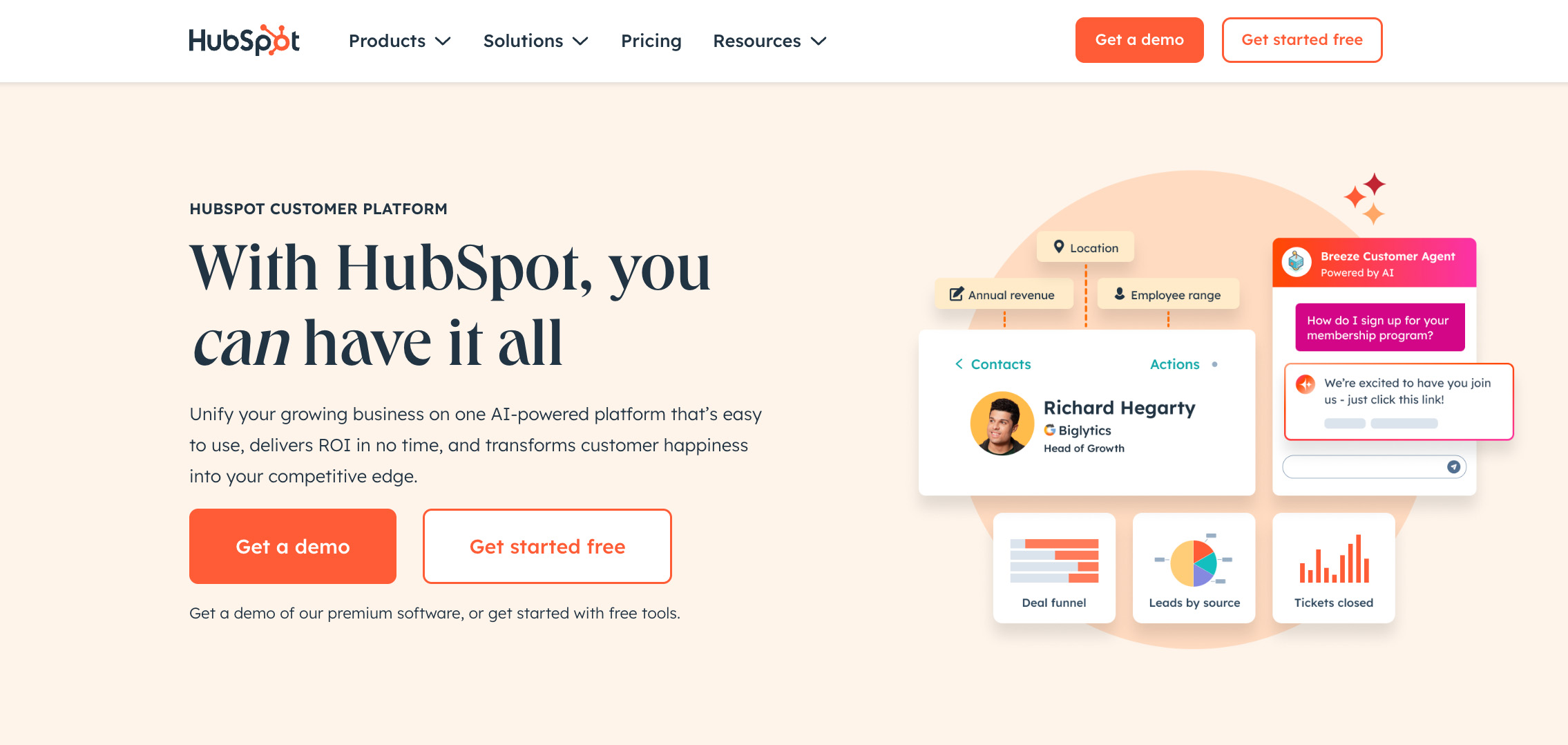
Hubspot CRM alternative screenshot

HubSpot’s free CRM is a strong option for startups. But as your team grows, so will your needs—and you may find they are more aligned with a different CRM. 

Here are common reasons why businesses are making the switch. 

Rapid cost escalation 💸

HubSpot’s free plan works well when you’ve only got two users. Once your business grows, expanding beyond that gets expensive, fast. Most growing teams move into the Customer Platform, HubSpot’s all-in-one bundle that combines marketing, sales, service, and other ‘Hubs’ on top of its Smart CRM.

  • Starter: Priced per seat at $9 to $15 per user/month, depending on billing and promotional packages. Every time you need to add another user, the cost rises directly with team size.
  • Professional: Comes with six seats included and starts at $1,300 per month. Each additional seat (team member) starts at $45/month.
  • Enterprise: $4,700 per month and includes eight seats. Adding a new team member is $75 per seat.

Buying individual hubs rather than using the full Customer Platform bundle is possible. However, the cost of these add-ons can add up fast. For many businesses, what begins as an affordable solution can quickly turn into a steep monthly expense as their team and software requirements grow.

Learning curve for small teams 🧠

An extensive set of CRM tools sounds ideal on paper, but if you are someone who prioritizes accessibility and the essentials, it can be more than you need. This is what it might feel like using HubSpot. Some new users face a steeper learning curve, spending too much time figuring out the system.

Need robust financial and accounting integration 🔗

The accounting tools you use might also not sync as intended. For instance, the QuickBooks integration is designed to sync invoices from HubSpot to QuickBooks—not the other way around. This means the sync will fail if a user tries to edit the HubSpot-created invoice in QuickBooks.

Desire for targeted tools 🎯

HubSpot covers the basics of email marketing and CRM, but its e-commerce functions are still limited. Advanced needs, such as sales tax by jurisdiction or detailed segmentation with AI, either aren’t available or come with extra costs. Companies looking for specialized tools may find HubSpot’s offerings too general. 

HubSpot is for businesses with dedicated teams who can invest the time to master its wide feature set. But if you’re looking for CRM software with tighter integrations, simpler pricing, or tools that fit small businesses without the heavy overhead, it may not be the right match.

HubSpot alternatives at a glance

Not all teams need the same kind of CRM. Some want a platform for everything, others need a sales-focused tool, while bigger organizations may demand enterprise power.

With that, we broke down the HubSpot alternatives into categories.

All‑in‑one CRM suites

These combine sales, marketing, and customer support in one package. They’re built for small and medium-sized businesses that want a CRM solution that can handle tasks like project management, lead generation, and forecasting in one login instead of handling multiple apps.

These all-in-one CRM platforms stand out:

  • Method CRM: Offers an instant, two-way sync with QuickBooks, giving accounting professionals and service teams a true all-in-one system.
  • Zoho CRM: Has a huge set of CRM features from email marketing to social media and automation features, all working within the Zoho app ecosystem.
  • EngageBay: Affordable bundle with email templates, lead scoring, and workflows.
  • Freshsales: Pairs sales pipeline management with built-in marketing automation tools.

Sales-first platforms

These prioritize pipeline visibility and closing deals. They’re perfect for lean sales teams that want to streamline follow-ups, reduce admin work, and keep their sales pipeline moving.

Here are some trusted sales-first CRMs:

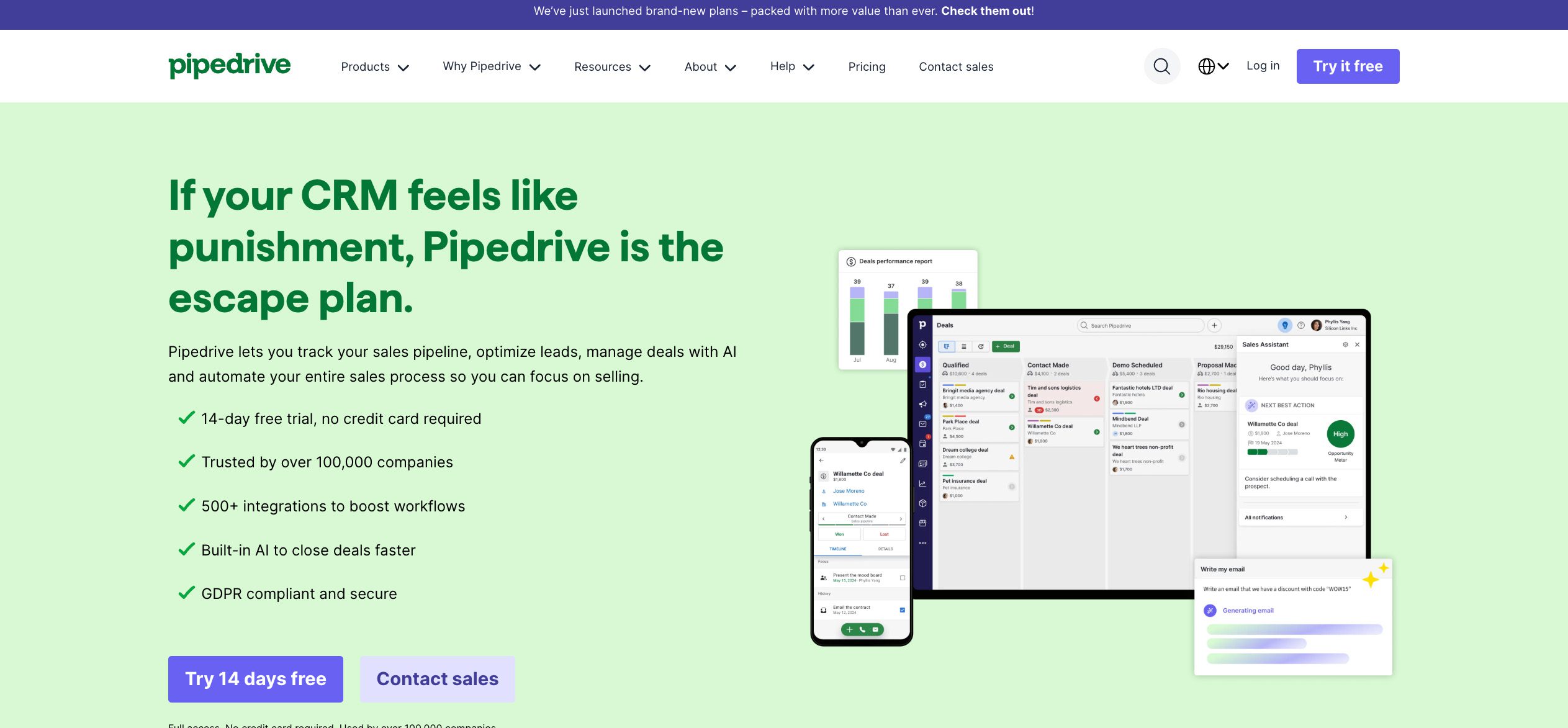
  • Pipedrive: Visual drag-and-drop sales pipeline with workflow automation.
  • Copper: Known for deep Gmail and Google Workspace integration for contact management and task management right inside your inbox.

Enterprise-grade

These CRMs are made for large businesses that require complex setups, APIs, and advanced custom reporting. These scalable platforms often come with elevated pricing and longer onboarding, but they deliver the scale and control enterprises need.

These are the go-to enterprise-level CRMs:

  • Dynamics 365: Unmatched Microsoft ecosystem tie-in, from project management to customer data optimization.
  • Salesforce: The benchmark for enterprise CRM platforms, with vast customization options and add-ons for complex operations.

AI-powered support/e-commerce specialists

These CRMs zero in on automation, segmentation, and customer journeys rather than trying to cover every function. They’re built for online stores and digital-first businesses. With AI features layered in, they can handle tasks like automated follow-ups and customer support routing.

Here are some AI-powered tools that can handle e-commerce work:

  • eesel AI: Brings AI-driven support and knowledge management. These help teams respond faster with contextual answers.
  • Omnisend: An e-commerce marketing platform with email, SMS, and automation for smarter campaigns.

Open-source

For teams that want control, flexibility, and no recurring subscription fees, open-source CRMs let you host and customize the system yourself. They’re ideal if you have in-house developers or IT support, since you can tailor features, integrations, and data security to your exact requirements.

Here’s a popular open-source CRM:

  • SuiteCRM: A widely used open-source CRM that’s a fork of the open-source SugarCRM Community Edition. This means that it came from SugarCRM’s open-source code. It covers sales, service, and marketing, with full access to the codebase for custom development.

In-depth HubSpot alternative reviews

We’ve outlined the main categories of CRMs, but picking the right fit comes down to the details.

Here’s a deep dive into the best HubSpot alternatives, what they do well and who they’re best suited for.

1. Method CRM

HubSpot-alternative-Method-CRM


💰 Pricing: Free trial (includes a setup demo and an hour of customization); Contact Management plan at $27/user/month, CRM Pro at $45, Enterprise at $73. Custom pricing available for CRM Multi-entity.

Method CRM is a no-code, fully customizable platform built for businesses that use QuickBooks. Its two-way, real-time sync with QuickBooks Online and Desktop eliminates duplicate data entry and keeps accounting records accurate. Users can capture leads, create estimates or invoices, manage follow-ups, and even provide customer portals for payments and support, all within the same system.

Method also connects seamlessly with a wide range of apps, including emails from Gmail and Outlook, calendar apps such as Google Calendar, marketing tools like Mailchimp, forms via Jotform, and Zapier for expanding beyond the core CRM.

Combined with automation features and dedicated onboarding support, Method is best suited for companies that want full control of their CRM while staying tightly connected to their accounting system.

SUCCESS STORY: How one shipping container company doubled their revenue over three years with Method CRM.

2. Zoho CRM

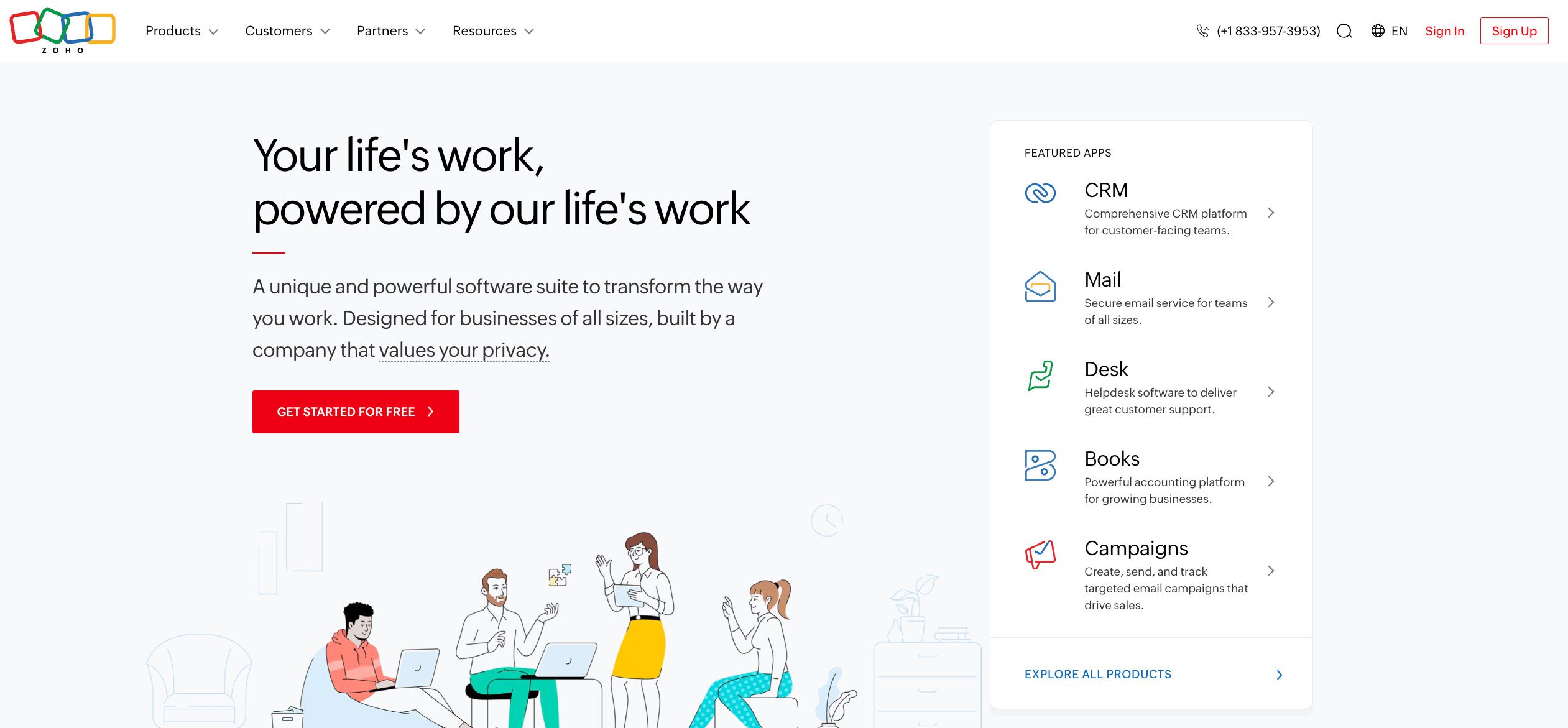
Hubspot-alternative-Zoho-Method-CRM


💰 Pricing: Free plan available; Standard at $14/user/month, Professional at $23, Enterprise at $40, and Ultimate at $52 (billed annually).

If you’re already part of the Zoho app ecosystem, Zoho CRM is for you. The system connects seamlessly with other Zoho apps, such as Campaigns, Books, and Desk, creating a more unified system that ties together CRM, accounting, and support.

Its free plan covers core functions like contact and deal management, task tracking, and email management. Paid plans expand capabilities with workflow automation, advanced analytics, sales forecasting, and insights through its AI-powered assistant, “Zia.”

See how Method vs Zoho CRM stacks up.

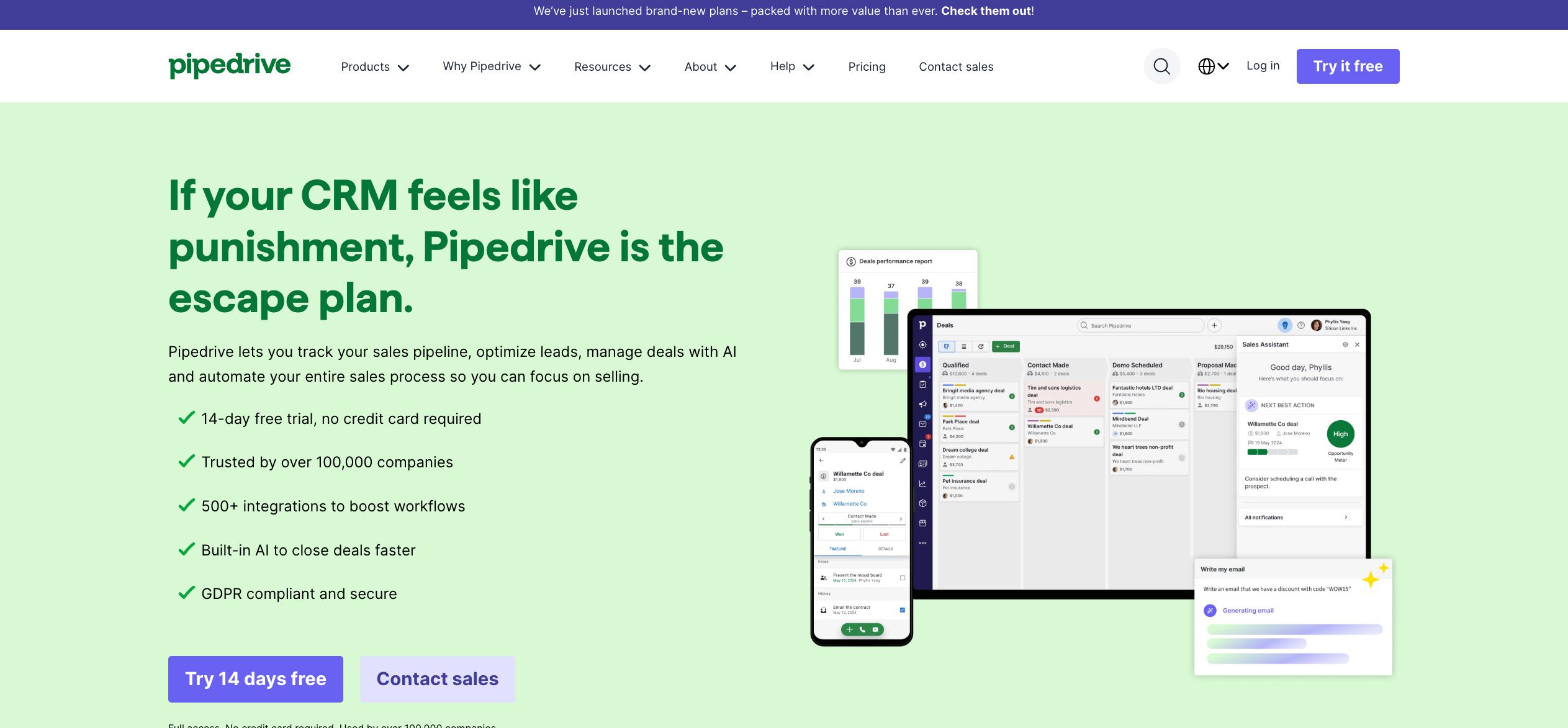
3. Pipedrive

Hubspot-alternative-Pipedrive-Method-CRM


💰 Pricing: The Lite plan starts at $14/seat/month, Growth at $24, Premium at $49, and Ultimate at $69 (billed annually). Free trial.

Pipedrive’s strength is its visual pipeline. Deals move through drag-and-drop stages, and custom fields make it easy to adapt the system to your sales process. The built-in sales assistant offers deal reminders, follow-ups, and workflow tips to reduce repetitive tasks.

With over 400 third-party integrations and practical automation capabilities, Pipedrive works well for smaller teams that want a focused, sales-focused CRM system that can adjust to their existing processes, but without the extra layers of a full marketing automation platform.

Not sold on Pipedrive? Discover the best Pipedrive alternatives for small businesses.

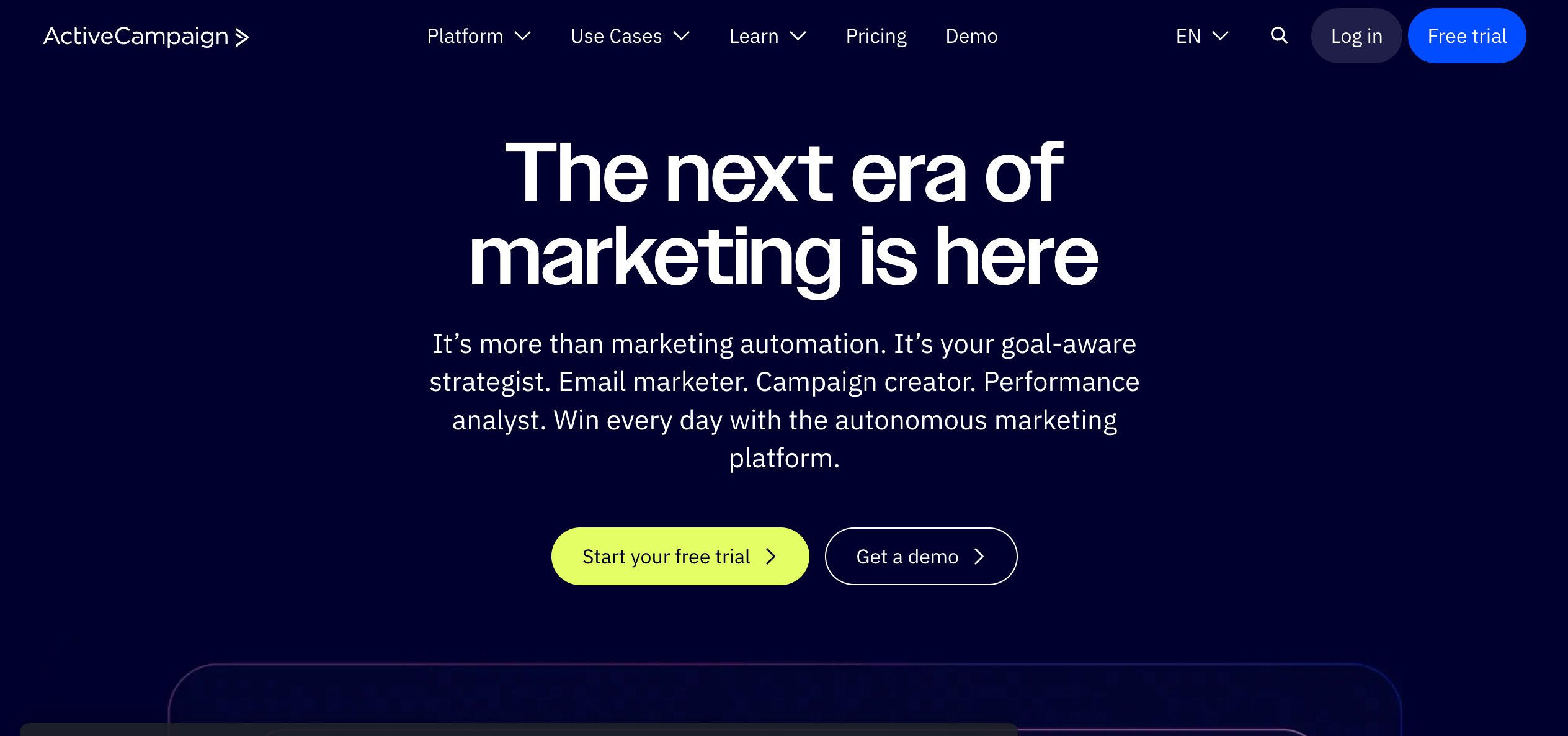
4. ActiveCampaign

Hubpot-alternative-ActiveCampaign-Method-CRM


💰 Pricing: Depends on the number of email contacts. Starter plan starts at $15/user/month, Plus at $49, Pro at $79, and Enterprise at $145 (based on 1,000 contacts). Free trial.

Looking for a marketing automation platform that handles smart segmentation, nurturing sequences, and campaign logic without needing separate tools? ActiveCampaign delivers. Alongside its CRM system, ActiveCampaign offers email automation, predictive content, split testing, conditional content, and landing page creation.

ActiveCampaign’s automation-first approach makes it a top pick for campaign logic, metrics, and personalized outreach. Build robust marketing campaigns and multi-channel automations, plus tap into prebuilt templates to get started right away.

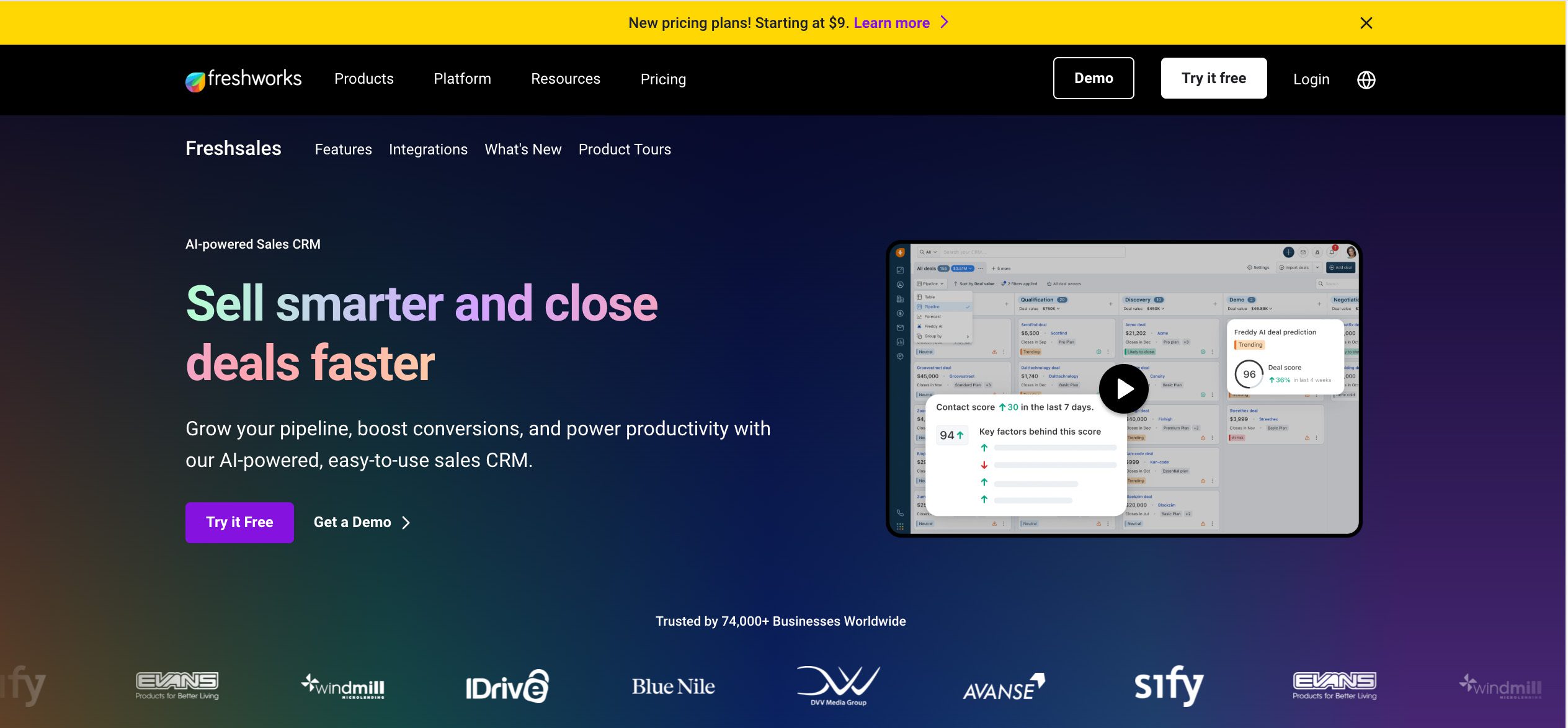
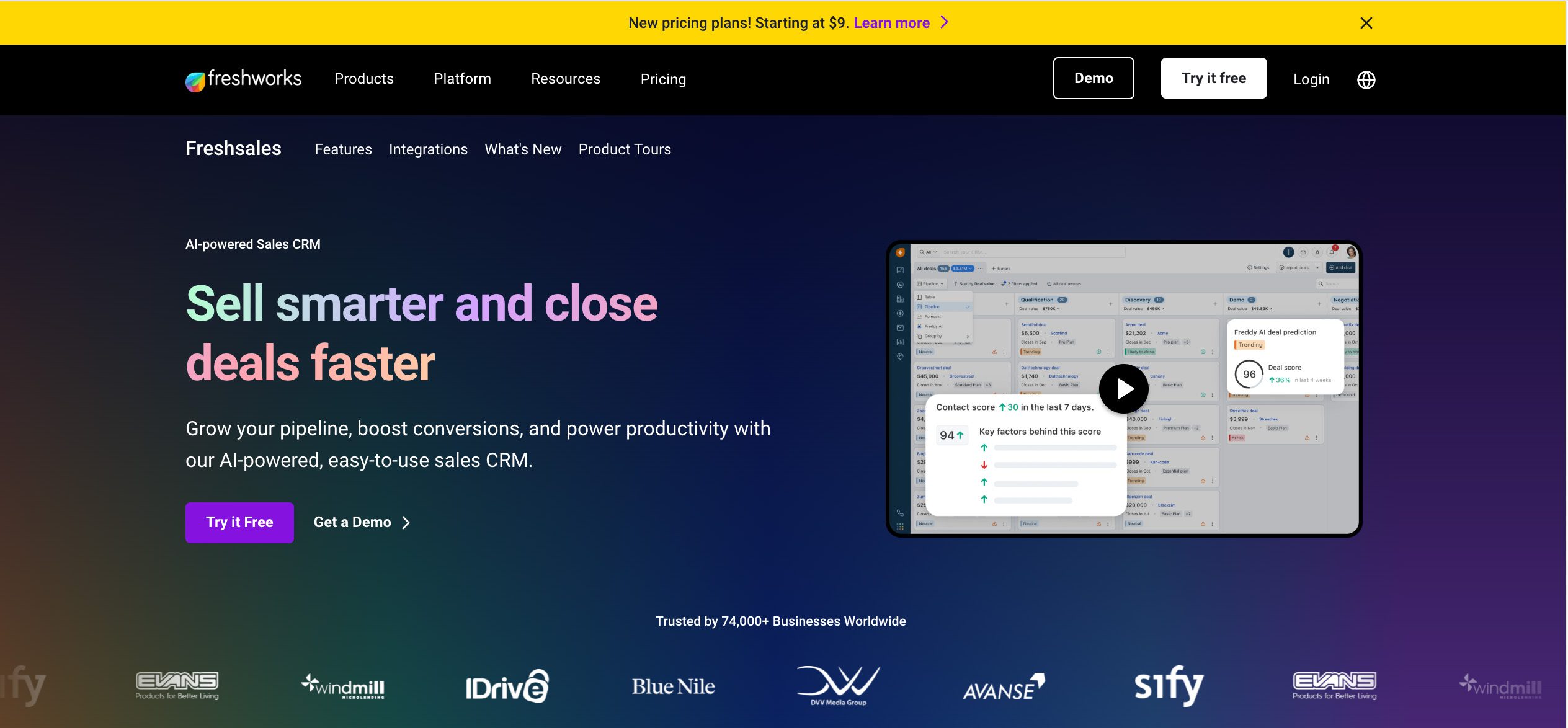
5. Freshsales

Hubspot-altrnative-Freshsales-Method-CRM


💰 Pricing: Free plan available; Growth at $9/user/month, Pro at $39, Enterprise at $59.

Ideal for teams looking for an integrated solution, Freshsales by Freshworks combines multi-channel communication tools and automation capabilities to support efficient sales workflows. The Freddy AI engine enables sales teams to prioritize high-value prospects effectively through smart insights.

Its scalability ensures that as businesses grow, the platform can adapt to more complex sales processes. A free plan with basic CRM functionality and a limited number of user seats is also available to get you started.

Check out this detailed comparison of Freshsales vs Method CRM.

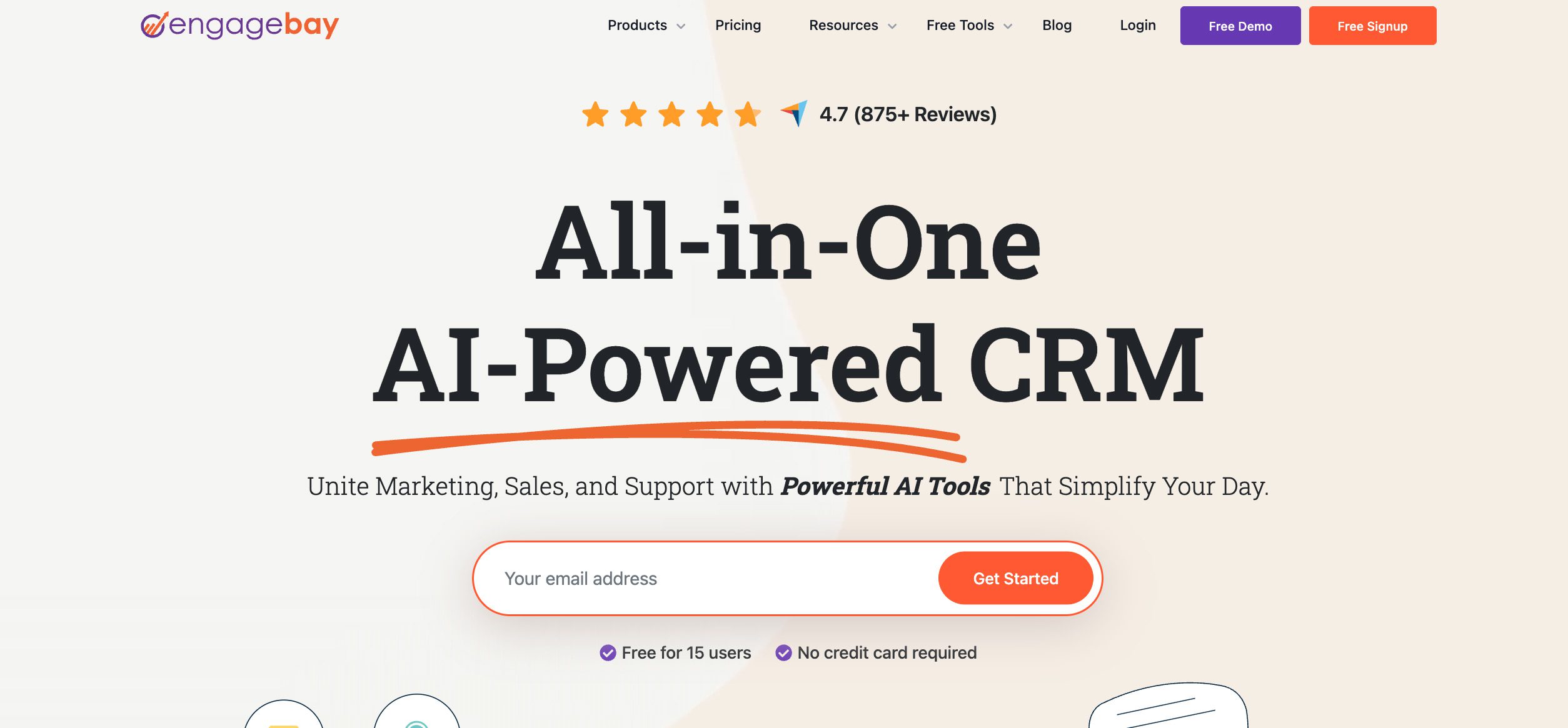
6. EngageBay

HubSpot-alternative-EngageBay-Method-CRM

💰 Pricing: Free plan available; Basic at $13.79/user/month, Growth at $59.79/user/month, and Pro at $110.39 (billed annually).

EngageBay is an all-in-one CRM with marketing automation, sales, and service tools in a single platform. It’s recommended as one of the most affordable CRMs for value, providing AI-powered tools and omnichannel engagement that’s accessible from a single dashboard.

The platform also includes support tools such as a helpdesk and live chat, giving businesses a unified way to manage customer interactions. Built-in features like email campaigns, landing pages, and automation workflows allow teams to engage leads and nurture relationships efficiently.

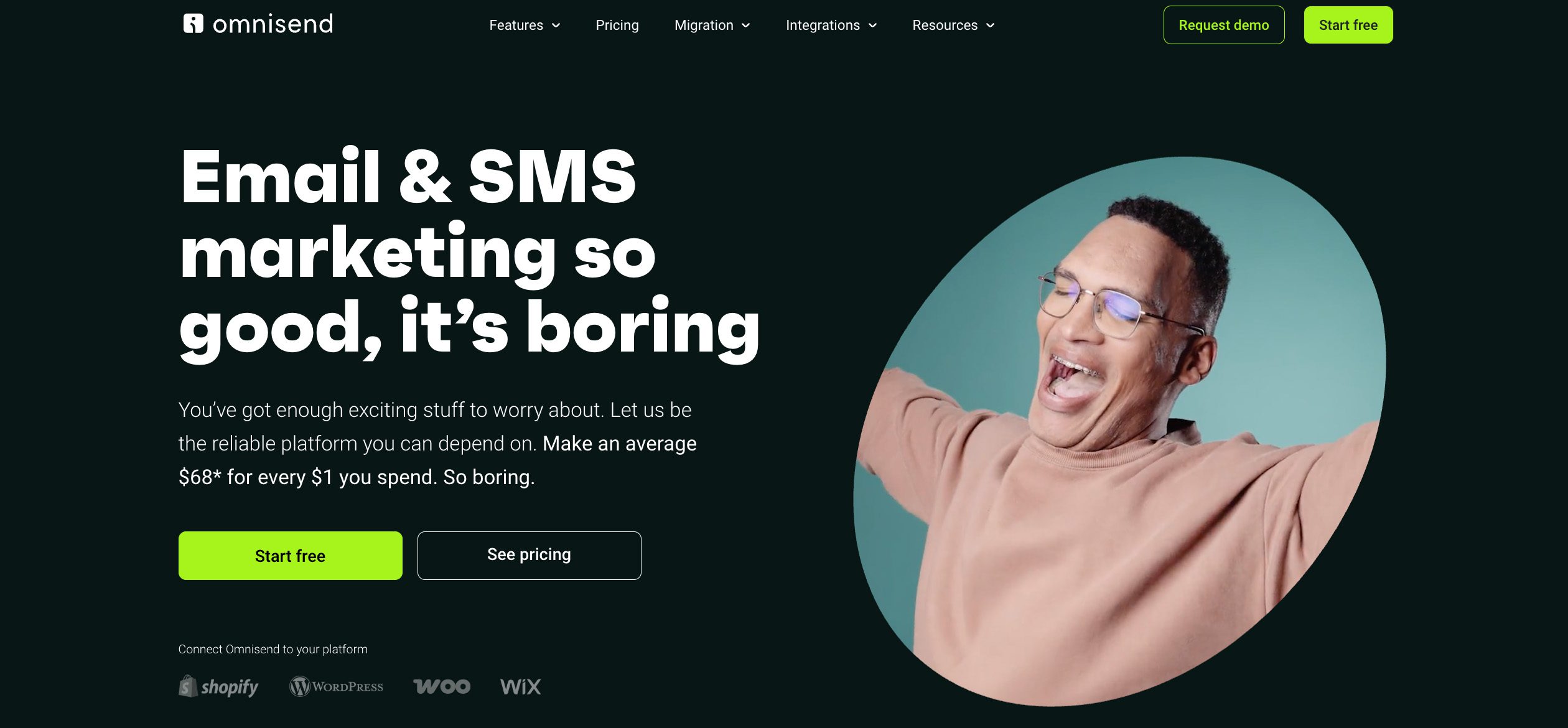
7. Omnisend

HubSpot-alternative-Omnisend-Method-CRM


💰 Pricing: Free plan available; Paid plans cost depends on the contact list size. Standard at $16/month for up to 500 contacts, Pro at $59/month for 2,500 contacts. Custom plans available upon inquiry.

Omnisend is built for e-commerce businesses. It’s mainly a marketing automation platform, which also features a CRM system that captures, organizes, and uses your customer data to drive smarter decisions.

Integrations with Shopify, WooCommerce, and BigCommerce sync customer data for precise, personalized campaigns. With its intuitive interface and ready-to-use templates, Omnisend suits businesses looking to manage their multi-channel marketing efforts.

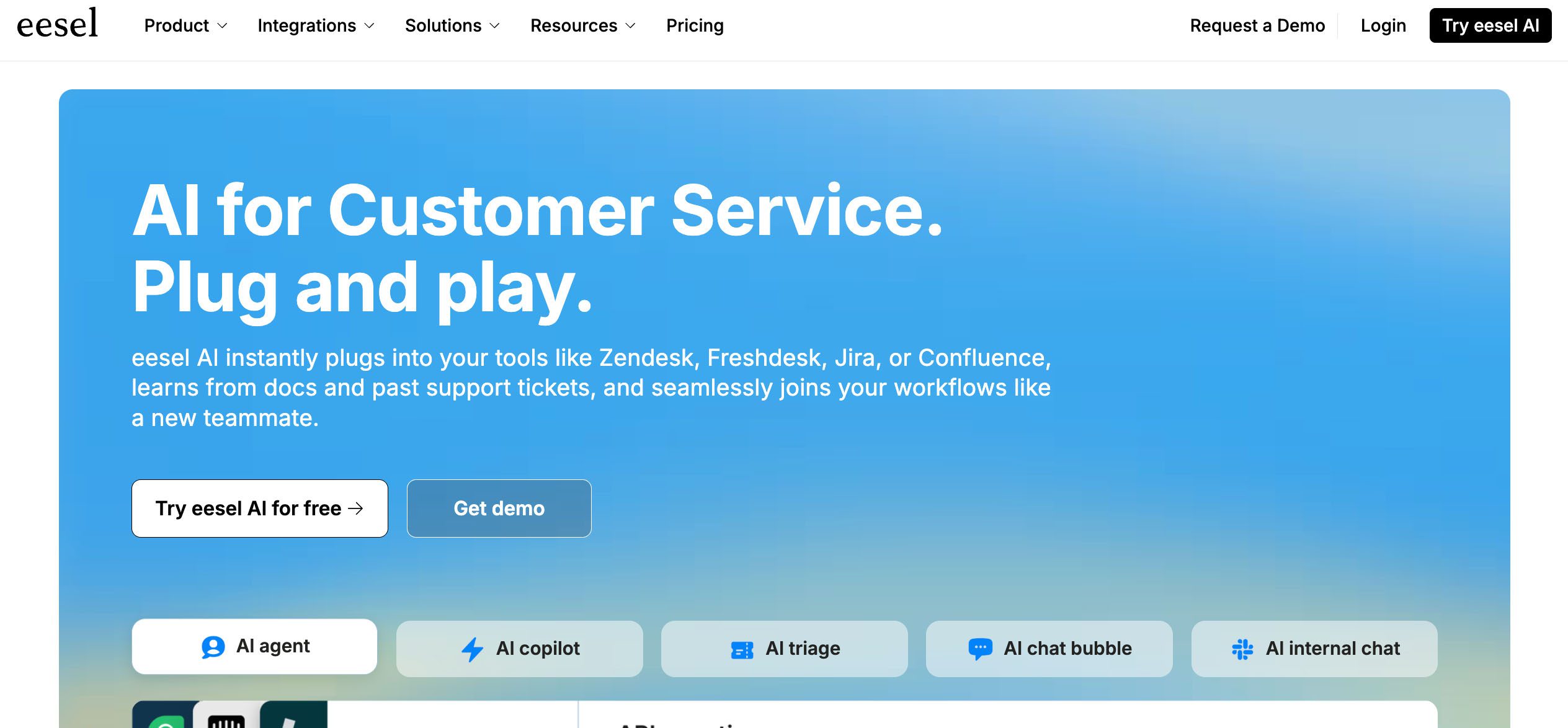
8. eesel AI

HubSpot-alternative-eesel-AI-Method-CRM


💰 Pricing: Free 7-day trial; Team plan at $239/month (three bots and up to 1,000 interactions/month), and Business at $639/month (unlimited bots and up to 3,000 interactions/month). Custom pricing available.

Eesel is an AI-driven platform that combines conversational AI with a smart search engine, integrating with CRM systems (like Zendesk and Freshdesk) to automate customer interactions and improve internal knowledge management. It acts more like a virtual assistant for sales and support teams, using chatbots and AI tools to handle queries and simplify workflows across connected apps.

The AI’s adaptability allows it to function across multiple support channels for a consistent customer experience regardless of the platform used.

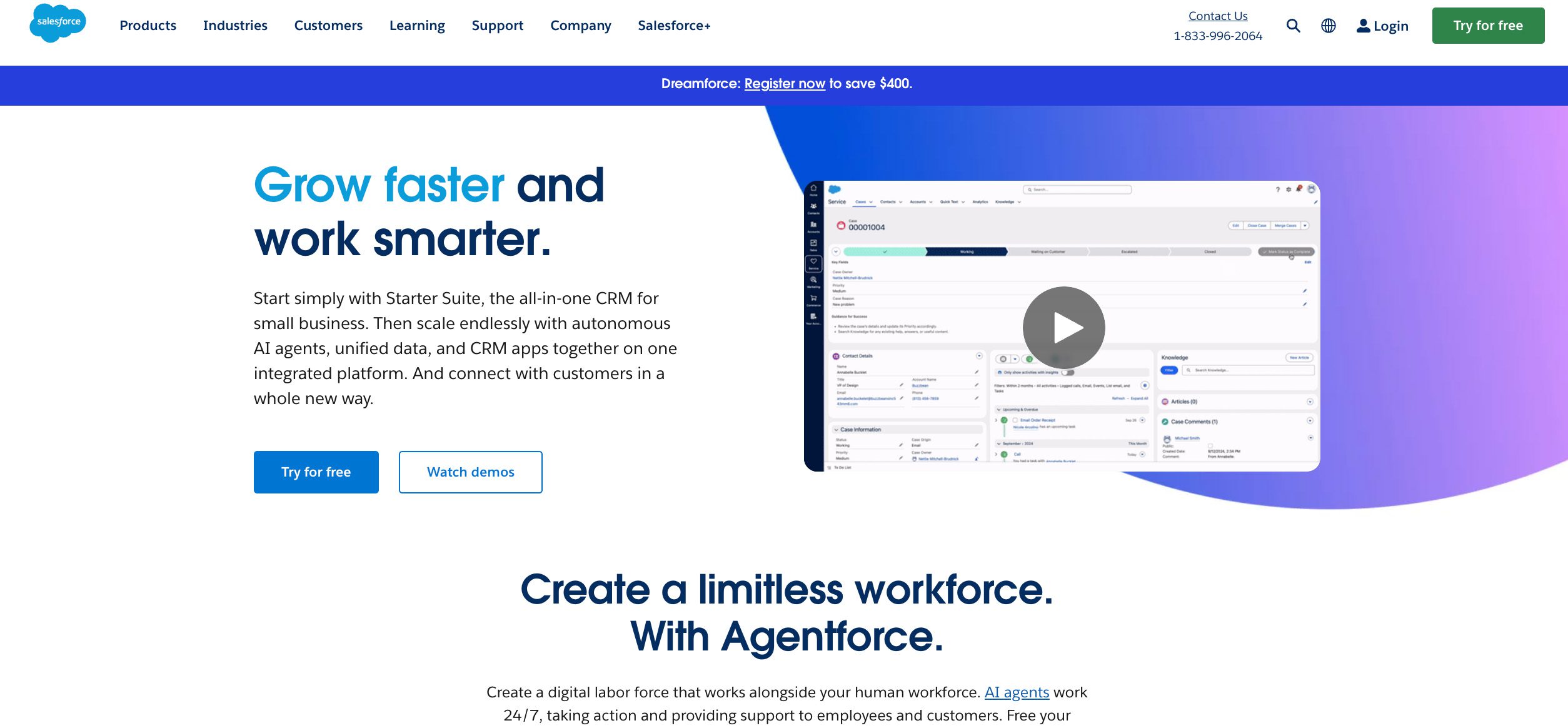
9. Salesforce

HubSpot-alternative-Salesforce-Method-CRM


💰 Pricing: Free plan available; Starter Suite at $25/user/month, and Pro Suite at $100/user/month.

Need a CRM that can handle your most complex business processes? Salesforce is built for exactly that. Its workflow builder lets teams automate multi-step processes, from approvals to opportunity management, without extensive coding. The platform also integrates deeply with other systems and offers a wide range of add-ons to support marketing, sales, and service operations.

While powerful, Salesforce requires investment in setup and training. This makes it suited for organizations with the resources to fully take advantage of its capabilities.

See our in-depth Method vs Salesforce CRM comparison.

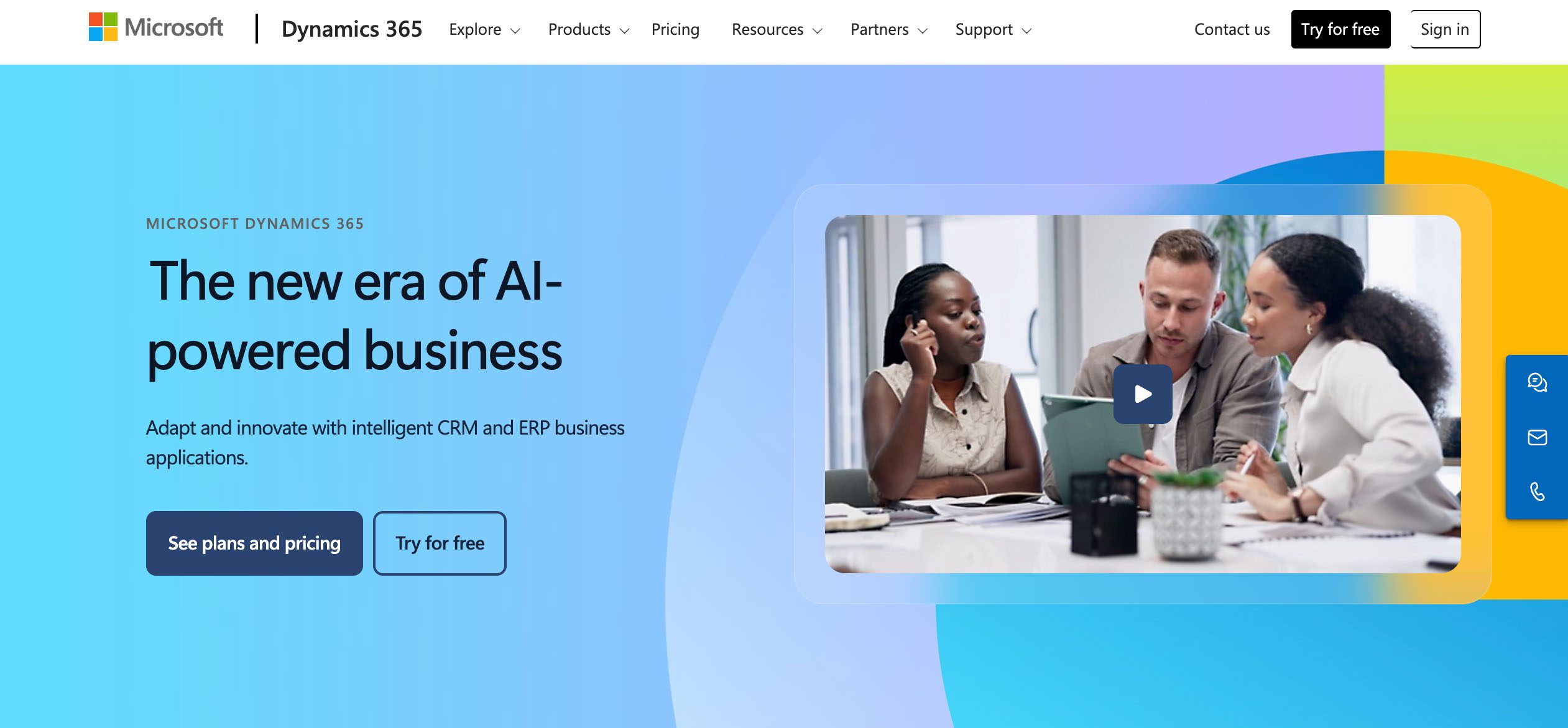
10. Microsoft Dynamics 365

HubSpot-alternative-Microsoft Dynamics 365-Method CRM


💰 Pricing: Plans start at $65/user/month for the Sales Professional License, $105 for a Sales Enterprise License, $150 for a Sales Premium License, with additional costs for add-ons like Copilot and Customer Insights. Free 30-day trial.

Microsoft Dynamics 365 combines AI-powered CRM and ERP tools to keep sales, marketing, and customer service running smoothly. The standout is its native integration with Microsoft 365 apps (Outlook, Excel, Forms, Teams, etc.).

This tool excels in automation, advanced reporting, and analytics, helping teams streamline workflows and generate actionable insights with the power of AI. Just be aware that these functionalities have a steep learning curve and come with higher implementation costs.

11. SuiteCRM

HubSpot-alternative-SuiteCRM-Method-CRM


💰 Pricing: Open-source and free for unlimited users who choose to self-host the CRM; UK-only managed hosting plans start at ~$180/month (£130) for up to 10 users on shared infrastructure. A dedicated instance starts at ~$4300/year (£3200), hosted in the U.S. or the UK.

SuiteCRM is an open-source CRM. This means that its source code is available for businesses to modify and adapt. As mentioned, it’s built on SugarCRM’s Community Edition. The SuiteCRM team then added new key features, fixed issues, and tailored the platform for a broader audience, creating a fully independent CRM while retaining its SugarCRM roots.

It’s completely free when self-hosted, and for those requiring additional support, SuiteCRM offers hosted plans with varying levels of service.

12. Copper CRM

HubSpot-alternative-Copper-CRM-Method-CRM

💰 Pricing: Starter at $9/user/month, Basic at $23, Professional at $59, and Business at $99 (billed annually). Free trial.

Copper CRM is a cloud-based CRM platform designed to work natively within Google Workspace. Unlike traditional CRMs that require manual data entry, Copper automatically syncs within the Google ecosystem.

For instance, this means that teams can create and use email templates right in Gmail, which keeps your messaging consistent, speeds up follow-ups, and saves time on every send. Having deep integration with Google Workspace enhances workflow efficiency while maintaining a centralized view of customer data.

Looking for a similar fit? Check out our Copper CRM alternative guide.

Ditch the spreadsheets — automate your workflows today.

How to choose the right HubSpot alternative

Picking the right HubSpot alternative comes down to knowing what your business really needs. With so many CRM alternatives on the market, being clear about your priorities helps you choose one that actually works for your team.

Here’s what to consider when choosing a HubSpot alternative.

Define your top priority 🥇

Do you want a CRM that gives the most bang for your buck or one that delivers all the bells and whistles?

Identify which factor matters most before evaluating your options:

  • Cost savings: Platforms that deliver essential CRM functionality and automation at a lower price. This is ideal for startups and small teams who aren’t keen on HubSpot’s escalating fees.
  • One-purpose expertise: Solutions focused on a specific function, like sales pipelines or marketing automation, often outperform generalist CRMs in that area.
  • Accounting sync: CRMs with native integration to QuickBooks, Xero, or similar tools prevent duplicate data entry and maintain accurate financial records.

Assess team size, technical resources, and budget 📋

Some assessment tips to keep in mind:

  • Figure out how many people will use the CRM and what access they need.
  • Decide if your team can handle setup and support, or if you’ll need the vendor’s help.
  • Plan your budget to cover the subscription, add-ons, and any extra support.

Larger teams can handle more complex systems with advanced customization, while smaller teams benefit from a user-friendly interface.

Implement a trial and migration strategy 💡

A trial and migrate strategy lets you test the CRM on a smaller scale first before committing company-wide. Start with one team or department and move only a sample of data. This way, you can assess real-world functionality.

Use the platform’s native integrations and import tools to avoid unnecessary manual setup. This approach reduces risk and identifies potential workflow friction before a full rollout.

Pro tip! Always document what worked and what didn’t. Having a record makes it easier and quicker to roll out migration across the rest of the business.

Prioritize tools that match workflows without excessive bloat ⚙️

Choose a CRM that aligns with your workflow. Overloaded platforms can slow adoption and create unnecessary complexity.

For example, if you’re an e-commerce business that needs order tracking, email campaigns, and abandoned cart automation, narrow down your options to CRMs that include these features first. The bonus add-ons come later.

Where Method CRM fits

Tracking leads and managing billing in QuickBooks can be frustrating without the right integration. HubSpot sometimes struggles here, with accounting integrations that don’t sync as smoothly as some users expect. Method CRM, however, is built specifically for finance-driven workflows, making it a better fit for teams that rely on QuickBooks.

Here’s why Method works so well for businesses. 

Dual sync with QuickBooks 🔄

Method offers a best-in-class, two-way sync with QuickBooks Online and Desktop. Customer data, estimates, payments, and invoices update automatically and in real-time across these platforms.

Because keeping sales and accounting aligned is essential for almost every business, this level of sync eliminates two of the biggest sources of inefficiency: duplicate entry and missed updates.

Accounting-aware CRM with multi-entity support and automation 🦾

For businesses that manage multiple locations or subsidiaries, Method keeps records separate while allowing shared oversight. Its accounting-aware structure connects sales activity directly to financial data.

Add in workflow automation, like auto-creating follow-up reminders or generating an invoice once a deal closes, and teams save hours each week.

Competitive pricing and smoother onboarding 🤝

You can access many of Method’s extensive feature set at its base plan costing $27/user/month, which is far lower than HubSpot’s Professional Customer Platform for $1,300/month. Method keeps pricing straightforward and scalable for mid-sized companies.

Onboarding is easier, too, since staff familiar with QuickBooks or Xero can work within a system that already feels familiar. On top of that, you get a customer success manager, help center resources, and support with data import to keep everything mapped correctly.

Ditch the spreadsheets — automate your workflows today.

HubSpot alternatives: Summary table

After breaking down each platform in detail, here’s an overview to help you compare.

CRM tool  🛠️Best for 👍Highlights 🌟
Method CRMQuickBooks/Xero integrationDual sync with QuickBooks and Xero, deep customization, and workflow automation for CRM and accounting. 
Zoho CRMZoho app ecosystemFeature-rich CRM with strong automation, AI insights, and seamless Zoho app integrations.
PipedriveSales pipelineVisual, drag-and-drop pipeline management with reminders, automations, and 400+ integrations.
ActiveCampaignMarketing automationAdvanced email automation, campaign logic, landing pages, and robust segmentation tools.
FreshsalesAffordable, AI-powered CRMAI-powered lead scoring, built-in telephony, multi-channel communication, and strong scalability.
EngageBayEntry-level friendly CRMAffordable CRM with sales, marketing, and service tools in one unified platform.
OmnisendE-commerceDesigned for online stores with Shopify, WooCommerce, and BigCommerce sync plus multi-channel campaigns.
eesel AIAI-driven supportAn AI layer that automates support workflows and integrates with CRM systems. 
SalesforceEnterpriseEnterprise-grade power with a workflow builder, ecosystem add-ons, and deep integrations.
Microsoft Dynamics 365Microsoft app ecosystem Combines CRM and ERP with AI insights, advanced reporting, and native Microsoft 365 integration.
SuiteCRMOpen-sourceFree, self-hosted CRM with full customization and optional hosted support.
Copper CRMGoogle Workspace integrationNative Gmail/Google Workspace CRM with automated syncing and built-in email templates.

Frequently asked questions

Is HubSpot CRM free?

Yes, HubSpot offers a generous free plan that includes contact management, email marketing, forms, and basic dashboards. However, the free version has limits on automation, reporting, and team collaboration.

As your business grows, advanced features like workflow automation, custom reporting, and higher email sends require upgrading. These paid tiers can become expensive quickly, especially if you need multiple add-ons.

Do CRM costs increase over time?

Yes, CRM costs do increase over time. For instance, HubSpot starts free, but once you move up, the pricing rises across its “Hubs” (sales, marketing, service, CMS, and operations), each with its own set of add-on tools.

This is why many businesses outgrow the free stage and face steep increases as they expand. It’s important to project future costs, not just look at the entry-level price.

What is the best alternative to HubSpot?

The “best” alternative depends on your priorities. Zoho CRM stands out for its affordability and app ecosystem. Salesforce delivers enterprise-level power. If accounting sync is critical, Method CRM is a strong fit thanks to its two-way QuickBooks and Xero integration. For e-commerce, Omnisend excels with advanced marketing automation.

Finding the best alternative comes down to knowing which features will support your team’s day-to-day.

Final thoughts: Finding a HubSpot alternative that fits your business

The right CRM isn’t about choosing the platform with the longest feature list. Focus more on finding the one that matches your budget, team, and workflow.

HubSpot offers a powerful suite, but its pricing structure and focus on being a “jack of all trades” may lead many businesses to look elsewhere.

Here’s a quick recap of what to look for in a HubSpot alternative:

  • Pricing transparency: Project costs as your contacts, users, and tools scale.
  • Core priorities: Decide if you need affordability, accounting sync, advanced automation, or industry-specific workflows.
  • Ease of use: Match the platform to your team’s technical skills and capacity.
  • Scalability: Confirm the CRM can grow with you without forcing expensive jumps.
  • Integrations: Check how it connects with tools you already rely on.

Choosing a CRM requires you to balance cost, complexity, and capability against your business needs. Method CRM checks all those boxes.

Method delivers accounting-aware CRM functionality, two-way QuickBooks and Xero sync, flexible automation, and competitive pricing. This makes it a solid choice for growing businesses that want more control without HubSpot’s escalating costs.

Experience Method in action — schedule your free demo today.

How much does HubSpot cost

How much does HubSpot cost? (2026 pricing breakdown)

How much does HubSpot cost? To avoid costly surprises, we break down its Hubs pricing, plus hidden onboarding fees, seat types, and add‑ons.

How much does HubSpot cost? (2026 pricing breakdown) Read More »

HubSpot has built a reputation as one of the most trusted names in customer relationship management (CRM). It’s often praised as one of the best CRMs for lead management, with strong marketing automation, email marketing, and custom reporting tools. 🛠

But no matter how extensive the features are, for most companies, the price ultimately dictates whether a tool is worth it. And with HubSpot CRM, pricing isn’t exactly straightforward. With its “hubs,” onboarding fees, add-ons, and user limits to consider, the final bill can look very different from the starting price. 💰

If you want a CRM with a simple pricing structure that stays tightly connected to QuickBooks in real-time, Method CRM is worth a look.

Here at Method CRM, we’ve been supporting QuickBooks-based businesses since 2010. Method is loved by small and mid-sized business owners across a range of industries for its real-time, two-way QuickBooks sync, end-to-end sales automation, and no-code customizations. In this guide, we’ll do a deep dive into Hubspot pricing to provide a full picture as to whether this platform aligns with your budget, or if it’s worthwhile to consider a Hubspot alternative. 🤔💻

Still entering sales leads manually? Let’s automate that.

Table of Contents

HubSpot pricing overview

HubSpot offers multiple pricing tiers, bundling tools into what they call “Hubs.” The idea here is that businesses can pick and choose what tools matter most to their team (more on those in a bit).

One of its standouts is its free CRM. HubSpot’s forever-free plan gives small teams and startups the basics to get organized, with room to grow. 🌱

The free plan supports up to two users and includes the following perks:

  • Manage up to 1,000 free marketing contacts.
  • 2,000 email sends per month (via Gmail and Outlook).
  • Access a selection of ready-to-use email templates (with the HubSpot branding).
  • Track emails and receive basic notifications.
  • Schedule meetings with one active meeting link.
  • Live chat, conversational bots, and a shared inbox to manage conversations.
  • Stay connected with the mobile app for iOS and Android.
  • Connect with third-party apps through the HubSpot App Marketplace.

With a wide range of free tools, you can use HubSpot as your starting point to test out the platform before committing to the paid plans.

Hubspot CRM alternative screenshot

Understanding the “Hubs”

Before discussing pricing, it’s important to understand HubSpot’s modular structure. Their platform consists of multiple “Hubs,” each focused on a specific business function.

A hub combines a set of tools, available in free and paid versions. Each has its own features and pricing, and costs add up as you add more functionality.

Here’s what to expect from each hub.

Marketing hub 📢

The HubSpot Marketing Hub helps attract, engage, and convert leads.

The tools and services here let you:

  • Create and manage landing pages and forms.
  • Run email marketing campaigns.
  • Manage social media accounts and scheduling.
  • Get SEO recommendations for content optimization.
  • Analyze and forecast campaign performance with reporting tools.
  • Automate marketing workflows to save time.

Sales hub 📈

Tightly connected to the marketing hub, the HubSpot Sales Hub is where you help your sales teams track and close deals efficiently.

Here, you can:

  • Track and manage leads and deals.
  • Automate outreach with email sequences.
  • Schedule and log meetings.
  • Monitor sales performance with dashboards.
  • Integrate with Gmail and Outlook.
  • Make calls and use live chat tools.

Need a CRM built for sales? We’ve put HubSpot vs Salesforce head-to-head.

Service hub 🤝

The HubSpot Service Hub covers the customer support side of the business. These aim to equip teams with the tools needed to deliver a better customer experience.

This hub provides:

  • A ticketing system and help desk to manage inquiries.
  • Live chat and email support channels.
  • A knowledge base for self-service.
  • Customer feedback collection through surveys.
  • Customer service workflow automation.
  • Support performance analysis with reporting tools.

Content hub 📝

Optimized content will make your marketing efforts more effective. The HubSpot Content Hub is where you handle content creation and management.

Tools and services allow you to:

  • Generate content with AI-powered writing.
  • Optimize content with SEO tools.
  • Manage and repurpose existing content.
  • Personalize content experiences for users.
  • Embed content across platforms.
  • Track content performance with analytics.

Data hub (formerly Operations hub) 📊

HubSpot added the Operations hub after acquiring PieSync, a startup specializing in data sync. It has since been rebranded as the Data Hub. Within this hub, you can enhance your data and automation efforts.

Here’s what you could do:

  • Sync customer data across multiple apps.
  • Automate repetitive data workflows.
  • Maintain data quality with automated checks.
  • Use programmable automation with JavaScript or Python.
  • Connect with 90+ third-party apps.

Commerce hub 💵

There’s also the HubSpot Commerce Hub that helps businesses handle billing and payments right inside the CRM. You can manage invoices, quotes, payment links, and subscriptions while keeping everything in sync with your other HubSpot tools.

Commerce Hub doesn’t have a monthly subscription fee. Instead, you pay per transaction, depending on your payment method.

HubSpot offers a 60-day trial period with no platform fees for HubSpot Payments, so you can test the system before committing.

Pro tip! Look around and get to know each hub. Learning what each hub actually offers makes it easier to plan your investment and get the most value from the platform.

HubSpot pricing isn’t one-size-fits-all

There’s no flat rate for HubSpot. And this could be a good and a bad thing. What’s great about these hubs is that you can pick and choose the tools that match your sales, marketing, service, or operations priorities. 

The downside? Costs climb as you get more tools, users, or add-ons. For instance, if you need a CRM for multiple businesses, HubSpot has the ability to support that. But while it has a vast feature set, as you can imagine, its pricing structure makes it expensive for complex setups.

What you’ll pay in total depends on the following:

Which hubs do you use?

HubSpot’s pricing can vary depending on the hubs you select. Some hubs are more expensive because of the advanced features they offer.

Here’s a quick comparison of the costs:

  • Marketing Hub Professional: $890/month for up to three seats (paid annually)
  • Content Hub Professional: $450/month for up to three seats (paid annually)
  • Data Hub Professional: $945/month for one seat (paid annually)
  • Sales Hub Professional: $90/month/seat (paid annually)
  • Service Hub Professional: $90/month/seat (paid annually)
  • Commerce Hub Professional: $85/month/seat (paid annually)

The cost increases as you add more advanced features or additional users.

How many users or marketing contacts do you have?

Your subscription cost can also be influenced by the number of your marketing contacts. You need to take these into account as they’re the contacts in your database to whom you’ll be actively sending marketing emails and campaigns.

Each marketing hub tier comes with a set number of marketing contacts:

  • Starter: 1,000 contacts
  • Professional: 2,000 contacts
  • Enterprise: 10,000 contacts

If you exceed your included contacts, HubSpot automatically upgrades you to the next tier during your current billing period and notifies you when you’re approaching your limit.

You also have the option to store up to 1,000 non-marketing contacts in your CRM for free, but you cannot target these contacts with emails or ads.

A screenshot of HubSpot CRM contacts page showing customer information

Are you on the Free, Starter, Professional, or Enterprise tier?

HubSpot offers four main tiers that you can upgrade to as you scale. Each hub has its own tier structure. This means that the same tier may include different tools depending on the hub.

Here’s a general rundown of what each tier offers:

  • Free CRM: Basic marketing tools for contact management and simple workflows. Perfect for teams just testing CRM software.
  • Starter plan: Adds essential features like email campaigns and forms. Ideal for small teams expanding their marketing and sales efforts.
  • Professional plan: Includes advanced tools such as automation, reporting, and enhanced workflows. Suited for growing teams that need more sophisticated capabilities.
  • Enterprise plan: Offers extensive customization, advanced analytics, and enterprise-level features. Designed for larger organizations with complex processes.

Any onboarding fees and optional add-ons?

HubSpot offers onboarding services to help you set up and integrate its tools properly. These fees (that also differ by hub) cover dedicated guidance from HubSpot specialists who handle the technical setup, data migration, workflow configuration, and initial training.

While it’s optional, onboarding is often recommended for businesses implementing multiple hubs or having more advanced workflows.

HubSpot also offers extra features and services that can be added to your plan for an additional cost:

  • Additional users: Extra seats beyond the base that’s included in your plan.
  • Specific features: Tools like custom reporting, more workflows, or increased API calls.
  • Training and consulting: Personalized sessions so your team can fully utilize HubSpot.
  • Integration services: Connecting HubSpot with other platforms or custom applications.

Even though these add-ons aren’t required, they can help teams maximize the value of their HubSpot investment.

This format might already be overwhelming for businesses with more specialized needs. If you need custom sales workflows or QuickBooks integration, or are managing field service operations, Method CRM can be a stronger fit right from day one.

Method’s customizable CRM adapts to the way your team already works without having you rely on third-party developers to make the CRM functional.

SUCCESS STORY: Learn more about how a wine cellar and cigar humidor manufacturer used Method’s customization capabilities to create the ideal CRM for their operations. 

What’s included in each plan?

Now we’re getting to the nitty-gritty.

First, here’s a brief overview of HubSpot’s free CRM:

Free Tools plan: Forever-free 

Hubspot’s Free Tools plan offers site tracking, forms, landing pages, 1-to-1 emails, one meeting scheduling link, email marketing for up to 1,000 contacts, and data sync capabilities. Applies to all hubs.

Now, let’s break down HubSpot’s pricing by hub and what’s included. We’ll also highlight who each hub works best for, so you can see where your business fits.

Marketing hub

👍 Best for: Teams focused on automation and multi-channel campaigns.

Expect these costs when subscribing to HubSpot’s marketing hub:

Starter plan: $9/month/seat 

  • Includes up to 1,000 marketing contacts, with additional contacts available in 1,000-contact increments for $30-$37.50/month (price depends on total number of contacts).
  • Takes the HubSpot branding off your forms, emails, landing pages, and live chat.

Professional plan: $890/month for up to three seats (additional seats cost $45/month)

  • Up to 2,000 marketing contacts; additional contacts sold in 5,000-contact increments for $134.83-$224.72/month (price depends on total number of contacts).
  • Notable additional features include more automation capabilities, A/B testing, cross-channel marketing automation, account-based marketing tools, dynamic content personalization, multilingual content support, social media management, video hosting, contact and company scoring, A/B experiments, and reporting dashboards.

Enterprise plan: $3,600/month for up to five seats (additional seats cost $75/month)

  • Includes 10,000 marketing contacts; extra contacts sold in 10,000-contact increments for $60-$100/month (price depends on total number of contacts).
  • Key new features include extensive customization, predictive lead scoring, custom objects, behavioural email triggers, webhooks, advanced team access controls, and multi-touch revenue tracking.

Sales hub

👍 Best for: Outbound sales teams working in a defined pipeline.

What to budget for when using HubSpot’s Sales Hub:

Starter plan: $9/month/seat

  • Eliminates the HubSpot branding from live chat, meeting links, documents, and individual emails. Manage conversation routing, automate recurring tasks with task queues, integrate with Stripe, and access additional workflow tools. Two deal pipelines.

Professional plan: $90/month/seat

  • Automate sales sequences and workflows, performance analytics, team management tools, custom reporting, account-based marketing (ABM) features, eSignature capabilities, and additional advanced sales tools. Up to 15 deal pipelines.

Enterprise plan: $150/month/seat

  • Custom objects for tailored CRM data, advanced reporting and analytics, event triggers, dedicated account support, conversation intelligence, revenue attribution reporting, advanced automation, and routing. Up to 50 deal pipelines.

Service hub

👍 Best for: Teams handling customer tickets through shared inboxes and knowledge bases.

Plan for these costs when choosing the service hub:

Starter plan: $15/month/seat

  • Removes the HubSpot branding. Includes simple ticket automation, multiple ticket pipelines, multiple currencies, and a calling SDK.

Professional plan: $90/month/seat

  • Includes a knowledge base, automated help desk, ticket routing, service level agreement (SLA), and Net Promoter Score (NPS) surveys, Breeze customer agent, plus a customer portal.

Enterprise plan: $150/month/seat

  • Features include permission sets, custom objects, goal tracking, playbooks, advanced SLAs and routing, single sign-on, and multiple knowledge bases.

If juggling multiple tools in HubSpot already feels cumbersome, Method CRM streamlines sales and service processes into a single system, helping you make the most of your CRM and customer experience. This way, you reduce the back-and-forth between separate platforms.

Still entering sales leads manually? Let’s automate that.

Content hub

👍 Best for: Brands that want a content management system (CMS) baked into their CRM.

Anticipate these costs with a content hub subscription:

Starter plan: $9/month/seat

  • No HubSpot branding on your website, includes additional website pages and blog posts, personalization tokens, live chat, and email support.

Professional plan: $450/month for up to three seats (additional seats cost $45/month)

  • Provides software for content remix (repurpose content for different channels), brand voice (maintain consistent tone across content), and podcasts (host and manage podcast content); includes dynamic personalization, content management (advanced tools for managing content at scale), memberships and gated content (create paid or restricted content), and content optimization and reporting.

Enterprise plan: $1,500/month for up to five seats (additional seats cost $75/month)

  • On top of the professional plan features, you can manage multiple websites, content approvals (team-based workflow), gain permissioning and team access control, activity logging, custom objects, and serverless functions.

Data hub

👍 Best for: Teams with multiple systems to sync or advanced permissions to manage.

These are the costs for a data hub subscription:

Starter plan: $9/month/seat

  • Provides historical data sync for complete CRM data visibility, custom properties to tailor the CRM to your business logic, and data sync with over 100 apps like Salesforce, Mailchimp, and NetSuite. Includes email and in-app chat support.

Professional plan: $720/month for one seat (additional seat costs $45/month)

  • Programmable automation with custom code actions, data quality automation, including AI-powered data formatting recommendations, scheduled workflow triggers, and email, phone, and chat support.

Enterprise plan: $2,000/month for one seat (additional seats cost $75/month)

  • Advanced governance and data calculations, sandbox account for testing, Snowflake data sharing, custom objects, data lineage tracking, and priority support.

Commerce hub

👍 Best for: Teams managing quote-to-cash workflows and analytics directly within HubSpot CRM.

These are the costs for a Commerce hub subscription:

Professional plan: $85/month per seat (additional seats same price)

  • AI-powered quotes (CPQ), closing agent, and quote-to-cash automation; commerce analytics suite, enhanced quoting and reporting; e-signature functionality (25 per user/month); and integrated billing and payments with invoicing, automation, and tracking.

Enterprise plan: $140/month per seat (additional seats same price; billed annually) 

  • All Professional features, plus advanced quote approvals, higher e-signature allowance (50 per user/month), and additional enterprise-grade features (improved governance, scaling, and customized transaction handling).

Hidden and unexpected HubSpot costs

While HubSpot offers a comprehensive suite of tools, several add-ons and fees can impact your total cost. These costs can stack up faster than you expect.

Onboarding fees 💸

Onboarding services are particularly beneficial for Professional and Enterprise plans. These require a one-time fee.

Here’s what to expect:

  • Marketing Hub Professional: $3,000
  • Sales and Service Professional Hubs: $1,500 each
  • Marketing Hub Enterprise: $7,000
  • Sales and Service Enterprise Hubs: $3,500 each

Marketing contact overages 👥

HubSpot’s pricing is designed to scale with the size of your business. If your database or email needs grow over time, you’ll need to purchase additional marketing contacts to match that growth. Costs climb once you exceed the base limit included in your tier.

Additional contacts are sold in increments depending on the plan you’re subscribed to.

Add-ons

Need extra power? Have a specific need you want covered? HubSpot charges for that.

You can bolt on plenty of features like these, though the price climbs with each one:

  • HubSpot credits (for automation, AI tools, etc.): $45/month for 5,000 credits 
  • SMS limit increase: $15/month 
  • WhatsApp limit increase: $70/month for 1,000 messages 
  • Dedicated IP: $300/month
  • Ads limit increase: $100/month 
  • Custom SSL: $100/month
  • Phone number limit increase: $25/month
  • Video limit increase: $50/month
  • Workflows limit increase: $200/month
  • Teams limit increase: $200/month
  • Calling minute limit increase: $50/month
  • API limit increase: $500/month
  • Reporting limit increase: $200/month
  • E-signature limit increase: $60/month
  • Custom properties limit increase: $220/month

Seat minimums 🪑

HubSpot no longer enforces strict minimums, but higher tiers still bundle in required seats, driving up cost. For example, the Marketing Hub Professional plan costs $890/month for three seats (paid monthly). You pay for those extra seats whether you use them or not.

This will inflate your baseline subscription cost and directly impact your bottom line if your team is smaller than the baked-in number of seats.

Annual contracts 📑

HubSpot’s Professional and Enterprise tiers require annual contracts, billed monthly. So once you sign up for the plan, you’re committed to paying for the full year, even if your team shrinks, you pause campaigns, or realize you don’t need all the features.

While this setup can help with budgeting, since your monthly cost won’t fluctuate, it still limits flexibility. 

HubSpot bundles

If individual features cost too much to obtain on their own and you’re looking for similar ones, a HubSpot bundle might be for you. Hubspot users can create custom bundles that combine multiple hubs and features into one package, which costs less than buying each separately. They can also choose to start with the Customer Platform bundle.

Customer platform

This is the entry-level bundle with Starter versions of all major Hubs.

Pricing: $9/month/user (promo for the first year); $15–20/month/user for the standard pricing. No onboarding needed.

Best for: Startups exploring their first CRM.

Includes: Starter editions of Marketing, Sales, Service, Content, Data, Commerce, plus HubSpot’s Smart CRM.

Choosing based on your business needs

The ideal HubSpot plan comes down to your team’s size, goals, and how many tools you’ll realistically use.

Here’s a quick guide to help you choose.

For small businesses or startups 🧑🏻‍💻

Recommended: Free or Starter

If you’re dipping your toes into CRM for the first time, HubSpot Free or Starter is often enough.

You’ll get contact management, a basic sales pipeline, and email integration without the overhead of advanced features you may not use yet.

For example, a two-person startup can track leads, send follow-up emails, and log calls in one place without paying thousands upfront.

Tip! Stick with Starter until you’ve outgrown its contact limits or need automation.

For marketing teams 🎯

Recommended: Marketing Hub Professional

HubSpot Marketing Hub Pro makes sense once you’re running multi-channel campaigns and need data to prove what’s working. It adds A/B testing, campaign reporting, and automation tools that offer more than simple newsletters.

A team running paid ads and email campaigns, for instance, can automate lead nurture sequences and see which campaigns actually drive conversions.

Tip! Watch your contact count closely, as costs climb fast the more you add marketing contacts.

For sales and support teams 📞

Recommended: Sales and Service Hubs

HubSpot Sales Hub and service hub shine for teams that live in the deal pipeline or customer inbox.

Sales hub gives reps playbooks, email tracking, and automation to shorten the sales cycle. Meanwhile, the service hub adds ticketing, live chat, and a knowledge base, which are key for keeping customer requests in check.

If you’ve got five reps with hundreds of leads, or a support team fielding daily tickets, these tools can save time and tighten your process.

Tip! Budget for Professional onboarding if you want to upgrade from Starter.

HubSpot cost: Final takeaways

What a ride, right? HubSpot’s pricing is flexible, but it comes with layers—lots of them. Tiers, add-ons, seat minimums, annual contracts, and overages can creep up fast.

HubSpot ultimately works best for teams who know exactly what they need and have the budget to back it up. But if your business is still testing, growing, or wants more say over which features you pay for, HubSpot can feel like you’re buying the whole store just to get a few things off the shelf.

That’s when you’d want to consider HubSpot alternatives with simpler pricing structures or specific features that don’t require you to jump through hoops to get them.

If you’d rather have a custom CRM with fewer surprises, deeper accounting sync, and workflows built around your existing operations, Method CRM is the perfect fit. 🧩

Book a free demo with the Method team and get a walkthrough tailored to your business.

Still entering sales leads manually? Let’s automate that.

Frequently asked questions

How much does HubSpot cost monthly?

HubSpot offers a wide range of pricing, so there’s no specific answer.

The Free plan is quite comprehensive and covers essentials like contact management and email tracking. Starter plans begin at around $15–20 per user/month, while Professional and Enterprise plans jump to $90–$5,000+/month, depending on the hub.

These often come with annual contracts and onboarding fees. Add-ons are also sold separately.

Is HubSpot really worth it?

Yes, HubSpot can be worth it, but only if your team will use its extensive tools. HubSpot shines for companies that want marketing automation, sales pipelines, and customer support all in one system. However, add-ons, seat minimums, and contact overages can escalate costs.

Which HubSpot plan is best for small businesses?

For most small businesses just starting with CRM, HubSpot Free or Starter is plenty. It covers core CRM features like contact management, email integration, and a basic sales pipeline without locking you into annual contracts.

15 best Salesforce alternative CRMs for 2026

Discover the top Salesforce alternatives. Compare pricing, automation, integrations, ease of use, and scalability, including Method CRM’s unique benefits.

15 best Salesforce alternative CRMs for 2026 Read More »

Salesforce is the go-to cloud-based customer relationship management (CRM) platform for over 150,000 businesses worldwide. It’s ideal for those with thousands of employees who need all the bells and whistles for their complex operations.

But that kind of setup might not work for everyone. You might get a tank when all you need (well, at least for now) is a reliable car.

If you’re a smaller business, you’ll want a CRM solution that fits your primary needs first. For example, if your company runs on QuickBooks, Method CRM is a better choice as it’s built to directly sync with QuickBooks and has all the key features to hit the ground running.

Here at Method CRM, we’ve been supporting companies that run on QuickBooks since 2010. Method is loved by small and mid-sized businesses across a range of industries for its real-time, two-way QuickBooks sync, no-code customizations, and end-to-end sales automation. In this article, we’ve rounded up the best Salesforce alternatives for businesses of all sizes, with all the details you need to make a comparison. Also, we’ll show how you can make the switch once you find your match for a hassle-free transition. 🙌💯🎯

Ditch the spreadsheets — automate your workflows today.

Table of Contents

What to look for in a Salesforce alternative

Salesforce CRM Alternative

When choosing a Salesforce alternative, look for a platform that brings value and has the features and add-ons that align with how your business runs.

The following features are worth looking into before you make the leap:

Customization and automation ⚙️

Salesforce is powerful, but maybe you don’t need an enterprise-level setup.

Look for a Salesforce alternative with workflow automation catered to your specific needs, like these:

  • Method CRM: Keeps it simple with a user-friendly interface that mirrors the way you already work in QuickBooks.
  • Creatio: Focuses on advanced automation but lets teams map out complex workflows with drag-and-drop tools.

Pricing transparency and flexibility 💰

Salesforce has tiered pricing that starts simple but quickly increases with add-ons, storage limits, or per-user bumps. Its paid plans start at $25/user/month for the Starter Suite and go up to $100 for the Pro Suite. CRM additions for the Enterprise Edition and above cost extra.

You may want a Salesforce alternative that’s not only cost-effective, but has transparent tiers that don’t lock critical features behind enterprise plans. Certain platforms also offer a free or low-cost starter tier so small teams can get a feel and grow without surprise invoices.

Ease of use and learning curve 👍

Salesforce offers flexibility, but tailoring it to your needs may require developers. Its steep learning curve slows down adoption.

A few alternatives that offer ease of use:

  • HubSpot CRM: Drag-and-drop pipelines and a clean layout ideal for marketing teams.
  • Insightly: Combines CRM with project tracking, making it useful for service-based teams that want fewer tools to juggle.

Integration ecosystem and apps 👩🏻‍💻

Salesforce boasts a vast ecosystem, but this can feel like too much for smaller operations. The alternative you choose should have practical apps and integrations that matter to your business.

Some CRMs worth looking at for integrations:

  • Method CRM: Has real-time, two-way QuickBooks sync, making it a natural fit for accounting-heavy businesses that rely on accurate financial data.
  • Zoho CRM: Connects tightly with the Zoho ecosystem (Zoho Mail, Zoho Books, Zoho Projects).
  • Microsoft Dynamics 365: A top choice for companies already living inside Microsoft 365, integrating natively with Outlook, Word, Excel, and Teams.

Scalability and long-term fit 📈

Some lightweight platforms work well at first, but often require an upgrade once your team or customer base expands. Look for systems that scale from small teams to enterprise setups without needing a costly switch. 

Choosing a CRM that grows with you saves both money and headaches down the line. Here are a few:

  • Odoo CRM: Its open-source structure and modular apps mean that you can start small with just a CRM, then expand into ERP capabilities as your business scales.
  • Freshsales: Good for scalability because you can start with the free plan, then layer on advanced features and deeper integrations as your sales process grows more complex.

Ditch the spreadsheets — automate your workflows today.

The best Salesforce alternatives compared (2025 edition)

Get your notepad ready. We’re comparing the best Salesforce alternatives, highlighting their strengths, limitations, pricing, and what type of business they fit.

1. Method CRM

Method CRM

Method CRM is built for businesses that run on QuickBooks. Its real-time two-way QuickBooks sync keeps your financials and CRM perfectly aligned.

Method also includes a customizable online customer portal for self-service, so customers can pay invoices, check transaction history, and send support requests. Even better? These all sync automatically with your accounting.

Who it’s best for:

  • Small to mid-sized businesses that live in QuickBooks and need a CRM that adapts to their workflows.

Standout features:

  • Best-in-class real-time sync for both QuickBooks Online and Desktop.
  • Full CRM functionality with drag-and-drop tools for custom fields, pipelines, and workflows.
  • Automation for reminders, follow-ups, and lead tracking tied directly to financial data.
  • Integrations with Gmail, Outlook, Mailchimp, Zapier, and more.

Potential limitations:

  • Only compatible with businesses using QuickBooks or Xero accounting software. 

Pricing:

  • Free trial (includes a setup demo and an hour of customization); Contact Management plan at $27/user/month, CRM Pro at $45/user/month, Enterprise at $73/user/month.

2. HubSpot CRM

Best-Salesforce-alternatives-Method-Hubspot

Looking for the most feature-rich free CRM? HubSpot CRM has you covered. It comes with the essential CRM tools, which are enough for most small teams to get started. You can then expand into HubSpot’s paid “hubs” for marketing, sales, and service.

Who it’s best for:

  • Small businesses that want a free CRM to start, with room to expand into marketing automation later.

Standout features:

  • The free plan includes contact and deal tracking, email templates, live chat, and meeting scheduling for up to two users and 1,000 contacts.
  • Includes modular hubs so you only pay for the tools you need.
  • AI tools, including Breeze Assistant, for content creation, chatbots, and smart email workflows.

Potential limitations:

  • The free tier includes very little customization and no full automation capabilities.
  • Pricing jumps quickly as you add seats or grow your contacts list.

Pricing:

  • Free plan available; Starter Customer Platform at $9/user/month (paid annually); Professional plan at $1,300/month (paid annually) for up to six users, Enterprise Customer Platform at $4,700/month for up to eight users. Plus add-on costs.

Looking for similar options? Check out HubSpot alternatives here.

3. Zoho CRM

Best-Salesforce-alternatives-Method-Zoho

Zoho CRM is part of a bigger ecosystem that covers marketing, support, finance, and project management. This makes it a reliable all-in-one pick for SMBs who want enterprise-ready tools without the enterprise pricing.

Who it’s best for:

  • Businesses that want a full-featured CRM now and flexibility to scale through Zoho’s wider app suite.

Standout features:

  • Free plan for up to three users with lead, contact, and deal management, plus a mobile app and basic reports.
  • Paid plans add workflows, multiple pipelines, lead scoring, and forecasting.
  • Integration with Zoho’s 45+ apps (Books for accounting, Campaigns for campaign management, Projects for task management)

Potential limitations:

  • The learning curve can be steep, so expect to spend time tailoring it to your workflow.
  • May not be the best fit if you rely more on third-party tools instead of Zoho’s own apps.

Pricing:

  • Free plan available; Standard at $14/user/month, Professional at $23, Enterprise at $40, and Ultimate at $52.

See our in-depth Method vs Zoho comparison.

4. Microsoft Dynamics 365

Best-Salesforce-alternatives-Method-CRM-Microsoft-Dynamics-365

For large organizations that rely on Microsoft apps, Microsoft Dynamics 365 is the way to go. It combines multiple Dynamics 365 CRM modules, giving businesses a unified system to manage customer relationships with AI-assisted insights.

Who it’s best for:

  • Large enterprises already using Microsoft tools that need a scalable, extensive CRM with deep reporting and automation.

Standout features:

  • Seamless integration with Microsoft 365 apps.
  • Advanced AI tools for predictive sales and customer journey analysis.
  • Comprehensive sales force automation with contextual insights and reporting.

Potential limitations:

  • High upfront and ongoing costs for licenses and implementation.
  • Complex implementation and steep learning curve, requiring dedicated resources and training.

Pricing:

  • Plans start at $65/user/month for the Sales Professional License, $105 for a Sales Enterprise License, $150 for a Sales Premium License, with additional costs for add-ons like Copilot and Customer Insights.

5. Pipedrive

Best-Salesforce-alternatives-Method-CRM-Pipedrive

Pipedrive is a CRM built for sales teams that want to see their pipeline clearly and close deals faster. This sales-focused CRM feature visualizes pipelines to deal stages, activity reminders, and automation tools for lead management, streamlining the sales process.

Who it’s best for:

  • Businesses that need an intuitive, actionable view of their sales pipeline.

Standout features:

  • Sales automation features like activity reminders, follow-ups, and workflow triggers to keep the business moving.
  • Connects with over 400 third-party apps, so it caters to every business need.
  • Client data from chatbots, Messenger, web forms, and site visitors is captured and stored directly in the CRM.

Potential limitations:

  • Limited customization options for advanced users.
  • Customer support varies depending on the subscription plan.

Pricing:

  • Paid plans start at $14/user/month for Lite, Growth at $39, Premium at $49, and Ultimate at $79.

Read about the best Pipedrive alternatives for small businesses.

6. Freshsales by Freshworks

Best-Salesforce-alternative-Method-CRM-Freshsales

Another great sales-focused CRM is Freshsales. What makes this option stand out is that it’s part of Freshworks, giving teams access to a full suite of tools for sales, support, and marketing if needed.

Who it’s best for:

  • Sales teams looking for a CRM with AI-powered analytics that simplify decision-making.

Standout features:

  • Freddy AI for lead scoring, email suggestions, and deal insights.
  • Multi-channel communication (email, phone, and chat) inside the CRM.
  • Automate repetitive tasks and set up personalized sales processes.

Potential limitations:

  • The entry-level plan supports only one sales pipeline.
  • Access to AI tools and extensive customization options are only available in the Pro and Enterprise plans.

Pricing:

  • Free plan available; Growth at $9/user/month, Pro at $39, Enterprise at $59.

Here’s a detailed look at Freshsales vs Method CRM.

7. Zendesk Sell

Best-Salesforce-alternatives-Zendesk-Sell-Method-CRM

Zendesk Sell is a sales CRM that’s part of the Zendesk family, built to work hand-in-hand with Zendesk’s customer support tools. This integration lets teams have a comprehensive view of customer interactions, so leads, deals, and support requests all live in one place.

Who it’s best for:

  • Businesses that require a CRM with integrated customer service and support capabilities.

Standout features:

  • Combines sales pipeline management with customer support tools for a cohesive workflow.
  • Tailor sales stages to fit specific business processes.
  • Access CRM features on the go with a robust mobile app.

Potential limitations:

  • Higher-tier plans may be costly for small to mid-sized businesses.
  • The number of customizable sales pipelines you can make may feel restrictive.

Pricing:

  • Paid plans start at $19/user/month for the Sell Team plan, Growth at $55, Professional at $115, and Enterprise at $169.

Not sold on Zendesk? Check these Zendesk alternatives.

8. Insightly

Best-Salesforce-alternatives-Insightly-Method-CRM

Insightly is a cloud-based CRM platform that seamlessly combines customer relationship management with project management tools. It’s a popular choice for teams who prefer to manage sales pipelines and project workflows within a single interface.

Who it’s best for:

  • Businesses that require both CRM capabilities and project management features.

Standout features:

  • Manage customer relationships and project tasks on one platform, reducing the need for multiple tools.
  • Wide range of integrations, plus the ability to create custom integrations.
  • Gain insights into sales performance and project status with customizable reports and dashboards.

Potential limitations:

  • New users may require time to familiarize themselves with the platform’s features and interface.
  • Limited AI functionality compared to other options.

Pricing:

  • Plus plan at $29/user/month, Professional at $49, and Enterprise at $99.

Curious how it works with QuickBooks? Check out our guide on Method CRM vs Insightly QuickBooks integration.

9. SugarCRM

Best-Salesforce-Alternative-SugarCRM-Method-CRM

If you’re a business that needs a CRM moulded to your exact workflows, SugarCRM is for you. It’s a platform known for deep customization, letting you adapt dashboards, modules, and processes to fit your specific needs.

Who it’s best for:

  • Businesses that require a highly customizable CRM to match unique workflows, processes, or industry requirements.

Standout features:

  • Modify dashboards, forms, and fields with no-code customization.
  • With SugarBPM, you get an easy-to-use workflow and business process management (BPM) tool that adds advanced automation.
  • The module builder lets you create custom modules with fields and logic to track unique data.

Potential limitations:

  • Some setups may require technical expertise or dedicated resources.
  • Access to popular third-party integrations (like email and calendar integrations with Google Workspace and Microsoft 365) is limited to higher-tier plans via Sugar Connect.

Pricing:

  • Standard plan at $59/user/month, Advanced at $85, and Premier at $135. Each plan requires a minimum of 10 users.

10. Creatio

Best-Salesforce-alternative-Creatio-Method-CRM

Creatio is for businesses looking for an easy way to automate workflows. It provides a unified platform where users can build apps and workflows with drag-and-drop tools and pre-built components, all within a flexible, composable framework.

Who it’s best for:

  • Businesses aiming to automate workflows using low- or no-code tools.

Standout features:

  • Use drag-and-drop tools to design and automate workflows.
  • Access a library of reusable components for efficient app development.
  • Machine learning (ML) features that monitor and evaluate team performance.

Potential limitations:

  • With a large set of features, it’s not beginner-friendly.
  • Complex pricing structure that quickly adds up.

Pricing:

  • Growth starts at $25/user/month, Enterprise at $55, and Unlimited at $85. Plus add-ons on products, user types, and support.

Note: The minimum purchase for new customers is $10,000 per year. The standard contract term is three years.

Read our guide on the top Creatio competitors and alternatives in 2026.

11. Odoo CRM

Best-Salesforce-alternatives-Odoo-CRM-Method-CRM

Odoo CRM is for businesses seeking a flexible, open-source platform that integrates seamlessly with a full suite of ERP (Enterprise Resource Planning) apps. It offers an all-in-one solution to manage sales, inventory, accounting, and more.

Who it’s best for:

  • Teams needing a CRM that combines open-source flexibility with ERP integration.

Standout features:

  • Seamlessly connects CRM with other business applications like sales, inventory, and accounting.
  • Works hand-in-hand with Odoo’s suite of apps, covering finance, marketing, sales, supply chain, HR, and more.
  • Enables sales teams to access CRM functionalities on the go via the mobile app.

Potential limitations:

  • The extensive features may be overwhelming for smaller teams without dedicated IT support.
  • Customization and integration with other modules can require significant time and resources.

Pricing:

  • Free plan available; Paid plans start at $24.90/user/month for Standard, $37.40 for Custom. Prices if paid annually.

We compared Method CRM vs Odoo to help you find the right fit for your business.

12. SuiteCRM

Best-Salesforce-Alternative-SuiteCRM-Method-CRM

Another open-source CRM platform, SuiteCRM, originated as a fork of SugarCRM’s Community Edition. This means it started from SugarCRM’s open-source code but has since been developed independently. The SuiteCRM team enhanced the original code, added features, and tailored it for a broader audience, creating a distinct product while keeping its SugarCRM roots.

Who it’s best for:

  • Businesses looking for a free, open-source CRM with extensive customization options.

Standout features:

  • Includes modules for accounts, contacts, opportunities, leads, campaigns, and more.
  • Create personalized dashboards to track key performance indicators.
  • Access a vibrant community for support, plugins, and extensions.

Potential limitations:

  • Primary support comes from the community, and official support requires a paid plan.
  • Can be quite complex, particularly when customizing or integrating with other systems.

Pricing:

  • Free for unlimited users (self-hosted); Managed hosting plans start at ~$180/month (£130) for up to 10 users.

13. Salesmate

As the name implies, Salesmate is a CRM focused on streamlining sales workflows. Its modern interface helps teams manage leads, track deals, and automate repetitive tasks so sales reps can focus on closing deals instead of chasing data.

Who it’s best for:

  • Teams that want an intuitive interface combined with automation for faster deal management.

Standout features:

  • Engage with leads via email, SMS, calls, and social media from a single platform.
  • Tailor sales pipelines to match your unique business processes.
  • Connect with over 700 apps, including Google Workspace, Microsoft 365, and Slack.

Potential limitations:

  • Full customization options, such as custom modules and advanced automation, are limited to higher-tier plans.
  • The mobile app is lacking, which limits full functionality for on-the-go users.

Pricing:

  • The Basic plan starts at $23/user/month, Pro at $39, and Business at $63.

14. ActiveCampaign

Best-Salesforce-alternative-Activecampaign-Method-CRM

ActiveCampaign combines CRM functionality with advanced marketing automation tools. It’s especially useful for businesses that need automation for follow-ups, customer journeys, and multi-channel campaigns.

Who it’s best for:

  • Businesses that want CRM and marketing automation in a single platform.

Standout features:

  • Create targeted lists based on customer behaviour and attributes.
  • Test different versions of emails and automations to optimize performance.
  • Connect with over 900 apps, including Shopify, WordPress, and Salesforce.

Potential limitations:

  • Pricing can be higher compared to standalone CRM or email marketing tools.
  • Needs third-party tools to send messages outside of email.

Pricing:

  • Depends on the number of email contacts and/or Whatsapp contacts. For just email, Starter plan starts at $15/month, Plus at $49, Pro at $79, and Enterprise at $145 (based on 1,000 contacts). Other WhatsApp only and Email and Whatsapp bundles available.

15. Monday.com CRM

Monday CRM Alternative

You might have heard of monday.com. This popular customizable platform integrates task management with customer relationship management. Its main feature is the adaptable visual board system that teams can easily customize to organize everything from projects to everyday tasks.

Who it’s best for:

  • Businesses that require a highly customizable solution that combines project management and CRM functionalities.

Standout features:

  • Track and manage sales with customizable visual boards (Kanban, Gantt, dashboards) and multiple views.
  • Facilitate team communication and collaboration with shared boards, updates, and mentions.
  • Set up no-code automations to improve efficiency.

Potential limitations:

  • There’s a free plan, but it’s very limited (only up to three boards, no integrations and automations).
  • The platform’s flexibility may require a learning curve for new users.

Pricing:

  • Free plan available (two seats); Basic plan at $12/user/month, Standard at $17, Pro at $28, and custom pricing for Enterprise.

Discover the best monday.com alternatives for your business.

Ditch the spreadsheets — automate your workflows today.

Comparison table: At a glance

Use this table to quickly identify which CRM fits your workflow, sales processes, and accounting needs.

CRM toolStarting priceBest suited forTop featuresNative QuickBooks and Xero Integration
Method CRM$27/user/moBusinesses using QuickBooks or XeroAutomation, workflows, custom pipelines, strong integrations
HubSpot CRM$9/user/moBusinesses wanting a comprehensive free CRM optionContact/deal tracking, live chat, AI tools, modular hubs
Zoho CRM$14/user/moSMBs wanting an all-in-one CRM with Zoho app ecosystemMultiple pipelines, lead scoring, 45+ Zoho app integrations
Microsoft Dynamics 365$65/user/moLarge enterprises using Microsoft toolsAdvanced AI, Microsoft 365 integrations
Pipedrive$14/user/moSales-focused teamsPipeline management, sales automation, activity reminders, integrations
Freshsales$9/user/moSales teams wanting AI-powered insightsFreddy AI, multi-channel communication, sales automation⚠️ Limited
Zendesk Sell$19/user/moSales teams needing integrated customer supportSales pipeline + support, mobile app, workflow automation⚠️ Limited
Insightly$29/user/moBusinesses needing CRM + project managementProject and CRM in one, custom integrations, dashboards and reporting
SugarCRM$59/user/moBusinesses needing deep customizationCustom modules, SugarBPM, advanced automation
Creatio$25/user/moBusinesses automating workflows with low/no-codeReusable components, ML analytics
Odoo CRM$24.90/user/moTeams wanting open-source CRM + ERPERP integration, mobile app, modular apps
SuiteCRMFree self-hostedBusinesses wanting free, customizable CRMAccounts, contacts, opportunities, community support
Salesmate$23/user/moStartups seeking intuitive UI for sales workflowsOmnichannel engagement, customizable pipelines, 700+ integrations⚠️ Limited
ActiveCampaign$15/user/moBusinesses needing CRM + marketing automationContact segmentation, email campaigns, 900+ integrations
monday.com CRM$12/user/moBusinesses wanting visual management + CRMVisual boards, no-code automations, collaboration tools

As you can see, there’s a wide spectrum of Salesforce alternatives. Deciding comes down to matching features with your priorities. 

Why Method CRM is a top Salesforce alternative

Method CRM stands out as a Salesforce alternative, especially for businesses that need seamless QuickBooks integration and a robust platform to manage sales, estimates, proposals, and customer support.

QuickBooks two-way instant sync 🔄

Method offers a real-time, two-way sync with QuickBooks Online and Desktop versions. With this deep level of integration, any updates, whether it’s customer info, invoices, or estimates, show up instantly in both systems.

This cuts out manual data entry, reduces errors, and keeps your accounting in QuickBooks perfectly in sync with your CRM.

Tailored customization with live support 🤝

Method offers no-code customization capabilities and live support to help you build a CRM that works the way you do.

Businesses can work with the Method team to tailor screens, fields, and automation logic to match exactly how your business operates. Customizations include fields, tables, and apps; workflows; web-to-lead forms; online portals, reports, and more.

It’s ideal for small businesses with unique workflows that want to grow with their CRM. 

All-in-one platform 💻

With Method, users can manage contacts, create and send estimates, track sales, generate proposals, and provide customer support, all from one place. 

The built-in, customizable customer portal lets clients view and pay invoices (businesses can convert approved estimates to invoices in just one click), access transaction history, and submit support requests, with everything automatically syncing to QuickBooks or Xero.

This all-in-one approach streamlines operations, improves team collaboration, and gives a complete view of customer interactions to boost efficiency and deliver a better customer experience.

Transparent pricing per pack 👀

Method offers transparent pricing through its tiered subscription plans, allowing businesses to select the level of functionality that best suits their needs and budget.

This contrasts with Salesforce’s model, where many features and customizations come at an additional cost. For instance, its analytics tool, Tableau, offers reporting capabilities but can range from $15 to $75/user/month on top of your paid plans. Its automation tools, such as MuleSoft Automation, use a credit-based system.

With Method, custom reports and dashboards, workflow automation, and a wide range of other features are included in each plan. No surprise add-ons are required.

Ditch the spreadsheets — automate your workflows today.

How to migrate from Salesforce smoothly

Switching from Salesforce is a big move, but with careful planning, the right tools, and a clear roadmap, your team can transition with ease while keeping customer interactions, workflows, and data intact.

What data to export and keep

Start by identifying the essentials, like contacts, accounts, leads, deals, opportunities, and activity history. Don’t forget notes, tasks, attachments, and custom fields that track key customer interactions.

Export in formats that preserve structure, like CSV or Excel, to make importing more efficient.

Choosing a CRM that supports data import/mapping

Pick a CRM with robust import tools and flexible data mapping. That way, you can ensure that Salesforce fields align with your new system.

To maintain relational integrity, check that the tool supports importing related records, such as linking contacts to accounts or deals to pipelines.

Planning for team onboarding and training

Transitioning teams need structured onboarding. Provide role-specific tutorials, share best practices, such as consistent data entry and standardized pipeline stages, and set up sandbox environments for practice.

Assign internal champions, team members who become CRM experts, to answer questions and support colleagues during the learning curve.

How Method CRM helps transitioning teams

Method CRM streamlines migration with guided data import tools and customizable mapping. If your main concern is transaction data in QuickBooks, you can simply create a new Method account and sync it directly with QuickBooks, minimizing setup time.

Its intuitive interface eases the learning curve, while built-in workflow automation and drag-and-drop pipelines let teams quickly replicate existing processes. Customer interactions, estimates, proposals, and follow-ups are all centralized, so nothing is lost during the transition.

Ditch the spreadsheets — automate your workflows today.

Final thoughts: Picking the right Salesforce alternative

Choosing the best Salesforce alternative isn’t about going for the biggest brand, the cheapest, or the one with the most features. It’s more about finding the right system that supports the way you operate. It should be able to check the boxes of what matters to you, and that could be costs, integrations, flexibility to customize, and more.

Here’s a quick recap of the factors to keep in mind:

  • Pricing: Transparent plans that don’t escalate quickly with add-ons.
  • Customization: Tools that adapt to your workflows instead of forcing you to adapt.
  • Integrations: QuickBooks, Gmail, Slack, and other apps should connect without friction.
  • Ease of use: A CRM system your team will actually enjoy using.

If you’re ready for a CRM that finally works the way you do, Method is built for that.

Schedule a free demo today and experience how Method CRM adapts to your business from day one. 🏆🎯✅

Frequently asked questions

Why are companies leaving Salesforce?

Some businesses leave Salesforce because of elevated costs, a steep learning curve, and reliance on add-ons for features like automation, reporting, or integrations. Smaller teams may find it too complex for their day-to-day customer interactions.

How do I choose an alternative to Salesforce CRM?

Start by identifying your priorities, whether that’s pricing, ease of use, customization, or integrations with tools you already use. Look for a platform with a shorter learning curve, solid CRM features that matter to you, and reliable support. Free trials and demos can help you test fit before committing.

What is the best alternative to Salesforce?

The “best” alternative depends on your business needs. For teams that value a real-time two-way QuickBooks sync, customization, and automation without pricey add-ons, Method CRM is a strong choice.

Other popular options include Zoho CRM for businesses already using the Zoho ecosystem, HubSpot for its generous free CRM plan and marketing tools, and Insightly for teams that want CRM and project management in one platform.

Accelo alternatives

6 best Accelo alternatives in 2026

Explore the best Accelo alternatives for 2025. Compare pricing, automation, project management, and QuickBooks-ready options—plus Method CRM’s advantage.

6 best Accelo alternatives in 2026 Read More »

What happens when your all-in-one PSA platform starts slowing things down instead of speeding them up? Some professional services businesses using Accelo may reach that tipping point where the complexity, rising pricing, or rigid workflows begin to outweigh the benefits.

In this guide, we’ll explore the best Accelo alternatives, covering essential features like project management, task tracking, automation, invoicing, and CRM functionality. We’ll also discuss the strengths and potential challenges of Accelo, comparing it to other platforms in terms of usability, scalability, and cost.

Here at Method CRM, we’ve been supporting QuickBooks-based businesses since 2010. Method is loved by business owners in the professional services sector and beyond, for its real-time, two-way QuickBooks sync, no-code customization capabilities, and end-to-end workflow automation. Below, we’ll highlight what to consider when selecting an Accelo alternative and how Method can help grow your business. 🚀📈

Customize workflows and watch your team thrive.

Table of Contents

Quick comparison snapshot

If you are short on time, this snapshot gives you a side-by-side look at how the top Accelo alternatives compare. From pricing to integrations and ease of use, you can quickly see which platform might be the best fit before diving into the details.

PlatformStandout StrengthBest ForStarting Price (USD)Notable Integrations
Method CRMTrue two-way QuickBooks syncService-based teams that live in QuickBooks and GmailFree trial available; plans start at $27/user/monthQuickBooks, Gmail, Outlook, Zapier
ClickUpFlexible project management viewsTeams needing deep task management and automationFree option for personal use and paid plans from $7/user/monthSlack, Zoom, Google Drive, HubSpot
monday.comVisual project tracking with templatesCreative teams and agenciesFree starter and paid plans from $9/user/monthMicrosoft Teams, Zoom, Google Workspace
HubSpot CRMAll-in-one sales, marketing, and supportBusinesses wanting connected customer managementFree option and paid plans from $9/seat/month)Gmail, Outlook, Zapier, LinkedIn
Zoho CRMHighly customizable at all tiersTeams wanting flexibility on a budgetFree edition for up to 3 users; paid plans from $14/user/monthMicrosoft 365, Slack, Google Workspace
AsanaClean, intuitive task and project managementTeams that value simplicity and collaborationFree personal plan for up to 10 users; paid plans start at $10.99/user/monthSlack, Google Drive, Dropbox

Why service businesses look for an Accelo alternative

accelo

Accelo is an all-in-one professional services automation (PSA) platform that brings together project management, client communication, invoicing, time tracking, and automation in one workspace. 

For some businesses, it may be the perfect way to manage everything from the first client conversation to the final invoice. But for other service-based teams, this all-in-one approach may come with a few trade-offs.

A learning curve that slows you down

Accelo is feature-rich, but that also means it can feel overwhelming at the start. For teams that want to set up simple workflows, track time, or get projects moving quickly, the platform can feel more complex than expected. Small businesses and startups in particular may spend a significant amount of time figuring out how to fit their processes into Accelo’s structure. Without dedicated onboarding, that first stage can feel slow and frustrating.

Pricing that can escalate 💰

Accelo’s tiered pricing means you pay separately for core modules like Sales, Projects, Retainers, Tickets, and Billing. This flexibility sounds appealing, but costs can add up quickly once you need more than one module. 

Less flexibility for unique workflows

No two professional services businesses operate the same way. Accelo’s core modules can be limiting if you want to customize processes. Adjusting task flows or adding extra steps often requires workarounds or development work, making it harder to adapt the platform to your specific needs.

Mobile app limitations 📱

With hybrid work now the norm, many teams require tools that perform just as well on mobile as on desktop. While Accelo has a mobile app, some users have reported that it feels dated and lacks real-time capabilities. For consultants, field teams, or remote workers who rely on updating projects, logging time, or connecting with clients on the go, this can be a barrier.

More features than you’ll use 🛠️

Accelo offers a wide range of functionality, but many teams may only need a fraction of it. If your business simply wants a CRM, some project management tools, and invoicing support, the platform can feel excessive. 

For many professional services businesses, the decision to look for an Accelo alternative is about finding a solution that offers the right balance of features, flexibility, and ease of use without making you pay for or manage more than you actually need.

Customize workflows and watch your team thrive.

What to look for in the best Accelo alternatives

Before diving into the comparison, it helps to get a clear view of what really matters to your business. Depending on the size of your team, the type of work you do, and the level of complexity you’re willing to manage, here are some key things to consider:

  • Ease of use and onboarding: Can your team get up and running without weeks of training?
  • Project management and task tracking: How well does the platform handle timelines, deliverables, dependencies, and task management?
  • Workflow automation: Does it streamline repetitive tasks like client onboarding or sending follow-up emails?
  • Client management: Can you store client data, notes, and communications in one place?
  • Invoicing and billing: Is it easy to send invoices, accept payments, and track overdue bills?
  • Customization: Can you tweak dashboards, fields, and reports to match your workflows?
  • Integrations: Does it connect with your other tools like Slack, Microsoft 365, QuickBooks, or G Suite?
  • Scalability: Will it grow with you without tripling your costs?

Considering these criteria, let’s go over the top Accelo alternatives that service businesses are switching to.

Top Accelo alternatives

Here’s a closer look at the platforms that are winning over teams who have outgrown Accelo.

1. Method CRM – Best for QuickBooks integration and workflow customization

Method CRM

Method CRM is a standout for small businesses that rely on QuickBooks and want to build tailored workflows without hiring a developer. Its real-time, two-way sync with QuickBooks means your customer data, invoices, payments, and estimates stay perfectly aligned without needing double entry.

Method stands out for its high level of customization. You can automate client onboarding, build templates for proposals or service agreements, and create dashboards that highlight your most important metrics. 

Key features:

  • Deep QuickBooks integration.
  • Customizable workflows and reports.
  • Web-to-lead forms and email templates.
  • Self-serve client portal for approvals and updates.
  • Drag-and-drop task and activity views.

Best for: Small and mid-sized businesses that need flexibility and rely heavily on QuickBooks for accounting.

2. ClickUp – Great for team collaboration and project management

ClickUp is a rising star in the project management world and a popular Accelo alternative for teams that need flexibility. You can manage tasks, goals, timelines, and documents in one platform with strong team collaboration tools.

While it doesn’t offer native invoicing, ClickUp integrates well with platforms like Harvest or QuickBooks for billing purposes. If your main pain point with Accelo is task and project management, ClickUp is worth a try.

Key features:

  • Custom views (list, board, Gantt, calendar).
  • Time tracking and workload management.
  • Automation and recurring tasks.
  • Team collaboration tools like comments and mentions.
  • Mobile app and Slack integration.

Best for: Teams focused on project planning and team collaboration who want an intuitive interface.

3. monday.com – A visual platform for project management and workflows

Monday CRM Alternative

Monday.com has become a favourite among small teams and service businesses looking to streamline operations without a heavy setup. It offers a colorful, visual workspace with customizable boards, templates, and views that make project progress and client work easy to follow.

Its automation features help reduce repetitive tasks like status updates, notifications, or handoffs between departments. You can also connect monday.com with invoicing tools or embed dashboards to stay on top of KPIs.

Key features:

  • Custom workflows with drag-and-drop ease.
  • Automations to reduce admin work.
  • Dashboards with real-time project metrics.
  • Client collaboration features with limited access.
  • Time tracking and workload views.

Best for: Creative agencies, consultancies, or startups that want a visual, flexible project management tool that doesn’t overcomplicate things.

4. HubSpot CRM – A free entry point with powerful upgrades

Hubspot CRM alternative screenshot

If your team wants to track sales, manage projects, and engage clients without spending a fortune upfront, HubSpot CRM is a solid option. It’s free to start and includes contact management, deal tracking, and email marketing features.

As your business grows, you can unlock full marketing automation, custom workflows, client portals, and advanced sales reporting.

Key features:

  • Robust free CRM features.
  • Marketing, sales, and service hubs.
  • Workflow automation and segmentation.
  • Customizable dashboards.
  • Integration with Slack, Gmail, and more.

Best for: Businesses that want an all-in-one system that grows with them.

5. Zoho CRM – A cost-effective, all-in-one solution

Zoho CRM Alternative Screenshot

Zoho CRM offers a wide set of features at a lower price point, making it a top pick for small businesses looking to manage their customer relationships, sales pipeline, and communications from one platform.

It also offers a variety of add-ons across the Zoho ecosystem, including Zoho Projects, Zoho Books, and Zoho Desk. That way, you can build your ideal tech stack modularly.

Key features:

  • CRM, email, social media, and sales automation.
  • AI-powered suggestions and workflows.
  • Forecasting tools for revenue and performance.
  • Integrations with G Suite, Slack, and Microsoft 365.
  • Mobile app and client portal options.

Best for: Businesses that want strong CRM functionality with pricing that stays reasonable as they grow.

6. Asana – Lightweight work management for small teams

Asana keeps it simple with a task-oriented approach to project management. While it doesn’t offer invoicing or billing, it excels at helping teams track tasks, share updates, and stay aligned.

If your team just needs a reliable way to manage project workflows and daily work, Asana’s clean interface and helpful templates make it easy to get started.

Key features:

  • Task lists, boards, timelines, and calendars.
  • Workload and capacity views.
  • Milestones and goal tracking.
  • Easy integration with tools like Slack and Harvest.
  • Templates for client onboarding, creative work, and more.

Best for: Small teams or service providers who don’t need heavy-duty billing but want clear work visibility and communication.

Feature showdown: How the top Accelo alternatives compare

If you’re looking for an Accelo alternative, it is not just about finding something simpler or less expensive. It is about making sure your team has the project management, automation, and reporting tools they need to run a service business smoothly.

Here is how the leading Accelo alternatives perform across the features that matter most.

Project planning: Gantt and Kanban views 👀

Good project planning starts with clear visibility. Many of the above-mentioned alternatives offer strong Gantt chart functionality, making it easier to visualize timelines, dependencies, and milestones in a clear and manageable way.

Kanban boards are essential for teams that prefer a visual approach. Platforms like ClickUp, monday.com, and Asana excel here, giving you drag-and-drop cards, color-coded tags, and intuitive layouts that make project planning feel like mapping out a journey rather than navigating a spreadsheet.

Resource and capacity management 📚

Balancing workloads and managing resources is one of the most challenging parts of service delivery. While Accelo shows you basic details about who is working on what, it can lack real-time capacity insights, especially for larger teams.

Alternatives now offer live resource dashboards that let managers see who is overbooked, who is available, and how work is distributed. Tools like monday.com and Zoho CRM help teams plan effectively, avoid burnout, and keep resource management running smoothly.

Time tracking and billable utilization ⏱️

Accelo includes a built-in time tracker, but some users experience syncing issues or find it difficult to create useful reports. Competitors like ClickUp and Method CRM offer more flexible and reliable time tracking with features such as automatic timers, mobile entry, and calendar integrations.

Beyond just recording hours, many alternatives provide insights on billable utilization, helping you see exactly how much of your team’s time goes toward client work, admin, or internal projects. These insights are key to improving profitability and planning future work.

Invoicing and recurring billing 🧾

Accelo’s invoicing tools work, but they can feel restrictive, particularly if you bill for a mix of time, fixed-price projects, and retainers. Some users also say the setup is not intuitive.

Many service businesses turn to platforms like QuickBooks Online or Method CRM for greater flexibility. These solutions allow easier handling of recurring billing, tax rules, and multiple currencies, while making it simple to track profitability by client, project, or team member.

Automation and workflow templates 💻

Automation is one of Accelo’s main selling points, but it often requires significant setup and training. For teams that want something ready to go, this can be a hurdle.

monday.com, ClickUp, and HubSpot offer prebuilt workflow templates for client onboarding, task management, and invoice follow-ups. These allow teams to start automating repetitive tasks without a complex setup. Many of these platforms also include conditional logic and real-time triggers so workflows adjust automatically based on activity.

Integrations and open API access 🌐

A CRM or project management tool is only as good as the tools it connects with. While Accelo integrates with some platforms, its options are more limited than those of many competitors.

Alternatives such as ClickUp, Asana, and monday.com provide stronger integrations with Slack, Microsoft Teams, HubSpot, Salesforce, and accounting software. They also offer robust open APIs for custom connections, making it easier to automate processes and reduce manual updates across systems.

Dashboards and forecasting 📊

Scaling a service business requires knowing what is ahead. Accelo’s dashboards can make it difficult to get a complete picture without manual workarounds or exporting data.

Modern alternatives focus on clean, real-time dashboards that bring project tracking, sales forecasting, and resource planning into one place. 

Customize workflows and watch your team thrive.

Pricing comparison: What you’ll pay as you scale

Here’s how these tools compare when it comes to pricing, add-ons, and team scaling:

ToolStarting PriceFree Plan Available?Key Notes
Method CRMFrom $27/user/monthOffers free trial Best value for QuickBooks users who want automation and portals
ClickUpFrom $7/user/monthYes Strong project management features with free tier
monday.comFrom $9/user/monthYesFlexible visual workflows with free plan for small teams
HubSpot CRMFrom $9/seat/monthYesFull sales and marketing suite, but costs scale quickly
Zoho CRMFrom $14/user/monthYesBudget-friendly with a wide range of features
AsanaFrom $10.99/user/monthYesSimple, intuitive project management for teams of all sizes

Be sure to account for your team’s size, usage limits, and whether the features you need are locked behind paywalls.

Read more: How a tax advisory firm ditched paper-heavy workflows for 10x faster billing.

Decision table — match your business needs

When choosing an Accelo alternative, the best choice will depend on your priorities, whether that’s seamless QuickBooks integration, flexible project management, deeper automation, or a balance of features and budget.

The table below maps common service business use cases against six of the top contenders so you can quickly see which ones align most closely with your needs.

Use CaseMethod CRMClickUpmonday.comHubSpot CRMZoho CRMAsana
Best for QuickBooks Users🟢 True two-way QuickBooks sync for sales and accounting alignment🟡 Limited QuickBooks integration via third party🟡 Limited QuickBooks integration via third party🟡 QuickBooks integration through connector🟡 QuickBooks integration available (through Zoho applications or connector)🔴 No direct QuickBooks integration
Best for Project Management🟢 Custom workflows for service delivery🟢 Advanced Gantt and Kanban views🟢 Strong visual boards and timeline views🔴 Basic task tools, more focused on sales🟢 Flexible task and project modules🟢 Intuitive Kanban and list views
Best for Workflow Automation🟢 No-code automation tied to customer data🟢 Advanced conditional automations🟢 Prebuilt automation recipes🟢 Marketing and sales automation built in🟢 Workflow builder in all plans🟢 Task-based automation rules
Best for Customization🟢 Deep custom fields, portals, and dashboards🟢 Highly configurable layouts and views🟢 Flexible boards, dashboards, and automations🟡 Limited customization unless on higher tiers🟢 Extensive custom modules and layouts🟢Custom fields and workflows
Best for Budget-Friendly Scaling🟢 Affordable for QuickBooks users,  replaces multiple tools🟢 Free plan and low-cost tiers🟢 Scales well with small-to-mid teams🟢 Free plan, but paid tiers can be costly🟢 Feature-rich at a lower cost🟢 Low-cost options for small teams

Frequently asked questions

Is Accelo a CRM?

Accelo offers CRM-like features, but it’s primarily a professional services automation (PSA) platform. If you need deeper customer relationship management, consider Method CRM or HubSpot.

What’s the best Accelo alternative for small businesses?

ClickUp or Monday.com offer great flexibility at lower pricing tiers. For QuickBooks users, Method CRM offers deeper financial sync and automation.

Which tools are best for profitability tracking?

Zoho CRM and Method CRM are strong in this area, with built-in forecasting, budget tracking, and financial dashboards.

Can I keep my invoicing process on a new platform?

Yes. Method CRM offers strong invoicing features tied to time entries and project milestones.

Final verdict

The best Accelo alternative depends on your business needs, current workflows, and team size. If you want full control over your client work, real-time dashboards, and automation tools that simplify operations, take a closer look at Method CRM. It’s a scalable platform purpose-built for service businesses that want to optimize their processes and grow. 🌱

CRM for lead management

CRM for lead management: Your 2026 guide

Find the right CRM for lead management to capture, score, and nurture every prospect. See how Method CRM turns leads into loyal customers.

CRM for lead management: Your 2026 guide Read More »

Are you still tracking leads using spreadsheets or resorting to emails and sticky notes? Those methods might work initially, but as your sales pipeline expands, keeping pace becomes increasingly challenging. 😫

Missed follow-ups, outdated contact information, and a lack of real-time visibility can slow down your entire sales process, particularly if you’re a small business managing numerous moving parts at the same time.

The right CRM tool should help you organize, track, and nurture leads more effectively without adding administrative burden. 🙌

From automation and email marketing to lead scoring and segmentation, many modern CRM software options consolidate everything into one clear and streamlined view. As a result, your sales team spends more time closing deals rather than chasing details.

Here at Method CRM, we’ve been supporting QuickBooks-based businesses since 2010. Method is loved by small and mid-sized businesses across a range of industries for its real-time, two-way QuickBooks sync, end-to-end sales automation, and no-code customizations. With Method, you can design workflows to precisely match your sales process, capture new leads through web forms or landing pages, and set up automated email campaigns to keep the momentum going. Because everything connects in real time, nothing slips through the cracks. 🔄 🤝🎯🚀

In this guide, we will delve into everything you need to know about selecting the best CRM solution for lead management in 2025, which includes:

  • How lead management tools help increase conversion rates, reduce administrative work, and ensure you stay on top of every interaction.
  • An in-depth examination of popular platforms like HubSpot, Salesforce, and Method with advice on which might best suit your business needs.
  • Discover how to move beyond just lead generation and build genuine relationships with qualified leads through effective segmentation, follow-ups, and smart automation.

Whether you’re a startup organizing your initial round of leads or a growing team frustrated with losing deals due to chaotic systems, you’re in the right place.

Still entering sales leads manually? Let’s automate that.

Table of Contents

What is lead management? 👥

Managing leads isn’t just about gathering contact details. It’s about building genuine relationships with potential customers and helping them through every stage of the sales process.

Lead management refers to the entire system you use to capture leads, keep track of where they are in your funnel, follow up on time, and eventually convert interest into actual business. Think of it as the behind-the-scenes process that keeps everything running smoothly, especially when your team is juggling dozens or even hundreds of leads at once.

Lead management keeps your sales team focused, organized, and consistent. Everyone knows who’s doing what and when, and follow-ups are never forgotten.

The problem is that many businesses still try to manage this process using spreadsheets. It might work in the beginning when your lead list is short and your team is small, but as soon as things start to grow, those spreadsheets can start to hold you back.

Here’s why spreadsheets don’t cut it for lead management:

  • There’s no real-time visibility. If one person updates a lead’s details, no one else knows unless they’re told. This can result in confusion, duplicate work, or missed updates.
  • Follow-ups often get missed. A spreadsheet doesn’t remind you when to send a follow-up or make a phone call. Without alerts or tasks, it’s much easier to forget important steps.
  • There are no integrations. You can’t connect a spreadsheet to your email marketing, CRM software, calendar, or any other tool. That means more manual work and more room for error.
  • It can’t scale with you. As you bring in more new leads, your spreadsheet gets more complex. Tabs multiply. Rows get lost. It becomes harder to keep up, not easier.

All of the above can result in delays, missed chances, and a sales team that spends more time trying to stay organized than actually closing deals.

This is why many small businesses opt for a dedicated lead management software. The right tool will help streamline every part of the lead management process. You can capture leads through web forms or social media, assign them to the right rep, automate follow-ups, and track results from one clean dashboard.

And if your CRM system includes features like lead scoring or segmentation, it becomes even easier to prioritize your best sales opportunities. You’ll also be able to keep tabs on lead tracking in real time, which makes it much easier to spot issues and optimize your sales pipeline.

The goal is simple: less stress, more structure, and a smoother path from new lead to happy customer.

Still entering sales leads manually? Let’s automate that.

Core features every lead management CRM needs ⚙️

Keeping up with new leads can quickly become overwhelming, but a good lead management CRM should make this process easier. No matter what your business structure looks like, here are the core features that will help you stay organized and close more deals with confidence.

1. A clear dashboard and easy contact management

You shouldn’t have to dig through spreadsheets or scroll through endless emails to understand the status of your sales leads. A strong CRM solution should have a central dashboard where you can see your full sales pipeline at a glance.

You’ll know exactly who your potential customers are, when you last spoke to them, and what the next step is to progress each one forward. It could be a phone call, a follow-up email, or a meeting. All your customer interactions should be accessible from a central dashboard. That means fewer dropped balls, fewer delays, and a much smoother sales process overall.

A CRM with proper contact management also helps you build stronger relationships. You can keep track of client preferences, birthdays, company updates, or notes from past conversations so your follow-ups always feel warm and personalized.

2. Automation and simple workflows

Most small business teams don’t have time to chase every lead manually or send reminder emails multiple times per week. For scenarios like these, automation becomes an asset. 

With a good CRM, you can set up helpful workflows that handle the repetitive tasks in the background. For example, when a new lead fills out a form on your website, the CRM can automatically assign that lead to a sales rep, send a welcome message, and even schedule a follow-up.

You can also create workflows to:

  • Send automated emails to nurture leads who are not quite ready to buy.
  • Remind your sales team when it’s time to check in with someone.
  • Flag a stalled lead so you can get them back on track.

Sales automation doesn’t replace your team. It supports them so they can focus on real conversations and building trust.

3. Lead scoring and qualification

Lead scoring helps your team prioritize their time by ranking leads based on how likely they are to convert.

Many CRM tools let you set up scoring models based on behaviours like email clicks, website visits, or job titles. You can also add points for actions like attending a webinar or requesting a quote.

Lead qualification works hand-in-hand with scoring. It helps you figure out if a lead is truly a good fit for your business. Focusing on qualified leads helps your sales team spend less time chasing cold contacts and more time closing warm ones.

4. Helpful integrations with tools you already use

A CRM becomes even more powerful when it integrates well with your other software. The best CRM for your business should be a platform that integrates with tools you already rely on, which helps you streamline your workflows and reduce manual data entry.

Look for a CRM that connects with:

  • QuickBooks for easy invoicing and job costing.
  • Your email marketing software for sending campaigns.
  • Web forms and landing pages for capturing new leads.
  • Social media platforms to track ad performance and lead capture.

Having these integrations in place means everything works together in real time. You won’t need to copy and paste between apps or wonder where a lead came from. It’s all tracked in one intuitive system.

5. Mobile access and real-time notifications

Whether you’re on a job site, running errands, or meeting a client for coffee, you need your CRM to work wherever you are. That’s why mobile access and real-time notifications are must-haves.

With a mobile-friendly CRM, you can:

  • Add notes after a client call.
  • Update a contact’s information.
  • Schedule a follow-up.
  • See your full dashboard and sales pipeline.

Real-time alerts are especially helpful. You’ll get notified the moment a lead opens your email, clicks a link, or requests more information, meaning you can respond right away and stay ahead of the competition.

It also helps your team work more efficiently on the go, keeping everyone in sync without needing to check in constantly.

The bottom line? A lead management CRM should support your team, not slow them down. Look for one with a clear dashboard, built-in automation, smart lead scoring, useful integrations, and real-time mobile access.

Step-by-step lead journey inside Method 💻

Method CRM - Alternative to NetSuite - Method Blog

Let’s say someone visits your website and fills out a contact form asking for a quote. That’s your new lead. Now what?

Method’s lead management CRM eliminates spreadsheets, manual follow-ups, and the uncertainty of what comes next. In return, you get a streamlined sales process that carries every lead from initial inquiry to completed job and invoice.

Here’s how it works step by step.

Step 1: A web form brings your lead in

Your potential customer lands on your website and fills out a web form, maybe to request a quote, book a call, or ask about your services. With Method’s web-to-lead form setup, instead of disappearing into your inbox or getting lost in a spreadsheet, their details automatically flow into Method’s lead management system.

Instead of manually copying and pasting information, your CRM software captures it in real time, keeping your contact list clean and your sales team ready to follow up.

Step 2: Lead enters your sales pipeline

As soon as the form is submitted, the lead appears in your Method sales pipeline. You can see exactly where they are in the journey — new, contacted, quoted, or ready to close.

You can assign the lead to a specific team member, create follow-up reminders, or even trigger automated emails to keep things moving. These automations help your team stay on top of every opportunity without chasing paper trails.

Method’s workflows are the star of the show here. For example, you can automatically send a “Thanks for reaching out” message and schedule a quote call, no clicks required.

Step 3: Quote, proposal, or job order — it’s your call

Once you’ve qualified your lead, you can quickly send a quote or job estimate right from inside Method. You can also create custom templates that match your services and pricing.

Every action gets tracked, so your team has full visibility. You’ll never be left wondering whether a quote was sent or a follow-up was missed. It’s all there in your dashboard.

Need to update the quote or follow up with more info? Easy. It’s all built to be flexible so you can move fast and keep building relationships.

Step 4: Invoice the client through QuickBooks

Once your customer accepts the quote and the job is done, it’s time to get paid.

Thanks to Method’s QuickBooks integration, you can convert an estimate to an invoice inside Method and send it directly through QuickBooks. Everything stays synced in real time, including customer info, products and services, and payment status.

No duplicate entries. No missing details.

Why QuickBooks users love two-way sync

Method’s instant, two-way sync with Quickbooks eliminates double data entry, keeps your accounting team happy, and gives your sales team instant access to billing updates. You can start in Method and finish in QuickBooks, and everything stays perfectly in sync.

A streamlined experience makes it easier for your sales team to close deals without dropping the ball, no matter how many leads you’re managing. Plus, with built-in integrations and lead management tools all in one place, you’re always a few clicks away from your next win.

Method gives you a lead management CRM that adapts to your workflow, not the other way around.

When you start looking for a CRM solution, it’s easy to get overwhelmed by all the options out there. You’ll find big names like HubSpot and Salesforce, and niche platforms like ClickPoint, with each one offering something different. Yet not every tool fits the way small businesses actually work, especially when QuickBooks is at the center of your operations.

Let’s break down the strengths and limits of some of the most talked-about lead management software platforms.

HubSpot

Hubspot CRM alternative screenshot
  • Strengths: Excellent for inbound marketing and email campaigns. Their free CRM tier is a strong entry point for startups. You also get tools for marketing automation, lead capture, and dashboards right out of the box.
  • Limitations: The free version can get restrictive quickly, especially as your team grows. Features like lead scoring, advanced segmentation, and reporting often require add-ons. HubSpot’s pricing can creep up fast, especially for small businesses looking to scale.

Salesforce

Pipedrive CRM alternative screenshot
  • Strengths: A powerhouse platform built for enterprise-level lead management, complex workflows, and sales automation. Their CRM system can be tailored to a wide variety of industries and has an extensive library of integrations.
  • Limitations: Salesforce can feel excessive for small and mid-sized teams. Properly setting it up takes time, training, and often third-party consultants. Some salespeople end up using only a fraction of its functionality while paying for the full package.

ClickPoint

ClickPoint CRM
  • Strengths: Built with lead distribution in mind. Great for teams that want to route leads based on source, location, or sales rep availability. Strong focus on optimizing outreach and lead response time.
  • Limitations: While great for distributing leads, ClickPoint lacks the full CRM depth that growing small businesses may need, especially in areas like customer management, templates, and long-term relationship tracking.

Why Method stands out for QuickBooks users

If you’re a small business using QuickBooks, Method offers something the others don’t: a fully customizable CRM software that fits your exact workflows, not the other way around.

You get lead management tools that are made for growing businesses, with automation that handles follow-ups, invoice creation, and job tracking in sync with QuickBooks. Unlike larger platforms, you’re not paying for enterprise features you won’t use or stuck with a one-size-fits-all setup.

Plus, Method’s Canadian-based customer support and professional services team are always there to help, whether you’re starting out or scaling up. From lead capture to closing deals, Method gives you everything you need to stay organized and grow smarter.

Still entering sales leads manually? Let’s automate that.

How to choose the best CRM for your business needs 🥇

Choosing the best CRM software can feel like trying to buy the perfect pair of shoes. You want something that fits comfortably, supports your goals, and doesn’t fall apart under pressure. But with so many CRM platforms promising to solve all your problems, how do you pick the one that will actually support your team, streamline your workflows, and grow with your business?

Let’s walk through what really matters when choosing a CRM that suits your business needs.

1. Start by mapping your business workflows

Before looking at flashy features or sleek dashboards, take a step back and map out how your team actually works today.

Ask yourself:

  • How do we capture and qualify new leads?
  • What does the sales process look like, from first contact to closed deal?
  • Where are things getting stuck? Are we missing follow-ups or chasing outdated contact information?
  • How do we track customer interactions? Is everything buried in emails and spreadsheets?

Learning your current workflows helps you spot where a CRM can make the biggest impact. Maybe you’re struggling with lead management and follow-ups, or maybe your team needs a better way to move prospects through the sales pipeline. Whatever the case, use those insights as a starting point.

2. Consider your budget and team size

Every business wants value for money. That doesn’t mean choosing the CRM with the lowest price tag, but rather, choosing one that gives you the right functionality at a price that makes sense for your size and goals.
Here’s how to break it down:

  • Solo users or small teams: Look for CRMs with flexible pricing tiers. Some platforms offer generous free plans or pay-as-you-grow options.
  • Mid-sized teams: You may need more robust features like automation, integrations, and role-based access. Check whether those require upgrading to premium tiers.
  • Larger teams: You’ll want advanced customization, multiple pipelines, user permissions, and detailed reporting. Consider long-term scalability and onboarding support.

And don’t forget hidden costs like add-ons, integrations, or paid support. Ensure you are aware of what’s  included and what’s going to show up as an extra line item.

3. Prioritize ease of use and team adoption

You could choose the most powerful CRM on the market, but if your team dreads using it, that can pose significant challenges. The best CRM is the one your team actually logs into daily, not the one with the fanciest features.

That’s why ease of use is so important. Look for a CRM with:

  • An intuitive layout and dashboard.
  • Clear navigation, especially for tracking sales activities and customer details.
  • Mobile functionality for on-the-go updates.
  • Built-in templates to save time on repetitive tasks.

Tip: Involve your salespeople early in the selection process. Ask them what slows them down or frustrates them in their current workflow. When salespeople feel heard and included, they’re more likely to adopt the new system and make it a success.

And if your team includes field reps or mobile users, make sure the mobile experience is just as smooth as the desktop one. Real-time updates, notifications, and easy access to customer details can make or break productivity on the go.

4. Check for integrations and compatibility

Your CRM shouldn’t live in a silo. It needs to work well with the tools you’re already using, especially if you’re handling accounting, marketing, or customer service elsewhere.

Popular CRM integrations to look for:

  • QuickBooks or Xero: For seamless invoicing and financial sync.
  • Email marketing tools: Examples include Mailchimp, ActiveCampaign, or Constant Contact.
  • Web forms and landing pages: To capture new leads directly from your website.
  • Calendar and scheduling tools: Like Google Calendar or Outlook.
  • Social media platforms: For lead generation and campaign tracking.

A CRM that connects easily with your core tools helps you streamline processes, save time, and avoid duplicate data entry.

5. Think about customization and flexibility

Your business is unique, and your CRM should reflect that. Look for platforms that let you tailor features to your team’s exact needs without needing a developer.

Key areas to customize:

  • Sales pipeline stages.
  • Lead scoring rules and follow-up automations.
  • Custom fields for contact and company records.
  • Workflow triggers based on customer behaviour or internal actions.
  • Dashboards that highlight what matters most to each team member.

Some CRMs lock you into their way of doing things. Others allow full flexibility, where you can adjust the structure, automate repetitive tasks, and even design your own templates. Flexibility becomes more important as your business grows and your needs change.

6. Review onboarding and customer support

Even the best CRM comes with a learning curve. That’s why strong onboarding and ongoing support matter more than you might think.

Before you commit, ask:

  • Is there a step-by-step onboarding plan?
  • Are there tutorials or training videos for new users?
  • Can I speak to someone if I get stuck?
  • What does customer support look like? Is it through live chat, email, or phone?
  • Are support hours aligned with my business hours?

Good support can be the difference between a smooth transition and weeks of frustration. If you’re investing in a CRM to improve your lead management and sales process, make sure the company behind it is just as invested in your success.

The goal of choosing a suitable CRM for your business is to set your team up for success. Start by looking at how you work today, and choose a CRM that complements those workflows, fits your budget, and grows with your business.

If you want a CRM solution that integrates with QuickBooks, supports automation, and adapts to your unique sales process, Method CRM is worth considering. It’s flexible, easy to customize, and designed for small businesses.

Frequently asked questions

Do I really need CRM software for a small business?

CRM software is an asset for small businesses, especially if you’re managing leads, customers, and sales across emails, phone calls, spreadsheets, or sticky notes. A CRM solution helps you stay organized, track every sales lead, and automate follow-ups, saving you time and helping you close more deals.
How does lead management work inside a CRM?

A lead management CRM tracks every step of your sales process, from capturing new leads through web forms or phone calls to qualifying them and assigning follow-ups. You can tag, score, and nurture leads automatically, so no opportunity slips through the cracks.

What’s the difference between CRM and project management software?

CRM software focuses on customer relationships, lead tracking, and the sales pipeline. Project management software, on the other hand, is used for tracking timelines, tasks, and internal team collaboration. Some platforms offer both, but if sales is your main focus, start with a CRM solution.

Can CRM tools help with marketing too?

Absolutely. Many CRMs include email marketing, segmentation, and automation features to help you run smarter marketing campaigns. You can build email campaigns, send automated messages to nurture leads, and track engagement in one centralized place.

What integrations should I look for?

It depends on your setup, but key integrations to look for include QuickBooks (for syncing estimates and invoices), email marketing platforms, web forms, and your preferred calendar or phone system. Method CRM stands out because it’s built with QuickBooks users in mind and keeps your data synced in real time.

Is CRM software hard to set up?

Not with the right support. Method CRM, for example, offers a dedicated onboarding team to walk you through setup, automate your workflows, and train your team so you don’t have to figure it all out alone.

Next steps ➡️

A CRM can feel like a puzzle, but finding the right fit can be surprisingly easy.

If you’re ready to streamline your sales process, manage leads with less stress, and give your team the tools to succeed, start with a CRM that’s built for small business needs.

Method CRM offers a free trial so you can test the platform without pressure. From day one, you’ll get access to a friendly onboarding team that helps you optimize your workflows, integrate with QuickBooks, and automate the busywork.

Want to close deals faster, keep your team in sync, and turn leads into loyal customers? Start your free trial of Method CRM today and take the next step toward building a smarter, more connected business.

CRM for painting contractors

6 top CRMs for painting contractors (2026)

Compare the best CRMs for painting contractors, see pricing, and learn how Method’s QuickBooks sync slashes admin time and gets you paid faster.

6 top CRMs for painting contractors (2026) Read More »

As a painting business owner, you likely have a lot going on in your day-to-day—and that’s before you even pick up a brush. Quoting jobs, managing schedules, tracking invoices, and following up with leads can take up a lot of time if you don’t have the right processes in place. 

If you’re still using spreadsheets or sticky notes, it’s likely time for an upgrade in the form of a customer relationship management (CRM) platform. However, it’s important to note that not every CRM is best suited for painting contractors. You’ll need a solution that’s built for the entire painting contractor workflow from start to finish.

This means finding a tool that streamlines your workflow, enhances customer satisfaction, and equips your team with the structure for growth. 🌱

Here at Method CRM, we’ve been supporting QuickBooks-based businesses since 2010. Method is loved by field service businesses for its real-time, two-way  QuickBooks sync, end-to-end sales automation, and no-code custom workflows. Method allows businesses to easily track sales, manage work orders, and connect with contractors in the field.

In this guide, you’ll discover:

  • The essential CRM features that simplify life for painters and small field service businesses.
  • Tools that enable faster quoting, smarter scheduling, and easier payments without the hassle of chasing down customers.
  • A detailed analysis of the top choices for 2025, including options for varying team sizes, budgets, and business needs.
  • Why Method CRM stands out as an excellent option for contractors seeking customizable automation and seamless QuickBooks integration.

If you’re ready to stop juggling job details across email, phone, and paper, and find a CRM that consolidates everything in one place, you’re exactly where you need to be.

Let’s explore and identify the CRM for painting contractors that can roll up its sleeves and work as hard as you do. 💪

Table of Contents

Why painters need a purpose-built CRM

If you’ve ever double-booked a job, forgotten to follow up on a quote, or had a customer ask, “When are you coming again?” you already know the pain of not having the right system in place.

Running a painting business means managing dozens of moving parts. You’re juggling crew schedules, site visits, quotes, customer calls, supplier orders, and invoicing—sometimes all before lunch. When all that admin is spread across paper notes, whiteboards, and random spreadsheet tabs, even the best-run crews can lose track.

That kind of administrative overload can slow you down and affect your bottom line. Missed follow-ups can lead to lost sales. Delays in sending invoices mean delays in getting paid. And when you can’t see the status of a job at a glance, it becomes more difficult to answer client questions, manage your team, or make smart scheduling decisions.

A purpose-built CRM for painting contractors puts everything in one place. It gives you a clear view of your leads, jobs, and finances in real time. Your team knows where to be, your clients feel looked after, and you spend less time hunting for information and more time growing your business.

A good CRM software should transform disjointed admin tasks into a smooth, repeatable workflow. While you get organized and create a more profitable future, you also create a better experience for your customers.

Tackle customer management, time tracking, work orders, and more!

Key features to look for in a CRM for painting contractors

If you run a painting business, you don’t need a complicated corporate sales CRM filled with a dozen features you’ll never use. You need something practical: a CRM that saves time, keeps your crew on track, and helps you close jobs faster.

Let’s break down the most important features to consider when choosing a CRM for your painting business.

Job and lead tracking that actually makes sense 👥

At its core, your CRM should help you understand where every job and lead stands. From the moment a client reaches out, you should be able to log their info, schedule an estimate, and track progress from quote to payment.

Look for a CRM that lets you:

  • Create and track leads in one place.
  • Set follow-up reminders so no lead goes cold.
  • Convert leads into jobs without duplicate data entry.
  • View customer history at a glance, including past jobs and payments.

Fast, professional estimates and invoices

Having logged estimates and invoices means less chasing and more closing. You’ll no longer forget whom you quoted, what the price was, or whether the job got scheduled. Painting jobs are often won or lost based on how quickly and clearly you can provide a quote. Clients expect fast turnaround, especially for smaller residential jobs.

The right CRM software should let you:

  • Build quotes using templates with your common services and pricing.
  • Send branded estimates by email or text in just a few clicks.
  • Convert approved estimates into jobs or invoices instantly.
  • Track open and overdue invoices in real time.

Quoting on-site, from your phone or tablet, saves hours each week and builds trust with customers. Even better, when it connects directly to your accounting system, you avoid the pain of manual data entry.

Calendar and schedule management that works in real life 🗓️

Coordinating crews, jobs, and customer availability is a headache without the right system. Useful scheduling features include:

  • A drag-and-drop calendar that shows jobs, estimates, and team availability.
  • The ability to assign jobs to painters based on location or skill.
  • Automated reminders for upcoming appointments.
  • Integration with Google Calendar or Outlook.

With your schedule inside your CRM, everything is connected. You can see what’s booked, who’s assigned, and what’s coming up without juggling paper diaries or phone calls.
Mobile access for your team on the go 📱

Your painters don’t sit in an office. They’re out at job sites, often without easy access to a computer. Your CRM should work just as well on a phone as it does on a desktop.

Look for CRM software with:

  • A mobile app that lets team members view schedules and job info.
  • The ability to upload photos or notes from the field.
  • Real-time updates so your whole team stays in sync.
  • Secure access levels so field staff only see what they need.

Mobile access keeps everyone informed and reduces the back-and-forth calls asking for directions, job details, or client names.

QuickBooks integration to streamline admin 🔄

Let’s be honest. Most painting contractors didn’t start their business because they love bookkeeping.
That’s why a good QuickBooks integration is so necessary.

Method CRM syncs directly with QuickBooks in both directions.

This means:

  • New customers and invoices created in Method will automatically show up in QuickBooks.
  • You avoid double entry and reduce accounting mistakes.
  • Payment status is always up to date inside the CRM.

In turn, you save hours each week and keep your books clean. Plus, it makes tax time a whole lot less stressful.

Templates to simplify repeat jobs

If you often find yourself doing similar, menial tasks over and over again, consider using templates to make your workflow more efficient.

Involved in repainting interiors, touching up fences, or managing larger commercial projects? A CRM that enables saving and reusing job templates can significantly reduce the time you spend.

High-quality templates can help by allowing you to:

  • Pre-fill estimates with specific services and pricing.
  • Add checklists to ensure nothing is missed on site.
  • Create standardized follow-up emails or messages.

They ensure consistent processes across similar tasks, keeping your team synchronized and reducing errors or slip-ups. Templates become even more valuable as your team grows, especially when integrating new team members.

Real-time reporting and dashboards 📊

For business owners, understanding what’s working and what’s not shouldn’t require hours of sifting through spreadsheets.

A CRM with real-time dashboards offers essential insights into:

  • Track sales pipeline and conversion rates.
  • Monitor outstanding estimates and unpaid invoices.
  • See your team’s schedule and capacity at a glance.
  • Understand where jobs are getting stuck.

This real-time view empowers you to make informed decisions early and to address potential issues swiftly, such as slow payments or low booking rates in specific areas.

Tackle customer management, time tracking, work orders, and more!

Top CRM software for painting contractors

Choosing the right CRM software for your painting business is important for transforming chaos into seamless operations.

Whether you’re booking residential jobs or coordinating large commercial crews, a purpose-built CRM simplifies quoting, job tracking, and invoicing while enhancing the customer experience.

Below, we explore six top CRM options for painting contractors in 2026. These options range from all-inclusive platforms to specialized field service tools, offering something for every setup.

1. Method CRM — Best for QuickBooks users and custom workflows

Method CRM - Alternative to NetSuite - Method Blog


For painting contractors using QuickBooks who need a CRM that adapts to their workflow, Method CRM is an excellent choice.

Method CRM boasts end-to-end customization capability through no-code tools, allowing you to customize everything from estimate templates to work order automations.

It also provides a seamless two-way sync with QuickBooks, so you avoid duplicate data entry and reduce the chance of invoicing errors.

Need to send follow-ups automatically after quotes? Want to assign jobs to field crews and send updates in real time?

Method makes these tasks easy to automate without requiring a developer.

👍 Best for: Contractors looking to scale operations and streamline processes while maintaining control.

⚙️ Standout features:

  • Fully customizable workflows.
  • Seamless real-time syncing with QuickBooks.
  • Automated lead management.
  • Ability to instantly convert work orders into invoices with a single click, then email them to clients for viewing and payment.
  • Customer portal with automated email and SMS reminders.
  • Drag-and-drop scheduling for jobs, with mobile access for your crews on the go.
  • Time tracking directly from the job site.
  • Dedicated support and expert setup services.

💰 Pricing: Starts at $27 per user/month, with a free trial available.

2. Jobber — Best for all-in-one field service simplicity

Field Service Software Integrating with QuickBooks - Method Blog - Jobber Option


Jobber is a favourite among painting contractors who want an integrated CRM, scheduling tool, and invoicing platform.

Its clean and user-friendly interface makes it ideal for smaller teams or solo contractors eager to get started quickly.

Designed for field service businesses, it facilitates seamless client communication and job dispatch with mobile-friendly features.

👍 Best for: Small to mid-size painting teams focused on residential projects.

⚙️ Standout features:

  • Convenient job scheduling and dispatch.
  • Quick quoting tools with image uploads.
  • Automated reminders and follow-ups.
  • Built-in client portal and mobile app.

💰 Pricing: Core plan starts at $25/user/month (billed annually), with a free trial available.

3. Pipeline CRM — Best for straightforward lead management

Pipeline CRM


If tracking leads and staying on top of follow-ups is your main challenge, Pipeline CRM offers a no-frills approach focused on sales tracking and pipeline visibility.

It’s ideal for handling a high volume of inbound requests or outbound outreach efforts.

Unlike some field service CRMs, it doesn’t include built-in scheduling or job dispatch, making it best suited for use with other tools if a comprehensive solution is required.

👍 Best for: Contractors focused on sales and lead conversion.

⚙️ Standout features:

  • A clear pipeline view with drag-and-drop stages.
  • Custom deal fields and tags for easy tracking.
  • Email tracking and task reminders.
  • Strong integrations with Gmail, Outlook, and Zapier.

💰 Pricing: Starts at $25 per user/month with a free trial available.

4. Builder Prime — Best for estimating and production tracking

Best CRM for Construction - Method Blog - Builder Prime Option


Builder Prime is distinguished as a CRM tailored specifically for contractors and trades. It provides features that align with the processes of estimating, scheduling, and delivering painting projects.

The sophisticated workflow tracking system lets contractors establish custom production stages, track projects through to completion, and manage change orders within the same platform. Additionally, it helps evaluate employee performance and track lead origin.

👍 Best for: Mid-size and expanding painting businesses handling both residential and commercial projects.

⚙️ Standout features:

  • Built-in estimating and contract generation capabilities.
  • Customizable production workflows with milestone tracking.
  • Automated sequences for lead follow-up.
  • Real-time reports on team performance.

💰 Pricing: Custom pricing with a free trial option.

5. CorkCRM — Best for residential painting businesses

CorkCRM


CorkCRM is designed for painters, making it particularly suitable for residential and small commercial painting contractors.

It features industry-specific tools such as paint job templates, lead-to-estimate workflows, and photo capture during site visits.

While it may not be as flexible as Method or Builder Prime, its ready-to-use setup is perfect for those seeking a quick and efficient solution.

👍 Best for: Residential painters and small teams.

⚙️ Standout features:

  • Customizable estimate templates.
  • Tools for managing leads, jobs, and teams.
  • A built-in e-signature for estimates and contracts.
  • Requests for customer reviews after job completion.

💰 Pricing: Begins at $99 per month for 1 user.

6. ServiceTitan — Best for large crews and commercial operations

ServiceTitan for Field Services


ServiceTitan is a robust CRM specifically made for field service companies.

The platform boasts in-depth features, albeit with a higher price point.

For those managing large crews or multiple sites simultaneously, ServiceTitan provides the operational insights and analytics needed.

It offers tools such as dispatching, GPS tracking, phone integrations, sales tracking, and even financing options for customers.

👍 Best for: Larger commercial painting companies with substantial job volumes.

⚙️ Standout features:

  • Job costing.
  • Optimized scheduling and route planning. 
  • An integrated phone system with call-tracking capabilities.
  • Dynamic dashboards.
  • Comprehensive reporting.
  • Advanced systems for payroll tracking.
  • Inventory control.
  • Equipment history insights.

💰 Pricing: Based on the size and needs of your business.

Tackle customer management, time tracking, work orders, and more!

Summary of options

Just like every business is different, each CRM software for painting contractors is too. Your choice should come down to the kind of jobs you do, the size of your team, and how much control you want over your processes.

Here’s a quick recap:

  • Choose Method CRM if you need full control, deep QuickBooks integration, and customizable workflows.
  • Go with Jobber for an all-in-one field service solution that’s easy to learn and mobile-friendly.
  • Pick Pipeline CRM if you want a simple, focused tool for managing leads and follow-ups.
  • Try Builder Prime for stronger estimating and production tracking.
  • Opt for CorkCRM if you want something designed specifically for painting contractors.
  • Invest in ServiceTitan if you run a large team and need enterprise-level features.

Whatever you choose, the best CRM for painting contractors should help keep your jobs organized, your clients happy, and your business growing.

How to choose the best CRM

Choosing the best CRM for your painting business isn’t just about ticking boxes. The goal is to find a tool that fits how you work. From the moment a lead calls in to the final invoice (and maybe even a review request), a good CRM should feel like a teammate, keeping things moving and helping you stay on top of everything.

Here is a simple, five-step way to figure out what to look for.

1. Map your sales pipeline and job-site workflow gaps 🔀

Start by thinking about your current process. Where are the bottlenecks? Maybe quotes are slow to send. Maybe jobs aren’t scheduled fast enough. Or maybe customers fall through the cracks after an estimate.

Map out your typical project flow. Note where things get delayed, missed, or doubled up. A CRM should fill those gaps, not add more steps.

The best painting contractor CRMs help you move leads smoothly from first contact through to follow-up and invoicing, with no manual juggling in between.

2. List must-have templates and automations 🦾

Every painting business has a few things that never change, like the kind of quotes you send, the way you assign jobs, or the checklists your crew needs on site.

A great CRM will let you build these into templates or automate them. Think about:

  • Quote templates with your branding and default pricing.
  • Automatic follow-up emails when a quote has not been approved.
  • New job creation when a lead says yes.
  • Reminders for review requests once a job is done.

Make a list of the templates and automations you know will save time. Then, when comparing CRMs, check which ones support these or even better, let you customize your own.

3. Test mobile app usability on the job site 📲

A CRM isn’t much use if your team can’t access it on the go.

Before committing to a tool, test out the mobile app. Can your crew see job details? Can they mark jobs as done, upload photos, or clock their hours right from the field? Can you reschedule easily between jobs?

Apps that are too slow, confusing, or clunky to use while out in the field aren’t going to get much use. Choose a CRM that feels as easy as texting, not one that needs a how-to guide for every action.

4. Compare pricing to the cost of lost leads and overdue invoices 💵

CRM software is not free, but neither is losing leads or chasing late payments.

Think about how much money you could save by sending quotes faster, following up consistently, and keeping everything organized. A good CRM might cost $25 to $100 per month, but if it helps you land one extra job or invoice two days faster, it has already paid for itself.

Avoid tools that charge extra for core features like invoicing or reporting. Look closely at what is included and watch out for plans that force you to upgrade just to automate a basic follow-up.

5. Check support: onboarding, tutorials, and responsive customer service 🤝

You’re a painter, not a tech expert. So when tech doesn’t work or you need help setting up automations, good support matters.

Look for CRMs that offer:

  • Friendly, human customer support.
  • Easy-to-follow tutorials or training videos.
  • Hands-on help with onboarding or setup, especially for more complex CRMs.

Check reviews to see how helpful the support team is. Better yet, try asking a question during your trial and see how quickly they respond.

Frequently asked questions

What is CRM software, and why do painting contractors need it?

CRM stands for customer relationship management. At its core, a CRM solution helps you organize leads, keep track of customers, and manage communication from start to finish. For painting contractors, that means no more chasing down job details in your inbox or missing out on referrals because a follow-up slipped through the cracks. A good CRM makes your sales process smoother and keeps your entire client management flow in one place.

Is CRM software just for big companies?

Not at all. In fact, some of the best CRMs out there are built specifically for small businesses. If you’re running a home service company or managing a painting crew, you probably wear a lot of hats. A CRM helps lighten the load by handling everyday functions like automated emails, notifications, quote follow-ups, and appointment reminders. It’s like having a virtual assistant who never forgets.

What features should a CRM for painters include?

For the painting industry, the most helpful CRM features go beyond just storing names and numbers. Look for tools that support:

  • Real-time notifications for new leads, job updates, or overdue tasks.
  • Built-in project management to keep track of what’s happening across your job sites.
  • Simple customer management tools so you can see every interaction with a lead or client.
  • Automated email follow-ups that save you time and help close more deals.
  • Mobile access so your team can update job info while out in the field.

It’s a bonus if the CRM integrates with your invoicing software or lets you customize workflows for repeat jobs.

Can a CRM really help with referrals and repeat business?

Definitely. One of the smartest ways to grow a painting business is by building stronger relationships with your existing clients. A CRM lets you set up reminders to check in after a job is done, request reviews, or send seasonal offers. These little touchpoints often lead to referrals or repeat work. It’s not about doing more but about doing it smarter, and a CRM helps you optimize that process.

How do I know if a CRM will work for my painting business?

Start by taking stock of where things tend to fall through the cracks, whether that’s quoting, scheduling, follow-ups, or getting paid on time. If you’re using a mix of paper notes, spreadsheets, and mental reminders, then yes, a CRM will likely make a big difference. Choose one that’s flexible enough to match your workflow and comes with great support so you’re not stuck figuring it out alone.

What if my team isn’t tech-savvy?

That’s totally normal. Many CRM solutions are designed to be easy for anyone to use, even if technology isn’t your thing. Look for platforms with clean interfaces, helpful tutorials, and customer support that actually responds. The right tool should help your crew, not confuse them. Plus, once your team sees how much smoother things run (and how it helps them avoid double-booking or losing customer info), they’ll probably be on board pretty quickly.

Is it worth paying for a CRM when I already use spreadsheets or a calendar app?

Tools cost money. But here’s the thing: a CRM helps you stop losing time and income. Whether that’s from missed opportunities, disorganized client notes, or slow response times, the costs add up. The best CRMs for home service teams usually pay for themselves by improving how fast you quote, how reliably you follow up, and how smoothly you manage your customer pipeline. It’s an investment that helps you grow, not just stay afloat.

Final thoughts

If you’re a painting contractor who manages quotes, job schedules, and customer follow-ups, the right tool can make your days much smoother.

A purpose-built CRM solution helps small businesses in the painting industry stay organized, respond faster, and manage everything from first contact to final invoice.

Method CRM stands out because it gives you the tools to automate emails, streamline your sales process, and sync with QuickBooks. It’s designed with field service pros in mind and adapts to how you actually work, not the other way around.

If you’re ready to spend less time on admin and more time growing your business, it might be time to give Method a look. 🚀

Curious to see it in action?

Book your free Method CRM demo here.

Best Canopy alternatives

7 best Canopy alternatives (2026)

Explore the best Canopy alternatives for 2025. Compare pricing, client portals, QuickBooks Online sync, and automation—plus see how Method CRM stacks up.

7 best Canopy alternatives (2026) Read More »

If you manage tax-heavy work, Canopy may seem like your perfect match. ❤️ It’s an all-in-one accounting practice management software with built-in document management, client portal, time tracking, and invoicing tools. For accounting firms focused on tax resolution, it checks a lot of boxes. ✅

But here’s the catch: Canopy leans hard into tax. This may leave gaps, especially if you offer a broader range of services. Another major limitation is that Canopy offers a limited QuickBooks integration. For businesses deeply tied to QuickBooks, this can lead to duplicate work and outdated data. 📊

Here at Method CRM, we’ve been supporting QuickBooks-based businesses since 2010. Method is loved by business owners in the finance industry and beyond, for its real-time, two-way QuickBooks sync, no-code customization, and end-to-end workflow automation. In this guide, we’ll cover which features to look for in a Canopy alternative and discuss how Method can be an asset to your growing business. 📈💡🌱

Sick of missing invoices and other data in QuickBooks?

Table of Contents

Must-have criteria before you choose

Choosing CRM software isn’t something you do on a whim. There’s a lot to consider. A CRM (Customer Relationship Management) system helps you manage clients, organize documents, assign tasks, and centralize everything from leads to payments.

For accounting teams juggling tax prep, bookkeeping, advisory, and admin work, the right CRM also serves as a practice management solution. This keeps client services and operations in one place.

Here’s what to look for before committing to a platform.

Secure, branded client portal 🛡️

A client portal is where your clients upload files, sign documents, and view updates, but not all portals are created equal.

These are the core functions that need to be in a client portal:

  • Security: End-to-end encryption and strict access controls.
  • Ease of use: User-friendly interface with no sign-in headaches.
  • Branding: Includes your logo, domain, and reflects your firm’s identity.
  • Centralized communication: Cuts down back-and-forth emails and keeps all the data organized.

On top of this, some platforms offer a customer self-service portal that gives clients the ability to find answers, submit requests, and access resources on their own time. When paired with a dedicated client portal, you create a smoother overall user experience while taking pressure off your staff.

If the platform doesn’t offer a portal, or it feels clunky, it’s already behind.

True workflow automation and recurring tasks ⚙️

Manual admin work can slow your firm down. You should be able to set up recurring client work, like monthly bookkeeping or quarterly reviews, with automatic task generation and reminders. It’s a bonus if it also supports conditional logic (e.g., “If X happens, assign Y to Z”).

This matters because accounting work is a cycle, not a checkbox. A reliable CRM will automate task creation, send reminders, and make sure nothing gets overlooked.

Two-way QuickBooks Online (QBO) sync 🔄

There’s a big difference between a CRM software that “integrates with QuickBooks” and one that offers a true two-way sync. Many tools pull in some data from QuickBooks but stop there. Canopy offers a limited two-way sync that only applies to clients and service items. This means that when it comes to payments, invoices, and, more, changes made in one system don’t reflect in the other.

A two-way sync keeps all your data across platforms aligned in real time. If you rely on QuickBooks for your financials, this should be a non-negotiable key feature.

Flat or transparent pricing plans 💲

You might have been inclined to purchase a seemingly economical software and suddenly became shocked at how pricey it was upon checkout. Many platforms charge low base rates and lock essential features, like e-signatures, full client portal access, or basic document management, behind higher tiers or separate add-on fees. 

Before you choose, review the full pricing breakdown. A flat or transparent pricing plan means that you know exactly what’s included, what’s optional, and what happens as your team or client base grows.

Onboarding speed and learning curve 📚

Your choice of CRM should be easy to set up and quick to learn. This should complement your employee training, an investment that pays off as your workflows expand and adapt. Time spent figuring out software is time not spent serving clients.

Look for tools that offer step-by-step setup, prebuilt templates, and responsive onboarding support. Live chat, walkthroughs, and setup guides ensure smoother adoption.

CASE STUDY: How Tax Office SF ditched paper for 10x faster billing 🚀


Tax Office SF, a boutique tax advisory firm, was able to transform paper-heavy legacy workflows into a streamlined, digital-first operation with Method CRM.

Partnering with Method CRM, the firm began by digitizing their most pressing pain point—invoicing. Gradually, they expanded to client onboarding, workflow management, and remote collaboration, all tailored to their specific operations with hands-on support from Method’s team. 🤝


By implementing a fully customized, QuickBooks-integrated CRM, Tax Office SF transformed into a streamlined, cloud-based operation, able to eliminate manual bottlenecks, improve cash flow, and enable real-time collaboration across a now-national team. 🙌

Why firms outgrow Canopy

Canopy, without a doubt, is an asset for tax-focused accounting. However, as your firm starts scaling or adding services, a few pain points may emerge:

  • Cost creep and paid modules: Canopy uses a modular pricing model. CRM, workflows, billing, and even transcripts or tax-resolution tools come as separate line items. This makes growing more challenging using the platform, as you’ll need to consider the unpredictable costs when adding services.
  • Limited e-signature flexibility: Canopy offers unlimited e‑signatures via its Document Management license, but there’s an asterisk on that. Some IRS-compliant signatures rely on KBA (Knowledge-Based Authentication), and each attempt uses a paid KBA credit ($1.25 per credit). If a client fails the ID check, they’ll need to sign by hand, which can slow things down. 
  • Dated dashboards/UI: Canopy’s interface looks clean, but it’s not always built for speed. The dashboard can be seen as less customizable than many of Canopy’s competitors. 
  • Steeper admin setup than peers: Admins often have to customize modules from scratch, with fewer prebuilt templates than other tools. Setting up automations, client roles, and task flows can become a bottleneck without dedicated setup support.

If your firm is growing fast or needs more flexible tools, these Canopy drawbacks are worth weighing. Every platform has trade-offs, so there’s no perfect option. What matters is picking one that won’t slow you down when your needs shift.

Sick of missing invoices and other data in QuickBooks?

The field at a glance 👀

We’ve done the homework. Here’s our lineup of the best Canopy alternatives:

  • Method CRM
  • TaxDome
  • Karbon
  • Financial Cents
  • Jetpack Workflow
  • Pixie
  • Copilot

Here’s how they compare side-by-side.

PlatformPriceClient portalDocument managementQBO syncUnique angle
CanopyStarts at $45/user/month; Client Engagement Platform at $150/month for unlimited users; plus add-ons⚠️ Invoices, categories, classes, locations, and payments are synced from Canopy to QBO, but not vice versaFocused on tax-heavy workflows with modular pricing flexibility
Method CRMStarts at $27/user/month for the basic contact management plan; Pro at $44, Enterprise at $74✅ Offers a real-time, two-way syncDeep QuickBooks CRM integration with full CRM
TaxDomeEssentials plan is at $800/year (1 user only); Pro at $1000/year/seat; Business at $1200⚠️ Limited auto invoice and payment syncTax and CRM software with robust workflow automation
KarbonTeam plan is at $59/month/user (up to 3 team members); Business at $89/month/user (up to 10)⚠️ Invoice sync is primarily one-wayBuilt around seamless team collaboration and visibility in accounting workflows
Financial CentsSolo plan is at $19/month/user; Team at $49; Scale at $69⚠️ Limited time entry and invoice syncAffordable work management with streamlined automation 
Jetpack WorkflowStarter monthly at $45/month/user; Starter yearly at $30/month/user⚠️ QBO sync supported; limitations may require Zapier integrationFocused on workflow and operational clarity with structured support
PixieStarts at $129/month for less than 250 clients; 251-500 clients at $199/month; 501-1,000 clients at $329/month⚠️Only  through Zapier integrationSimple, flat-fee design with embedded training and team-ready automation
CopilotStarter plan at $39/month for 1 user; Professional at $149/month for 3 users; Advanced at $399/month for 5 users; Custom pricing available for unlimited users⚠️ One-way sync focused on exporting data like customers, invoices, and payments Emphasis on client messaging, portal access, and in-app payments

Canopy alternatives: The top contenders

Now that you’ve seen the big picture, let’s dig into the top Canopy alternatives.

1. Method CRM: QuickBooks-integrated CRM with customizable workflows

Method CRM - Alternative to NetSuite - Method Blog


Method is a Quickbooks-integrated CRM with deep customization functionality. Its best-in-class, two-way, real-time QuickBooks sync means that your firm’s financials and CRM will always match. Also, Method’s no-code customization allows firms to tailor the software to their unique needs and workflows. 

For accounting firms, Method also makes lead generation campaigns far more effective by pairing contact tracking with email marketing tools. You can segment prospects, trigger follow-ups, and measure engagement, all within the same cloud-based workspace. This way, every lead stays connected to your sales and invoicing pipeline.

Pros:

  • Industry-leading two-way sync for both QuickBooks Online and Desktop.
  • Drag-and-drop workflow builder adapts to your exact client tasks and other internal processes.
  • Full CRM capabilities for contact management, sales pipeline tracking, and task assignments.
  • Built-in client portal lets accounting professionals collect documents, manage follow-ups, and accept payments online 24/7.
  • Native integration with Mailchimp, Gmail, Google Calendar, and Zapier.

Cons:

  • Software only available in English 
  • Only suited for QuickBooks and Xero users.

👍 Ease of use:

  • Simple to set up with a clean interface and guided onboarding. Comes with plenty of support resources, including a detailed help center, tutorials, FAQs, and even live assistance.

2. TaxDome: All-in-one tool with a powerful portal

TaxDome


TaxDome is a comprehensive practice management system that lets you manage CRM, client portal, e-signatures, and workflow management under one roof.

Its strong mobile app and document tools shine, letting clients upload tax documents by snapping a photo, signing forms with e-signatures, paying invoices, and messaging their team without ever opening a laptop. On your side, you can track messages, approve documents, and trigger workflow automation from your phone.

Pros:

  • Highly customizable client portal lets your firm brand the experience and control client access.
  • A dedicated client mobile app gives clients access to forms, chats, and payments on the go.
  • A built-in PDF editor with unlimited storage makes it simple to annotate, merge, and send returns. 

Cons:

  • Has a steep learning curve.
  • No built-in reporting or analytics, so you’ll need to export the data to review performance.

👍 Ease of use:

  • Initial setup can take time, but they offer guided onboarding, tutorials, live webinars, and have an active support community.

3. Karbon: Email-first collaboration for larger teams

Karbon


For accounting teams that manage most client communication by email, Karbon makes the inbox the core of your practice management system. Its goal is to avoid inbox chaos by blending team collaboration, client communication, and workflow management into one cloud-based hub.

You can expect Karbon to deliver essentially the same core functions as Canopy, but Karbon’s tools come fully integrated rather than split into separate modules that are paid for separately.

Pros:

  • AI-powered assistant “Karbon AI” drafts replies, summarizes threads, and flags priorities.
  • Built-in workflow automation handles reminders, intake forms, and task queues.
  • Includes “Practice Intelligence” with real-time status updates and firm-wide insights.

Cons:

  • Requires more setup and onboarding.
  • While not cheap, the pricing tiers offer clear value.

👍 Ease of use:

  • Karbon delivers robust collaboration, but setting it up takes effort. Implementation requires customizing workflows, clients, and email rules.

4. Financial Cents: Flat-rate pricing for small firms

Financial Cents


Financial Cents is a web-based practice management tool built for accounting firms that want a simple way to track deadlines, manage clients, and log time. Its flat-rate pricing makes it cost-effective for smaller teams, and its time tracking integrates directly into projects so billable work isn’t missed.

While it’s lighter on advanced reporting and document tools, its focus on core workflow tracking and accountability increases its value in terms of speed, transparency, and predictable costs.

Pros:

  • Flat-rate pricing plans with competitive features, even for the solo plan.
  • Built-in time tracking to monitor billable and non-billable hours.
  • Strong ratings for intuitiveness and value.

Cons:

  • Limited project management views, where tasks can only be managed in a list or calendar format.
  • Advanced features like auto-follow-ups and integrations (e.g., Zapier, SmartVault) require upgrading to the Scale plan.
  • No mobile app for full functionality.

👍 Ease of use:

  • Financial Cents uses a spreadsheet-like interface that accountants can learn quickly. Most features work out of the box without heavy setup.

5. Jetpack Workflow: Simple recurring task engine

Jetpack Workflow


If you’re looking for a workflow-leaning tool, then Jetpack Workflow may be the right option for you. As task management is top priority, you get bonus features like time tracking, planning views, and email reminders to support performance that complement your existing accounting stack.

However, as a basic recurring task engine (which it does really well), you won’t get the usual practice management tools like a client portal or invoicing capabilities here.

Pros:

  • Choose from 70+ prebuilt workflows or build your own with custom steps.
  • The task management dashboard gives a clear, top-level view of all ongoing work.
  • Time tracking lets you log hours directly within tasks, view total time per client or project, and export reports for billing or productivity reviews.

Cons:

  • There’s no built-in client portal.
  • Lacks a built-in email inbox.

👍 Ease of use:

  • Accounting professionals can quickly set up recurring tasks using templates, and the dashboard keeps work manageable and visible.

6. Pixie: Budget pick with ease of use

Pixie


With Pixie, you get workflow templates, solid email integration, a user-friendly interface, and off-the-shelf automation that respects your time. Flat pricing means your whole team works together without unexpected costs.

If you’re a small firm and need a lightweight framework for workflow management, task tracking, and client collaboration, Pixie strikes the perfect balance between power and simplicity.

Pros:

  • Template-rich setup consisting of prebuilt workflows for tax, bookkeeping, payroll, and more for small teams to save time.
  • Has a built-in client portal to centralize communication.
  • Workflow automation handles recurring tasks, auto-reminders, and deadline tracking.

Cons:

  • Lacks advanced reporting, capacity planning, or visual dashboards for firm-wide oversight.
  • Designed for small to mid-sized firms, and might not meet the complex, specific needs of larger practices.

👍Ease of use:

  • Pixie is built for busy accountants who don’t want to struggle with onboarding. Its interface is intuitive, setup is fast, and the template marketplace guarantees that firms hit the ground running quickly.

7. Copilot: White-labeled client portal + payments

Copilot


Copilot is a top choice for accounting firms that want one professional, branded portal for all client touchpoints. It mixes payment processing, secure messaging, document sharing, intake forms, and tasks into a modular system.

Add the ability to embed apps and use an API to integrate tools like Calendly, Airtable, or Power BI, and you’ve got flexibility. Copilot delivers a polished, centralized hub for client onboarding, billing, and interaction, which is a game-changer for a more presentation-focused approach.

Pros:

  • Provides a sleek, fully white-labeled client portal that aligns with your firm’s brand, including domain, styling, and access controls.
  • Built-in payment processing supports invoicing, subscriptions, and ACH or credit card payments.
  • Includes a notification center so clients and staff stay alert to updates, tasks, and messages within a centralized environment.

Cons:

  • Configuring portal apps, branding, and permissions can feel heavy for small teams.
  • Doesn’t provide in-depth context for the full scope of a project.

👍 Ease of use:

  • While the interface keeps billing, contracts, and messaging just a click away, some users may need time to adjust to navigating multiple tools efficiently.

Sick of missing invoices and other data in QuickBooks?

Features to look for 🛠️

Based on the Canopy alternatives we’ve reviewed, these features stand out as absolute must-haves:

  • Client portal and e-signatures: A secure, well-branded client portal allows for file sharing, document requests, and status updates while striking a great impression. Built-in e-signature tools save time by letting clients sign digitally everywhere.
  • Workflow automations and templates: A software with automation capabilities is essential for reducing manual, repetitive work. Customizable templates ensure consistency and speed.
  • Time tracking, invoicing, and payment processing: Integrated time tracking links billable hours directly to invoices. Combined with payment processing, you can bill clients and receive payments without switching between platforms.
  • Dashboards, profitability, and real-time alerts: Visual dashboards help track KPIs like billable hours, overdue tasks, or revenue by client. Profitability reports give insight into which jobs bring the most value, while real-time alerts keep the team aware of urgent deadlines or approvals needed.
  • Integrations and open API: A CRM with accounting software integrations eliminates double entry. Open API or Zapier provides endless possibilities, linking to SEO marketing tools, calendar apps, or niche accounting platforms. These let you build a system that fits your exact processes.

Your accounting practice management software has the potential to become your documentation and bookkeeping control center. So choose a platform not only for the price or list of features, but one that can handle your current workload and scale with your firm’s growth.

Pricing breakdown and hidden costs 💰

The last thing you’d want is to be surprised at the costs. Pricing for practice management software can vary widely depending on your firm’s size, workflow demands, and budget. 

Here are rough estimates to give you a clearer picture.

TierPrice rangeBest forFeatures to expect
Starter$25–$50/userSolo or small firms (1–3 users)Basic CRM, simple task tracking, client portal
Growth $50–$80/userGrowing firms (3–10 users)Workflow automation, time tracking, richer task templates
Enterprise$80–$150/per user (custom pricing)Larger firms (10+ users)Advanced reporting, API or integrations, dedicated onboarding

No business is the same, and some platforms offer more features than others. Here are some common add-ons to factor into your costs:

  • Storage upgrades: Some platforms may limit file storage and charge extra for significant archival volume.
  • E-signature credits: There might be a limited monthly quota on signatures and documents, and charges per additional KBA-compliant signature.
  • Premium support: Fast-track customer service or dedicated account managers usually fall under higher-tier plans or are pay-per-use.
  • Advanced integrations: Basic API access may be included, but niche or industry-specific connections may require add-on fees.

As a general rule, budget an extra 10–20% on top of your base subscription for these extras.

Frequently asked questions

What are the top Canopy alternatives for accounting firms?

Several practice management tools stand out as strong alternatives to Canopy. Popular options include Method CRM for its two-way, real-time QuickBooks sync and customizable workflows, TaxDome, known for its robust client portal, and Karbon, which excels in email-first collaboration and team communication.

What are the hidden costs associated with practice management software?

Many platforms have base pricing but also include add-ons that can increase your total cost. Common extras include expanded storage, premium support, and access to advanced integrations. Firms should thoroughly review the platform’s pricing plans to avoid surprises.

What are the features accountants need to prioritize?

Accounting firms should focus on features that cater to their specific needs. For instance, if you’re workflow-heavy, look for software with extensive automation features and customizable templates. Consider seamless integrations to connect with essential tools like QuickBooks and email platforms.

Final call: Which Canopy alternative best suits you? 👌

  • For tax-focused firms wanting a powerful portal and solid workflow automation, TaxDome fits the bill.
  • Teams that live in email and need tight collaboration will find Karbon hard to beat.
  • Small firms or startups seeking flat-rate pricing and simple time tracking should check out Financial Cents.
  • If you want a no-frills, recurring task engine to keep projects on track, Jetpack Workflow delivers.
  • Budget-conscious practices craving ease of use can rely on Pixie.
  • Firms wanting white-labeled portals and integrated payments might prefer Copilot.
  • For accounting teams deeply tied to QuickBooks, Method CRM offers real-time sync and fully customizable workflows tailored to your exact processes.

Curious how Method CRM can streamline your QuickBooks-driven practice?

Schedule a free demo today and get a firsthand look at how Method fits your workflow.

best momday.com alternatives

Best monday.com alternatives

Looking for a Monday.com alternative? Compare pricing, integrations, and must-have features, and find out why Method CRM is a top pick for SMBs.

Best monday.com alternatives Read More »

Founded in 2012, Monday.com has become a leading visual project management platform. While it has since expanded its offerings to include a CRM system, it is most celebrated for its intuitive task assignment features and vibrant, user-friendly dashboards. 🎨

That said, as with any other tool, monday.com won’t be a perfect fit for every business. QuickBooks users, for example, may need a tool that syncs seamlessly with both their CRM and QuickBooks data. 📊

Here at Method CRM, we’ve been supporting QuickBooks-based businesses since 2010. Method is loved by small and mid-sized businesses from a range of industries for its real-time, two-way  QuickBooks sync, no-code customization capabilities, and end-to-end sales automation. In this guide, we’ll show you what to consider when selecting a monday.com alternative and how Method can be an asset to your growing business. 🌱

Customize workflows and watch your team thrive.

Table of Contents

Why you might need a monday.com alternative

Project management software helps teams plan, organize, and track all their tasks in one place. However, if your team grows quicker than your tools can keep up, you might feel boxed in.

Here are common issues that might push you to check out alternatives:

  • You’ve hit action or seat limits: As you grow, you might find yourself restricted by monday.com’s seats per plan. There might also be specific action quotas per month on your plan. This means that costs rise as you scale users and automations. 
  • Your team’s scaling faster than your tools: When your projects become more complex and your team expands, you need a scalable platform with advanced project management features and more effective resource handling.
  • You want stronger CRM, invoicing, or project billing features: monday.com has its own CRM, but automation is capped, and it can struggle with complex data relationships without custom work. Its software integrations and financial tools also don’t offer the depth of an all-in-one CRM with dedicated accounting management.
  • You need easier onboarding or a simpler UI: New or less tech-savvy users may find the interface overwhelming. The learning curve can slow adoption. 

If any of these sound familiar, it’s worth considering an alternative that better fits your team’s size, needs, and priorities.

Choose your alternative based on team needs

We’ve done the heavy lifting and narrowed the plethora of options down to the top 10 monday.com alternatives.

From small teams to fast-growing groups and full enterprises, the right software can make all the difference. We’ve also mentioned a perfect choice for team members who need an all-in-one solution that handles finance, CRM, and project management.

Small teams that need visual task management

Visual task management puts your work where you can see it, usually through tools like kanban boards and colour-coded cards. 

If you’re part of a small team, visual tools can keep things simple without drowning you in unnecessarily advanced features. It’s one of the most accessible ways to approach work management.

Visual task management is a must for:

  • Startups that need a user-friendly interface to onboard and adjust workflows as they grow.
  • Creative teams managing multiple projects that rely on visual and live collaboration tools.
  • Freelancers, often project management software first-timers, who want an easy-to-use way to handle their workload.

Here are the top alternatives that really shine when it comes to visual project planning.

Trello

In search of a Kanban-style project management tool? Trello is for you. Its intuitive interface and visual boards make it ideal for small teams looking for simplicity without sacrificing decent functionality.

The platform has a more straightforward approach to task management, using visual boards, lists, and cards to provide a clear overview of tasks.

Key features:

  • Kanban boards with drag-and-drop functionality.
  • Labels and color-coding for task categorization.
  • Integrations with Slack, Google Drive, Jira, and more.
  • Intuitive mobile app on Android and iOS.

Pricing:

  • Free plan with limited features available; Standard at $5/user/month (billed annually); Premium at $10/user/month (billed annually); Enterprise at $17.50/user/month (billed annually) (price depends on the number of users).

ClickUp Free

ClickUp Free is the no-cost version of ClickUp that gives you plenty of core features for small teams. It offers multiple views like List, Kanban boards, and Calendar, so you can pick the style that fits your workflow best.

This supports unlimited tasks and users, which is not bad at all for the free version. It’s a solid option for those just getting started with task management. As your needs grow, you can upgrade to premium plans that unlock more advanced features.

Key features:

  • Time tracking available directly within tasks.
  • Includes 100MB of storage for your files.
  • Create up to five spaces to separate projects or teams.
  • Allows for 100 uses per feature (e.g., custom fields, dashboards).

Pricing:

  • Completely free to use.

Basecamp

Basecamp

Basecamp is a project management and team collaboration tool designed to centralize communication and tasks. Its visual task management features, such as lists and Card Table views, help teams stay organized and on track.

Meanwhile, collaboration tools like group chat, message boards, file sharing, and automatic check-ins keep teams connected and productive.

Key features:

  • Efficient collaboration features that keep teams aligned.
  • Provides simple Kanban board and timeline views, which are great for project management beginners.
  • Automatic check-ins to prompt status updates.

Pricing:

  • Basecamp offers a free plan for one project at a time. Its Plus plan is $15/user/month for unlimited projects; its Pro Unlimited plan is $299/month billed annually for an entire organization and unlimited projects.

Growing teams that need automation and custom workflows 🔀

When your team takes on more clients and deadlines pile up, simple to-do lists won’t cut it anymore. You need automation and custom workflows that actually work for how you operate. Think Gantt charts that show timelines as you go, and pair that with smart triggers that activate based on your actions or set conditions.

Here’s who benefits from a more automated approach to project management:

  • Marketing agencies that are handling multiple campaigns and need to automate follow-ups and reporting.
  • Consultants who rely on tailored workflows to manage varied projects and client interactions smoothly.
  • Dev teams that rely on Gantt charts and task dependencies (designing connections between project tasks) to keep software development on schedule.

Here are some powerful alternatives that bring automation and customizable workflow tools to growing teams.

ClickUp

ClickUp is a comprehensive project management platform built for teams that need more than basic task tracking and visual tools. It’s the levelled-up version of the ClickUp Free plan.

Its paid versions unlock capable automation features, like trigger task updates, notifications, or task assignments based on custom rules. Plus, you get full control of designing workflows that match how your team specifically operates.

Key features:

  • Build custom workflows with triggers and actions.
  • Personalize tasks with data points relevant to your team.
  • Connect with 1,000+ apps for a unified workspace.
  • Use AI (ClickUp Brain, an AI assistant add-on for $7/user/month) to set up automations and suggest tasks by simply describing your needs.

Pricing:

  • Paid plans start at $7/user/month (Unlimited plan); $12/user/month for the Business plan; custom pricing for the Enterprise plan.

Wrike

Wrike is a full-featured task management tool that uses detailed automation combined with AI. With the automation feature, you can create rule-based triggers. They work alongside Wrike AI, which doubles as a smart assistant for comment summaries and auto-generated task descriptions.

Because it’s accessible via web, mobile, and desktop, it can support both in-office and remote teams. This makes Wrike a practical tool for boosting collaboration and productivity in the workplace.

Key features:

  • Robust and efficient custom workflow design.
  • Feedback review on files and video assets directly on the platform.
  • Use Wrike’s Work Intelligence® to detect action items and assess project risks.

Pricing:

  • Free plan available; Team plan is at $10/user/month; Business plan (for growing teams) at $25/user/month; custom pricing available for large teams.

Asana

One of the more popular project management platforms, Asana is a go-to for work management and team collaboration. Its clean, user-friendly interface makes it easy for teams of all sizes to collaborate and stay on the same page.

As with the other tools here, Asana offers automation and custom workflows. The automation integrates smoothly with Asana’s project views (like Boards and Timeline), keeping all your information connected.

Key features:

  • Plan and track timelines with Timeline View, Asana’s built-in Gantt chart tool.
  • Choose from ready-made templates tailored for marketing, product launches, and more.
  • Multi-home tasks, which let you assign a single task to multiple projects and create nested subtasks within tasks.

Pricing:

  • Free plan available (solo); Starter plan is at $10.99/user/month; Advanced for $24.99/user/month.

Teams that need finance, CRM, and projects 📈

If your team still uses Excel as a CRM, it’s time for an upgrade. There’s software built to help you serve your customers. 

While to some businesses, handling the customer journey is only a piece of the puzzle, others need a system that combines tracking client information, billing, and project progress in one spot.

Teams that rely on this kind of extensive setup include:

  • Service-based businesses that manage client relationships, invoices, and project deadlines.
  • Firms using QuickBooks who want CRM and invoicing that syncs flawlessly with their accounting software.

If you’re one of these, these monday CRM alternatives have you covered.

Method CRM

Top Zoho Alternative -Method CRM screenshot

Method is a customizable cloud-based CRM platform that integrates seamlessly with QuickBooks. Unlike traditional project management tools that focus primarily on task visualization, Method CRM offers an all-in-one software that combines finance, CRM, and project management capabilities.

All types of businesses benefit. Method provides a high level of integration that ensures all aspects of your business operations are connected. No spreadsheets or multiple disjointed apps needed.

Key features:

  • Real-time, two-way sync with QuickBooks Online and Desktop to eliminate double entry, reduce errors, and keep systems aligned.
  • Workflow automation (for quoting, job tracking, invoicing, payments, and more) to save time and reduce delays.
  • A customer portal that keeps customer info, interactions, and history in one place—and improves customer visibility.
  • No-code customization options to accommodate unique workflows. 
  • Built-in connections with popular apps such as Mailchimp, Gmail, Google Calendar, and Zapier.

Pricing:

  • Contact Management plan at $27/user/month; CRM Pro at $45/user/month; CRM Enterprise at $73/user/month; custom pricing for CRM Multi-Entity.

Customize workflows and watch your team thrive.

Zoho (Projects + CRM + Books)

Zoho CRM Alternative Screenshot

Zoho offers a comprehensive cloud-based suite combining CRM, accounting, and project management tools (among many others), providing a unified solution for businesses seeking seamless integration across these functions. 

While subscribing to multiple Zoho platforms adds up in cost, having an integrated suite reduces your reliance on third-party integrations and keeps all your business data connected in one ecosystem.

Key features:

  • Zoho CRM: Manages customer relationships, sales pipelines, and marketing automation.
  • Zoho Books: Handles invoicing, expense tracking, and financial reporting.
  • Zoho Projects: Facilitates task management, time tracking, and project collaboration.
  • Seamless connections across Zoho apps keep customer and financial data consistent across all platforms.

Pricing:

  • Zoho CRM has a free version and its Standard Plan starts at $14/user/month, billed annually.
  • Zoho Books has a free plan available. Pricing varies by add-ons and number of users, paid plans start at $15/month, billed annually.
  • Zoho Projects has a free plan available; paid plans start at $5/user/month, billed annually.

Flowlu

Flowlu

Flowlu takes a modular approach to combining CRM, project management, and financial management. Its interconnected modules let you choose and configure only what your business needs, creating a unified workflow that can grow and adapt as your business needs evolve.

What’s great is that all paid plans include CRM, project management, and finance management modules. Higher-tier plans simply unlock more advanced features for each area.

Key features:

  • Choose and configure only the Flowlu modules your business requires for a unified workflow.
  • Use Kanban boards, Gantt charts, and task tracking to oversee projects.
  • Create professional contracts, proposals, and other business documents directly in the platform.
  • Tailored solutions for small and medium businesses across 11 industries.

Pricing:

  • Free plan available (2 users); Starts at $15/month (solo); Team plan at $39/month up to 8 users; Business plan at $79/month up to 16 users; Professional plan at $159/month up to 25 users. 

Enterprises needing security and structure 🛡️

Big teams with complex projects and piles of recurring tasks can’t afford loose ends. You’ll need tools that can lock down access with smart permissions, deliver strong oversight, and come with enterprise plans built for scale and security.

Tight control and organization (on a large scale) are key for:

  • Enterprise ops teams managing intricate workflows with strict access controls.
  • Structured PMOs (Project Management Offices) that need well-defined roles when assigning tasks and streamlined collaboration features for accountability and project visibility.

These picks provide enterprise-level security and project management made to support collaboration without risk.

Smartsheet

Smartsheet

Smartsheet provides enterprise-grade work management powered by AI. It’s the option to go for if you need strict control, clear accountability, and scalable workflows.

Enterprises benefit from Smartsheet’s features that enforce data governance, like customizable permission settings and audit trails, while enabling teams to collaborate on complex projects without losing control or visibility.

Key features:

  • Audit trails let you monitor changes made to sheets, rows, and individual cells.
  • Define user permissions to ensure appropriate access to sensitive data.
  • Adhere to industry standards such as SOC 2, ISO 27001, and GDPR.

Pricing:

  • Starts at $9/user/month (Pro); Business at $19/user/month; custom pricing for Enterprise (10+ members) and Advanced Work Management.

Jira

Jira

Built by Atlassian, known for its team collaboration tools, Jira is their take on a project management platform. Designed primarily for software development teams, its flexibility has made it useful for enterprises needing structure and security.

Jira particularly excels at supporting Agile and Scrum methodologies, making it a solid choice for teams that rely on iterative progress and need clear sprint planning and backlog management.

Key features:

  • Scrum and Kanban boards support Agile project management.
  • Granular access controls protect sensitive data.
  • Seamlessly connect with other Atlassian products and over 3,000 third-party applications on the Atlassian Marketplace.

Pricing:

  • Free forever plan available; Standard at $8.60/user/month for the Standard plan; Premium at $17/user/month (for multiple teams); custom pricing for Enterprise.

Teamwork

Teamwork

Teamwork started as a sole project management platform but now operates as a full-featured, AI-powered client work management system. In addition to the usual project management tools, it’s supplemented by robust data security features.

Ongoing security audits and compliance certifications make sure that your confidential information stays protected. Meanwhile, its intuitive interface lets teams easily see workloads, manage capacity, and identify bottlenecks before they impact deadlines.

Key features:

  • Forecast your needs with effective resource management tools, like workload balancing, capacity planning, and real-time tracking tools.
  • Customizable dashboards to adjust views to keep track of project progress, client updates, and team productivity.
  • Use Teamwork AI for task summarization, expense logging, and data analysis.

Pricing:

  • Free plan available; Deliver plan is at $10.99/user/month (billed annually); Grow plan at $19.99/user/month (billed annually).

Customize workflows and watch your team thrive.

Feature comparison snapshot

This feature comparison snapshot offers a big picture look at how the top monday.com alternatives stack up.

ToolEase of UseWorkflow AutomationIntegrationsStarting PriceBest Use Case
monday.comCan get complex with scaleGood automation, but limited CRM and invoicingover 200 native integrations, but has no two-way, real-time QuickBooks syncFree plan available; paid from $8/user/monthVisual project tracking for teams of all sizes
Method CRMUser-friendly, customizable no-code builderDeep automation synced with QuickBooks and CRM workflowsNative QuickBooks sync; Mailchimp, Gmail, Zapier14-day free trial available; $27/user/monthBusinesses needing CRM, invoicing, and projects combined
TrelloAccessible to beginners, Kanban-focusedBasic automation (Butler Bot)over 200 third-party integrations (Power-Ups)Free plan available; paid from $5/user/monthSmall teams needing straightforward visual task management
ClickUpIntuitive and flexible UIReliable automation and custom workflows1,000+ app integrations$7/user/monthGrowing teams wanting workflow customization
ClickUp FreeSame intuitive UI as the paid versionLimited automation; basic task triggers1,000+ app integrationsFree foreverTeams just starting with task and project management
BasecampSimple, minimal setupLimited workflow automationMainly email, file sharing integrationsFree plan available; paid from $15/user/monthTeams needing easy communication and collaboration
SmartsheetSpreadsheet-like interface with work management featuresWorkflow automation with AI175+ pre-built integrations$9/user/monthEnterprises needing data governance and handling complex projects
JiraLess intuitive, tailored for tech teamsPowerful Agile/Scrum workflowsAtlassian suite + over 3,000 appsFree plan available; paid from $7.75/user/monthOps and development teams that need strong security controls
TeamworkEasy-to-navigate, centralized hubAI-powered task automationNeeds Zapier (2,000+ apps) and Albato (800+ integrations)Free plan available; paid from $10.99/user/monthEnterprises requiring secure client work management
WrikeFlexible and customizableAdvanced workflow automation with AI support400+ integrations, including MS Teams, Salesforce, SlackFree plan available; paid from $10/user/monthGrowing teams needing detailed project management and workflow automation
AsanaClean, user-friendly interfaceHas “Smart Workflow Gallery,” a suite of prebuilt, AI-powered workflows100+ integrations, including Dropbox, Instagantt, CanvaFree plan available; paid from $10.99/user/monthTeams needing task and project management with an automation gallery
ZohoModerately intuitive, depending on the number of Zoho platforms you useSimple drag-and-drop automation across CRM, projects, and accountingZoho ecosystem; 1,000+ third-party appsFree plan available; paid from $14/user/monthTeams needing integrated CRM, project management, and accounting within a strong ecosystem
FlowluModular interface, customizableReliable automation across CRM, projects, and financeNative integrations; 50+ third-party appsFree plan available; paid team plan at $39/month for up to 8 usersTeams needing CRM, finance, and project management in one modular platform

Real user limitations with monday.com

Though monday.com provides a sturdy foundation for project management, many users encounter hurdles that can slow processes down.

These challenges aren’t always obvious until you’re deep into using the platform:

  • Pricing jumps: Costs increase sharply as you add users or need more advanced (and less limiting) features.
  • Limited project billing or CRM functionality: While monday CRM supports basic invoicing, it lacks robust features like managing recurring billing cycles. Its CRM may also require extra setup and customization to work smoothly with certain third-party integrations.
  • UI overwhelming for non-tech users: The interface can feel complex, leading to a steeper learning curve.
  • Add-on fatigue: You should consider add-on expenses like AI credits (only 500 per month), Automations (250 actions per month), and Integrations (250 actions per month). Time tracking is only available on the Business plan and above. Automations and integrations are limited on lower-tier plans.

These limitations show why some teams start with monday.com but eventually look for alternatives.

Choosing the right project management tool means finding one that grows with you without surprises or compromises.

Frequently asked questions

Why look for a monday.com alternative?

Monday.com works well for project management, but its CRM platform and accounting features (essentials for many businesses) can be limited in depth. Some integrations require extra setup, and advanced workflows may need third-party tools. Pricing also rises quickly as teams grow, and some essentials come as paid add-ons or are only available for higher tiers, like time-tracking.

What features should I look for in a monday.com alternative?

Look for an easy-to-use interface to avoid a steep learning curve. Make sure it offers the core project management tools you need, like task management, automation, and customizable workflows.

And if you need CRM or invoicing, find a platform that ties them together effortlessly. Also, consider pricing transparency and integrations with your existing tools.

What are the top monday.com alternatives?

The best monday.com alternative depends on your team size and business needs. Trello and ClickUp Free stand out for small teams needing visual task management. Growing teams benefit from ClickUp’s paid plans, Wrike, and Asana for automation and custom workflows. Enterprises can look to Smartsheet, Jira, or Teamwork for security, structure, and scale.

For teams that want finance, CRM, and projects all in one, Method CRM is a top choice with its native, real-time, two-way QuickBooks integration.

Which monday.com alternative works best for you?

Like all platforms, monday.com has its limitations. Some businesses will find they need more specialized features or better value.

Choosing the ideal project management and CRM hybrid comes down to understanding your team’s unique needs and budget. Whether you prioritize visual task management, automation, or integrated finance and CRM capabilities, there’s an option that fits. 🧩

As your team grows or your processes get more complex, the best tool should be able to adapt with you.

If you’re looking for a platform that combines CRM, invoicing, and project management seamlessly and is best for businesses relying on QuickBooks, Method CRM is designed to keep your business connected and efficient. Book a free demo and see how Method can tailor to your business. 🙌