Manufacturing ERP software integrates key components of the production process, and the right choice depends on the production process’s complexity. A large-scale or full ERP implementation will be required by larger manufacturers. A small manufacturer using QuickBooks will need to improve its order process and communication between customers and the manufacturer before implementing a full ERP. This guide explains what manufacturing ERP should do and which features matter most in manufacturing.
TL;DR: ERP software for the manufacturing industry
- Manufacturing ERP software connects all major areas of a manufacturer’s industry-specific business processes, including production, inventory management, purchasing, sales orders, financials, and reporting.
- Small manufacturers do not always need a full ERP right away, especially if QuickBooks still works as the accounting system.
- QuickBooks-based manufacturers often need better workflows around quotes, orders, approvals, inventory updates, and customer communication before replacing their core accounting system.
- The right system depends on production complexity and implementation capacity.
- The largest mistake made by small manufacturers is purchasing a full ERP system simply because it offers every possible function and feature.
What is ERP software for the manufacturing industry?
ERP software systems for manufacturers support the operational and financial processes necessary to make and sell products. Most commonly used ERP modules include managing inventory, developing production plans, purchasing, creating, processing, and tracking sales orders, providing financial and general ledger accounting functions, generating reports, and offering some customer relationship management (CRM) capabilities.
In essence, the use of an ERP system creates a unified platform for all departments within a company to share a common understanding of how each department’s activities contribute to the organization’s overall success. Below is a breakdown of where an ERP can help a manufacturer.
| ERP area | What it manages | Why it matters in manufacturing |
|---|---|---|
| Inventory | Raw materials, work in progress, finished goods, project management, and stock locations | Helps prevent stockouts, overbuying, and inaccurate availability. |
| Production | Jobs, work orders, routing, scheduling, and capacity | Keeps production moving with fewer handoff gaps. |
| Purchasing | Vendors, purchase orders, replenishment, and receiving | Reduces supply delays and last-minute buying. |
| Sales orders | Quotes, orders, customer approvals, and fulfillment status | Connects customer demand to production and delivery. |
| Accounting | Costs, invoices, payments, margins, and financial records | Protects profitability and keeps reporting accurate. |
| Reporting | Dashboards, KPIs, forecasts, and operational performance | Gives leaders faster visibility into what needs attention. |
Not all ERP systems are built the same, though, and choosing the wrong type can mean paying for complexity you don’t need, or settling for simplicity that leaves gaps. The table below compares three common approaches manufacturers use to manage operations. Each has a legitimate use case depending on team size, production complexity, and how much the business has already invested in its accounting stack. No single option is right for everyone; the goal is matching the tool to where the actual friction lives.
| Process | Manual (Spreadsheets) | Full ERP | CRM + QuickBooks |
|---|---|---|---|
| Data entry | Manual, error-prone | Fully automated | Synced between CRM and accounting |
| Inventory | Periodic updates; poor visibility | Real-time tracking | Real-time sync with reorder alerts |
| Scheduling | Managed in Excel | Optimized job routing | Workflow-driven, flexible |
| Procurement | Email-based tracking | Vendor portals & automation | Linked POs and vendor records |
| Reporting | Manual compilation | Live dashboards | Customizable, automated reports |
| Implementation | Simple but labor-intensive | Complex, high setup cost | Faster to deploy than full ERP |
Another factor that shapes which type is right for you is where the software actually lives.
On-premise vs cloud ERP
On-premise vs. cloud-based ERPs can be defined by their names; one is in the cloud, the other is in your office.
 Full control over data, security, and customization.
 High upfront cost and requires dedicated IT support. Lower upfront cost, automatic updates, easier to scale.
Dependent on vendor infrastructure and a reliable internet connection. Faster to deploy than a full ERP; avoids disrupting a working accounting system.
Won’t cover full ERP functionality — best suited when the core problem is operational workflow, not production planning.
High upfront cost and requires dedicated IT support. Lower upfront cost, automatic updates, easier to scale.
Dependent on vendor infrastructure and a reliable internet connection. Faster to deploy than a full ERP; avoids disrupting a working accounting system.
Won’t cover full ERP functionality — best suited when the core problem is operational workflow, not production planning.What problems does manufacturing ERP software solve?
Manufacturing ERP software is designed to bridge communication gaps among inventory, sales, and finance. The issues caused by these gaps include: outdated information that causes delays in updates, duplicate entry of the same information, unclear order status, mismatched inventory counts, and a lack of a single view from quote through invoicing. According to the Manufacturing Leadership Council, 70% of manufacturers currently collect their data manually. This figure helps explain why operational decisions often lag behind reality.
| Metric | Percentage |
|---|---|
| Manufacturers still collecting data manually | 70% |
| Manufacturers manually entering data into spreadsheets | 70% |
| Manufacturers still using spreadsheets to analyze data | 68% |
| Manufacturers reporting data volume has doubled in two years | 44% |
| Manufacturers using data to understand and optimize projects | Nearly 60% |
Inventory is inaccurate
Inventory problems show up as stockouts, quality control issues, overstock, missing materials, or finished goods that do not match system records or specific needs. ERP helps when inventory needs to connect with different departments that serve specific needs, such as purchasing, production, costing, and fulfillment. The result is better business intelligence, resulting in better business operations and fewer disruptions.
Sales and production are misaligned
Sales in manufacturing can include quoting, handling custom specifications, obtaining approvals, managing lead times, and transferring production. A good system would document the quote from the beginning through any changes made prior to delivery, including what was originally quoted and what was delivered to the customer.
Purchasing is too reactive
Purchasing may be acting reactively when they cannot see material needs, suppliers’ lead times, current inventory levels, and outstanding purchase orders. If this is primarily a material planning problem, using an ERP or alternative can help.
Accounting lacks operational visibility
Although QuickBooks is very effective at accounting, it is not capable of managing all the aspects of production and delivery. The most common gap is between the quote and invoicing processes, where operational workflows still rely on email exchanges, Excel spreadsheets, and manual entry to track information.
When does a manufacturer actually need ERP software?
A manufacturer needs ERP software when they’ve outgrown their manual systems. This can show up in the form of stockouts and ghost inventory when manual systems can no longer keep production, inventory, purchasing, and accounting aligned. Below are some common situations that manufacturers find themselves in.
| Situation | What it means | Best-fit system |
|---|---|---|
| You only need accounting, invoicing, and basic item tracking | Your operational complexity is still manageable | QuickBooks may be enough |
| You use QuickBooks plus spreadsheets for orders, inventory, and follow-ups | Your accounting system works, but operations are fragmented | QuickBooks + workflow/CRM layer |
| You need BOMs, routing, shop floor control, and production scheduling | Your production process needs manufacturing-specific planning | MRP or manufacturing ERP |
| You manage multi-site operations, compliance, advanced costing, and supply chain complexity | Your business needs enterprise-wide process control | Full ERP |
| Your team needs custom workflows that standard ERP templates do not fit | Workflow fit matters more than feature volume | Customizable CRM/workflow system or configurable ERP |
What features should ERP software for manufacturing include?
The best ERP software features for manufacturers will allow them to track and manage all critical elements of their operations, including materials, labor, orders, costs, and customer activity, within a single workflow. Below is a breakdown of must-have features.
Inventory management that tracks materials, WIP, and finished goods
A solid ERP should track raw materials, components, work in progress, finished goods, serialized items, and stock across warehouses and other locations. An ERP should track stock levels, reorder points, warehouse visibility, inventory valuation, and lot or serial tracking when applicable.
Production planning that connects demand to capacity
Production planning with a good ERP should display work orders, routing schedules, bottlenecks, production status, and resource requirements. If this is an area you feel is creating the most friction in your business, a full-on ERP or MRP software would likely be the right fit. But if the issue lies in quote follow-up or approvals, workflow software may be sufficient.
Purchasing tools that reduce material delays
A manufacturer needs solid vendor records, purchase orders, and supplier lead times baked into the same system as their receiving and approval workflows. When all of that lives in one place, purchasing becomes proactive instead of reactive, and you stop making inventory decisions based on guesswork.
Sales order management that connects customers to production
Sales order management in an ERP should ensure a clean handoff from the moment a quote is approved through to fulfillment. Order status, repeat orders, and fulfillment updates need to be visible without anyone having to dig through spreadsheets or inboxes to figure out where things stand.
Accounting integration that keeps financial data accurate
For QuickBooks-based manufacturers, accounting integration means invoices, payments, estimates, and item data all stay aligned without anyone manually re-entering the same information twice. You get stronger operations without having to rip out the accounting system that’s already working for you.
Method data point: Many manufacturers are not starting from a blank slate
86% of Method manufacturing, wholesale, and distribution customers utilize either QuickBooks or QuickBooks with spreadsheets. The primary issue for many small and medium-sized manufacturing prospects is that it doesn’t make sense for them to go from their basic system straight to enterprise resource planning (ERP) software. Rather, they can benefit from fixing the operational layer of their existing QuickBooks accounting system.
Method’s customizable QuickBooks CRM is built around this gap, with real-time QuickBooks sync and workflows for orders, approvals, billing, and customer coordination.
Reporting that shows margin, order status, and production performance
Manufacturing reporting should show job profitability, inventory turns, order cycle time, on-time delivery, open orders, and backorders. The goal is faster decisions, not more dashboards.
PwC’s 2026 Digital Trends in Operations survey found that 89% of respondents said tech investments have not fully delivered for at least one reason. Reporting only works when the systems behind it are connected. The most common reasons cited were poor data quality at the point of entry, disconnected systems that required manual reconciliation, and reporting tools that lagged behind operational reality. In manufacturing specifically, this often means a dashboards problem is actually an upstream data problem, and the fix is cleaner handoffs between systems.
What types of software support manufacturing operations?
The main types of software for manufacturers include: Full ERP, MRP, accounting software, CRM, and workflow automation. All can support manufacturing operations, but each one solves a different problem. Manufacturing software categories often overlap, which is why businesses sometimes overbuy, so it’s important to pay attention to the following:
Full ERP systems are best for enterprise-wide control
If you require deeper oversight of finances, inventory, production, purchasing, regulatory compliance, and your supply chain as a whole, and need it managed from a single system, you will likely want to use a complete ERP system. It’s important to note, however, that this will require significant time for implementation, along with substantial training, both during initial setup and on an ongoing basis.
MRP systems are best for production planning
MRP systems help manage the relationships between bills of material (BOMs), materials planning, routings, production schedules, and shop floor capacity. This type of application is best suited for businesses whose primary issues revolve around these same areas.
Accounting-first systems are best when finance is the anchor
Accounting-based applications such as QuickBooks provide a good solution for companies that primarily rely upon reliable invoicing, payments, accurate record keeping of taxes, tracking of items at the most basic level, and providing timely financial reports
CRM and workflow systems are best for quote-to-cash coordination
For QuickBooks-based manufacturers, disconnected sales, operations, and accounting workflows often create friction as the business grows. A CRM with solid workflow automation bridges the gap by keeping quotes, approvals, order updates, and invoices all connected, without disrupting your existing setup or starting over with a full ERP.
Top ERP systems & lightweight alternatives for small manufacturers
Full ERP systems
Full ERP systems string together every aspect of manufacturing and from supply chain and accounting to production planning and reporting. They are “Oracle or SAP Level” enterprise systems that try to automate as much as is feasible. The systems are extremely powerful, but can be cumbersome, and can take a while to implement correctly. Below are some of the largest full ERP platforms.
NetSuite ERP
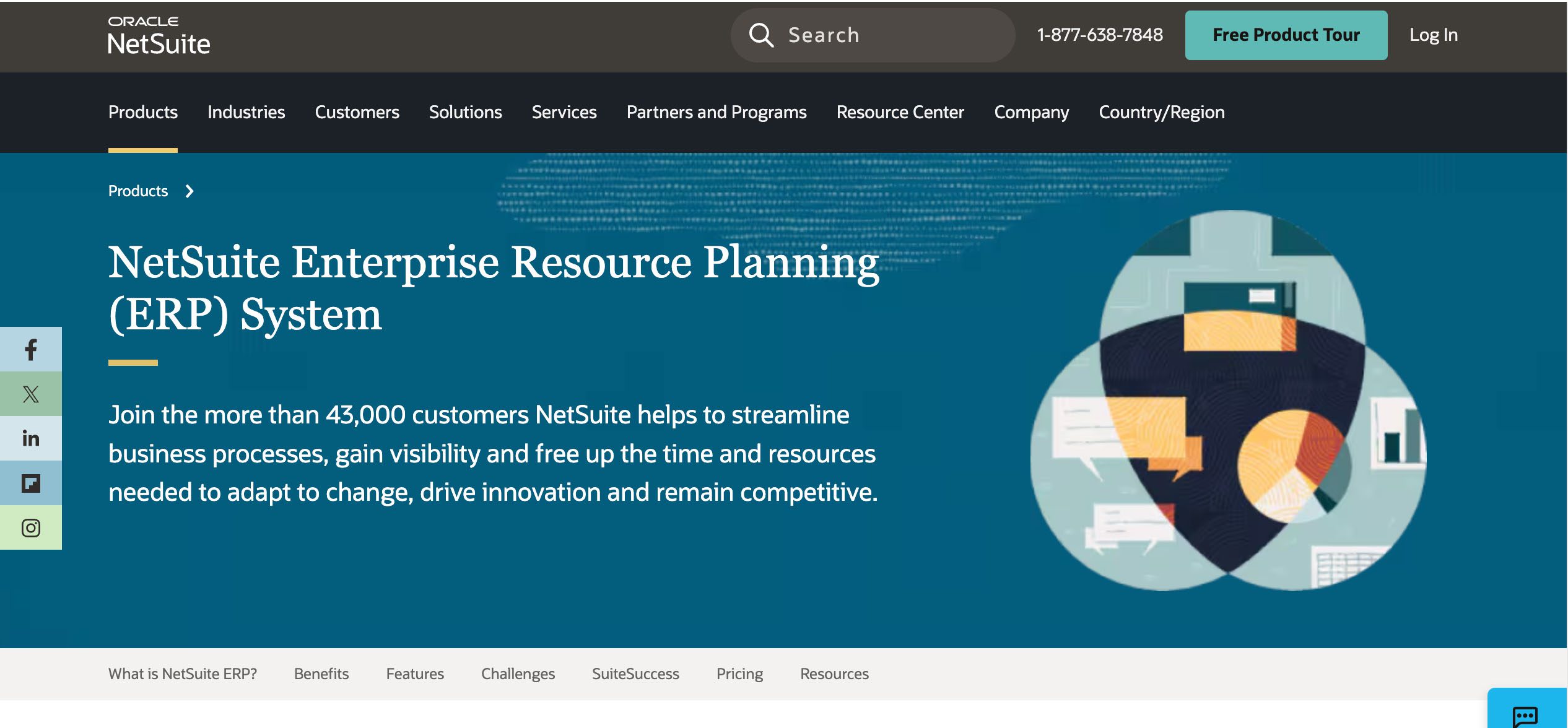
NetSuite is built for manufacturers that are growing fast and need strong scheduling, finance, and global tools. It scales well and can be shaped to fit complex operations, though it can be a pain for smaller teams that often find it heavier than they need. Again, full ERPs can seem massive.
SAP Business One
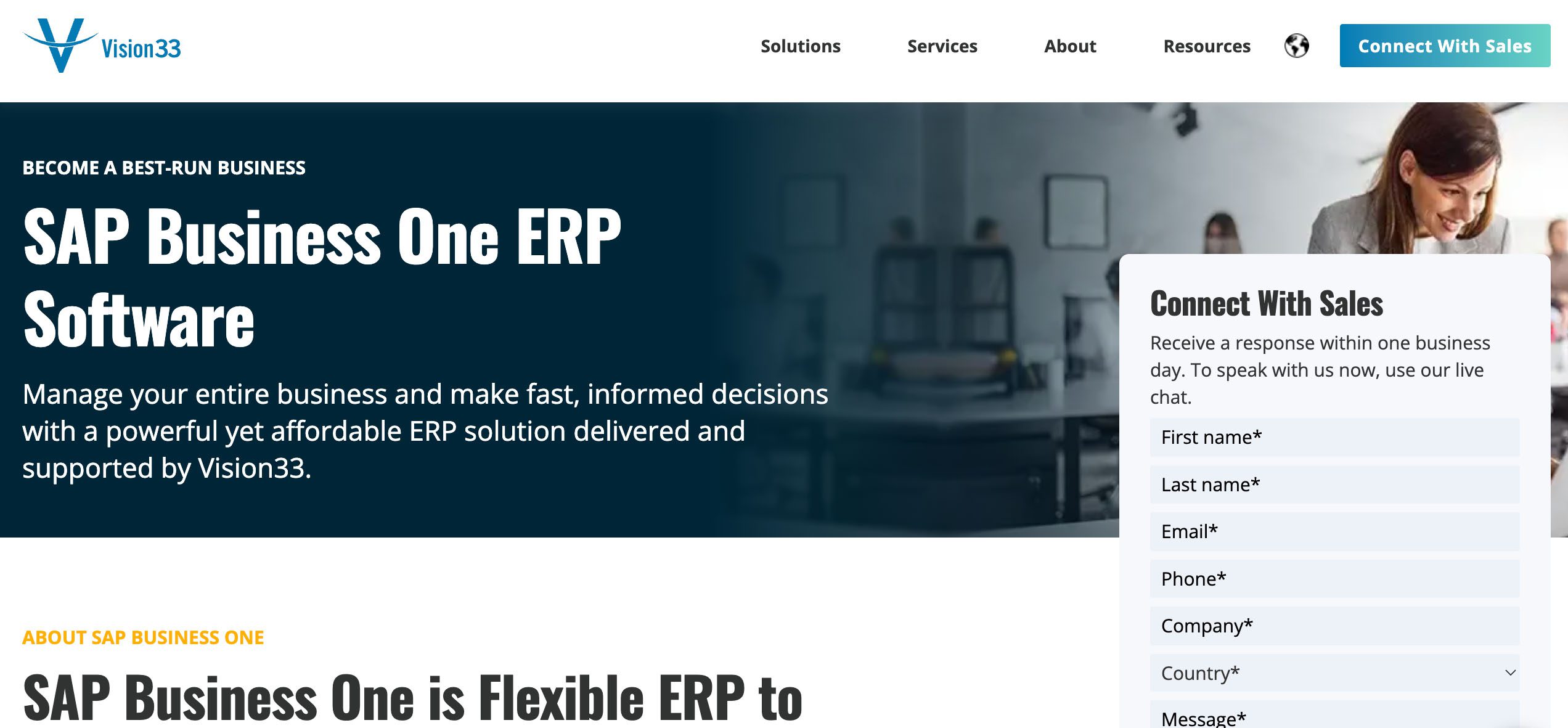
SAP Business One is a good fit for mid-sized companies that want inventory, finance, and purchasing all tied together. It’s steady and data-rich, but most teams rely on outside help to get it up and running.
Microsoft Dynamics 365 Business Central
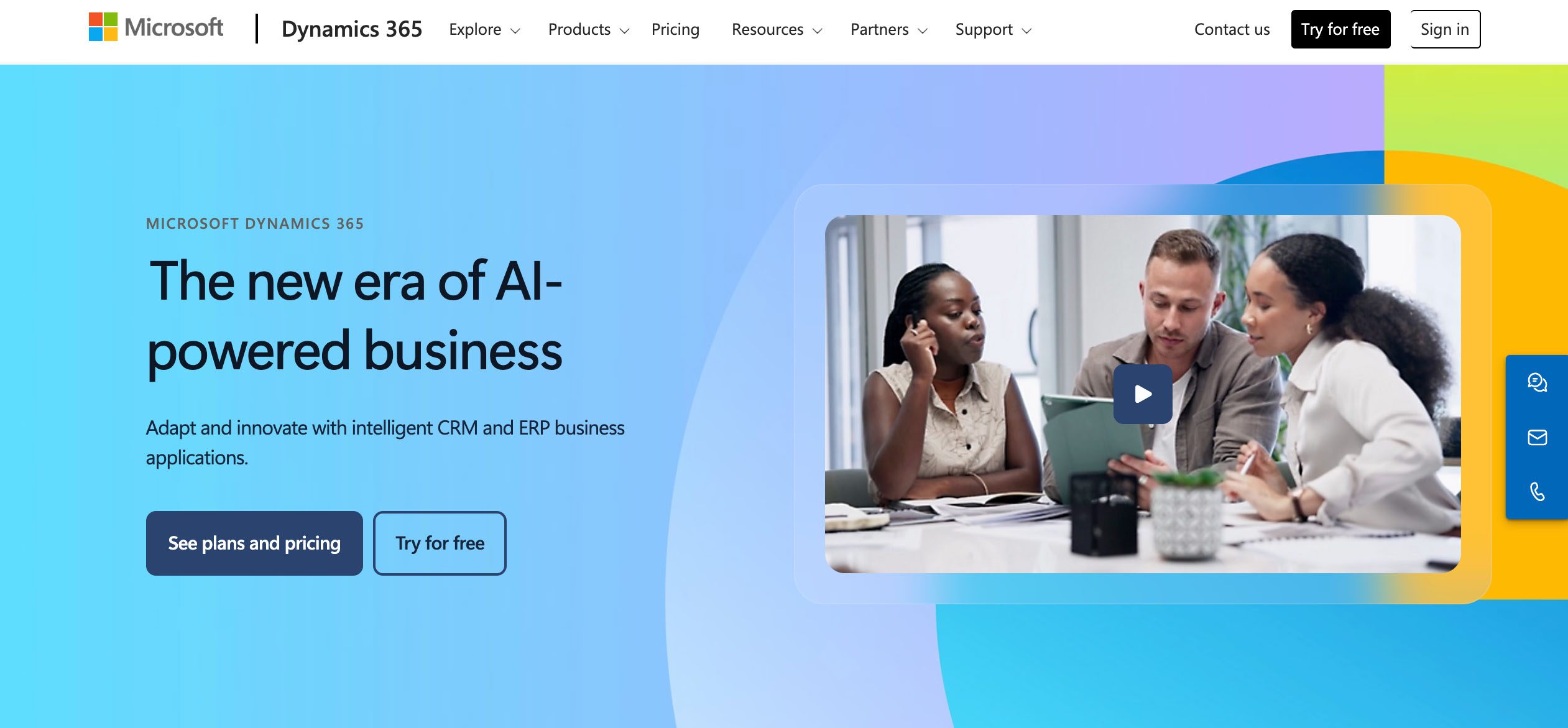
This is great for companies already living in the Microsoft ecosystem. It links sales and production in one view, though setup can sometimes take forever and sometimes needs extra plugins.
Acumatica Cloud ERP
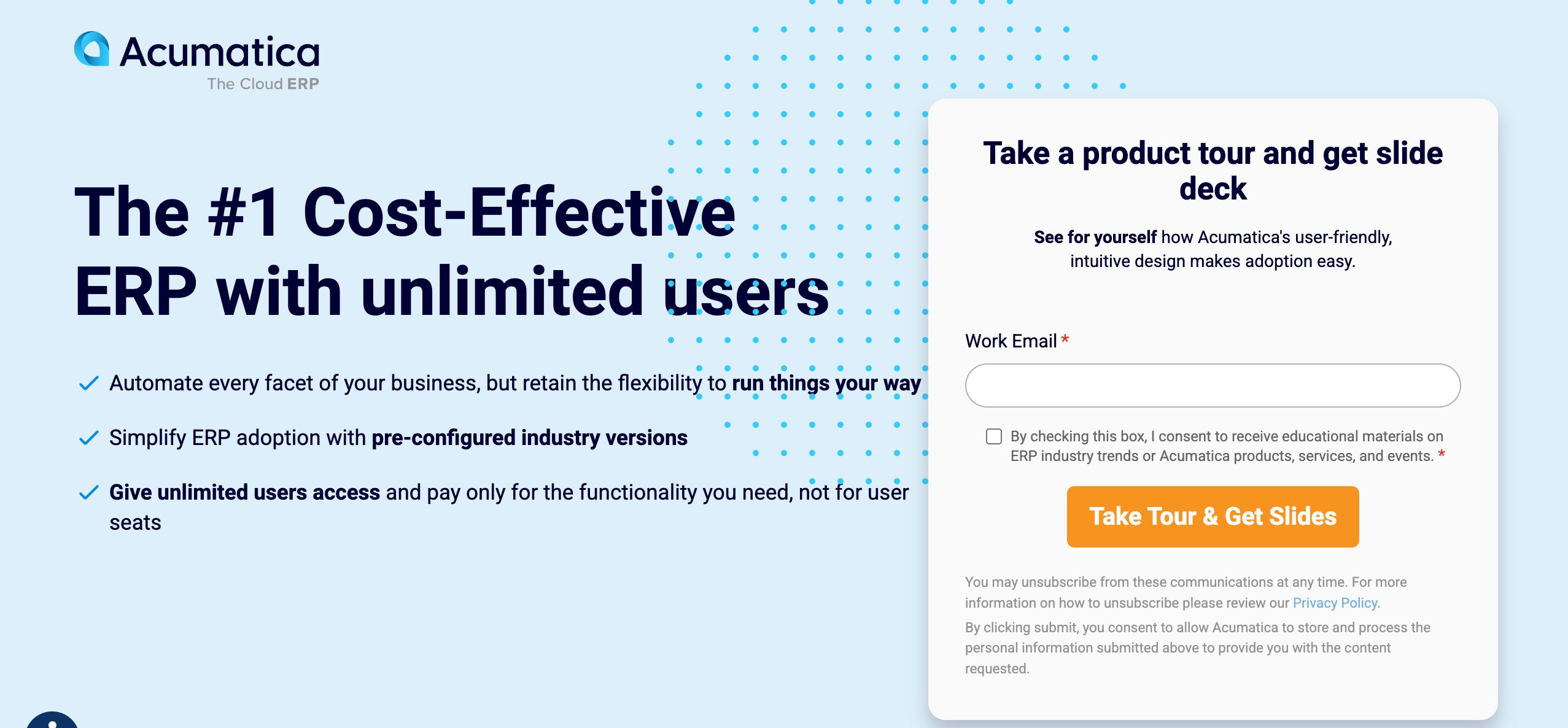
Most reading this will not have heard of Acumatia, but it’s gaining ground. It’s a cloud-first option that works well for small and mid-sized manufacturers. It offers solid manufacturing modules and flexible pricing, with quicker setup than older ERP systems. However, it can be difficult to use, and training is required.
DELMIAWorks (formerly IQMS)
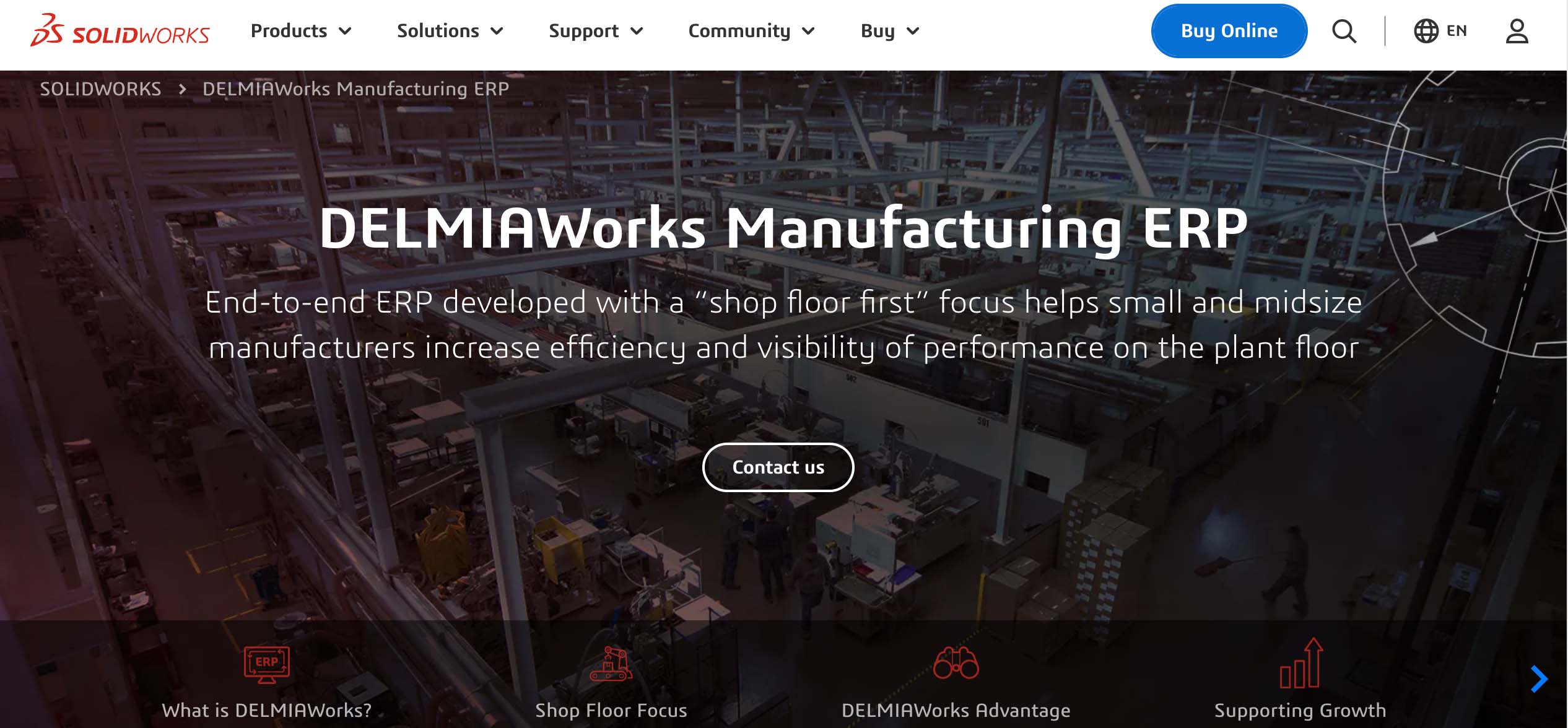
DELMIAWorks is a strong choice for process manufacturers that need deep shop-floor and quality management. It handles traceability well but tends to fit teams with some in-house IT support.
Infor CloudSuite Industrial (SyteLine)
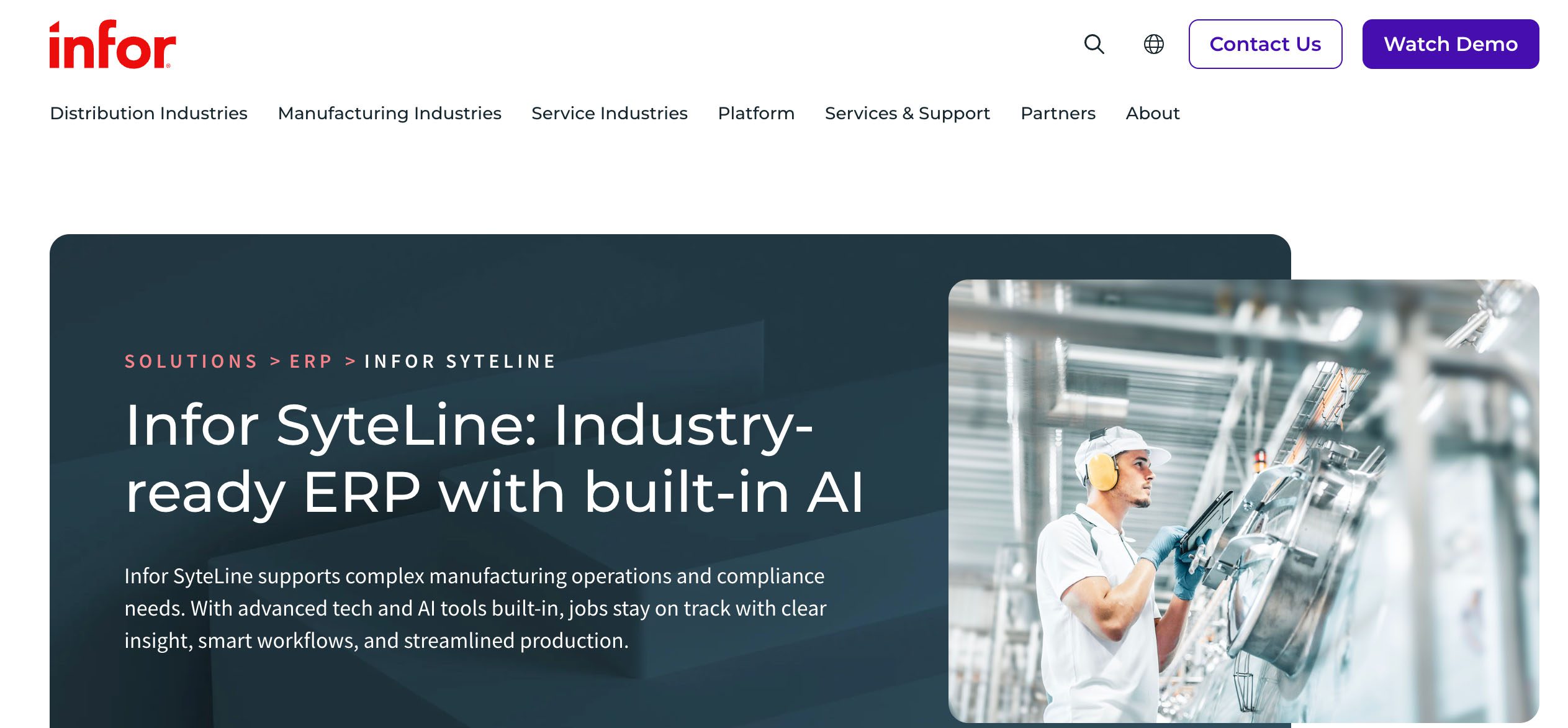
This is for more complex operations that need MES tools, forecasting, and multi-site planning. It’s powerful for long-range production needs but can feel a bit oversized for simpler operations.
Lightweight alternatives:
| System | Highlights | Pricing | Ideal For |
|---|---|---|---|
| Katana MRP | Live inventory, production scheduling, QuickBooks sync | From $129/month | Small batch manufacturers |
| MRPeasy | Affordable, includes MRP + CRM | From $49/month | 5–200 users |
| JobBOSS² | Custom manufacturers/job shops | Quote-based | Made-to-order shops |
| Cetec ERP | Web-native, strong quality control | $40/user/month | SMBs needing traceability |
| Method CRM + QuickBooks | Two-way QuickBooks sync, customizable CRM, workflow automation | From $27/user/month | Manufacturers transitioning from spreadsheets |
ERP software vs. MRP vs. CRM: What is the difference for manufacturers?
The difference between ERP, MRP, CRM, QuickBooks, and spreadsheets comes down to ownership. Each system should manage the workflow it is best suited to handle.
| System type | Primary purpose | Best for | Limitation |
|---|---|---|---|
| ERP | Connects business-wide operations and financials | Larger or complex manufacturers | Higher cost and implementation burden |
| MRP | Plans materials and production | Manufacturers with BOMs, routing, and production scheduling needs | May not manage customer workflows deeply |
| CRM | Manages customers, sales, orders, and follow-ups | Manufacturers with quote-to-cash and customer coordination issues | Not a full production planning system |
| QuickBooks | Manages accounting and financial records | Small and mid-sized businesses | Not built for full manufacturing operations |
| Spreadsheets | Flexible manual tracking | Early-stage or simple operations | Breaks as order volume and complexity grows |
Make your decision like this: If you need end-to-end operational control, go with ERP. If your core problem is production planning, BOMs, routing, or material requirements, go with MRP. And if sales, order management, customer communication, and QuickBooks handoffs are where things keep falling apart, a CRM with solid workflow automation is probably all you actually need. That said, if your production complexity genuinely requires BOMs, shop floor control, or multi-site inventory, a lightweight CRM layer won’t be enough, and pretending otherwise would cost you more time than starting with the right system from the beginning.
How much does manufacturing ERP software cost?
How much does manufacturing ERP software cost?
Manufacturing ERP costs include everything from licenses and implementation to ongoing admin. Small projects may land in the tens of thousands, while complex rollouts can reach six figures or more. Remember, the license is only one part of the total cost.
Note: Use these ranges as planning estimates, not fixed quotes. ERP costs vary based on user count, modules, implementation scope, data quality, integrations, customization, and ongoing support needs.
| Cost category | Typical planning range | What to include | Why it matters |
|---|---|---|---|
| Software | $40–$600 per user/month for SaaS ERP | Users, modules, add-ons, permissions, and advanced features | Monthly cost can rise quickly as more teams need access. |
| Implementation | $10,000–$150,000 for smaller projects; $150,000+ for more complex rollouts | Setup, configuration, consulting, testing, and project management | This is often the largest upfront cost. |
| Migration | $2,500–$25,000+, depending on data quality and volume | Customer, item, vendor, order, inventory, and accounting data | Bad data slows adoption and creates reporting problems. |
| Integration | $5,000–$50,000+, depending on the number of systems and complexity | QuickBooks, ecommerce, shipping, CRM, payroll, inventory, and reporting tools | Disconnected tools recreate the original workflow problem. |
| Training | $1,000–$10,000+, depending on team size and departments involved | Admins, sales, operations, production, warehouse, and accounting users | Low adoption delays ROI and pushes teams back to spreadsheets. |
| Customization | $5,000–$75,000+, depending on workflow depth | Fields, workflows, approvals, dashboards, reports, and user views | Fit drives usefulness, but heavy customization adds cost and maintenance. |
| Ongoing admin | $500–$5,000+ per month, handled internally, externally, or both | System maintenance, process changes, permissions, and reporting updates | ERP is not set it and forget it. |
Pricing scenarios & ROI considerations
ERP systems vary widely in cost depending on the size of your operation, the number of users, and the implementation scope. The difference between a full enterprise ERP and a lightweight system comes down to how much complexity you actually need, and how fast you can see returns.
| Scenario | Users | System | Monthly Cost | Implementation Time | Example ROI Timeline |
|---|---|---|---|---|---|
| Full ERP (SAP/NetSuite) | 25 | Enterprise ERP | $3,000+ | 9 months | 18–24 months |
| Mid-tier (Acumatica/MRPeasy) | 15 | Cloud ERP | $1,000 | 4 months | 12–18 months |
| Lean system (Method + QuickBooks) | 10 | CRM + Accounting | $280 | 1 month | 6–9 months |
Cost drivers to factor in:
- Number of users — subscription or license-based pricing scales with team size.
- Modules required — adding MRP, CRM, or supply chain functions increases cost.
- Data migration — cleaning and importing historical data takes time and labor.
- Training and support — essential for adoption and long-term efficiency.
- Customization — complex workflows or integrations increase upfront cost.
- Hardware/infrastructure — applies mainly to on-premise systems.
- Upgrades and maintenance — ongoing vendor costs or cloud renewals.
What should manufacturers evaluate before choosing ERP software?
The most effective way to find the right ERP for your company begins by identifying what is broken in your workflow, then determining who owns that broken workflow, and finally determining whether there are other workflows that can’t remain in a spreadsheet or Excel.
Start with the workflow problem, not the software category
Don’t begin by saying “which ERP is the best?” Begin by saying “what process has broken.” If you have issues with tracking quote follow-up, or passing data from QuickBooks to another department, a full ERP may be more complex than you actually need.
Map the process from quote to cash
The best idea is to draw a flowchart of how things get done from lead to payment. This will allow you to see where things get broken in the workflow.
Decide which system should own each workflow
If you have complex production processes, then either your ERP or MRP system should own your production planning workflows. The CRM system should own customer communication, quote follow-up, sales activity, and all customer-facing workflows.
This type of ownership prevents software overlap. To prevent this chaos, determine which workflows belong to which systems and keep them separate.
Identify what cannot stay in spreadsheets
Although spreadsheets are very flexible, they are not the best choice for the long-term home for live inventory counts, open orders, customer-specific pricing, production status, quote approvals, job profitability, purchase requests, or backordered items.
The biggest mistake is buying ERP when you only need operational workflow automation
While ERP systems with full ERP features are appropriate for some companies, they are not always the best next step from using both QuickBooks and spreadsheets as accounting systems. If you find that your current accounting and business management system works well but there are inefficiencies in how orders are communicated or completed with customers, then adding a workflow layer to your existing accounting system would likely provide greater benefits before moving to an ERP system.
Our client, Go Powertrain, is a perfect example. Go Powertrain initially looked for an ERP-style solution, but instead chose to customize Method’s workflows around its existing QuickBooks accounting system.
“We started with Method as a CRM, but once we realized the opportunity in front of us with being able to develop it into essentially our ERP system, we were able to go full speed ahead on that. It’s been a great success.”
— Aaron Barnhart, CEO, Go Powertrain
Practical takeaway: If the work breaking down is quote approval, order visibility, customer updates, or invoice handoff, fix that workflow first, as it’s important to how your business functions. Do not buy a full ERP just because spreadsheets are annoying.
How to prepare for a manufacturing ERP or workflow software rollout
ERP and workflow software rollouts fail when teams automate messy processes without cleaning them up first. Before rollout, prepare the data, map the real workflow, and define what success should look like.
- Remove duplicate customers and vendors.
- Standardize SKUs, item names, and price lists.
- Archive inactive records before migration.
- Track quotes, orders, approvals, inventory updates, invoices, and customer follow-ups.
- Include the manual steps people use outside the system.
- Identify the handoffs that cause delays.
- Prioritize quote approval, order tracking, invoice handoff, customer-specific pricing, or reorders.
- Fix the workflow with the clearest business impact.
- Expand after the first process is working.
- Include sales, operations, warehouse, accounting, and customer service.
- Train around the workflow, not only the software screen.
- Make ownership clear before launch.
- Monitor quote turnaround time and order processing time.
- Track manual entry hours, invoice delays, and stockouts.
- Review on-time delivery and customer response time.
- Confirm users are following the new process.
- Fix reporting or handoff gaps early.
- Add the next workflow only after adoption is steady.
Final decision: Fix the workflow before buying the software
Most small and mid-sized manufacturers do not need a full ERP as their next step. If QuickBooks is handling accounting reliably and the real friction is in quotes, approvals, order visibility, or customer communication, the right move is adding a workflow and CRM layer to what you already have.
Full ERP makes sense when you have genuine enterprise complexity: multi-site operations, advanced costing, compliance requirements, and the time and budget to implement it properly. For everyone else, buying a full ERP to solve an operational workflow problem is overkill that creates new problems while the original ones remain.
Frequently asked questions
What is the best ERP software for the manufacturing industry?
The best manufacturing ERP software will be cloud-based and will match your business’s production, inventory management, accounting setup, and reporting needs. If you are currently one of the small businesses using QuickBooks as an accounting tool, and find that your work processes are disorganized, a first step might be to add a connected CRM or software solution to streamline workflow.
Do small manufacturers need ERP software?
A small manufacturer needs to consider using an ERP system when they have outgrown their spreadsheets and basic accounting packages and no longer have adequate control over how well their purchasing, inventory, production, and accounting departments align.
Can QuickBooks be used as manufacturing ERP software?
QuickBooks can provide many of the same key features as a cloud-based ERP with a cloud-based app, including accounting, invoicing, basic inventory management, human resources, purchasing, record keeping, and general ledger-based financial reporting. However, it lacks many features commonly found in manufacturing ERPs, such as process workflow automation, advanced inventory planning systems, and material resource planning.
What is the biggest risk when implementing manufacturing ERP?
The biggest risk is implementing ERP before cleaning up all of the data related to workflows and the product lifecycle. If item names, customer records, approval rules, and production handoffs are unclear, the ERP will carry those problems into a more expensive system.
What exactly does ERP mean?
ERP stands for enterprise resource planning. For manufacturing businesses, it’s a system for all business verticals, from inventory control to financial management, that uses real-time data and machine learning to monitor business functions. There are many types of ERP solutions, from cloud ERP to on-premises ERP, but they all offer the same concept: planning.
How does ERP software benefit the manufacturing industry?
A modern ERP system, like the one SAP or Oracle offer, allows the manufacturer to integrate their inventory, production, purchasing, sales orders, accounting, scalability, and reporting functions. This enables the elimination of duplicate entries, increased visibility, and better decision-making based on IoT data as operations grow beyond what spreadsheet applications can handle.