Most businesses are managing the same things in their CRM: customers, quotes, jobs, and invoices. But ask a few teams how they put a quote together or move a job along, and you’ll hear different answers. And that’s exactly where I’d look to see whether a CRM is a good fit.
A field service business asked us to store site access details on its jobs. A professional services firm wanted contracts that combine recurring and one-off billing. Each exposed a detail the business needed to make that feature useful.
In August 2026, we analyzed 1,901 customization requests from Method CRM’s sales, customization, and support records across four industry groups. Estimate, invoice, and quote customization represented roughly 11% to 15% of requests in each group. We looked beyond those similar percentages to understand where requirements diverged, and what those differences reveal about choosing and customizing a CRM. Some records couldn’t be classified, but the comparison gave us a way to look at common needs and differences in priorities.
TL;DR: What did the CRM requests reveal?
- Every industry has transaction requirements: Estimates, invoices, and quotes accounted for about 11% to 15% of requests in each group. The percentages are similar, but that doesn’t mean a standard template will work for everyone. I’d start with the details of your own transactions and see how well the CRM handles them.
- Field service teams have more scheduling requests: In this group, 84 out of 582 requests (14.4%) related to crews, work orders, or scheduling, the largest share of any group. My suggestion? Bring details of a real service visit to your next demo and ask to see how the software handles it from start to finish.
- Professional service businesses want project information in view. Forty of 295 professional and business services requests (13.6%) concerned custom fields, apps, or objects. Make sure staff can see project files and financials where they work.
- Retail and consumer businesses ask about portals. In this smaller sample, 12 of 116 requests (10.3%) concerned customer or vendor portals. Spell out which actions a customer or vendor needs to take, then test those actions one at a time.
- Automation comes up everywhere. Automation and follow-up requests ranged from about 10 to 15% in every group. Ask what sets off each automation and what turns it off. For example, if a reminder goes out when an invoice is overdue, does it stop on its own once the customer pays?
Keep in mind that these numbers count requests. They show what businesses asked for and how often, which makes them a strong guide to the questions worth raising in an evaluation.
How do CRM requests differ by industry?
I always like to start with the big picture. Transaction changes and automation show up in all four groups. Scheduling and field-work requests are another matter: they cluster in field services and trades, where they make up 14.4% of requests, compared with 2.7 to 5.2% everywhere else.
| Selected request theme | Field services and trades (582) | Manufacturing and distribution (577) | Professional and business services (295) | Retail and consumer (116) |
| Estimates, invoices, and quotes | 78 (13.4%) | 80 (13.9%) | 43 (14.6%) | 13 (11.2%) |
| Custom fields, apps, and objects | 43 (7.4%) | 62 (10.7%) | 40 (13.6%) | 12 (10.3%) |
| Automations and follow-ups | 70 (12.0%) | 57 (9.9%) | 35 (11.9%) | 17 (14.7%) |
| Field crew, work orders, and scheduling | 84 (14.4%) | 30 (5.2%) | 8 (2.7%) | 5 (4.3%) |
| Customer/vendor portals | 29 (5.0%) | 22 (3.8%) | 19 (6.4%) | 12 (10.3%) |
Table note: This table shows selected request categories and is not an exhaustive breakdown. Percentages are shares of request records within each industry. We also excluded 331 unclassified records from these comparisons.
Field services and trades: Coordinating jobs, crews and recurring work
If you run a field service business, this one probably won’t surprise you. It didn’t surprise me either. In Method CRM’s sample, 84 of 582 field services and trades requests (14.4%) concerned field crews, work orders, or scheduling. That’s the largest named specific theme in the group.
What businesses requested
Here’s a sample of what came in:
- Accessing information: Fields for door, alarm, or roof access codes
- Recurring records: Recurring work orders and invoices
- Dispatching: Scheduling for crews in the field
The group also logged 78 transaction customization requests (13.4%) and 70 automation and follow-up requests (12.0%).
What these requests suggest
Put these requests side by side, and you can trace an entire job. Access codes get the crew ready. Dispatch decides who goes where, and when. Recurring work orders and invoices take care of the repeat visit and the bill that follows.
This stood out to me: each request relies on a different capability. An access code field stores information. Dispatch changes how the system behaves when a job moves. Recurring records ask the CRM to create new work on a schedule, sometimes across several linked records.
These came from separate requests, so think of them as a range of needs across the group.
What should a field service business test in a CRM?
So what should you ask in a demo?
Start here:
- Site details: Can technicians access the site information they need before they arrive?
- Assignment: How does the team assign a job, and how does it reschedule one?
- Recurrence: What has to recur (the visit, the work order, the invoice, or several linked records)?
Want to see how a CRM handles all of this at once? Bring a recurring service visit to your demo, with access instructions, a schedule change, and an invoice, and ask to see it from start to finish.
Professional and business services: Connecting project information with quoting and billing
Professional services firms sell time, expertise, and agreements, and their requests reflect that. In Method CRM’s sample of 295 professional and business services requests, 43 (14.6%) concerned estimate, invoice, or quote customization, and 40 (13.6%) concerned custom fields, apps, or objects.
What businesses requested
A few examples from the dataset:
- Large files: Links to large files stored through custom fields
- Job financials: A financial summary on the job screen
- Contract billing: Recurring plus one-off contract billing
- Time and invoices: Time tracking connected with invoicing
What these requests suggest
These requests tell me that professional services teams aren’t necessarily looking for more CRM features. They’re looking for better connections between the information they already depend on. Project details live in one place, agreements in another, and billable work needs to make its way onto an invoice.
There’s also a useful distinction between the types of changes being requested. File links and job-screen summaries focus on making information available. Contract billing and time-to-invoice connections deal with how that information gets used for billing. The latter involves more decisions about rules, calculations, and approvals.
Automation came up here too, with 35 requests (11.9%). And this group covers a wide mix of firms, well beyond agencies and consultancies.
What should a professional services business test in a CRM?
If this sounds like your business, bring these questions to your next demo:
- Information in view: Can staff find the project files and financial information they need for their work?
- Time to billing: How are time entries connected with billable work?
- Mixed charges: Can the proposed setup accommodate both recurring and one-off charges?
Here’s a good test: pick a project with a recurring fee and a one-off charge, and ask to see it move from estimate through invoice.
Retail and consumer businesses: Following up and supporting customer transactions
In Method CRM’s smaller sample of 116 retail and consumer requests, 17 (14.7%) concerned automation or follow-ups, 13 (11.2%) concerned transaction customization, and 12 (10.3%) concerned customer/vendor portals. It’s a small group, but the requests themselves tell a clear story.
What businesses requested
Here’s what came in:
- Payment reminders: automated reminders for outstanding payments
- Reorders: reorder workflows
- Signatures: mandatory signatures on invoices
What these requests suggest
A lot of these requests come down to what happens after the sale. How do you bring customers back, encourage another order, and make sure you get paid? They all support the same customer relationship, but each involves a different process. Reminders need a trigger and a stopping point. Reorders need clear rules about who takes action. And signatures need somewhere to be collected and stored.
Portals stood out to me, too. They made up 10.3% of this group’s requests, compared with 3.8 to 6.4% in the other three. With a sample this size, I’d treat that as a signal worth watching. Our data also groups customer and vendor portals together.
What should a retail or consumer business test in a CRM?
Three questions worth asking:
- Reminders: What triggers a payment reminder, and what stops it after payment?
- Reorders: Does a reorder need to be requested, reviewed, approved, or placed directly?
- Signatures: Where must you capture a signature, and where is it available afterward?
In a demo, walk through a repeat purchase and the payment follow-up that comes with it. Be specific about what the customer can do on their own and where your staff steps in to review.
Manufacturing and distribution: Transaction changes provide a useful comparison
In Method CRM’s sample of 577 manufacturing and distribution requests, 80 (13.9%) concerned estimate, invoice, or quote customization. Another 62 (10.7%) concerned custom fields, apps, or objects, and 57 (9.9%) concerned automation and follow-ups.
That puts transaction requests in roughly the same range as field services (13.4%) and professional services (14.6%). At first glance, you might assume these businesses need similar customizations. But that’s rarely a safe assumption. Two companies can fall into the same category and still have very different requirements. The real questions come down to how each business handles pricing, terms, and the information it needs to capture.
So the question to bring to a demo is simple: can the proposed setup handle a representative transaction with your own required information and commercial rules?
Want a deeper manufacturing and distribution perspective? Read my LinkedIn article.
Which CRM requirements recur across industries?
What I found interesting is that two themes appeared at almost the same rate across every group. Transaction customization accounted for roughly 11% to 15% of requests, while automation and follow-ups made up around 10% to 15%. But in my experience, the percentages only tell part of the story.
The real differences become apparent when you look at what businesses actually mean. Take “recurring” work for example. A field service company may want work orders that repeat automatically, while a professional services firm wants a regular fee and one-off charges on the same contract.
Similar wording, very different requirements. One request creates scheduled service work. The other combines two billing models on a single contract, and each needs its own test before anyone signs off.
If I were evaluating a CRM today, I’d skip the feature checklist and ask the vendor to walk through one real job, contract, or order from my business.
Where Method AI fits
Some requests in our data were straightforward: a place for site access details, a link to project files, or a territory manager field on an estimate. Small changes like these help teams keep the information they need where they work.
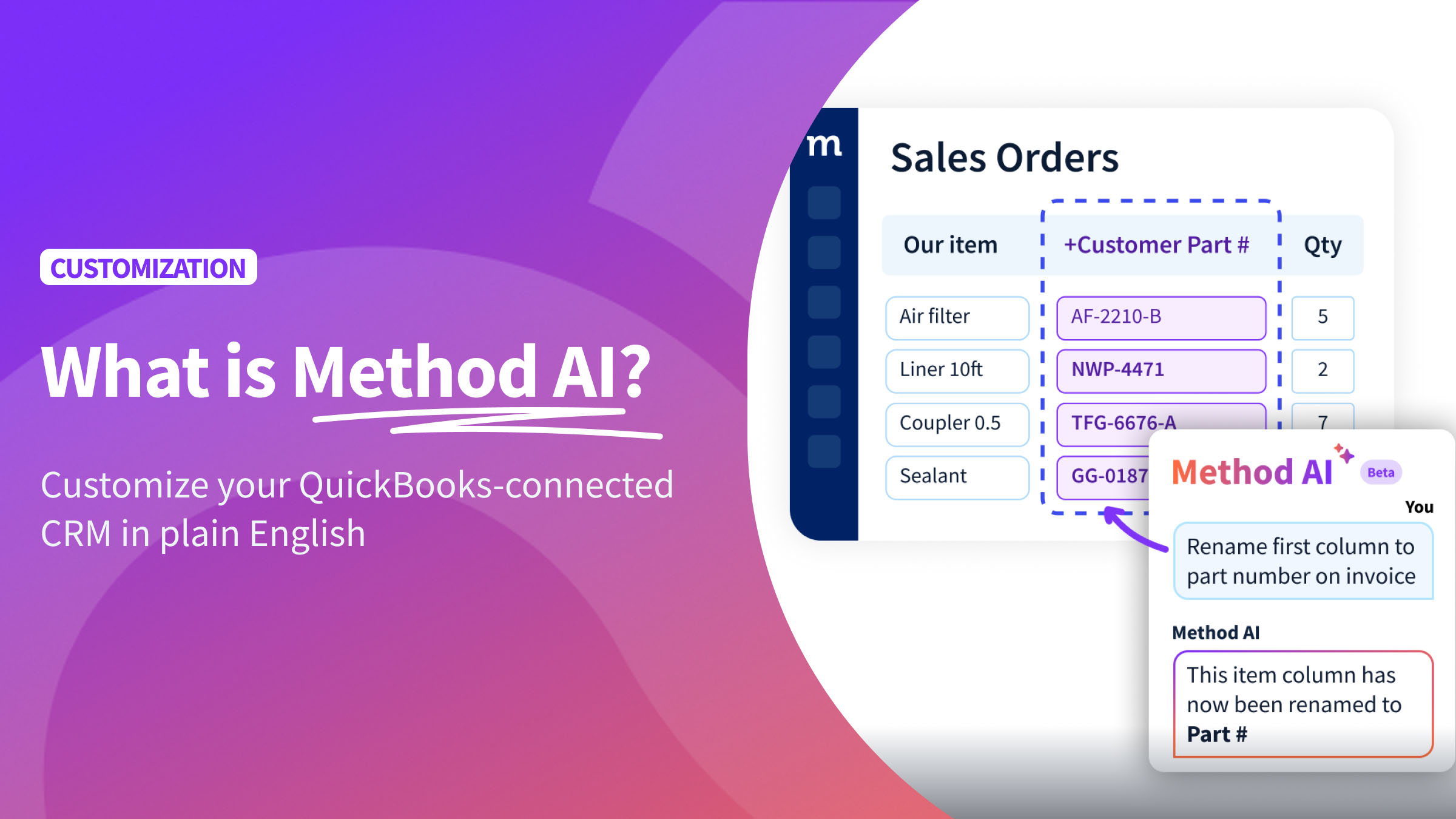
That’s where Method AI fits. It’s the AI assistant built into Method CRM that lets you describe supported CRM changes in plain English. You can adjust list views, add or rearrange fields, and shape screens around your team’s work.
It also helps you understand and refine how screens work. Ask mode explains a screen or the steps behind a button without changing anything. Build mode makes supported changes, with larger screen updates available to review in a draft before publishing.
How should businesses use these findings to evaluate a CRM?
I wouldn’t treat these findings as a list of features to look for. Instead, I’d use them to build a practical checklist of situations worth testing. Here’s what that might look like in a demo.
| Observed pattern in Method’s sample | What to evaluate |
| Transaction customization was about 11% to 15% of requests in each industry | Build an estimate or invoice using your required fields, terms, and pricing requirements |
| Crew, work-order, and scheduling requests were 84 of 582 field service requests (14.4%) | Walk through assignment, rescheduling, and the information needed on-site |
| Custom fields, apps, and objects were 40 of 295 professional service requests (13.6%) | Check whether project information is available where staff need it |
| Customer/vendor portals were 12 of 116 retail and consumer requests (10.3%) | Specify the actions users can take and the points that require staff review |
One final thing I’ve learned over the years: pair these shared requirements with how your business actually runs. Two companies in the same industry can schedule, bill, and follow up completely differently, so bring your own examples to every demo.
Broad categories show you which areas to examine. Real examples reveal the workflow questions worth testing.
Conclusion: Evaluate the workflow behind the feature
Here’s where I’ve ultimately landed: transaction customization accounted for a similar share of requests across all four industry groups, and the requirements behind those requests still varied from one business to the next.
Industry comparisons give you sharper questions. Your own records, roles, and rules give you the answers.
If you’re evaluating a CRM, bring a real workflow to a Method CRM demo, and we’ll talk through how Method could support it. Want more examples first? See our industry resources and customization resources.
Methodology
We grouped records using Method’s enriched industry classification: field services and trades (582), manufacturing and distribution (577), professional and business services (295), and retail and consumer (116). Another 331 records were unclassified and excluded from industry comparisons.
Counts refer to request records, not unique businesses or completed projects.