Quickbooks guides and tips

Explore Method’s guides for QuickBooks Online and Desktop. Find answers to everyday problems, from declined payments to multi-location inventory, and guidance on bigger decisions like moving from QuickBooks Desktop to Online. When sales and operations need access to the same customer data as accounting, Method’s QuickBooks CRM connects them through a two-way sync.

This image shows two workers sorting through packages for distribution. QuickBooks

QuickBooks Online purchase order approval: The perfect solution

This blog explains how to automate the purchase order approval process for QuickBooks Online users.
QuickBooks

Does QuickBooks have an approval process?

This blog post explains how to enable approvals and how to complement the limitations of some QuickBooks plans
This image shows a pensive man holding a tablet and looking down at paper documents. QuickBooks

How to enable an approval workflow in QuickBooks Online

This blog covers how to enable an approval workflow in QuickBooks Online.
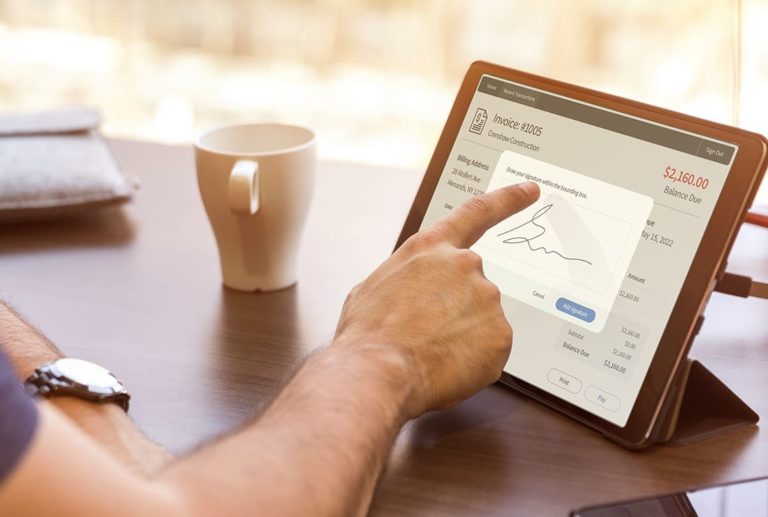
This image shows a man sitting at a desk in front of a tablet device. We can see him digitally signing an invoice on the tablet screen. QuickBooks

How to add a signature in QuickBooks Online

See how and why QuickBooks Online users need e-signature capture.
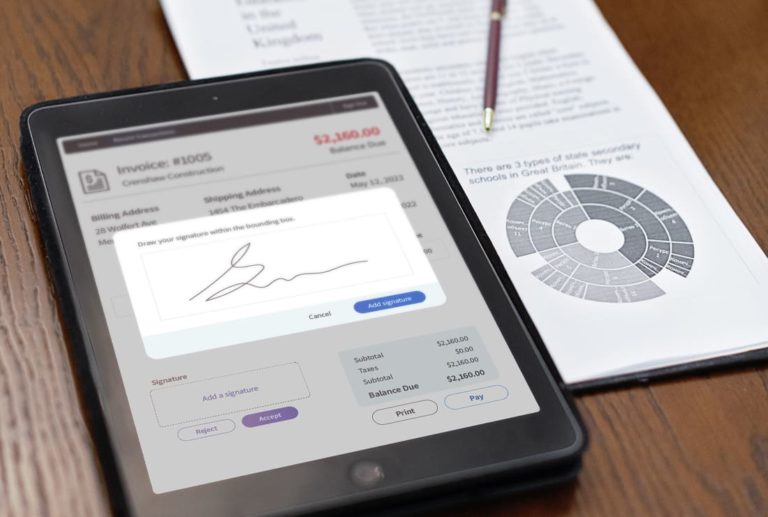
This image shows a table sitting on top of a paper report. The screen shows a pop up for signature capture. QuickBooks

QuickBooks signature capture: How to make it possible

Approving estimates and invoices is much easier with digital signature capture. This blog explains how to make that possible in QuickBooks.
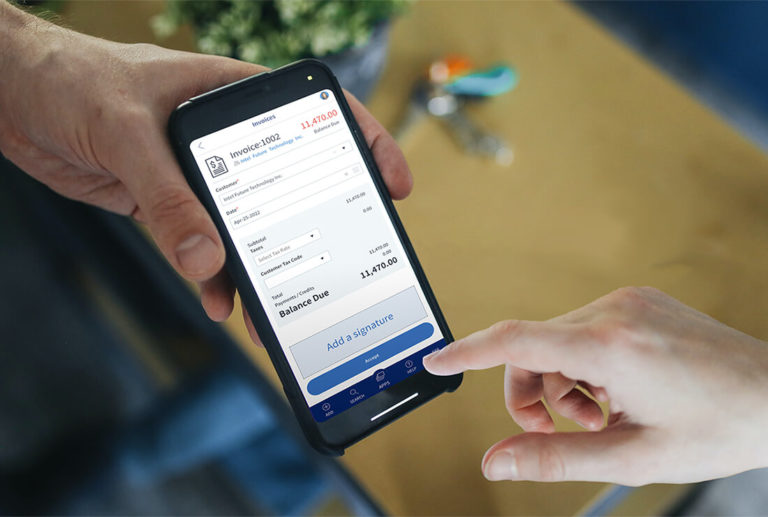
This image shows a person holding out a phone for someone else to digitally sign an invoice that is shown on the phone screen. QuickBooks

Electronic signature QuickBooks Online: What you need to know

A QuickBooks electronic signature allows you to close sales faster, sign contracts faster, and build trust with your customers.
DocuSign QuickBooks integration QuickBooks

Docusign QuickBooks integration: A better way

Learn how DocuSign QuickBooks integration works as an e-signature solution, and why a more flexible alternative might suit you better.
This image shows a smartphone resting atop a file folder, with a blue sticker glued to the screen with the writing "Sign here!". QuickBooks

How to add signature line in QuickBooks

Digital signatures can help you save time and improve customer experience. Learn how to add signature line in QuickBooks with the Method CRM!
Resources

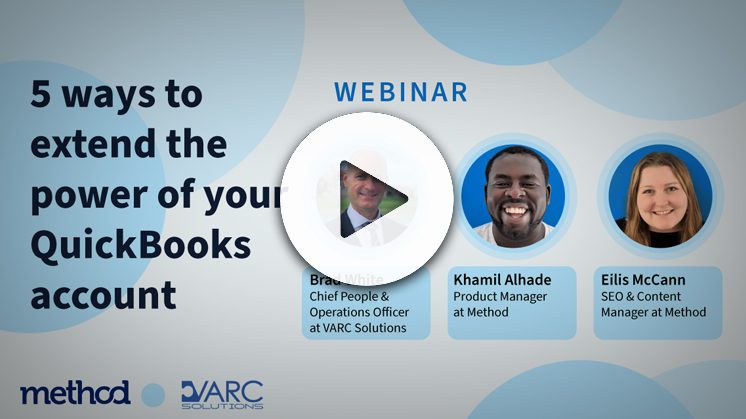
5 ways to extend the power of your QuickBooks account

This session covers the top 5 areas in QuickBooks that you can enhance.
Side view of young formal woman calculating and writing on paper at table near window QuickBooks

How to effectively automate QuickBooks Online workflows

Learn how you can best automate QuickBooks Online workflows to boost your business's productivity and profits.