The #1 CRM integration with QuickBooks Desktop
Manage your leads, estimates, and customers anytime, anywhere with Method CRM’s two-way QuickBooks Desktop sync.
Want to see it in action first? Take me there →
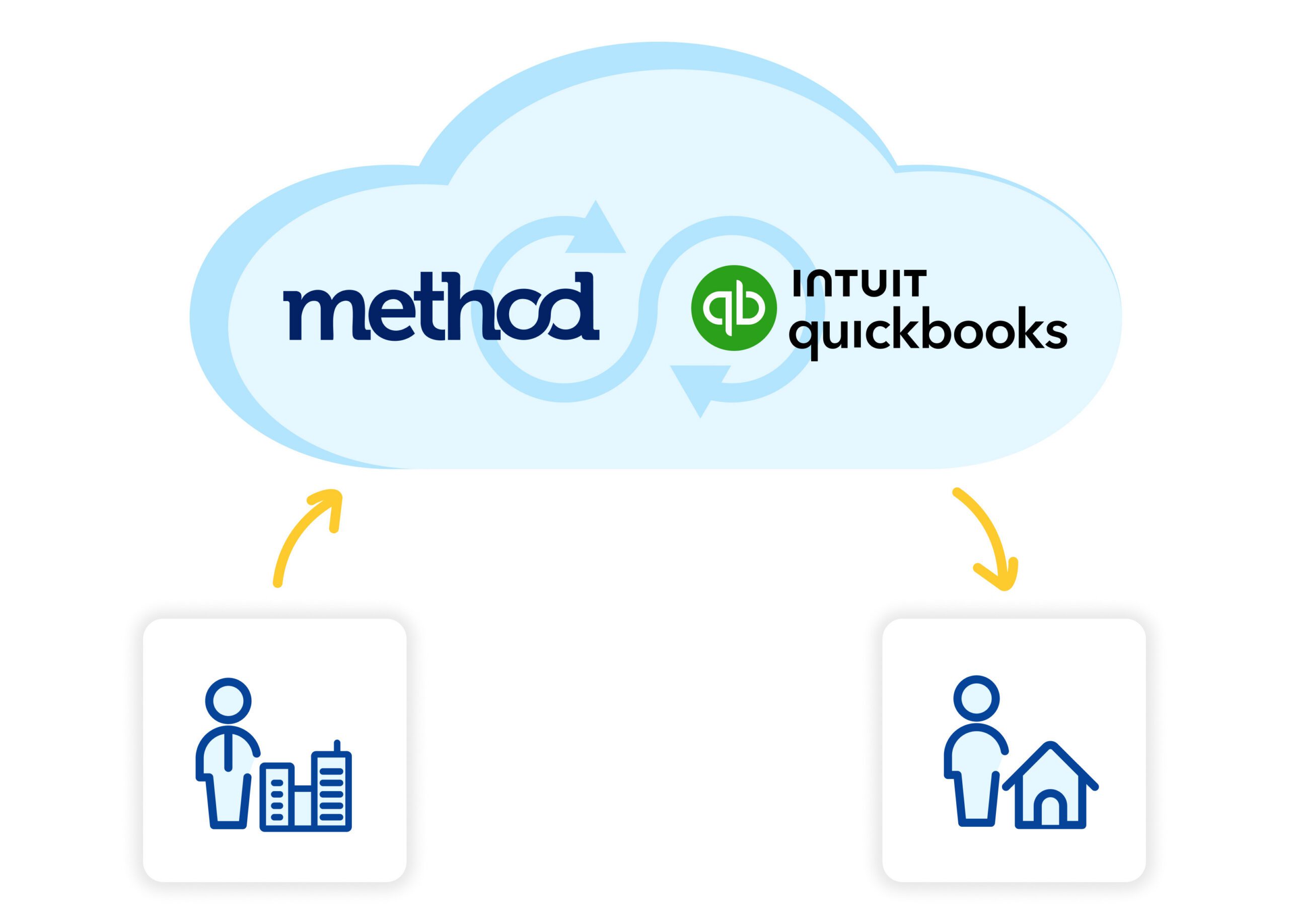

Grow your business faster with a CRM for QuickBooks Desktop
Achieve more with an integrated CRM for QuickBooks Desktop.
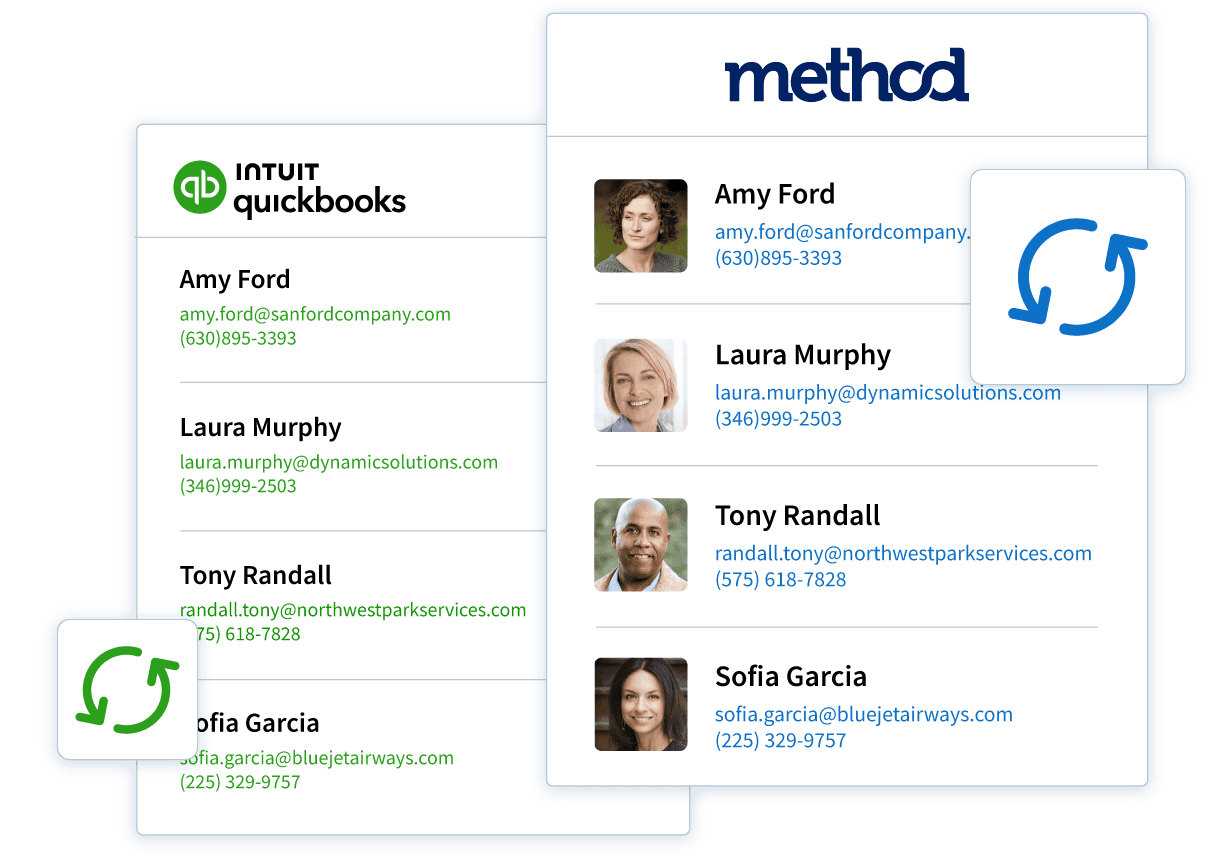
Eliminate double data entry once and for all
Save time and avoid errors as information automatically updates between your QuickBooks Desktop account and Method CRM.
Maximize productivity across your business
Keep the ball rolling on everything from sales order processing to customer service requests with real-time mobile access to QuickBooks Desktop data.
Perfect your customer experience
Drive more repeat business by providing service that’s tailored to your customers’ preferences and buying habits with a CRM for QuickBooks Desktop.
Real-time, two-way data sync
Method connects your customer relationship management with QuickBooks Desktop using a patented, real-time sync. That means your team has up-to-date customer, invoice, and payment data anytime, anywhere.
- Bi-directional sync: Update records in your CRM or in QuickBooks, and both stay in sync.
- Single source of truth: One customer record shared across teams.
- Total visibility: Track your sales orders, invoices, and payments without having to switch tools.
- Workflow automation: Optimize follow-ups and approvals by triggering tasks based on synced QuickBooks activities.
- Built for small and medium-sized businesses: Support your team with tools that grow with your business.
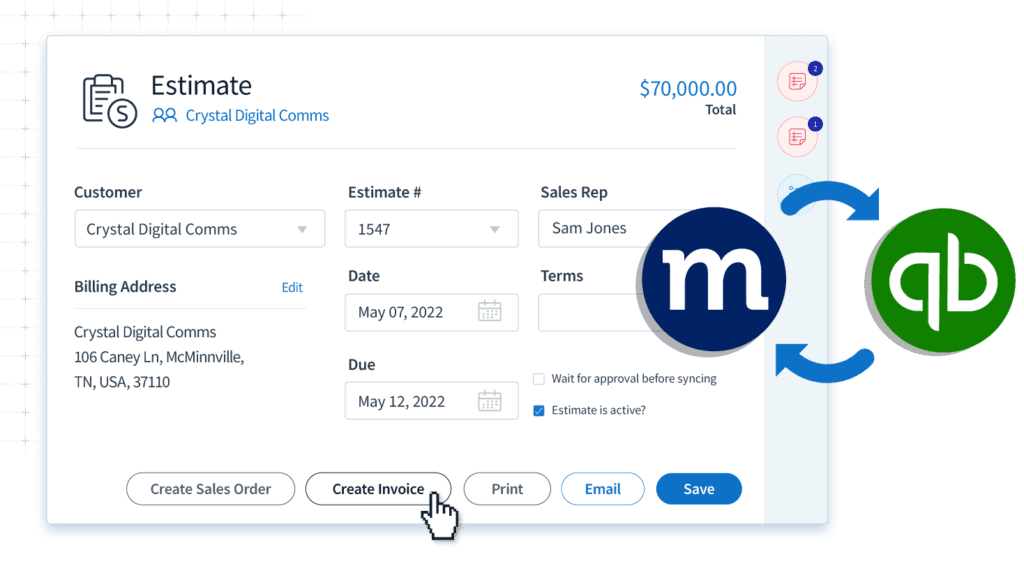
Stop switching between systems
The right CRM software removes the daily frustration caused by disconnected systems. With Method CRM, data stays clear and accurate, so your team works faster and can focus on what matters to your business.
| Pain points | Outcome with Method |
|---|---|
| Manual data entry between CRM and accounting software | Your CRM data and QuickBooks Desktop update automatically, cutting errors and saving time. |
| Sales team working without visibility into financial data | Customer interactions link directly to accounting data, so your team knows where every deal stands. |
| Duplicate or inconsistent customer records | One clear record per customer keeps your team aligned and eliminates confusion. |
| Sales pipeline and invoicing aren’t connected | Financial management stays in sync as orders flow straight into invoices. |
| Limited QuickBooks Desktop functionality for growing teams | Access all your critical sales and accounting info from one platform. |
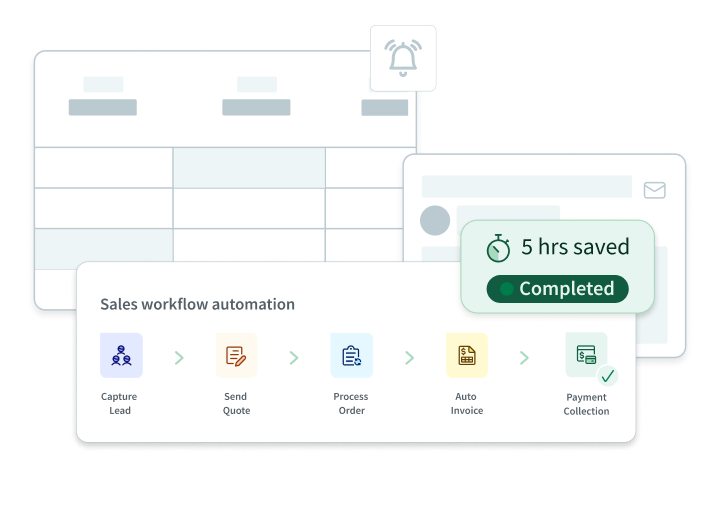
Automate your sales process from lead to payment
With Method CRM, you can automate real-world workflows that fit your team’s daily routine. Expect CRM integration that adapts to your business needs, keeping every deal on track from first lead to final payment.
Sales pipeline automation
Customize your sales pipeline to match how your team works. Trigger customizable follow-ups and assign tasks to your sales team so nothing falls through the cracks.
Quote-to-cash workflow
Turn estimates into sales orders with a click, sync invoices to QuickBooks, and track payments in real time. View the status of every deal from start to finish.
Workflow automation
Set up approval workflows, recurring billing triggers, and automated reminders to keep your team on track.
See Method in action
The most customizable CRM for QuickBooks Desktop
Method delivers a CRM that adapts to your business, not a one-size-fits-all system. Adjust records, dashboards, and workflows to match your team and keep QuickBooks Desktop in sync.
Custom fields and flexible customer records
Add invoice fields, update customer information, and create templates tailored to your needs. Everything adapts to your rules, with data that flows the way your team works.
Role-based dashboards for sales and support teams
Give your sales team and customer support team dashboards that show only what matters. No clutter, just the information each role needs to act fast.
Industry-specific workflows
Support every workflow, whether for service, manufacturing, or approvals, without changing how you operate.
Built for growing small and medium-sized businesses
Scale without switching accounting software. With customizable functionality, Method grows with your business while keeping sales and accounting connected.
Put QuickBooks Desktop data at your fingertips with Method CRM
Working from home is simple with remote access to your QuickBooks account.
Get a 360-degree view of every customer while on the go
Easily access accounting and customer data through Method CRM from anywhere you have an internet connection.
Empower your team with the information they need to succeed
Share only the QuickBooks data your employees need with Method CRM’s flexible user permissions.
Keep your QuickBooks data safe and secure in the cloud
Your confidential information is kept under lock and key with Method CRM’s patented QuickBooks integration.
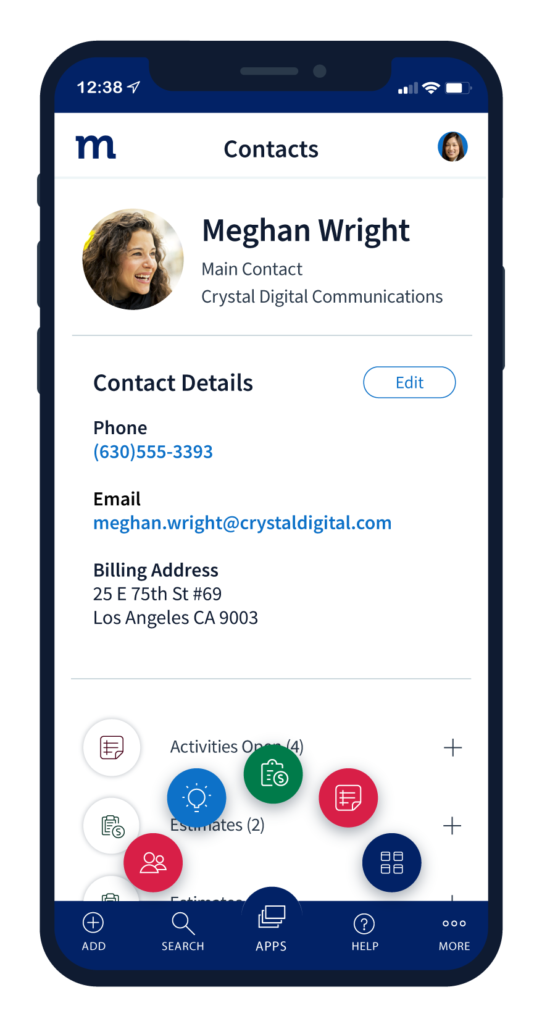
Expert support from day one
Method is a CRM for QuickBooks Desktop users, backed by real people. From setup to ongoing use, you get support from specialists who know how your accounting and operations connect.
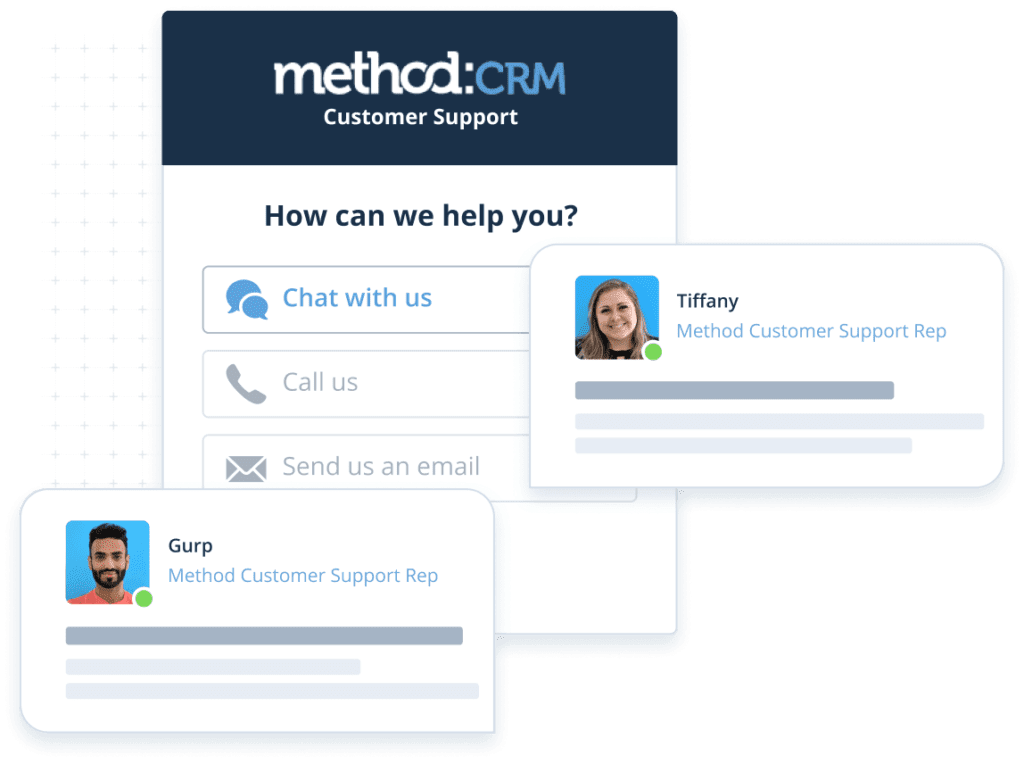
Guided onboarding
Account setup, data migration support, and workflow configuration come together to help the team hit the ground running.
Real subject-matter experts
You get a support team that knows QuickBooks Desktop and CRM integration inside and out, so your questions are answered by people who get it.
Built for QuickBooks users
Method is designed around how Intuit systems operate. Method’s QuickBooks CRM integration provides tools that work naturally with accounting workflows.
Learn more about the benefits of a CRM integration with QuickBooks Desktop

Extend the power of QuickBooks Desktop with Method CRM
Learn how a CRM made for QuickBooks Desktop users lets you do more with the accounting software you love.
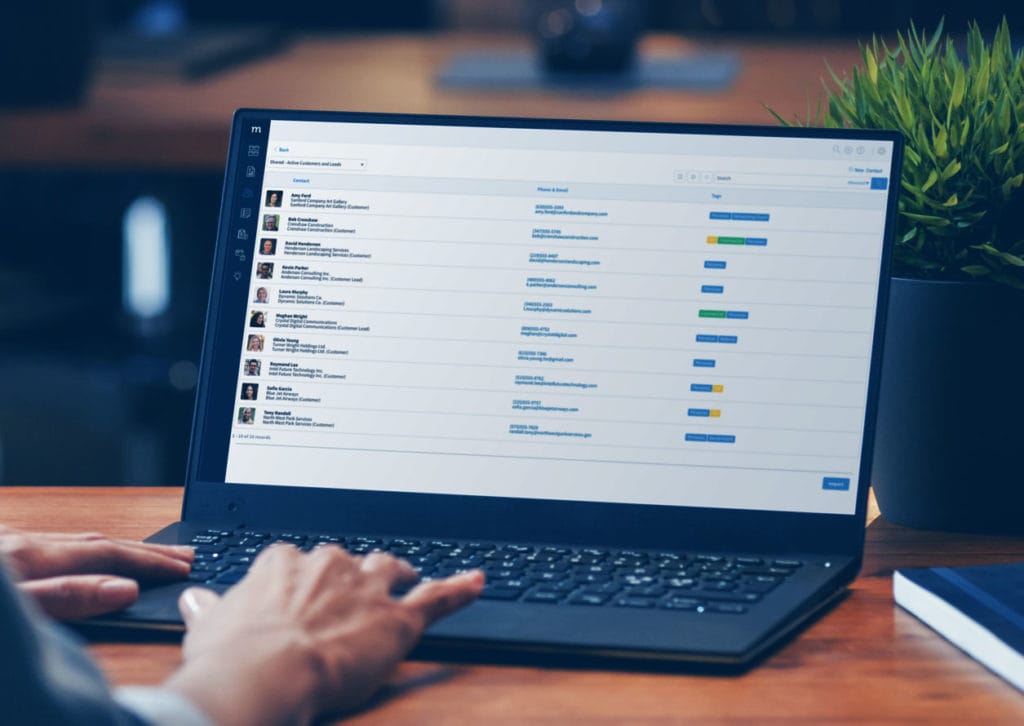
7 reasons to use a QuickBooks CRM for better customer management
Discover how a CRM that integrates with QuickBooks Desktop helps you build strong customer relationships and drive a better bottom line.

3 ways you win with mobile QuickBooks access
Find out how remote access to QuickBooks Desktop can increase your sales, efficiency, and customer satisfaction.
QuickBooks Desktop CRM FAQs
Does QuickBooks offer a CRM?
QuickBooks does not offer a dedicated CRM system.
What is QuickBooks, and why do you need a CRM that integrates with QuickBooks?
QuickBooks is an accounting software that manages your sales, expenses, and daily transactions. Integrating it with a CRM boosts efficiency by merging your QuickBooks data with customer insights.
What CRMs does QuickBooks integrate with?
QuickBooks integrates with several CRMs, including Salesforce, HubSpot, and Method — the #1 CRM integration with QuickBooks Desktop.
What is the best CRM for QuickBooks Desktop?
The best CRM for QuickBooks Desktop offers a real-time, two-way sync, reduces duplicate data entry, and connects sales with accounting. Method CRM does exactly that, with shared customer records and synced invoices, payments, and sales activity in one system.
Is the integration real-time?
Yes. Method CRM syncs with QuickBooks Desktop in real time. Updates made in either system are automatically reflected in the other, keeping customer and financial data up to date.
Can I sync sales orders?
Yes. Method CRM syncs sales orders directly with QuickBooks Desktop. Create or update a sales order in either system, and both stay aligned.
Does it work with QuickBooks Enterprise?
Yes. QuickBooks Enterprise is a version of QuickBooks Desktop, and Method CRM connects using the same two-way sync. Customer records, invoices, payments, estimates, and sales orders sync between both systems, keeping your accounting and CRM aligned.
What’s the difference between QuickBooks Desktop and QuickBooks Online integration?
QuickBooks Desktop integrations connect directly to locally hosted accounting files, while QuickBooks Online integrations use cloud APIs. Method supports both, providing real-time, two-way sync for QuickBooks Desktop and instant cloud sync for QuickBooks Online, keeping customer and financial records fully aligned.
Is it better than using Zapier?
Purpose-built integrations like Method CRM provide deeper, two-way syncing. Many connector tools rely on limited triggers or one-directional sync.
How secure is financial data syncing?
When it comes to CRM security, Method uses encrypted connections to sync data between QuickBooks Desktop and the CRM. Access is controlled through role based permissions, so users only see the financial information relevant to their job.
Because data syncs automatically between systems, manual handling is reduced, lowering the risk of entry errors or unauthorized access.
Can my sales team access accounting data?
Yes. Method CRM gives sales teams access to relevant accounting data, including invoices, payments, and balances. Teams get the help they need to track deal progress, follow up faster, and respond to customers with accurate financial context.