Invoicing software
that integrates with QuickBooks
Get full control over the creation, approval, and payment of your invoices with Method’s QuickBooks sync.
- Free 10-day trial
- No credit card required
- No-contract trial
Essential invoicing features for QuickBooks integration
Integrated invoicing works best when it connects every piece of your billing process, from the first estimate to the final payment. These invoicing features matter most for QuickBooks users:


What is invoicing software that integrates with QuickBooks?
QuickBooks-integrated invoicing software connects your billing workflow to your accounting records, so customer, invoice, and payment information moves between systems without repeated entry. QuickBooks can create and track invoices on its own, and businesses typically add integrated invoicing software (sometimes called invoicing apps for QuickBooks) when billing also depends on estimates, orders, work orders, jobs, tracked time, or approvals managed outside accounting.
Method connects those processes through a customizable CRM that syncs with QuickBooks Online and Desktop, helping sales, operations and finance teams work from connected customer and transaction information.
What is invoicing software that integrates with QuickBooks?
QuickBooks-integrated invoicing software connects your billing workflow to your accounting records, so customer, invoice, and payment information moves between systems without repeated entry. QuickBooks can create and track invoices on its own, and businesses typically add integrated invoicing software (sometimes called invoicing apps for QuickBooks) when billing also depends on estimates, orders, work orders, jobs, tracked time, or approvals managed outside accounting.
Method connects those processes through a customizable CRM that syncs with QuickBooks Online and Desktop, helping sales, operations and finance teams work from connected customer and transaction information.
CUSTOM INVOICES
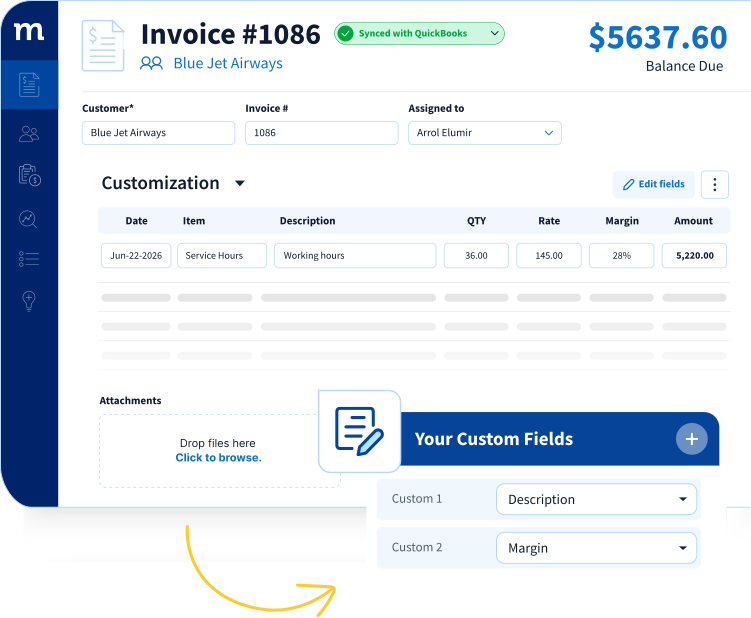
Complete control to customize professional invoices

INVOICE DELIVERY
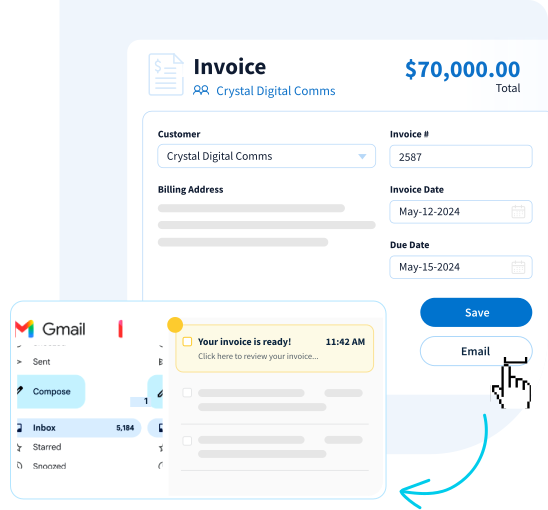
One-click email invoicing
WORKFLOW AUTOMATION
Take the “work” out of your workflow
How Go Powertrain cut invoicing from 60 steps to 6
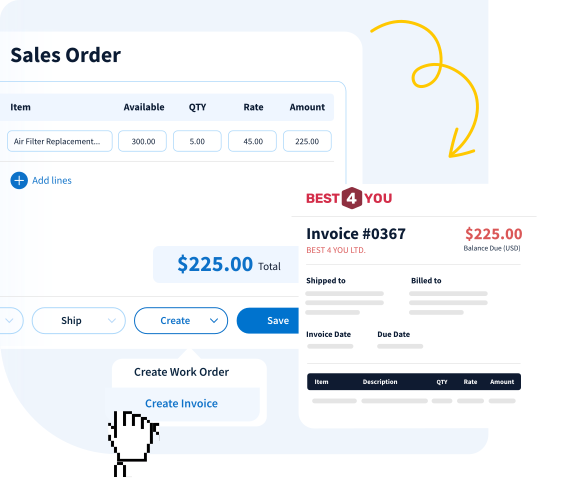
Method connects your entire estimate-to-invoice workflow in one place. Go Powertrain used it to cut a 60-step invoicing process down to just six, eliminating duplicate data entry and freeing their team to focus on customers instead of paperwork.
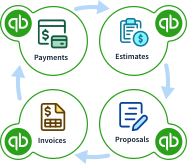
Keep your QuickBooks file healthy with automatic matches
Method’s sync engine keeps your invoices, payments, and customer records in perfect sync with your QuickBooks file, so both systems always show the same numbers.
Stay up to date and keep your QuickBooks file clean, with full control over how and when your invoices sync.
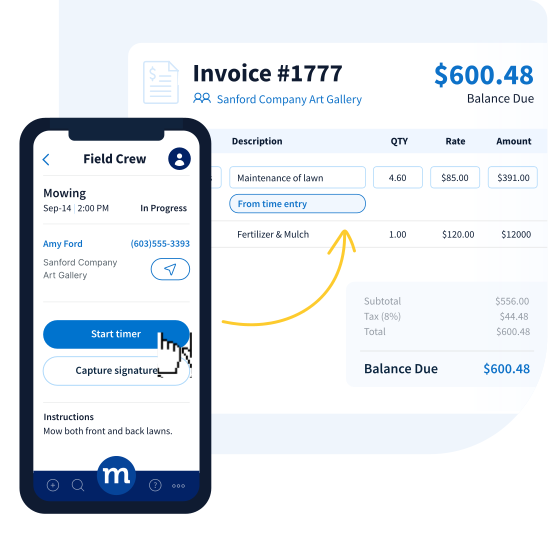
SMARTER BILLING
Add billable hours
REPORTING & INSIGHTS
Complete visibility, at your fingertips
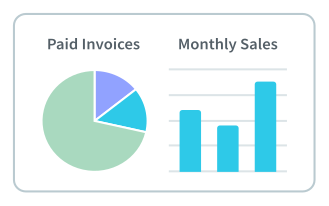
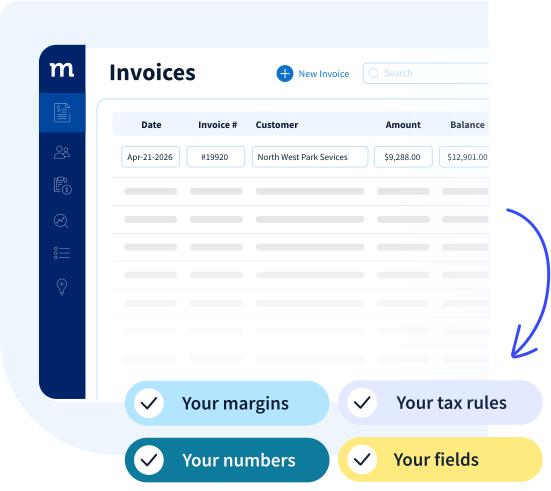
Create reports using the customer, invoice and workflow information that matters to your business.
See which invoices are drafted, sent, due, overdue or paid so teams can prioritize follow-up.
Let authorized users see relevant invoice and customer information without requiring unrestricted access to QuickBooks.
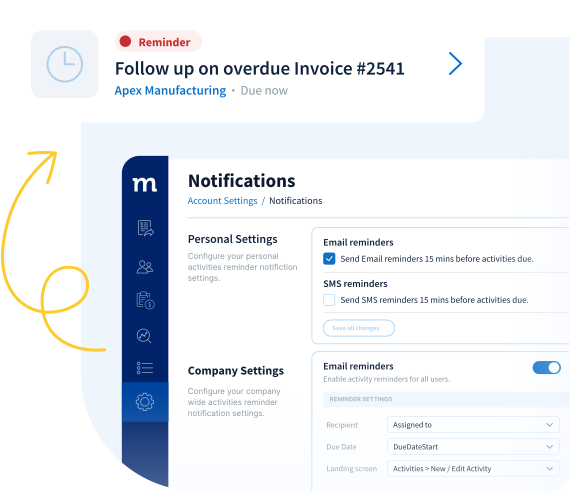
STAY INFORMED
Get real-time notifications
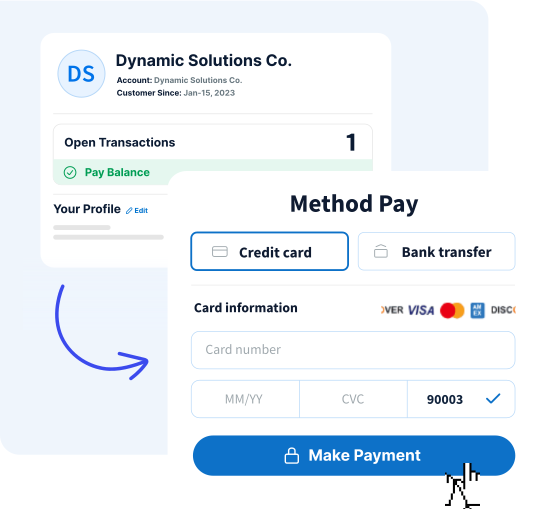
ONLINE PAYMENTS
Collect payments without the chase
10X FASTER BILLING
From 20 minutes per invoice to under 2
Tax Office SF automated invoicing and payment collection with Method and QuickBooks, saving hundreds of hours annually. Read their case study here.
How invoicing integration with
QuickBooks works in Method
Invoicing software that integrates with QuickBooks connects your billing and accounting, so data stays accurate and up to date.
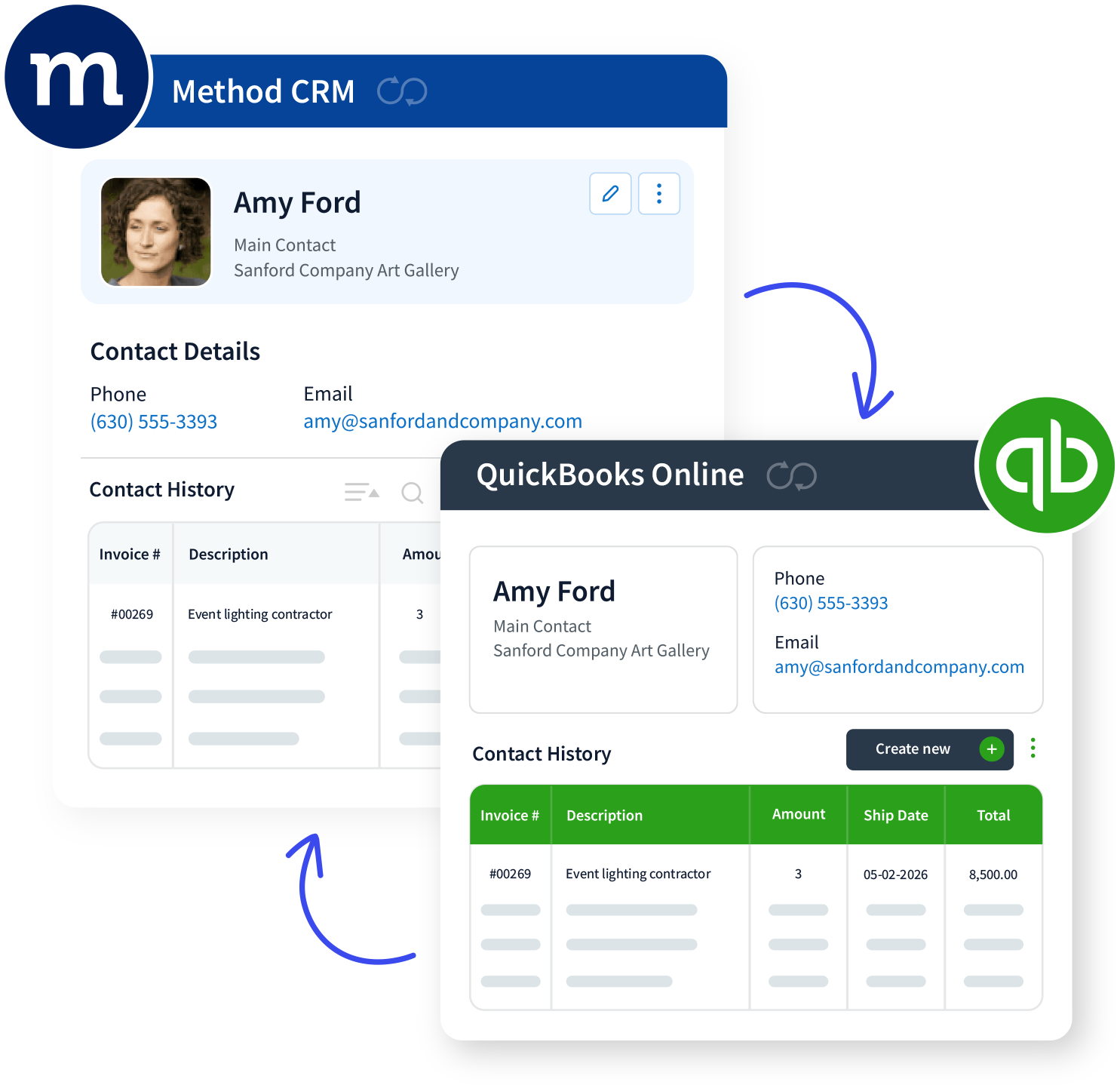
Sign in to QuickBooks Online or connect your Desktop file. Method prompts you to authorize the connection so data can sync both ways.
Choose how invoices, payments, and customer information should flow between Method and QuickBooks. You can adjust and trigger syncs as needed.
Build your invoice in Method with your preferred layout. Saving it sends the record into QuickBooks without retyping.
Payments applied in either system update the other, so your team works with the same figures wherever they look.
With this setup running, Method keeps your invoicing and QuickBooks in step. You get one workflow for sending invoices, logging payments, and staying on top of billing – all backed by real-time sync.
Additional resources
Want more industry insights?
How to edit QuickBooks Desktop invoice templates (2026 guide)
Learn how to customize, edit, and change invoice messages using QuickBooks Desktop invoice templates.
How to build a QuickBooks Online invoice template you can use again and again
In this blog, you’ll learn how to create professional QuickBooks Online invoice templates effortlessly.
How to customize invoices in QuickBooks Online (2026)
Discover the top 3 ways to improve your QuickBooks custom invoices.
The #1 CRM for QuickBooks
Loved by businesses just like yours
18k+
Users trust us
2M+
Estimates created
14yrs
Helping businesses thrive
QuickBooks billing software FAQs
To manage customer billing in QuickBooks, first create your customer records. You can then create and send invoices, record payments, track outstanding balances, and schedule automatic reminders for unpaid invoices.
Here’s how to add a customer in QuickBooks Online:
- Go to All apps, then select Customer Hub and Customers.
- Select New customer and enter the customer’s contact, billing, and payment information.
- If the customer is tax exempt, open Additional info, select This customer is tax exempt, and choose a reason from the dropdown.
- Select Save.
Navigation and available settings may vary by country and QuickBooks subscription.
QuickBooks products vary by country, and the available editions change over time. In the United States, the main options include:
- QuickBooks Online: Cloud-based accounting software with subscription levels designed for businesses with different accounting, reporting, and workflow requirements.
- QuickBooks Solopreneur: A cloud-based product designed for self-employed individuals and one-person businesses.
- QuickBooks Enterprise: A desktop-based accounting system for larger or more complex businesses that need advanced reporting, permissions, pricing, or inventory capabilities.
Older QuickBooks Desktop Pro, Premier, and Mac editions are still used by some businesses, but Intuit no longer sells new US subscriptions to several of these products. Trial availability, mobile access, pricing, and product names vary by edition and country, so businesses should check Intuit’s current product pages before choosing a version.
A QuickBooks CRM is an ideal choice if you already use QuickBooks for accounting or payment processing, or want to combine customer management with your accounting.
While QuickBooks itself isn’t free, it does offer various plans with different pricing. Invoicing is a feature in QuickBooks, and access depends on your chosen plan.
For small teams and service-based businesses, your QuickBooks-connected CRM can handle customer and invoice management. It can also support workflow automation, detailed pipelines, and multi-channel marketing.
QuickBooks works with a range of tools to make your accounting work easier. With a QuickBooks integration, you can connect ERP systems, invoicing apps, payment processing tools, and CRMs.
For instance, Method syncs directly with QuickBooks Online and Desktop accounts through a real-time, two-way sync, so your invoice data, purchase orders, and customer info are automatically up to date.
Yes. QuickBooks can help businesses manage accounts payable by recording vendor bills, tracking due dates and outstanding balances, scheduling or recording payments, and creating recurring transaction templates. Depending on the QuickBooks product and connected services, businesses may also upload receipts, use online bill pay, and connect compatible expense-management applications.
Invoicing software, like Method, connects to QuickBooks securely, using encryption, secure user permissions, and regular backups to protect your invoice management and invoice data.
Connecting Method to your QuickBooks account keeps all your customer data, payments, and transactions safe within a more manageable, all-in-one platform while keeping everything synced in real time.
Yes, especially if you’re spending more time on billing than on growing your business.
It handles repetitive tasks like sending invoices and tracking accounts receivable. That can lead to faster payments, help you send professional invoices, and reduce data entry errors without extra effort.
Many tools sync basic financial data with QuickBooks. For example, BigTime syncs invoices, payments, and project financials and is well suited for time and project based billing. Method goes further by syncing complete customer and transaction records and by acting as a customizable CRM and workflow layer on top of QuickBooks. This makes it easier to manage quoting, invoicing, billing, and ongoing client relationships in one connected system, with QuickBooks remaining the source of truth.
Yes. QuickBooks can handle invoicing on its own. It lets you create, send, and track invoices, set up recurring billing, and manage payments directly within the software.
However, QuickBooks’ built-in invoicing focuses mainly on accounting. Using invoicing software that integrates with QuickBooks, like Method, adds advanced customization, automated workflows, and CRM functionality for a more complete billing and customer management solution.