Method CRM integrations with your favorite apps
Make the best QuickBooks CRM even better with native Gmail and Outlook CRM integrations, or connect Method to thousands of apps via Zapier.
Want to see it in action first? Take me there →
Get the best CRM integration with QuickBooks Online and Desktop
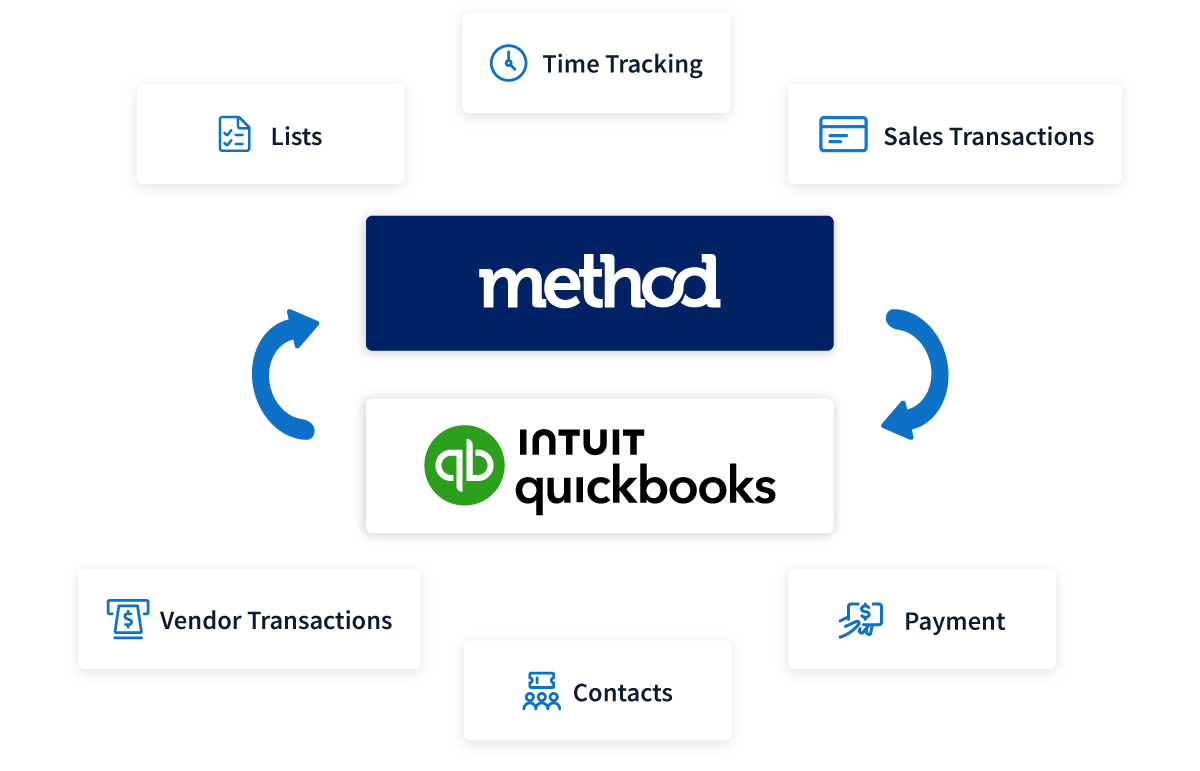
Method gives you a real-time, two-way sync between your QuickBooks software and CRM. This means you have all the data you need, from customer history and payments to invoices, for a deep understanding of your customers.
Keep your QuickBooks files clean, your team in the know, and your confidential data secure with Method CRM.
Go beyond just QuickBooks integrations
Method offers built-in integrations with your everyday apps so you can access your data anytime and anywhere.
Close sales from your Gmail inbox
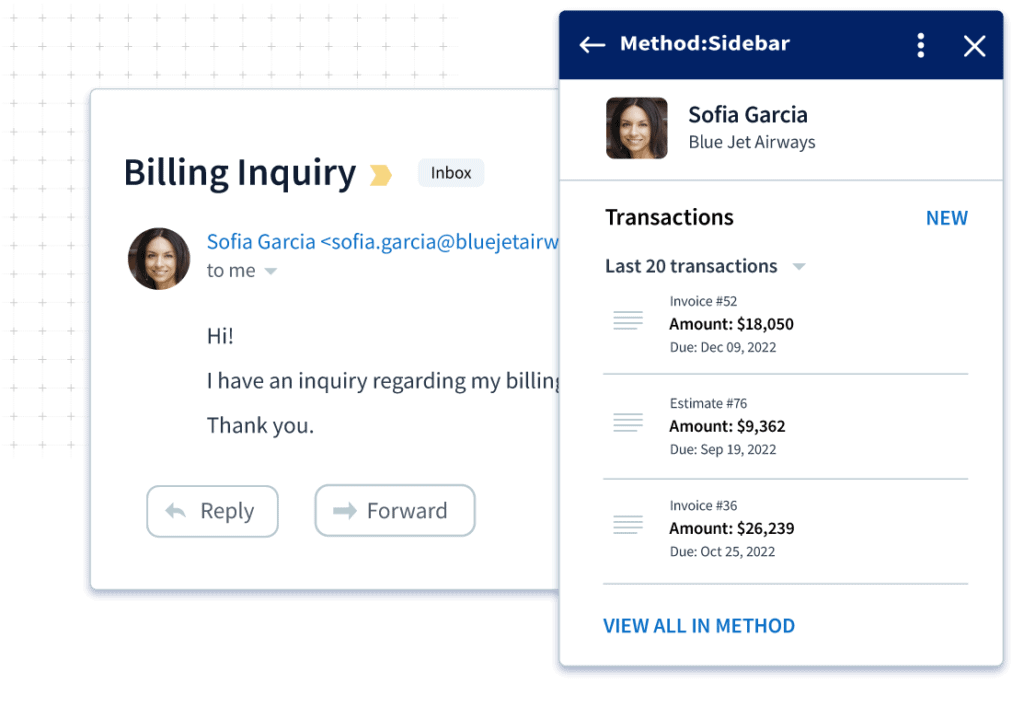
View contact details and QuickBooks transactions, create or automate CRM activities, and much more, right from your Gmail inbox.
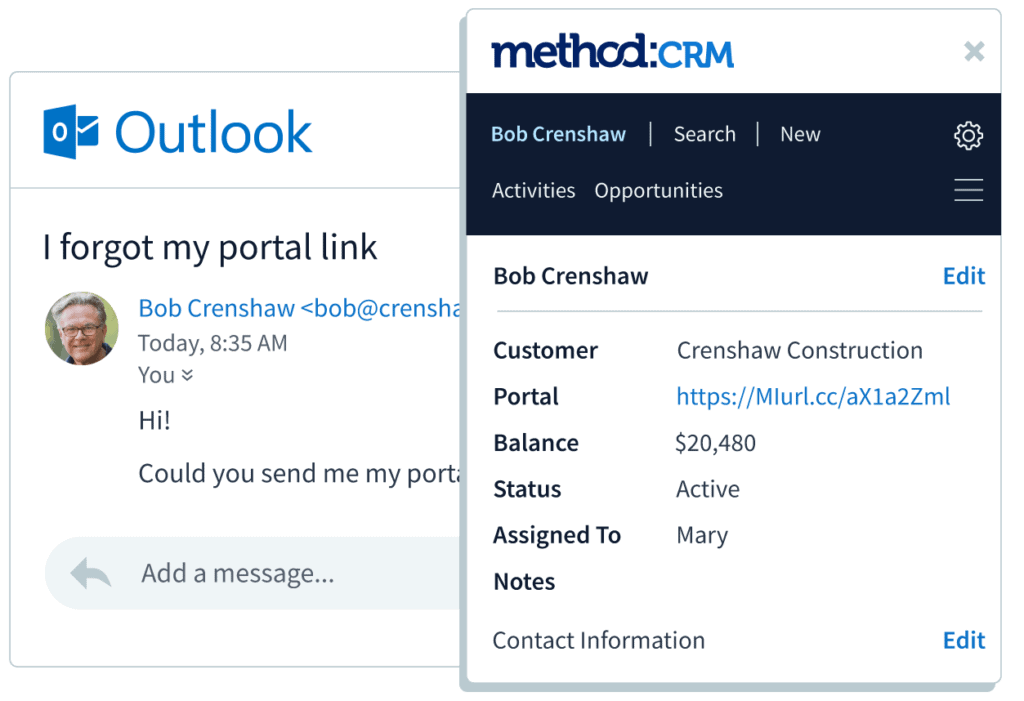
Connect quickly with customers and leads with an Outlook integration
Add new CRM contacts, view contact information and transaction history, and save emails to Method, all without leaving Outlook.
Nurture your target audience with a Mailchimp integration
Don’t waste time exporting and uploading contacts. Instead, connect Mailchimp with Method CRM to keep contacts in sync, run email campaigns, and give your team better visibility into customer engagement and lead management alongside sales activity and QuickBooks data.
Stop flipping between your CRM and Google Calendar
Never miss a meeting or forget a phone call again when you sync your meetings with Google Calendar and Method. Streamline scheduling and customer management by automatically updating your calendar so your team stays coordinated.
Get paid sooner with the payment gateways your customers use
Remove friction from your purchase process by offering your customers the option to pay with credit cards, Shuttle, Authorize.NET, Moneris, PayPal Payflow, and more for online payments. Share via customer portals so customers can pay the right invoices fast.
Connect Method to 3,000+ apps with Zapier
Zapier makes it easy to integrate Method CRM with the other apps you love, so you can spend less time entering data and more time running your business. Set up simple automations using pre-built templates or custom Zaps, like updating new contacts, logging activities, or triggering follow ups.
Integrate your e-commerce
Take advantage of Method’s integrations with e-commerce platforms like Shopify and WooCommerce. Sync customers and orders from your e-commerce store to Method and QuickBooks for a seamless payment process.
Integrating CRM with marketing campaigns
Add new Method contacts to mailing lists in your email marketing software, then use your CRM to turn leads into paying customers.
Method CRM integrations: Frequently asked questions
What is CRM integration?
CRM integration involves connecting your CRM with other software so your customer data flows easily from one app to the other. The data from all these different apps becomes accessible from within your CRM system, giving you a central hub for all your customer data.
How does CRM integration work?
CRM integrations connect the apps you rely on directly to your CRM. As a result, your data updates automatically between the apps without the need for manual data entry. This way, you get a complete look at your business and all its parts in one place.
Does Method CRM have an app?
Yes, Method offers a mobile app for iOS and Android, so you can access contacts, log activities, and update sales opportunities on the go. For field service teams using Method Field Services, the mobile experience extends to managing jobs, dispatching crews, and supporting on-site workflows, helping everyone stay aligned when work happens outside the office.
Can Method CRM integrate with other accounting software besides QuickBooks?
Yes. While Method CRM is best known for its deep, real time two-way sync with QuickBooks Desktop and Online, it also offers native integration with Xero. Other accounting systems can connect to Method through the API with custom configuration.