The most powerful lead management software for QuickBooks
Don’t clutter your accounting data with potential sales. Manage your leads in Method, then sync them to QuickBooks when they become paying customers.
Want to see it in action first? Take me there →
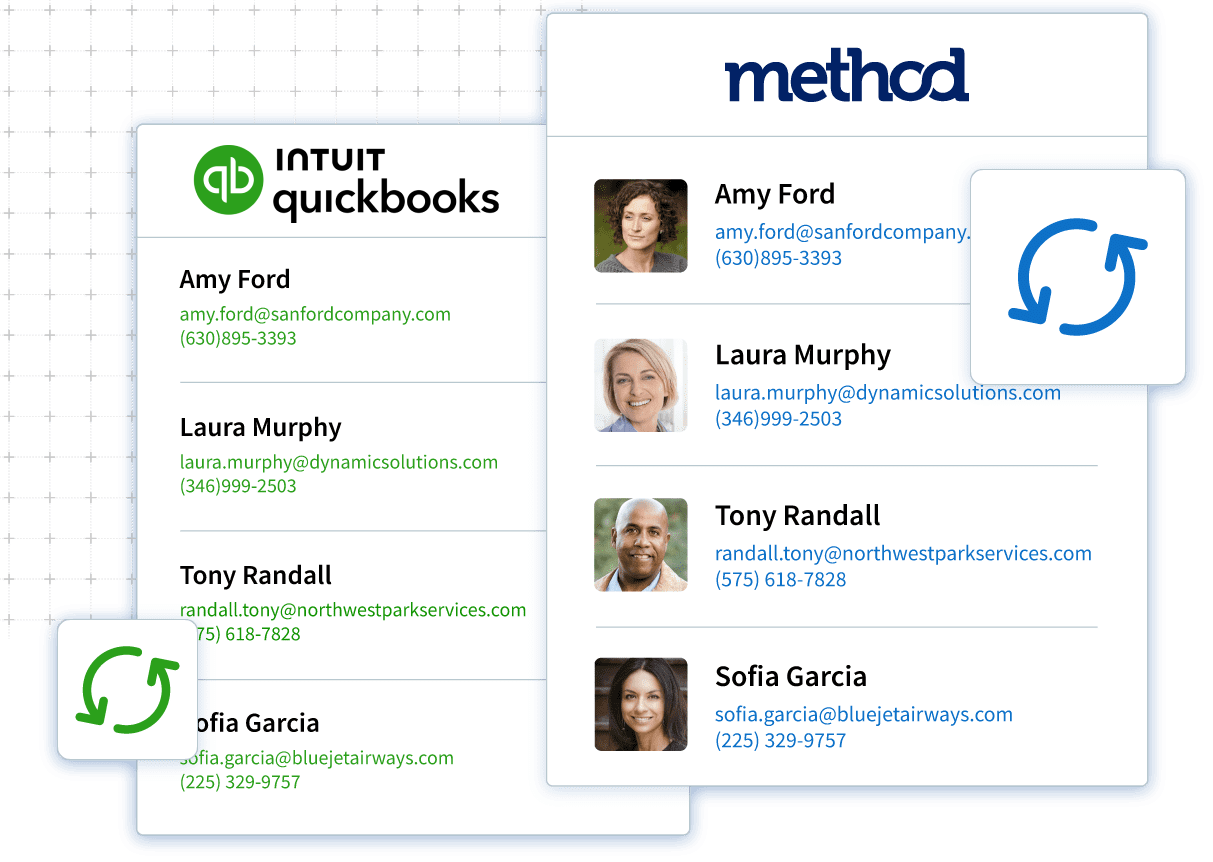
Automate lead collection
Forget about manually entering sales leads. Method makes it simple to get new prospects into your lead management software quickly.
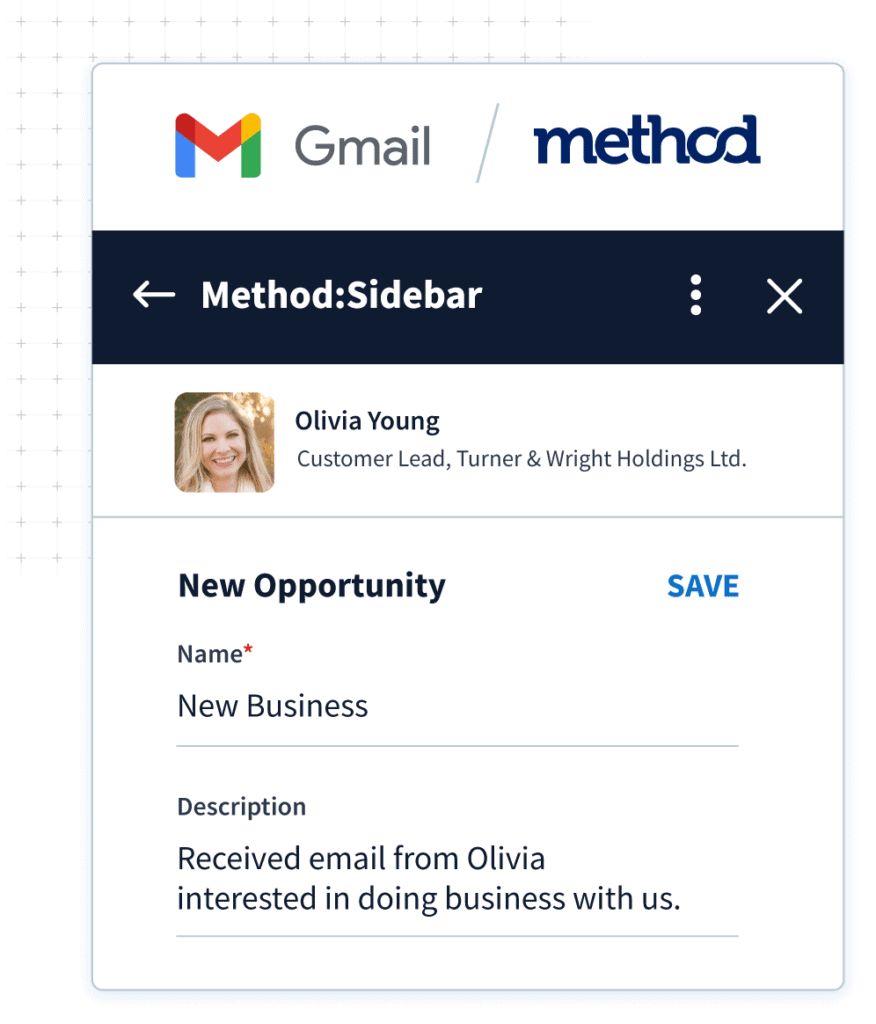
Email integrations
Save data to your CRM without leaving your Gmail or Outlook inbox.
Web to lead forms
Embed a form on your website to capture new leads 24 hours a day.
Import tool
Upload your lead spreadsheets to Method in just a few clicks.
Manage estimates
Empower your team to close deals faster. Create estimates in Method using QuickBooks items, without needing access to QuickBooks.
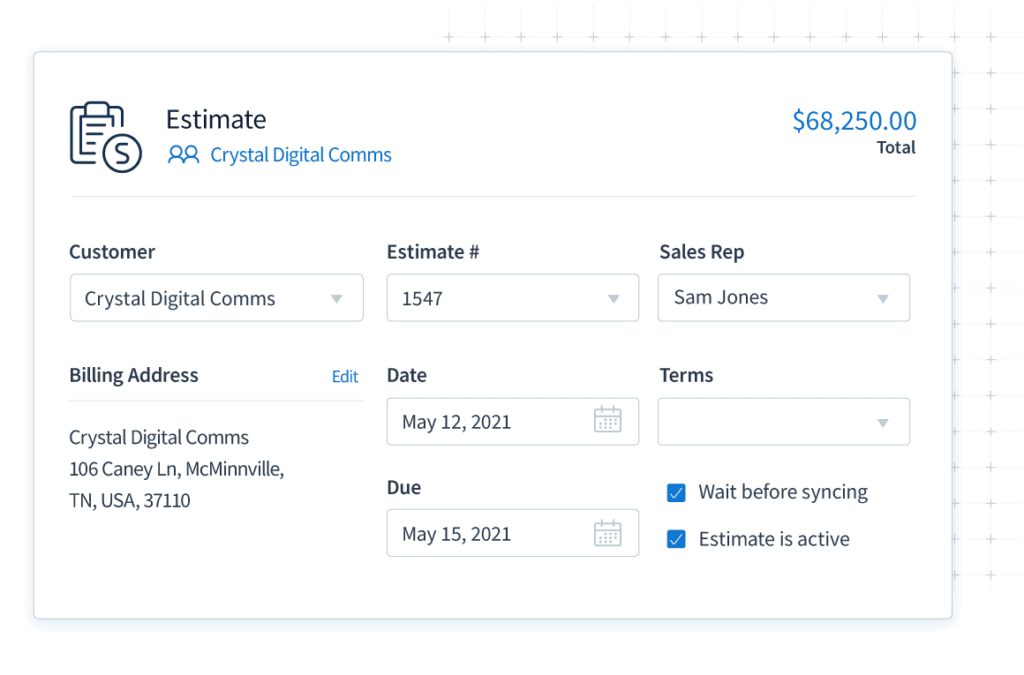
No double data entry
Estimates for leads live only in Method — until you close the sale. Then, sync the estimate to QuickBooks with the click of a button.
Mobile access
View and update estimates in the Method app anytime, on any device.
Online portals
Allow leads to quickly approve estimates through self-service portals.
Create valuable connections with potential customers
With all your lead data in one place, it’s easy to provide each prospect with top-notch service.
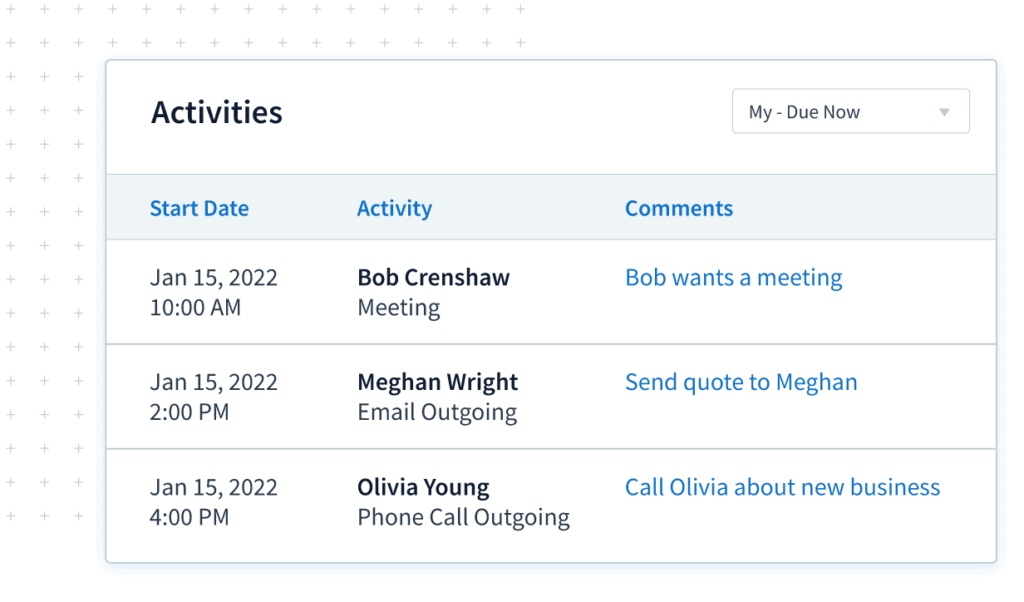
Lead tracking
Record the details of each interaction and schedule timely follow-ups.
Unlimited contacts
Keep track of who you’re speaking to at each stage of the buying cycle.
Email marketing
Send email campaigns right from Method or sync contact lists to Mailchimp.
Personalize your sales process, empower your sales team
Customize Method’s lead management software to give you the insights you need to close more sales.
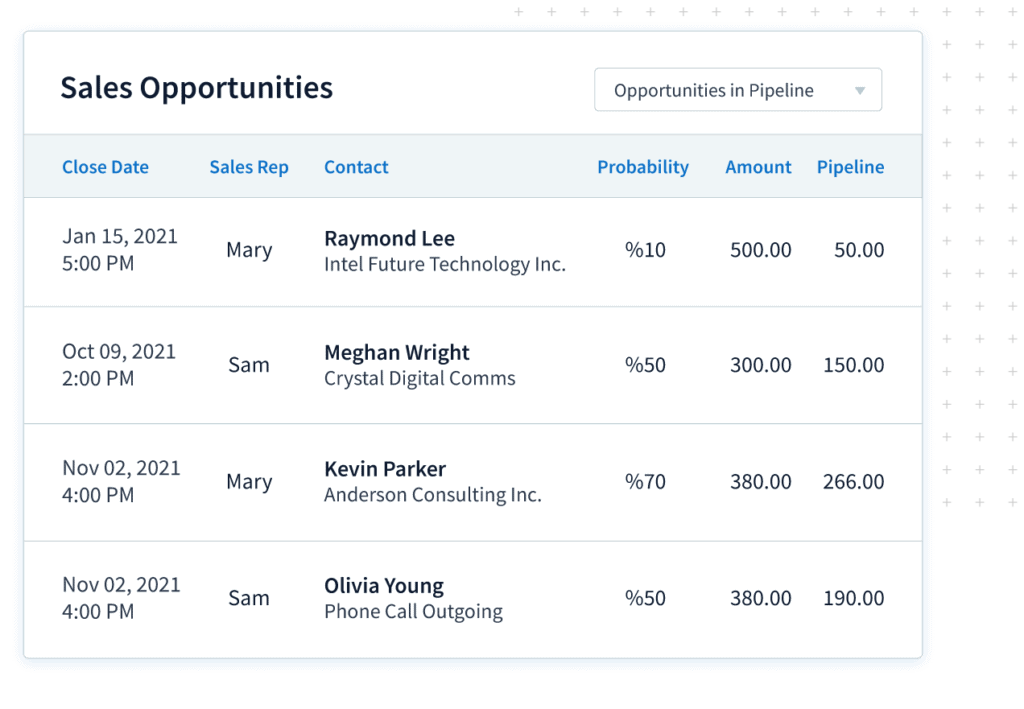
Sales pipeline tracking
Track every detail of a potential sale, from job requirements to expected revenue.
Custom fields
Create a complete view of each lead’s unique needs and preferences.
Automate workflows
Let Method take care of manual processes so you can focus on the work that matters.
Try our interactive demo for lead management
Click Get started and learn how Method helps you organize and manage incoming leads from the moment they arrive.
How Method’s lead management works with QuickBooks
QuickBooks is built for accounting. It is where your financial data lives and where your books stay accurate. What it is not built for is managing leads, tracking follow ups, or keeping a clear history of every customer conversation.
That’s why Method handles lead management and sales activity first, then syncs clean, accurate customer and transaction data to QuickBooks when it is ready for accounting.
Lead capture without the mess
Right from the start, Method keeps new leads organized, regardless of where they came from:
- Email connectivity and tracking with Gmail or Outlook
- Web forms on your website
- Spreadsheet imports from existing lead lists
- Manual entry when a sales rep talks to someone on the phone
Organize and track leads your way
Once a lead is in Method, it’s organized inside based on how you sell. You can:
- Track where each lead came from
- Assign ownership to the right sales reps
- See exactly where each lead sits in your sales funnel or sales pipeline
Nurture leads without babysitting
As leads move forward, Method helps you do the following with ease:
- Use email and task reminders to stay in touch
- Apply simple automation to reduce manual work
- Move leads through lifecycle stages as they qualify
Sync to QuickBooks only when it counts
Leads stay out of QuickBooks while they are still potential customers. Method manages that work first, then syncs the right customer and transaction data to QuickBooks when it is ready for accounting.

Use cases and industry examples
Here’s how real businesses use Method’s lead management software.

Service businesses
Whether a contractor or a big agency, potential customers often fill out contact forms via a website. From there, the web form is sent to Method as a new lead, where sales reps can see them instantly. Teams can then assign ownership and start prospecting without digging through inboxes.
Field services
Leads can come from multiple sources, such as email, social media, or website forms. As timely follow-ups are important, teams can send estimates via Method’s mobile app and track approvals in real time.
Once an estimate is approved and ready for accounting, the customer and transaction data is synced to QuickBooks, resulting in a shorter sales cycle and faster cash flow.
B2B sales teams
Sales teams that often deal with long sales funnels with many decision-makers will find Method helpful. It helps you track customer interactions and schedule follow-ups, so sales reps can focus on the right opportunities.
On the other hand, managers can have better visibility over pipeline management. Talk about customer relationship management minus all the fluff!
Consulting and professional services
Consulting firms often manage leads that come from referrals, website inquiries, outbound emails, or past client relationships. Method helps capture those inquiries and organize them in one place, so nothing gets lost.
Best practices for lead management
Good tools matter. But implementing some good habits with Method can mean more:
- Define clear lead statuses and lifecycle stages. This is what keeps pipeline management consistent and reporting useful.
- Set and automate follow-up reminders. You don’t have to rely on memory. Instead, use automation to remind sales reps when it’s time to check in.
- Track the performance of your sources. Compare lead generation results between web forms, email, and referrals, so that you can optimize your spending.
- Personalize your outreach through segmentation. Group leads by interest or behaviour and tailor messaging.
- Set clear sync rules with QuickBooks. Keep leads and early sales activity in Method, then sync customer and transaction data to QuickBooks only when it is ready for accounting.
Lead management features explained
Web-to-lead forms
One of the fastest ways to capture leads is through website forms. When connected to Method, form submissions create new lead records automatically, without manual entry. Method also lets you track where leads come from, so you can see which forms are bringing in qualified inquiries.
Email integrations
Method connects with Gmail and Outlook to help keep email conversations tied to the right contacts. Emails, notes, and activities can be tracked alongside each customer record, so your team always has context without digging through inboxes.
Lead tracking and activities
With Method, you can log every call, email, task, follow-up, and meeting associated with the lead. These activity logs give your sales teams easy lead tracking and full visibility into what’s happening and what comes next.
Mobile access
Sales don’t stop when you leave your desk, and with mobile access through the Method app, you can check the sales pipeline from practically anywhere.
Email communication
With Method, teams can send emails directly from the CRM and keep every conversation tied to the right lead or customer. Simple templates and segmentation make it easy to reach out to the right contacts without exporting data or juggling separate tools.
Unlimited contacts and custom fields
Strong messaging is part of smart lead nurturing. That’s why Method lets you create custom fields and store unlimited contacts. With help from Method’s customization team, those fields and workflows are shaped around your real sales process.
Frequently asked questions
Is Method meant to replace QuickBooks?
No, QuickBooks handles accounting, while Method is an all in one CRM for managing leads, sales activity, and customer relationships. However, Method’s lead management software can be integrated with QuickBooks. Method manages potential customers and sales activity first, then syncs customer and transaction data to QuickBooks when it is ready for accounting. This keeps your books clean while your sales process stays organized.
How does Method capture and manage new leads?
With Method, leads come in through web forms, manual entry, email integrations, or imports. The platform also organizes everything so that your sales teams can easily track activity and move deals through the sales pipeline.
When do leads sync to QuickBooks?
Throughout the lead management process, leads stay in Method, and customer and transaction data is synced once it’s ready for accounting.
Can Method be customized to match our sales process?
Yes! Our team can work with you to customize fields, workflows, automation, and pipeline management so that it fits how you work.
Is this a good fit for small businesses?
Small businesses across a range of industries already use Method CRM software to manage leads without the complexity of other tools or pricing surprises.
What makes Method a strong option for managing leads alongside QuickBooks?
Method’s core functionality is designed to handle sales activity before it ever reaches accounting. As a lead management CRM, it gives teams practical lead management tools that help streamline sales workflows while keeping early stage customer data out of QuickBooks until it’s ready to be synced.
How does Method help teams organize and control lead details?
Method combines flexible contact management with structured contact information tracking, so nothing slips through the cracks. With role-based permissions, teams can collaborate securely inside a shared workspace, while still benefiting from advanced features that adapt to how your sales process actually works.
Is Method suitable for businesses that need more than basic lead tracking?
Yes. Method supports the full customer journey, acting as a complete lead management system that grows with your business. Its responsive customer support and tight QuickBooks integration make it a strong contender for companies looking for the best CRM for their business without cluttering their accounting data.